

Picking the wrong quiz plugin can lock you into a subscription you can’t escape, strand your quiz-taker data on someone else’s server, or force a rebuild once you realize it can’t do the one thing you needed.
I read the pricing pages, changelogs, and documentation for all nine competitors here — not just the marketing copy — and where something couldn’t be confirmed, I say so instead of guessing. This is a real head-to-head among the best WordPress quiz plugins on the market today, whether you call it a WordPress quiz plugin or just a wp quiz plugin.
One of these nine turned out to be the one I’d install first, though the honest answer still depends on whether you’re building a graded exam, a lead generation quiz funnel, or a viral personality quiz. For a shorter side-by-side with a full three-year cost breakdown across a slightly different plugin set, the complete buying guide to WordPress quiz plugins covers that ground differently.
Quick Answer
QuizPress is the best all-around pick for most WordPress sites that need a quiz plugin, mainly because it’s a one-time purchase (starting at $79 for life) instead of a subscription, it covers 19 question types across free and Pro tiers, and it keeps every quiz attempt in your own WordPress database instead of shipping it to a third-party server.
WordPress Quiz Plugin Comparison Table in a Quick Glance
|
Feature |
QuizPress |
QSM |
Thrive Quiz Builder |
HD Quiz |
Formidable Forms |
WatuPRO |
Gravity Forms |
Riddle |
Opinion Stage |
ARI Stream Quiz |
|
Starting price |
$79 one-time |
Free / ~$149/yr |
$199/yr |
Free |
$79/yr (Quiz Maker needs Elite, ~$299.50/yr intro) |
$47 one-time |
Free (Quiz Add-On needs Elite, $259/yr) |
$59/mo |
Free / $25/mo |
Budget one-time (Not found in docs — check current price) |
|
Billing model |
One-time, lifetime |
Free core + annual add-ons |
Annual subscription |
Free core + one-time add-ons |
Annual subscription |
One-time, lifetime |
Annual subscription |
Monthly subscription |
Monthly subscription (response-capped) |
One-time |
|
Total question types |
19 (9 free, 10 Pro) |
10+ built-in, more via add-ons |
Mostly outcome-based, not academic-style |
Several, incl. image and personality types |
Form-field-based, not quiz-specific |
Point/threshold-based, personality-focused |
3 (thin) |
Outcome/personality-based |
Outcome/personality-based |
Basic, incl. images |
|
Drag-and-drop / interactive types (ordering, matching, hotspot) |
Yes (Pro) |
Partial |
No |
No |
Unknown |
Partial |
No |
Partial |
Unknown |
No |
|
AI question generation |
No |
Yes (add-on) |
No |
No |
No |
No |
No |
No |
No |
No |
|
Certificates |
Yes (Pro, requires aBlocks) |
Yes (add-on) |
No |
No (free core) / Yes via paid Save Results Pro add-on |
No |
Yes (can even charge separately for issuing one) |
No |
No |
No |
No |
|
Sell quiz access (WooCommerce or equivalent) |
Yes (Pro) |
Yes |
No |
No |
Partial |
No |
Partial |
No (own subscription model instead) |
No (own subscription model instead) |
No |
|
Native LMS integration |
Yes (Academy LMS) |
No |
Partial |
No |
No |
No |
Partial |
No |
No |
No |
|
Timer |
Yes (free) |
Yes |
Unknown |
Yes |
Yes |
Yes |
No |
Yes |
Partial |
No |
|
Leaderboard |
Yes (free) |
Yes |
No |
Yes |
No |
Yes |
No |
Yes |
No |
No |
|
Question bank (reusable, importable) |
Yes (free) |
Yes |
No |
Partial |
No |
Yes |
No |
Yes |
Unknown |
No |
|
Manual grading |
Yes (free) |
Unknown |
Unknown |
No |
Yes |
Yes |
No |
No |
Unknown |
No |
|
Response/usage caps |
None |
None |
None |
None |
None |
None |
None |
None |
Yes (25–100,000/mo by tier) |
Unknown |
|
Hosting model |
Self-hosted, WordPress-native |
Self-hosted |
Self-hosted |
Self-hosted |
Self-hosted |
Self-hosted |
Self-hosted |
Hosted SaaS, WP plugin is embed-only |
Hosted SaaS, WP plugin is embed-only |
Self-hosted |
Pricing checked at the time of writing (September 2026) and can change — confirm current numbers on each vendor’s own pricing page before buying.
What to Actually Weight in a Quiz Plugin Comparison
The right plugin depends on which job you’re hiring it for. Three jobs show up again and again.
Graded assessment. Question-type depth, manual grading, and a way to prove completion matter most — a plugin that’s great at lead-gen personality quizzes but has no certificate feature or grading workflow is the wrong tool here.
Lead-generation quiz funnel. If the quiz’s real purpose is capturing an email address, quiz lead generation priorities flip: marketing-platform integrations (Mailchimp, ActiveCampaign, CRM tagging) matter more than question-type variety, and a pricing plan that gets pricier the moment a funnel converts well is a real risk to watch for.
Engagement or personality content. Dimension-based scoring (WatuPRO’s specialty) or a hosted, embeddable builder (Riddle, Opinion Stage) usually beats a heavyweight exam-focused plugin — you don’t need a certificate system or a question bank for a “which season are you” quiz.
With that framework in mind, here’s how each of the ten plugins in this comparison actually holds up.
How I Compared These Plugins
1. QuizPress — Best Overall WordPress Quiz Plugin
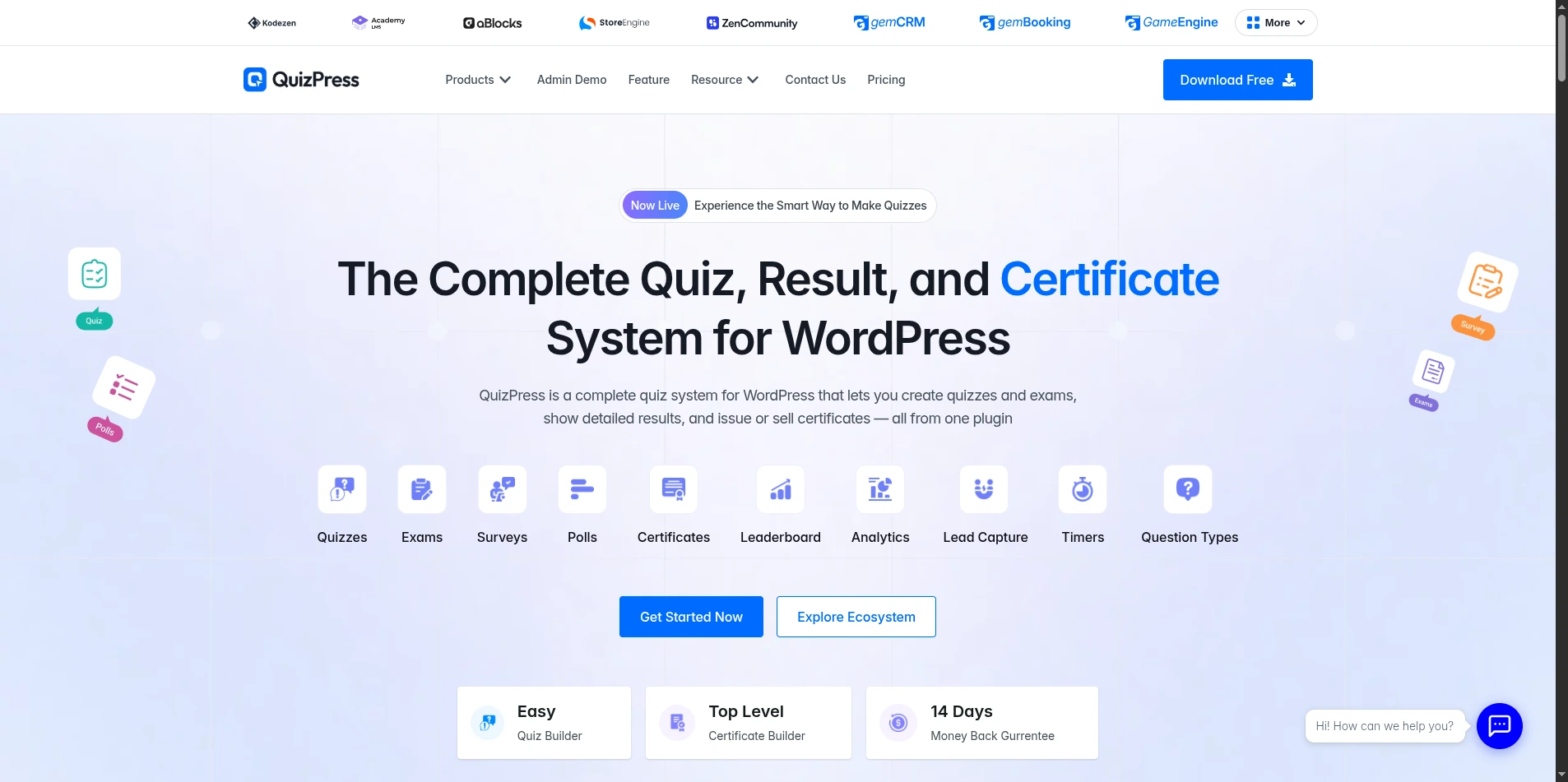
QuizPress is a quiz, exam, survey, and poll plugin built around a single React-based admin interface, rather than four separate tools bolted together. It’s made by Kodezen, the team also behind Academy LMS, and it’s priced as a one-time purchase rather than a recurring subscription.
My Take
QuizPress doesn’t force a choice between a “quiz plugin,” a “survey plugin,” and a “poll plugin” — one wizard-style builder handles all four content types, a use case a closer look at WordPress survey and poll plugins covers in more depth.
Question variety is where it pulls ahead of almost everything else in this table: 19 types total, nine free and ten Pro-gated, including seven fully interactive drag-and-drop types (Ordering, Puzzle, Matching, Pin, Image Marking, Range, Graph) that most competitors don’t attempt at all.
Free-tier depth goes further: a reusable Global Question Bank, manual grading, a leaderboard, an analytics dashboard, and a privacy setting that disables IP logging — all with no add-on wall.
On the Pro side, a Certificates add-on and a WooCommerce add-on for selling quiz access round things out, covered in more depth in a full guide to selling quiz certificates and access with WooCommerce. The honest gap: no built-in AI question generator, and no native Mailchimp/ActiveCampaign integration.
Who It’s For
Course creators, educators, HR and training teams, and membership sites that gate quizzes or certificates behind a paid membership, a use case covered in more depth separately.
Pros
Cons
Pricing
One-time, lifetime purchase: $79 for 3 sites (Individual), $129 for 10 sites (Business), or $249 for unlimited sites (Agency), plus a 14-day money-back guarantee. A full pricing breakdown and the complete feature list cover every setting in more depth than fits here.
Verdict: the strongest all-around choice for anyone who wants deep question-type variety, certificates, and monetization without a recurring bill.
2. Quiz and Survey Master (QSM) — Best Free-First Alternative
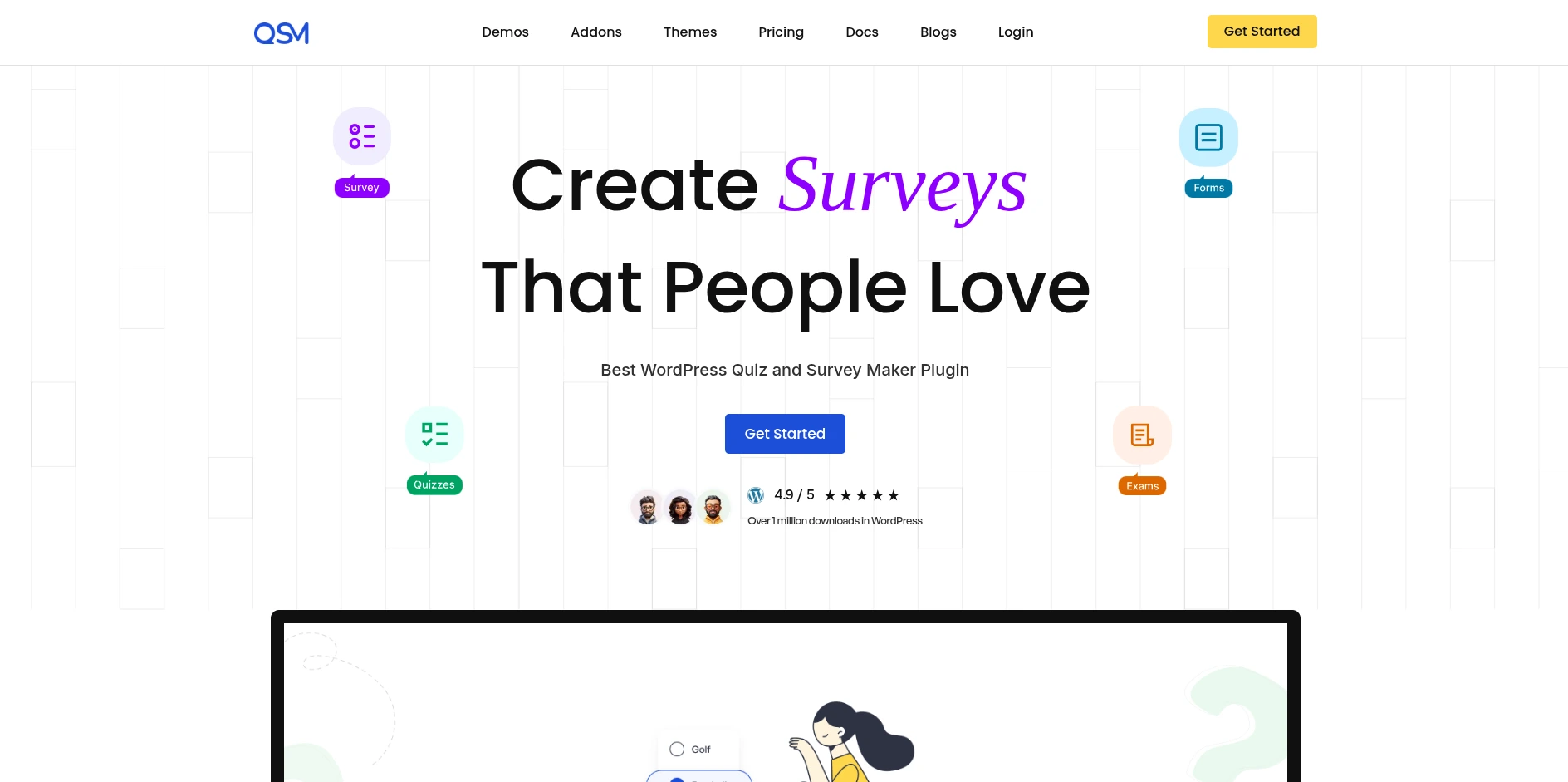
QSM is one of the most established dedicated quiz plugins for WordPress, with a large free core and an add-on marketplace that reportedly runs past 30 products. It positions itself as the free-first alternative in this category — start with a fully usable core plugin, then add specific paid capabilities like AI question generation or exam proctoring only as they become necessary.
That marketplace-driven model is the main structural difference between QSM and an all-in-one plugin like QuizPress.
My Take
I dug into QSM’s own pricing and documentation, and it’s the closest real competitor to QuizPress on raw feature breadth — worth a second look if QuizPress isn’t quite right for you. Its free tier ships unlimited quizzes, questions, and answers with 10 or more built-in question types.
Where QSM pulls ahead of QuizPress specifically is an AI Question Builder, a Gradebook view, a Quiz Proctor mode, and Save-and-Resume — four things QuizPress doesn’t have yet. The catch: a lot of that power sits behind paid add-ons, and those add up quickly. A built-in contact form that doubles as a lead-capture tool on the results screen is a nice free-tier bonus most dedicated exam plugins skip. Its core also already ships a timer, leaderboard, and reusable question bank free, plus the ability to sell quiz access directly — one of only two plugins in this comparison with a genuine built-in monetization path.
Who It’s For
Anyone who wants to start completely free and is comfortable adding paid add-ons one at a time as specific needs come up — especially if AI-assisted question writing or exam-proctoring features matter for your use case.
Pros
Cons
Pricing
QSM’s paid tiers run from roughly $149/year (Basic) up to around $249/year (Pro, which unlocks all 34+ add-ons), with a lifetime membership option also available. Individual add-ons and themes can also be purchased separately outside a bundle.
Verdict: the plugin to check first if you specifically need AI-generated questions, exam proctoring, or a gradebook — features QuizPress doesn’t currently offer. A dedicated head-to-head with QuizPress goes deeper into exactly where each plugin wins, and a broader roundup of Quiz and Survey Master alternatives covers five other options if QSM’s add-on pricing model doesn’t fit your budget.
3. Thrive Quiz Builder — Best for Lead-Generation Quiz Funnels
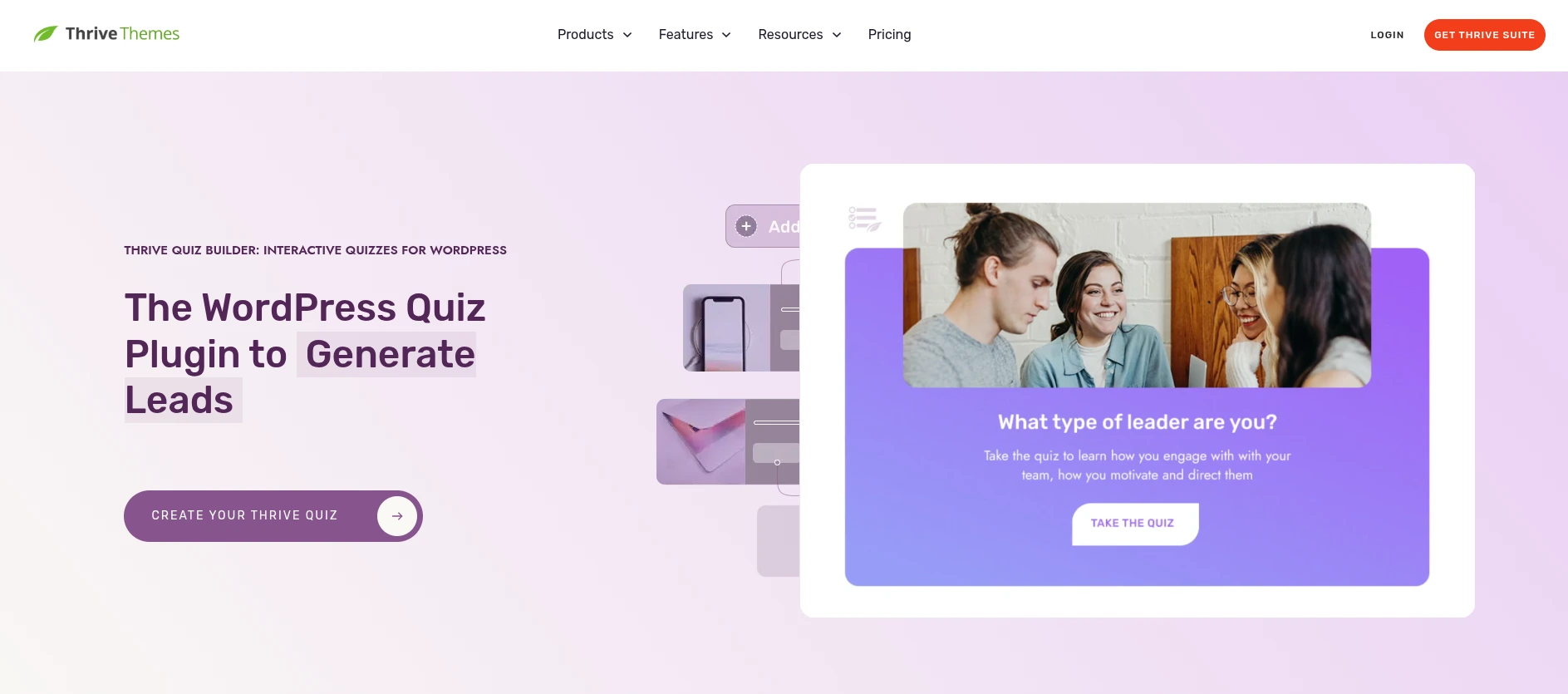
Thrive Quiz Builder is part of the Thrive Themes ecosystem, and it’s built with a different goal than most plugins in this list: turning a quiz into a conversion tool inside a marketing funnel, not an academic assessment. It’s sold either as a standalone annual subscription or bundled into the wider Thrive Suite alongside landing-page and lead-generation tools.
Everything about its feature set, from segmentation logic to marketing-platform integrations, follows from that funnel-first positioning.
My Take
Thrive’s positioning is consistent and specific: personality quizzes, audience segmentation, and quiz funnels designed to route someone toward an offer based on how they answer. If lead generation is the real job — capturing an email address and tagging that person by interest — this is the plugin built around that exact workflow, and it integrates deeply with the rest of the Thrive marketing suite.
What it isn’t built for is academic or certification testing: no true/false, no dropdown, no fill-in-the-blank, no file upload, no certificate feature, and no reusable question bank. Standalone pricing is also steep — $199/year is a lot if a quiz funnel is the only reason you’re buying it, though the math changes inside the full Thrive Suite at $299/year. Its LMS compatibility, where it exists, is a byproduct of the wider Thrive ecosystem rather than a dedicated integration.
Who It’s For
Marketers and content creators running lead-generation quiz funnels or personality quizzes, especially if you’re already using other Thrive Themes products.
Pros
Cons
Pricing
$199/year as a standalone plugin for one site, or $299/year for the full Thrive Suite (5 sites, 8 Thrive plugins bundled, including Thrive Quiz Builder).
Verdict: the right pick specifically for marketing-funnel and personality quizzes — but not built for graded exams, certificates, or question-bank reuse. A full comparison with Thrive Quiz Builder breaks down the funnel and segmentation tools in more detail.
4. HD Quiz — Best Free, No-Frills Option
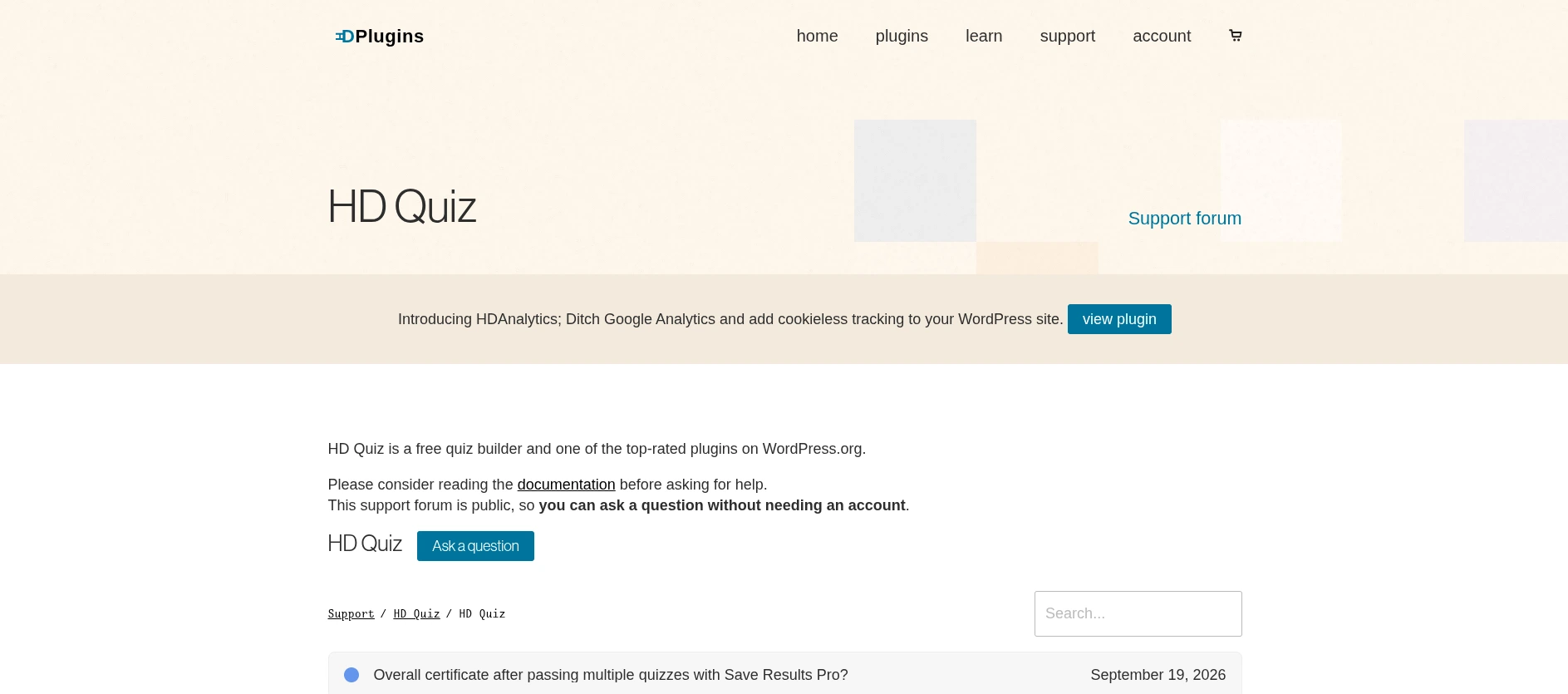
HD Quiz is a free, classic wp-admin quiz builder from HDPlugins, with an optional paid add-on layered on top for lead capture and reporting. Unlike several plugins in this comparison, its free plugin is meant to be a complete, usable tool on its own, not a stripped-down trial gated toward an upsell.
My Take
The free core here is exactly what it advertises: a straightforward quiz builder with several question types, including image-based and personality-quiz formats, no subscription required.
HD Quiz’s free core does not generate certificates, but its paid Save Results Pro add-on (a roughly $48 one-year license) does — it adds automatically generated certificates, lead capture, MailChimp integration, and a scoreboard, a distinction that’s easy to miss in outdated online comparisons. There’s no native WooCommerce integration or LMS connection, and the admin experience is the classic wp-admin form-and-table style rather than a modern single-page app. The free core does ship a built-in timer and leaderboard, more than several paid competitors offer without an add-on — a step-by-step setup is covered in a dedicated guide to building a timed WordPress exam.
Who It’s For
Sites that want a genuinely free, simple quiz builder and don’t need certificates, monetization, or a modern SPA-style admin interface.
Pros
Cons
Pricing
The core plugin is free. Save Results Pro (lead capture, certificates, MailChimp integration) is a separate paid add-on, priced around $48 for a one-year license on a single site.
Verdict: a solid free choice for simple quizzes, but certificates and lead capture both require a separate paid add-on. A deeper look at HD Quiz covers its free-core feature set question type by question type.
5. Formidable Forms — Best If You Already Need a Forms Plugin
Formidable Forms is primarily a form-builder plugin, and its Quiz Maker functionality is one add-on inside a much larger toolkit that also covers payments, calculators, and PDF generation. Quizzes were never the product’s core focus — they’re one more field type layered onto an already mature general-purpose forms platform.
My Take
Quiz Maker isn’t available on Formidable’s entry-level plans — it requires the Business or Elite tier, a meaningfully higher starting cost than a dedicated quiz plugin if quizzes are the only reason you’re buying it.
Question types are built on Formidable’s general form-field system rather than a purpose-built quiz question library, with no certificate generation and no dedicated question bank for quiz reuse. Where Formidable genuinely wins is if you already need a form builder for other reasons — payment forms, calculators, multi-step applications — and quizzes are a secondary use case. It does include a timer and manual grading once unlocked, and its broader payments integration can technically gate a quiz behind a purchase, just without a purpose-built WooCommerce-style connector.
Who It’s For
Sites that need a full form-building toolkit for reasons beyond quizzes, where Quiz Maker is a bonus rather than the primary purchase driver.
Pros
Cons
Pricing
Plans start around $79/year (Basic), but Quiz Maker requires Business or Elite — Elite runs roughly $299.50/year at the introductory rate (renewing at $599/year).
Verdict: makes sense only if you need Formidable’s broader forms toolkit anyway — a poor value pick if quizzes are your only requirement. A full head-to-head against Formidable Forms breaks down exactly which field types its Quiz Maker add-on supports.
6. WatuPRO — Best for Personality and Dimension-Scored Quizzes
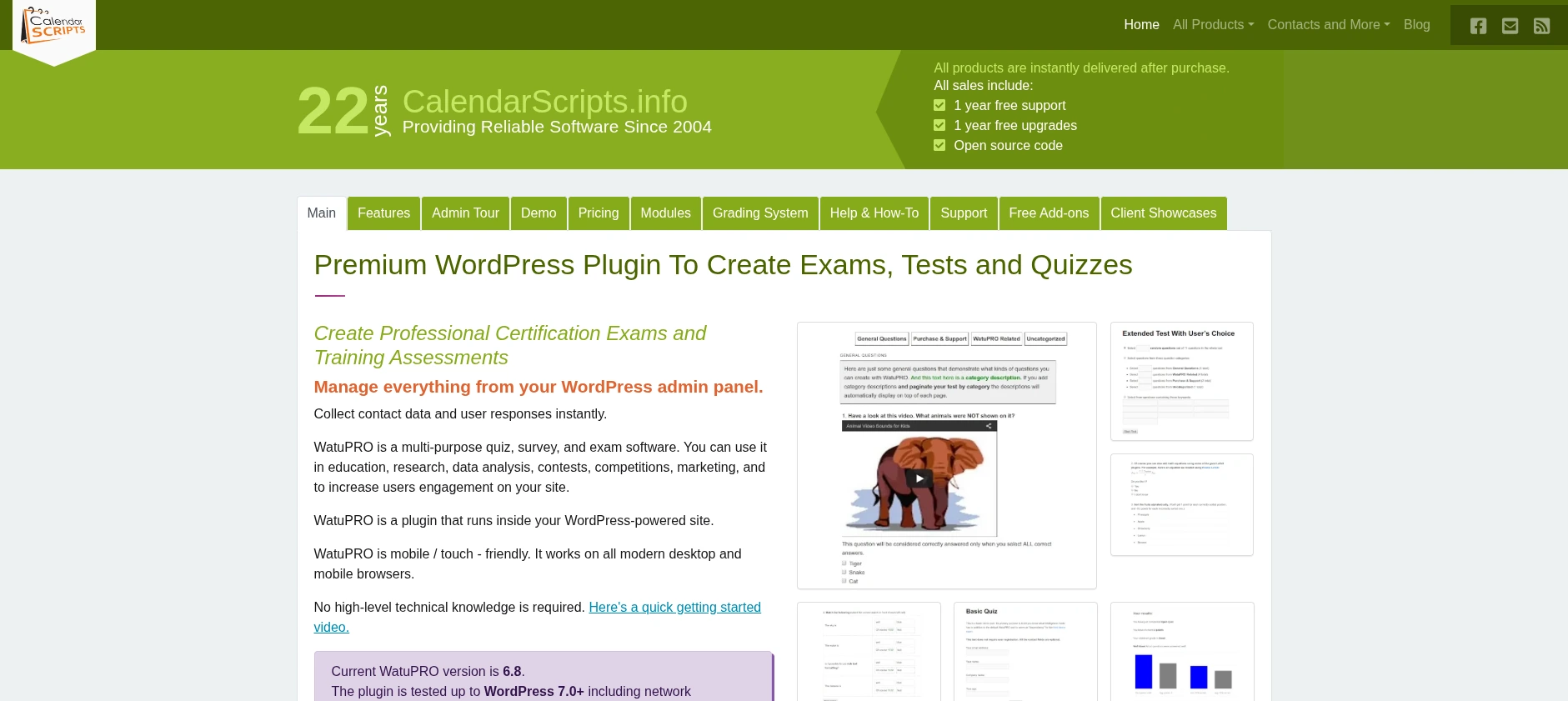
WatuPRO is a mature, one-time-purchase quiz and exam plugin with a particular strength in personality-style scoring that most competitors in this table don’t attempt. It sits outside the two dominant pricing models in this comparison, charging once for a genuinely capable feature set instead.
My Take
What stood out researching WatuPRO is the flexibility of its scoring engine — point-based grade thresholds and dimension-based personality scoring, including Myers-Briggs-style tests where each answer nudges a test-taker toward one of several personality outcomes rather than a single numeric score.
It also has an unusual monetization angle: let people take a quiz for free but charge specifically for issuing the certificate afterward. A reusable question bank, timer, leaderboard, and manual grading are all included too, meaning WatuPRO can double as a straightforward graded-exam tool even though the scoring engine is what it’s best known for. It doesn’t have a native LMS connection or a WooCommerce-style storefront integration, and its admin interface is the classic wp-admin form style rather than a modern SPA.
Who It’s For
Sites building personality quizzes, dimension-based assessments, or Myers-Briggs-style tests, especially if a one-time purchase matters more than modern UI polish.
Pros
Cons
Pricing
The Pro version is a one-time $47 purchase. More advanced modules are available as one-time add-ons at roughly $87 and $137.
Verdict: the best pick in this list specifically for personality and dimension-scored quizzes, at genuinely low one-time pricing. A head-to-head with WatuPRO digs further into its dimension-scoring engine.
7. Gravity Forms Quiz Add-On — High Brand Recognition, Thin Quiz Depth
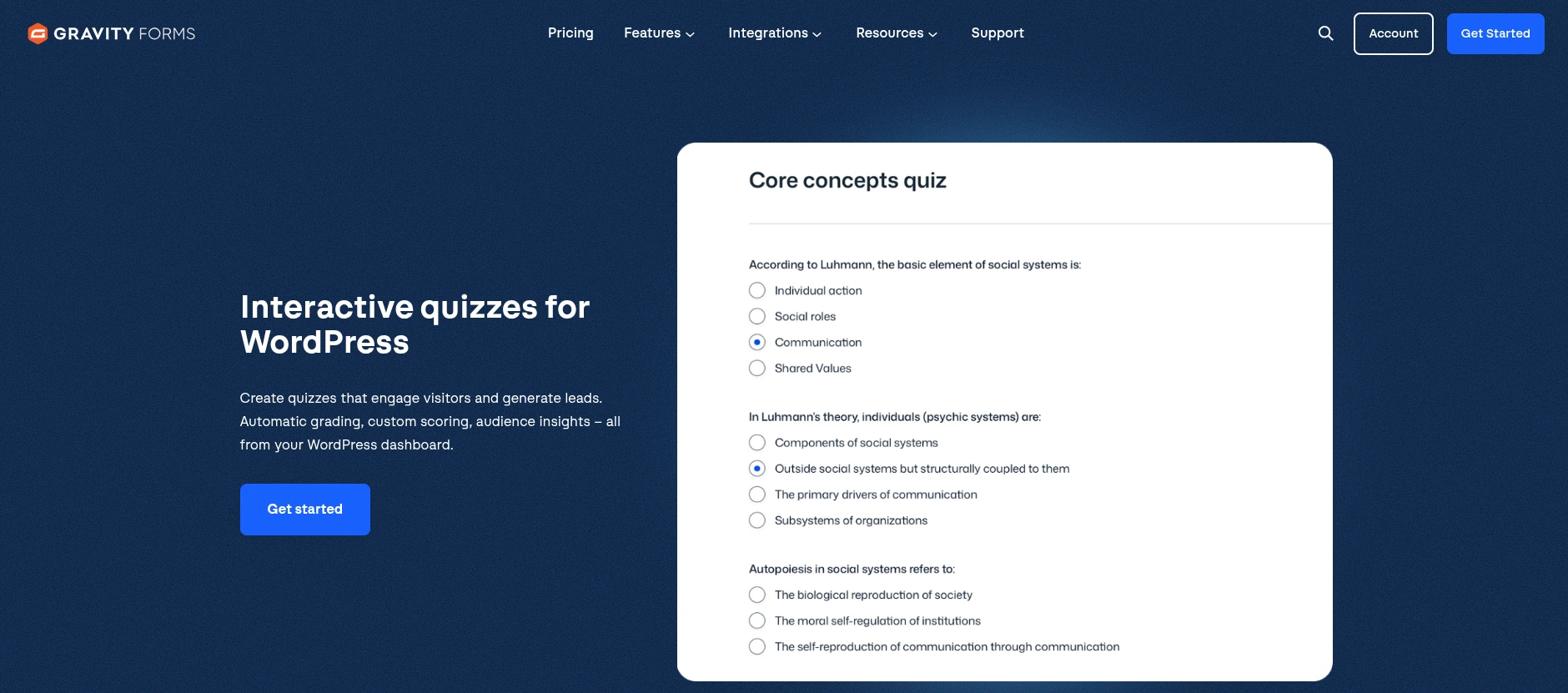
Gravity Forms is one of the most recognized form-builder brands in WordPress, and its Quiz Add-On is bundled exclusively into the top-tier Elite (or Nonprofit) license. It was never built or marketed as a standalone quiz product.
My Take
The brand trust here is real, but researched strictly as a quiz tool, the add-on is thin — a small handful of question types, no dedicated question bank, no timer, and no certificate feature found anywhere in its documentation.
The bigger issue is cost structure: the Quiz Add-On isn’t available on Gravity Forms’ entry-level plans at all, requiring the $259/year Elite tier for a feature set noticeably shallower than a $79 one-time dedicated quiz plugin.
What flexibility exists is borrowed from Gravity Forms’ broader ecosystem — general payment add-ons and some third-party LMS plugin integrations — rather than a dedicated quiz-monetization or quiz-LMS feature the way QuizPress’s native connections are.
Who It’s For
Teams that already run Gravity Forms Elite for other form-building needs and want basic auto-graded quizzes as a bonus, not a primary feature.
Pros
Cons
Pricing
The Quiz Add-On requires the Elite (or Nonprofit) license, priced at roughly $259/year for unlimited sites.
Verdict: reasonable if you already own Gravity Forms Elite for other reasons — a poor standalone value if quizzes are the actual goal. A full comparison with the Gravity Forms Quiz Add-On breaks down exactly what Elite does and doesn’t unlock.
8. Riddle — Best Hosted, Embed-Anywhere Quiz Builder
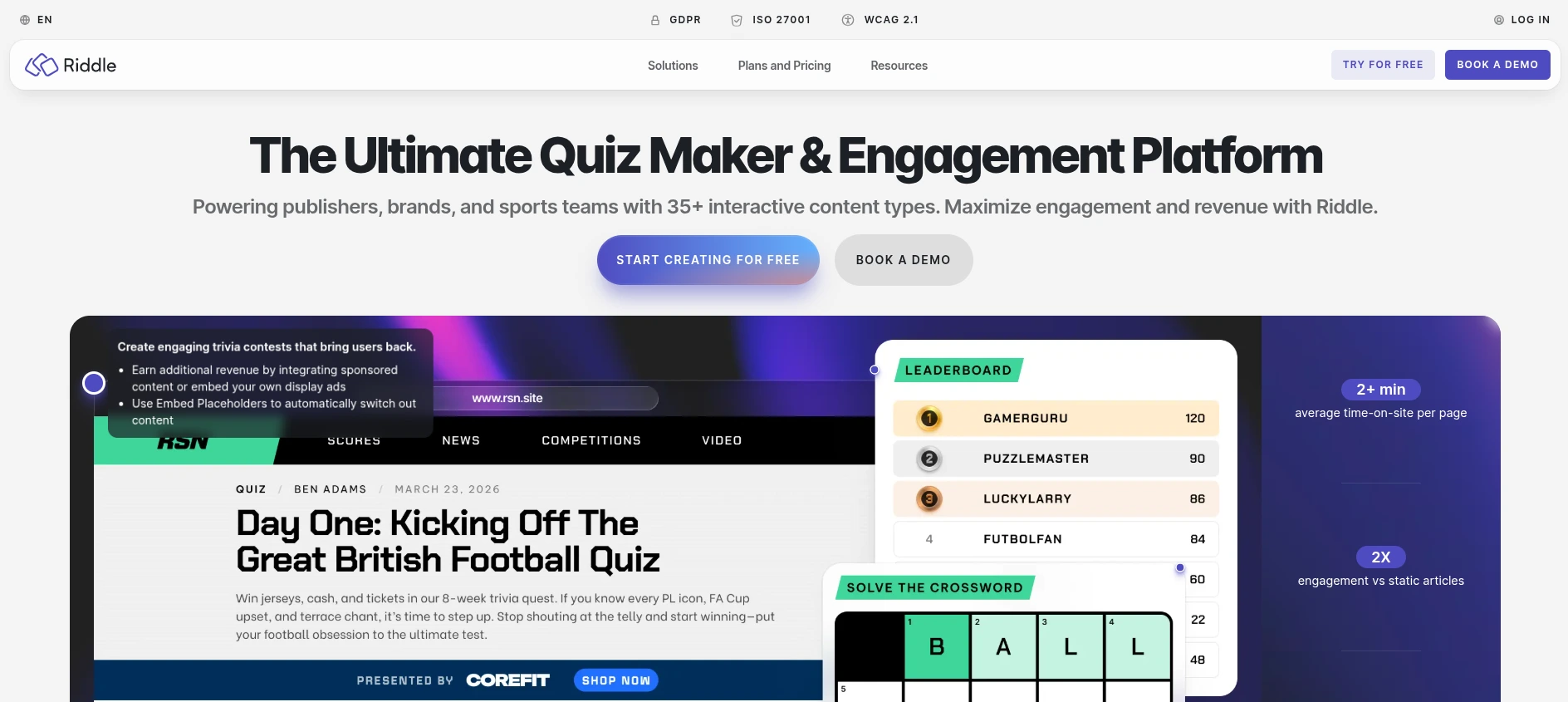
Riddle is a cloud-hosted quiz and content platform. Its WordPress plugin is confirmed to be embed-only as of its newest major version — the actual quiz-building happens on riddle.com’s own dashboard, not inside wp-admin.
My Take
There’s no plugin settings screen to build a quiz in — you build it on Riddle’s cloud platform, then drop an embed block into a WordPress page, meaning the same quiz can be embedded on a completely different CMS with the same embed code.
The tradeoff is ongoing cost and where your data lives: Riddle runs on monthly subscription tiers rather than a one-time fee, and every quiz-taker’s response data is stored on Riddle’s servers, not your own database. Feature-wise it’s more capable than its “embed layer” reputation suggests — a timer, leaderboard, and reusable question bank are all part of the platform — but it doesn’t offer manual grading for open-ended responses.
Who It’s For
Teams that want a polished, hosted quiz builder they can embed across multiple properties (not just one WordPress site) and don’t mind an ongoing subscription or storing respondent data off-site.
Pros
Cons
Pricing
Plans run from $59/month (Essential, one domain) to $249/month (Business, ten domains), with a top Enterprise-style tier reported as high as $749/month. A 14-day free trial and 30-day money-back guarantee are both offered.
Verdict: the strongest hosted, cross-platform option in this list — but a genuinely different cost and data-hosting model from every self-hosted plugin here. A dedicated look at Riddle covers the self-hosted-versus-SaaS tradeoff in full.
9. Opinion Stage — Hosted Quiz and Poll Builder With Response-Based Pricing
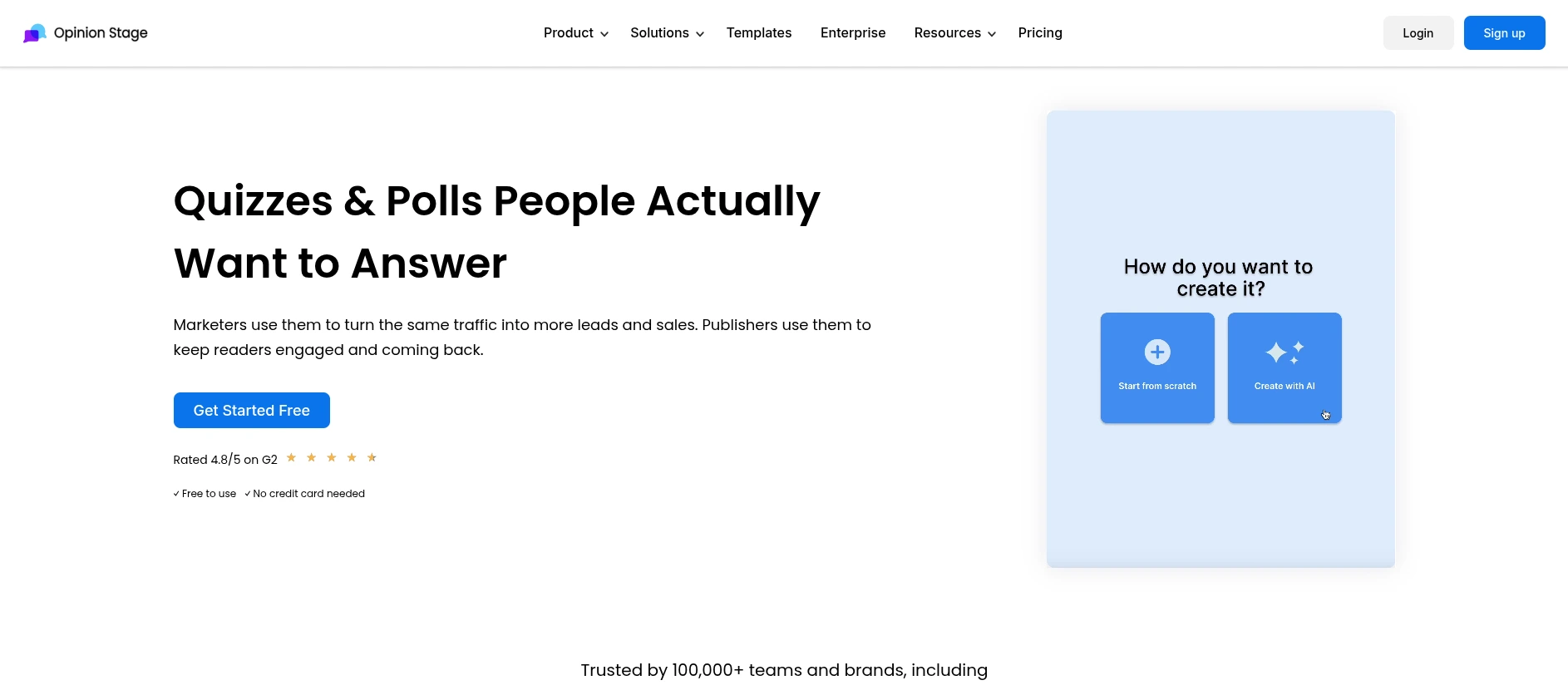
Opinion Stage is another hosted, embed-first platform, similar in architecture to Riddle, but with a pricing model built around monthly response volume rather than domain count.
My Take
The free tier is capped at 25 responses a month, fine for testing but hit fast on real traffic. Paid tiers scale by monthly response volume — 1,000 on Starter, 10,000 on Business, 100,000 on Performance — a meaningfully different cost structure than any self-hosted plugin here, where the license price doesn’t change with traffic.
Native lead-capture and marketing-platform integrations are a genuine strength, similar to Thrive’s positioning, though certificate generation and reusable question-bank support aren’t clearly documented. It’s also not a single-purpose quiz tool — the same platform builds polls, surveys, and forms under one account, which can offset the response-based pricing if you need several content formats.
Who It’s For
Sites that want a polished, hosted poll-and-quiz builder for embedding across properties and expect response volume to stay moderate and predictable enough that the tiered pricing doesn’t become a problem.
Pros
Cons
Pricing
Free up to 25 responses/month. Paid tiers run $25/month (Starter, 1,000 responses), $79/month (Business, 10,000 responses), and $249/month (Performance, 100,000 responses), with annual billing offering a modest discount.
Verdict: worth considering for hosted, embed-anywhere polls and quizzes — but budget carefully, since the bill scales with your traffic, not just your feature needs. A closer comparison with Opinion Stage covers its response-based pricing tiers in more depth.
10. ARI Stream Quiz — Budget Option for Simple, Viral-Style Qui zzes
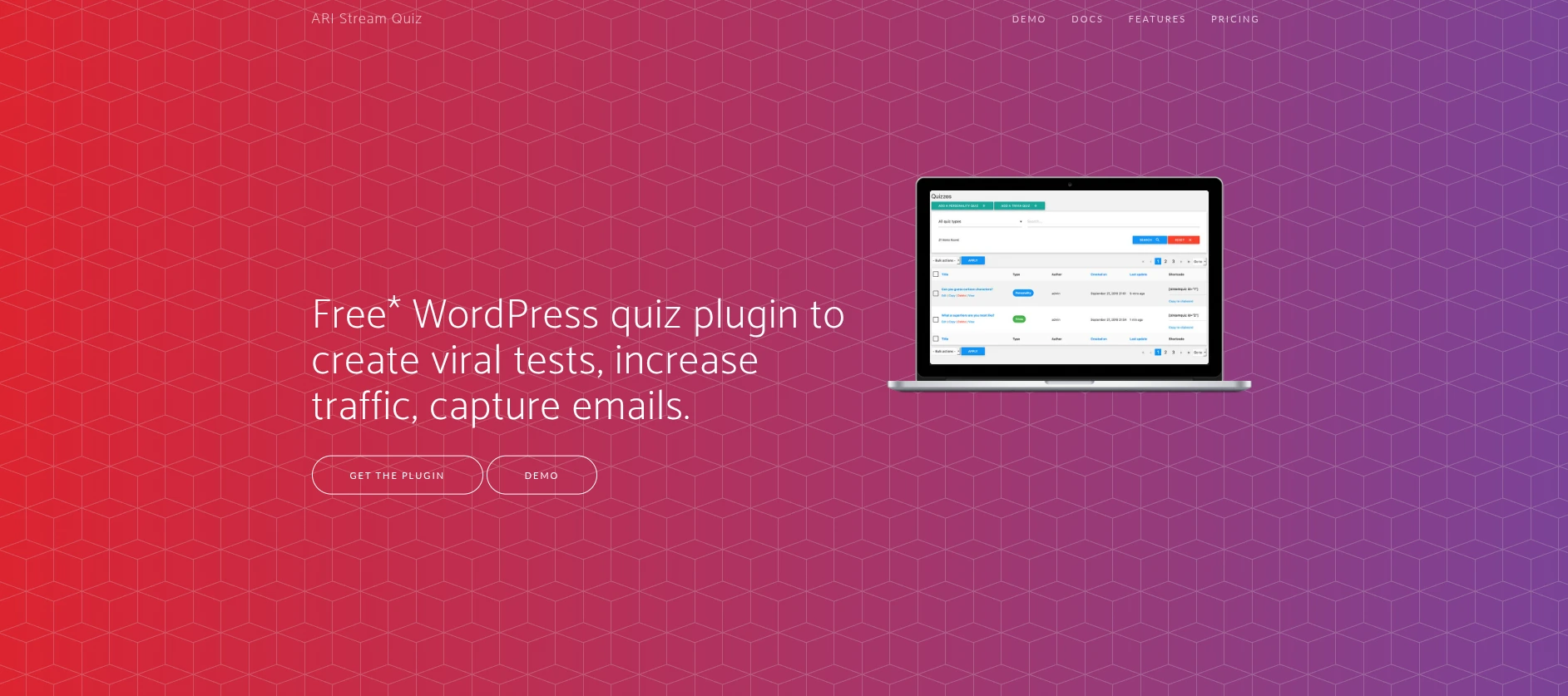
ARI Stream Quiz is a lightweight, BuzzFeed-style quiz builder with a free version and a low-cost Pro upgrade, built specifically for shareable, viral-style content rather than graded assessments or lead-generation funnels.
My Take
This is the thinnest plugin in the comparison on quiz depth. The free version covers the basics — unlimited quizzes, image-enriched questions and answers — while the Pro version adds data capture and integrations with several email marketing tools (ActiveCampaign, AWeber, Drip, GetResponse, Mailchimp, Zapier), plus social-sharing buttons.
What it doesn’t have, based on its own documentation: no timer, no certificates, no reusable question bank, no LMS connection, no WooCommerce-style monetization. It makes more sense as pure content marketing — a shareable, BuzzFeed-style quiz meant to spread on its own — than as a graded or monetized tool.
Who It’s For
Sites that want a simple, low-cost, BuzzFeed-style personality or trivia quiz and don’t need grading depth, certificates, or LMS/monetization features.
Pros
Cons
Pricing
A free version is available. The Pro upgrade is historically priced as a low-cost one-time purchase — exact current pricing wasn’t confirmable in vendor documentation at the time of writing (Not found in docs); check ari-soft.com directly before purchasing.
Verdict: fine for a lightweight, viral-style quiz — not built for graded assessments, certificates, or monetization. A dedicated write-up on ARI Stream Quiz covers exactly what its Pro tier adds.
The Hidden Cost Nobody Puts in These Comparisons: Response Caps and Where Your Data Lives
Most quiz-plugin roundups compare price tags and question types. Few ask two questions that matter once a quiz gets real traffic: is there a cap on responses, and where does that data physically live?
That matters most for lead-generation quiz funnels — the moment a funnel converts well is exactly when a response-capped plan starts costing more. A funnel pulling in 3,000 responses a month would need Opinion Stage’s Business tier at $79/month and rising; QuizPress’s entire lifetime license, at any volume, tops out at $249 one time.
Where the data lives is a compliance question too. A self-hosted plugin keeps every attempt in your own database; QuizPress ships a free-tier IP-logging toggle and auto-delete setting aimed at GDPR-style compliance. A hosted platform like Riddle or Opinion Stage stores that data on its own infrastructure instead — a real tradeoff most competitor roundups skip entirely.
Which Plugin Should You Actually Choose?
Graded exams, certifications, training. QuizPress’s question-type range, free manual grading, and Pro certificate add-on cover this without stacking paid tools; WatuPRO’s grade-threshold system is a simpler one-time alternative.
Lead-generation quiz funnel. Thrive Quiz Builder is built for this, with deeper marketing-platform integrations than QuizPress out of the box; QuizPress stays reasonable if keeping data on your own server matters more, an approach covered more broadly for monetizing quiz access in general.
Personality or “which type are you” quizzes. WatuPRO’s dimension-based scoring is purpose-built for this at a one-time $47; Riddle and Opinion Stage do it well too if you want a hosted experience.
Need AI to help write questions. Quiz and Survey Master’s AI Question Builder is a real feature QuizPress doesn’t currently have.
Tight, one-time budget. HD Quiz’s free core or WatuPRO’s $47 Pro license both work if certificates aren’t required yet — a wider roundup of free WordPress quiz plugins covers more no-cost options.
Already pay for a forms plugin. Formidable Forms or Gravity Forms make sense only if you need their broader toolkit anyway — as quiz tools alone, both are thinner and pricier than a dedicated option.
Zero WordPress lock-in. Riddle and Opinion Stage are hosted platforms with a WordPress embed layer — a broader roundup of quiz maker alternatives for WordPress surveys more options.
Worried about data-privacy compliance. QuizPress’s free GDPR-oriented controls (IP-logging toggle, auto-delete window) keep that data in your own database, unlike a hosted SaaS platform’s third-party infrastructure.
Still deciding between free and paid? A dedicated free-vs-paid comparison covers that, and a step-by-step walkthrough covers building the quiz itself.
Common Mistakes When Choosing a WordPress Quiz Plugin
A few patterns show up over and over in how people pick the wrong plugin.
Comparing question-type counts without checking which tier they’re on. A plugin advertising “20+ types” sounds better than “19” until you notice most of those types require a paid upgrade. QuizPress’s own 19 is broken out honestly as 9 free and 10 Pro, not one flattering headline number.
Ignoring what happens after year one. A $199/year plugin and a $79 one-time plugin look close on a first purchase but aren’t by year three — $597 in cumulative subscription payments versus a single $79 charge.
Assuming “certificates” means the same thing everywhere. Five of the ten plugins here don’t offer certificates at all, and the mechanism varies among the rest — QuizPress and HD Quiz gate it behind a paid add-on, WatuPRO includes it free and even lets you charge separately for issuing one. Confirm the exact tier before you buy.
Not checking whether the “WordPress plugin” actually builds anything in WordPress. Riddle and Opinion Stage are both legitimate, capable products, but neither lets you build a quiz inside wp-admin — the builder lives on the vendor’s own hosted dashboard, and the WordPress plugin is strictly an embed layer.
Skipping the question-bank and grading workflow entirely. Shoppers focus on the quiz-taking experience and forget the admin side — reviewing open-ended answers, reusing questions, filtering and exporting attempt data — and that ongoing labor doesn’t show up on a feature-comparison table.
Picking a quiz layout without testing it against your actual content. One question per screen suits a long academic exam; a single scrolling page suits a short lead-generation quiz. QuizPress exposes this choice as a plain settings toggle — worth confirming any plugin you evaluate offers the same flexibility.
Final Verdict
QuizPress comes out as the strongest general-purpose pick in this comparison — 19 question types, certificates, WooCommerce selling, and a question bank, all for a one-time fee instead of a recurring bill. The full feature list and pricing page cover the details, and every plan includes a 14-day money-back guarantee.
That said, the honest gap is real: if AI-assisted question writing or built-in exam-proctoring is a hard requirement for you today, Quiz and Survey Master currently covers that ground and QuizPress doesn’t.
Frequently Asked Questions
What is the best WordPress quiz plugin overall?
QuizPress, for its question-type variety, one-time pricing, and built-in certificates and monetization. Quiz and Survey Master is the strongest alternative if AI question generation matters more to you.
Which WordPress quiz plugin has the most question types?
QuizPress, with 19 total, including seven interactive drag-and-drop formats most competitors don’t offer at all. Quiz and Survey Master is the closest competitor on raw type count.
Do free WordPress quiz plugins support certificates?
Rarely, and usually only as a paid add-on — HD Quiz and QuizPress both gate certificates behind one. WatuPRO includes them free in its one-time Pro license.
Which plugin is best for personality quizzes?
WatuPRO’s dimension-based scoring is purpose-built for this. Riddle and Opinion Stage handle personality formats well too if a hosted, embed-anywhere builder fits better than a WordPress-native plugin.
Do any of these plugins charge based on how many responses I collect?
Yes — Opinion Stage’s pricing scales directly with monthly response volume. Every self-hosted plugin here, including QuizPress, QSM, and WatuPRO, has no response cap at any price.
Is QuizPress a one-time purchase or a subscription?
One-time, from $79 for 3 sites up to $249 for unlimited sites — a different model from Thrive Quiz Builder, Formidable Forms, Gravity Forms, Riddle, and Opinion Stage, which are all subscription-based.
Do any of these plugins integrate directly with an LMS?
QuizPress is the only one here with a native, same-vendor LMS integration — Academy LMS. A few competitors show partial compatibility through third-party integrations, but none ship a first-party connection like QuizPress does.
How many of these plugins let me reuse the same questions across multiple quizzes?
A reusable question bank is free in QuizPress, and also present in QSM, WatuPRO, and Riddle. Thrive Quiz Builder, Formidable Forms, Gravity Forms, and ARI Stream Quiz don’t offer this at all.