


Quizzes have become one of the most powerful engagement tools for WordPress websites in 2026. Whether you run a blog, eLearning platform, affiliate site, or business website, adding interactive quizzes can dramatically increase user engagement, boost conversions, and collect valuable data.
Interactive content generates twice as much engagement as static pages, and a well-placed quiz can reduce bounce rate, capture leads, and build audience trust — all without spending a cent on ads. The right WordPress quiz plugin can transform a passive blog into an interactive experience, and this guide covers the best free options tested hands-on, with a deep dive into QuizPress — the breakout standout of the year.
Why Add Quizzes to Your WordPress Site?

If you’re running a WordPress site in 2026 and haven’t experimented with quizzes yet, you’re leaving serious engagement on the table. Quizzes sit at the intersection of content marketing, education, and lead generation — making them one of the most versatile tools in your arsenal.
Interactive quizzes can dramatically boost time on page, often adding 3–5 extra minutes per visit. They also create highly shareable moments — people love posting their results on social media, which drives organic referral traffic back to your site. For educators, quizzes are the backbone of eLearning on WordPress. For marketers, personality quizzes and product recommendation quizzes routinely convert at 40–50%, far outperforming standard opt-in forms.
The good news? You don’t need to spend hundreds of dollars on specialised SaaS tools. Several free WordPress quiz plugins now rival paid alternatives in features, flexibility, and design quality. Let’s dig into our hands-on picks for 2026, starting with the plugin that impressed us most.
Top 6 Free WordPress Quiz Plugins
We installed and actively tested each plugin on a WordPress 6.5 site. Our evaluation criteria: ease of setup, free-tier feature depth, performance impact, mobile responsiveness, analytics quality, and real-world output quality.
1. QuizPress — Complete Quiz System for WordPress
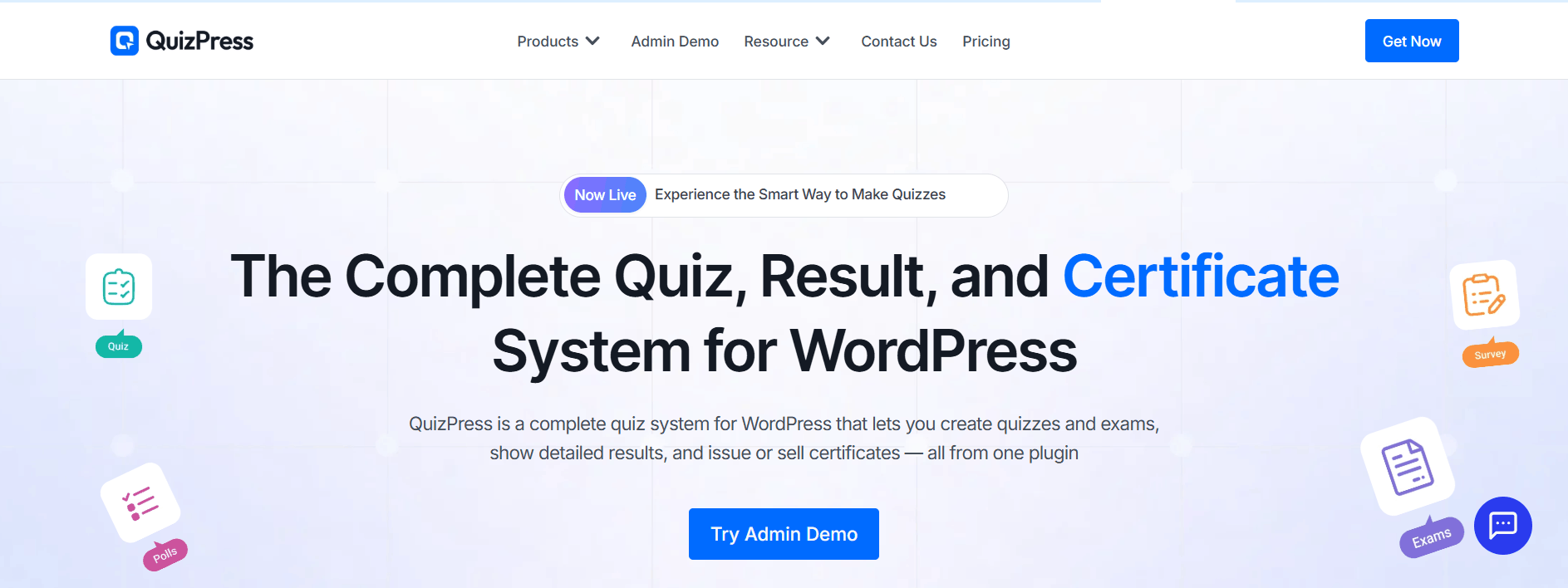
Rating: ★★★★★ Price: Free (Pro available) Best For: All-in-one quiz solution
QuizPress is rapidly becoming the most complete free quiz plugin in the WordPress ecosystem. Unlike tools that bolt quiz features onto a generic form builder, QuizPress is built quiz-first — and it shows in every workflow and design decision. The plugin handles every major quiz format: standard quizzes, surveys, polls, exams, and personality tests, all from a single clean WordPress dashboard with no coding required.
What immediately stands out is the breadth of question types — over 20 in total. You can build everything from simple multiple-choice radio buttons to complex grid responses, polar scale questions, image-based answers (text + image combined), fill-in-the-blank, paragraph, date inputs, and file uploads. This makes QuizPress equally capable for a fun personality test on a lifestyle blog and a serious professional exam on a corporate training platform.
The user experience flow is refreshingly logical: build your question bank → assemble a quiz → configure scoring → publish via Gutenberg block or shortcode → review analytics. Each step is purposefully designed and uncluttered. During our tests, we had a fully functional 15-question scored exam live in under 8 minutes from first install.
Key Features
- 20+ Question Types in One Plugin: QuizPress supports multiple-choice, true/false, fill-in-the-blank, drag-and-drop, image-based, open-ended, polls, rating scales, and more — no paid extensions required.
- Built-In Lead Generation: QuizPress includes a native lead capture system that turns every interactive quiz into a high-converting lead magnet — a capability QSM only provides through a paid Mailchimp add-on.
- .
- Smart Publishing: Embed via shortcode or Gutenberg block, share a public quiz link, and import/export quizzes across multiple client sites without complex CSV mapping.
- Question Bank & Analytics: A centralized question bank lets you store and reuse questions or randomize them for each attempt. The built-in analytics dashboard tracks response data, completion trends, and engagement metrics.
- LMS Compatibility: Works alongside Academy LMS and Tutor LMS — handling site-wide quizzes and polls while your LMS focuses on course-based testing.
✅ Pros
- All-in-one — no add-on purchases needed
- 20+ question types built-in
- Clean, intuitive no-code interface
- Built-in lead capture & analytics
- LMS and multi-site compatible
- Import/export between sites
- Active development
⚠️ Cons
- Premium-only (no significant free tier)
- Smaller community vs. QSM
- Fewer third-party tutorials
2. Quiz and Survey Master (QSM)
Rating: ★★★★☆ Active Installs: 100,000+ Pricing: Free core plugin Best For: Power users, email marketing integration
Quiz and Survey Master (QSM) is the long-standing veteran of this list. With over 100,000 active installs, it has one of the largest user communities in the WordPress quiz space. QSM supports unlimited quizzes and unlimited questions, drag-and-drop quiz building, multimedia content support (images, audio, video in questions), and robust integrations with email marketing platforms, including Mailchimp, ActiveCampaign, and GetResponse.
Recent reviews on WordPress.org describe it as “the best quiz plugin in the WP repository,” noting that its free plan is “far better than most other Quiz plugins’ paid versions.” Its deep hook system also makes it a favourite among developers who need customisation flexibility beyond the UI. Where QSM falls behind QuizPress is in the certificate workflow, the question bank system, and the overall polish of results pages.
Key Features:
- Unlimited free quizzes & questions
- 40+ premium addons
- Timer & randomized question pools
- Multipage quizzes
- Email marketing integrations (Mailchimp, MailerLite)
- CSV export & reporting
- Block editor interface
✅ Pros
- 100k+ installs — massive, well-supported community
- Drag-and-drop quiz builder
- Deep email marketing integrations
- Multimedia questions (images, audio, video)
- Rich documentation and developer hooks
⚠️ Cons
- UI feels dated compared to QuizPress
- CSV export and advanced reporting behind paid add-ons
- Can feel overwhelming for beginners
3. HD Quiz
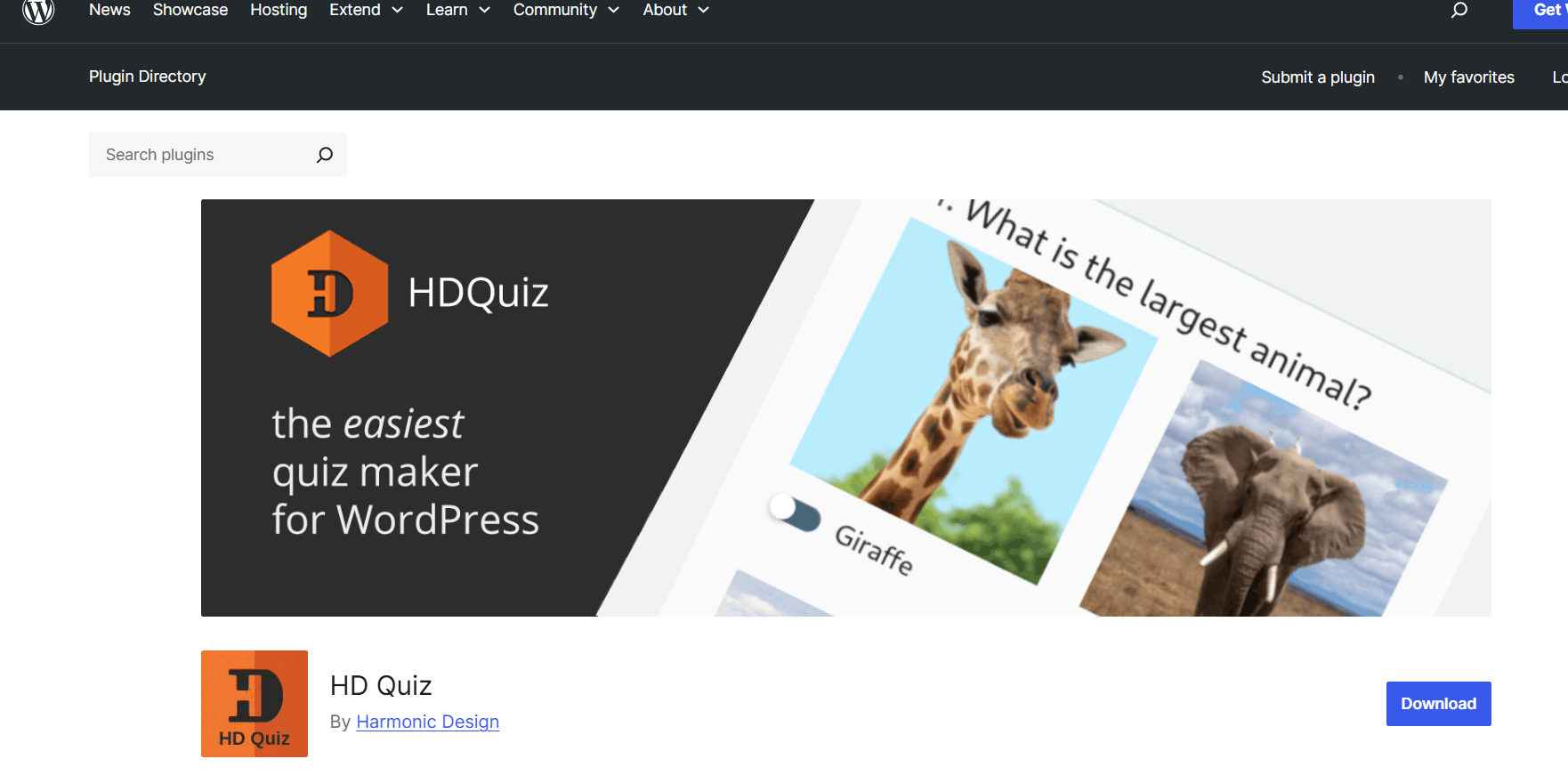
Rating: ★★★★☆ Price: 100% Free Best For: Lightweight, fast trivia quizzes
HD Quiz earns its reputation as one of the quickest and most performance-focused quiz plugins available. It generates no unnecessary JavaScript bloat, loads fast on mobile, and produces beautiful, fully accessible quiz interfaces out of the box. Key free features include animated GIF support, quiz-level and per-question timers, social sharing, question randomization, and pagination — completely free with no upsells.
If your priority is a lightweight, speed-focused plugin for trivia, knowledge tests, or fun content marketing quizzes, HD Quiz is hard to beat. It won’t build you a graded exam with certificates, but for what it does, it executes exceptionally well and adds zero bloat to your site.
Key Features:
- 100% free forever — no premium tier
- Inherits your theme’s fonts & colors
- GIF & image question support
- Per-question timers
- Mobile responsive
- Fast & lightweight
✅ Pros
- Extremely lightweight — minimal page impact
- Animated GIF support in questions
- Timer per quiz and per question
- Social sharing built-in
- 100% free — no premium tier
⚠️ Cons
- No lead capture or email integration
- No certificate system
- Limited question types vs QuizPress
4. Quiz Maker (AYS Pro)
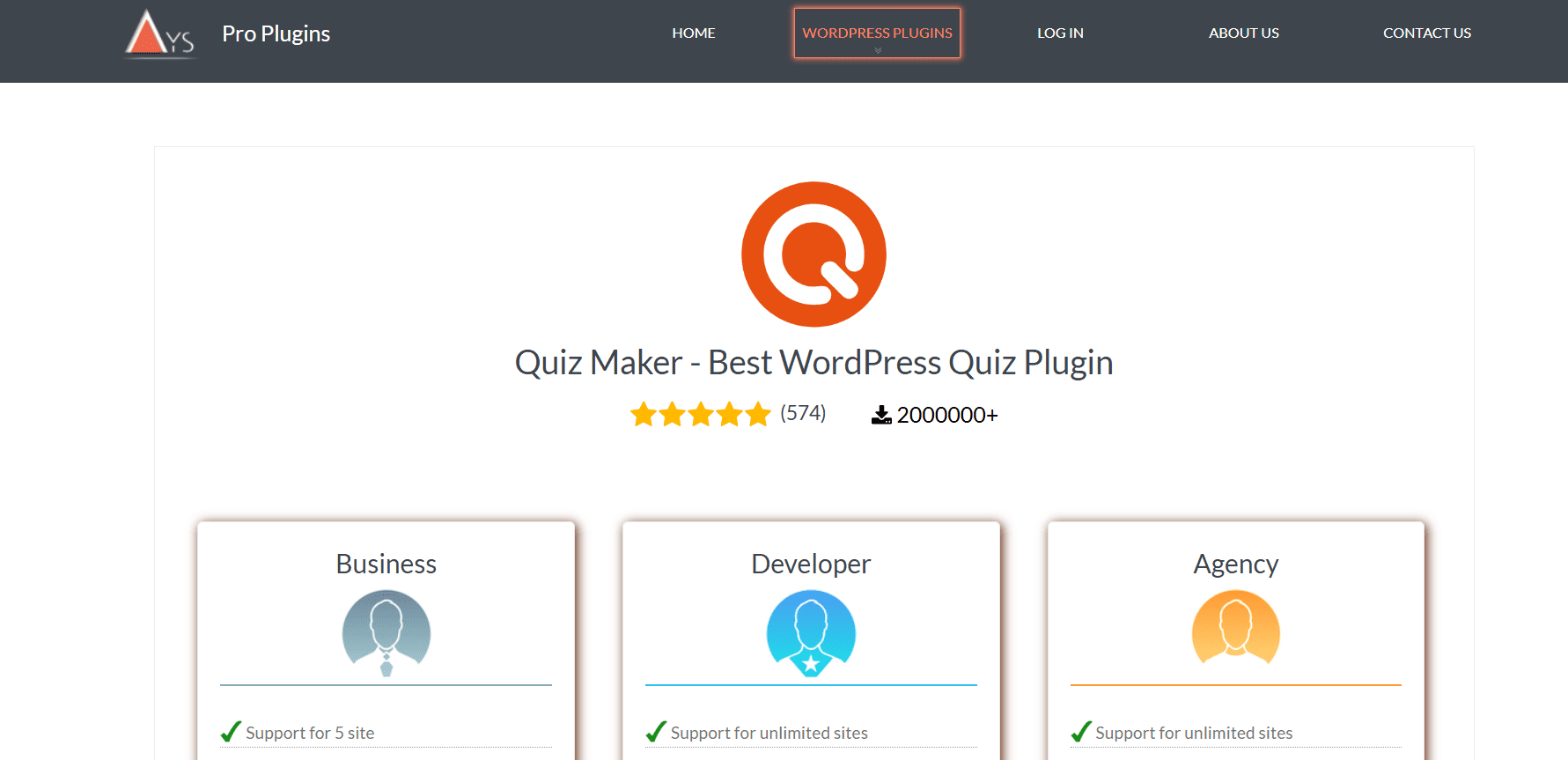
Rating: ★★★★☆ Active Installs: 20,000+ Pricing: Free · Pro one-time payment Best For: Design customisation, large question banks
Quiz Maker by AYS Pro stands out for its outstanding live style preview — you can see exactly how your quiz looks while configuring it, without saving and reloading a separate page. It supports 7 core question types in its free version: radio, checkbox, dropdown, text, short text, number, and date. Personality quiz creation via score intervals is also available for free.
The plugin is particularly well-suited for educators managing large question banks. One user reported managing 1,000+ questions across 100+ quizzes on their technical learning platform, noting the import/export functionality as a key time-saver. Support is consistently praised for being both responsive and professional.
Key Features:
- Live style preview
- Password-protected quizzes
- Email certificates
- Personality quizzes
- 10+ question types
- One-time pricing model
✅ Pros
- Live style preview in the dashboard
- Strong question bank management
- Responsive, polished visual design
- Highly-rated developer support
⚠️ Cons
- Fewer free question types than QuizPress
- Certificates and advanced analytics require a paid plan
5. Forminator
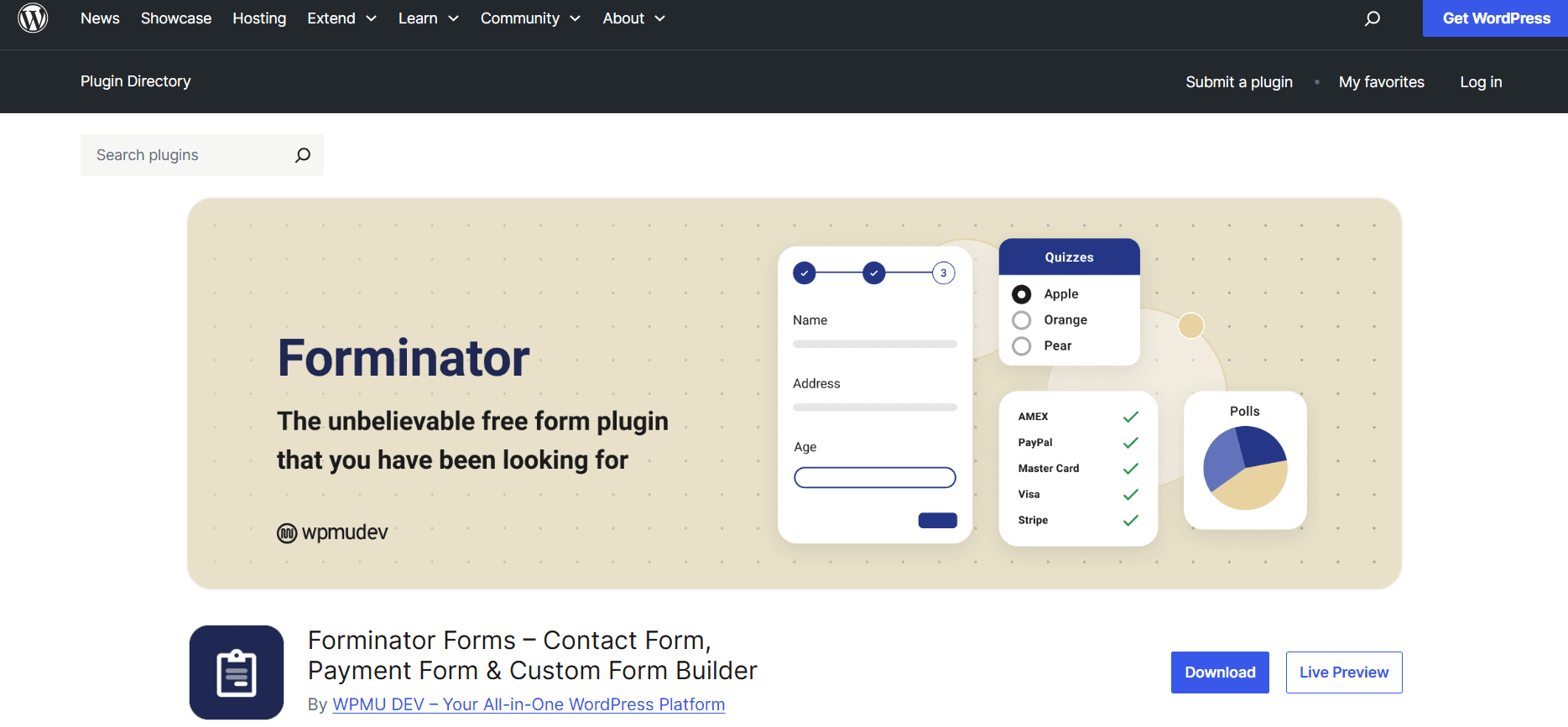
Rating: ★★★★☆ Active Installs: 300,000+ Pricing: Free Best For: All-in-one form + poll + quiz tool
Forminator by WPMU DEV is a versatile free plugin handling contact forms, polls, and quizzes from a single interface. With over 300,000 active installs, it’s the most widely deployed multi-purpose tool on this list. Its drag-and-drop builder is genuinely beginner-friendly, and social sharing integrations help viralize quiz results across platforms.
The trade-off is that Forminator is a generalist, not a quiz specialist. If you already use it for forms and want to add simple quizzes, it’s a smart, no-additional-plugin choice. But for dedicated quiz features — analytics depth, question banks, graded exams, certificates — QuizPress or QSM will serve you significantly better.
Key Features:
- All-in-One Builder
- Drag-and-Drop Form Builder
- Multiple Field Types
- Quizzes & Polls Support
- Conditional Logic
- Analytics & Reports
- Spam Protection
✅ Pros
- 300k+ installs — extremely stable and trusted
- Combines forms, polls, and quizzes in one
- Beginner-friendly drag-and-drop builder
- Social sharing for quiz results
⚠️ Cons
- Not quiz-first — limited quiz depth and analytics
- No certificate or graded exam features
- Better suited for forms than serious quizzes
6. Watu Quiz
Rating: ★★★☆☆ Price: Free (premium available) Best For: Very basic quiz needs
Watu Quiz is a no-frills option for basic quizzes, exams, and surveys. It handles single-choice, multiple-choice, and essay questions, randomizes questions from a larger pool, and displays results at quiz completion. Social sharing buttons for quiz scores add a small but effective engagement touch.
It’s suitable for educators who need bare-minimum testing without added complexity, but it falls well behind QuizPress and QSM in analytics, UI quality, and question type variety. Consider it only if simplicity is your absolute top priority.
Key Features
- Supports single-choice, multiple-choice, and essay questions
- Question randomization from a larger question pool
- Automatic result calculation and display
- Basic quiz scoring system
- Social sharing options for quiz results
- Ability to create simple exams and surveys
- Lightweight and fast performance
✅ Pros
- Simple, fast to set up for basic quizzes
- Question pool randomisation
- Social sharing for results
⚠️ Cons
- Very limited free feature set
- Dated interface and UX
- No certificate system in the free version
Side-by-Side Comparison Table
|
Plugin |
Question Types (Free) |
Certificates |
Analytics |
Question Bank |
WooCommerce |
Free Tier Quality |
|
🎯 QuizPress |
20+ |
✔ + Sell |
✔ Advanced |
✔ |
✔ |
Excellent |
|
📋 QSM |
10+ |
✗ (add-on) |
✔ Basic |
✗ |
✗ |
Good |
|
⚡ HD Quiz |
3 |
✗ |
✗ |
✗ |
✗ |
Good (lightweight) |
|
🛠️ Quiz Maker |
7 |
✗ (Pro) |
✔ Basic |
✔ |
✗ |
Good |
|
🔮 Forminator |
5 |
✗ |
✗ |
✗ |
✗ |
OK (generalist) |
|
🎲 Watu Quiz |
4 |
✗ |
✗ |
✗ |
✗ |
Basic |
Which Plugin Should You Choose?
The best plugin depends entirely on your use case. Here’s a quick decision matrix based on the most common scenarios we see from WordPress site owners:
- Educator or Trainer: Use QuizPress for graded exams with automatic certificates. Use Quiz Maker if you manage a very large question library (1,000+ questions).
- Marketer or Blogger: Use QuizPress for lead quizzes and personality tests with real analytics. Use HD Quiz for lightweight trivia and fun viral content.
- WooCommerce Store Owner: QuizPress integrates with WooCommerce to sell premium certificates or gated quiz access — a unique free-tier capability no other plugin offers.
- Already Using Forminator: Stick with Forminator for simple quizzes to avoid an extra plugin. When you need scoring, certificates, or real analytics, migrate to QuizPress.
- Agency / Multiple Client Sites: QuizPress excels here — its import/export system lets you replicate entire quiz setups across client sites in seconds, saving significant project time.
- Deep Email Marketing Needed: QSM has the most email marketing integrations (Mailchimp, ActiveCampaign, GetResponse) of any free plugin on this list, making it the best for lead nurturing flows.
Final Verdict
QuizPress is the best free WordPress quiz plugin in 2026, offering 20+ question types, certificates, analytics, a reusable question bank, and WooCommerce integration. It’s ideal for educators, marketers, agencies, and online store owners who need a complete, flexible quiz solution.
Quiz and Survey Master (QSM) is a strong alternative, especially for users focused on email marketing and lead generation due to its wide range of integrations. HD Quiz is ideal for lightweight, fast-loading quizzes with simple functionality. Other tools like Forminator work well for basic quizzes. Overall, QuizPress provides the most complete feature set for most users.
Frequently Asked Questions
Is QuizPress really free?
Yes. QuizPress offers a fully functional free version at quizpress.pro with core quiz features; the Pro tier adds advanced analytics, premium certificate selling, and extra integrations.
Can quiz plugins slow down my WordPress site?
Most modern quiz plugins have minimal impact on speed; HD Quiz is the lightest, and QuizPress is built to be very fast, but you should always test your site with tools like GTmetrix or PageSpeed Insights after installing any plugin.
Can I use these quiz plugins with Elementor or Divi?
Yes. All these quiz plugins work with Elementor, Divi, Beaver Builder, and other page builders via shortcodes; QuizPress and QSM also provide native Gutenberg blocks for block-based and FSE themes.
Can I sell premium quizzes or certificates?
Yes. With QuizPress, you can natively sell premium quiz access and certificates via WooCommerce or StoreEngine; other plugins usually need paid add-ons or third-party payment tools for this.