


Quizzes play an important role in membership websites. Simply offering content is no longer enough to keep members engaged—you also need to keep them active, involved, and motivated while giving them ways to measure their progress. This is where quizzes can make a real difference. A well-designed quiz makes a member’s learning journey more interactive, helps assess their knowledge, and can give them another reason to return to your site. Features such as progress tracking, scores, and certificates can also help create a more rewarding experience and potentially improve member engagement and retention.
The challenge, however, is that the WordPress ecosystem is packed with quiz plugins. From simple tools to advanced, feature-rich solutions, there are countless options, each with its own strengths and limitations. This makes it genuinely difficult for membership site owners to choose the right one. In this article, we’ll compare the best WordPress quiz plugins for membership sites in detail, so you can easily choose the option that best fits your website’s needs.
What Makes a Quiz Plugin Ideal for Membership Sites?
The requirements for a quiz plugin on a regular website can be quite different from those of a membership website. On a typical blog, a quiz might be used primarily for entertainment, audience engagement, or lead generation. On a membership site, however, quizzes are often closely connected to the member’s learning experience, progress, and the overall value of the platform. That’s why an ideal quiz plugin should offer—or work well alongside tools that provide—the following features:
- Compatibility with membership-based access control — The quiz plugin should be compatible with your membership setup or work well alongside your membership plugin, allowing you to control who can access specific quizzes.
- The ability to create members-only quizzes — This allows registered or paid members to access exclusive quiz content when combined with appropriate access-control tools.
- Multiple quiz types — Support for scored quizzes, surveys, personality quizzes, exams, and other formats can make the plugin suitable for different membership site goals.
- Scoring and automatic grading — Automatic scoring can reduce manual work and provide members with instant feedback.
- Timed quizzes and exams — These features are especially useful for formal assessments and time-limited tests.
- Certificates and rewards — Recognition for completing quizzes or achieving specific scores can help motivate members and encourage continued participation.
- Progress tracking — Progress and performance tracking can help members monitor their achievements and give administrators useful insights into engagement and learning outcomes.
- Integrations and compatibility with membership and LMS plugins — These can help create a smoother workflow for websites that combine quizzes with memberships, courses, or other learning experiences.
- Ease of use and scalability — The plugin should be easy to manage initially while offering enough flexibility to support your site as it grows.
With these criteria in mind, let’s look at some of the best WordPress quiz plugins available for membership sites.
Best WordPress Quiz Plugins for Membership Sites
1. QuizPress — Best Overall Quiz Plugin for Membership Sites
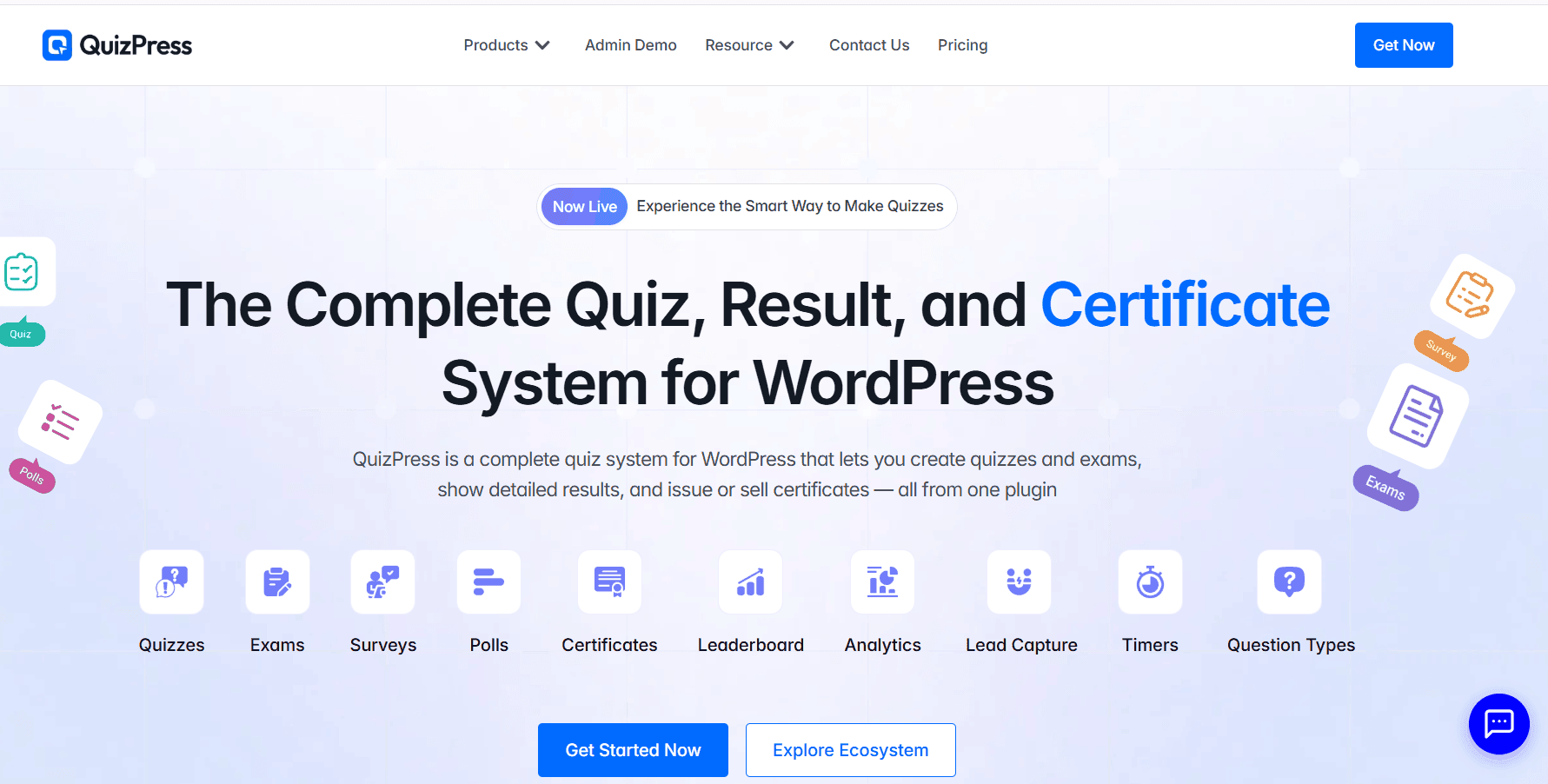
For membership sites that need a dedicated quiz and assessment solution, QuizPress stands out as a strong overall option. It focuses specifically on creating quizzes, surveys, exams, polls, personality tests, and assessments, making it a suitable choice for membership websites that want to add interactive content and structured assessments to their platforms.
QuizPress offers:
- Multiple quiz formats — Create quizzes, surveys, polls, exams, and personality tests to support different types of member content.
- 20+ question types — Build everything from traditional multiple-choice quizzes to image-based questions, short text responses, file uploads, and more.
- Scoring and automatic grading — Automatically calculate scores, apply pass/fail thresholds, and display results without requiring manual grading.
- Timed quizzes and exams — Add time limits to create a more structured assessment experience.
- Automatic certificates — Generate certificates automatically when users pass a quiz or exam, with customizable certificate templates.
- User answer tracking and analytics — Monitor responses, completion rates, scores, time spent, and individual performance.
- Question bank — Store, organize, reuse, and randomize questions to create varied assessments.
- Premium quiz and certificate sales — Sell quizzes or certificates through WooCommerce or StoreEngine integration.
Together, these features make QuizPress a strong choice for membership websites that want to combine interactive quizzes, assessments, performance tracking, and certificates in one WordPress-based solution.
Best for: Membership sites, online course platforms, training websites, educational communities, and websites that want to sell premium quizzes or certificates.
2. Formidable Forms — Best for Advanced Quiz Logic
For membership sites that need complex logic and customized data collection, Formidable Forms can be an excellent option. While it is primarily an advanced WordPress form builder, its quiz-related features and powerful conditional logic make it suitable for creating interactive quizzes, assessments, and other customized experiences.
Key features include:
- Advanced form builder — Create customized quizzes and assessments using a flexible drag-and-drop builder.
- Scored quizzes — Assign scores to answers and calculate quiz results.
- Conditional logic — Show or hide questions and fields based on a user’s previous answers, allowing you to create more dynamic quiz experiences.
- Calculators and assessments — Build calculators, evaluations, and other interactive tools alongside quizzes.
- Advanced data collection — Collect and manage detailed responses from members.
Best for: Membership sites that need complex quiz logic, customized assessments, calculators, or advanced data collection.
Keep in mind: Formidable Forms is primarily a form builder rather than a dedicated quiz plugin. If your main priority is advanced quiz-specific features, a dedicated solution such as QuizPress may be a better fit.
3. WPForms — Best for Beginners
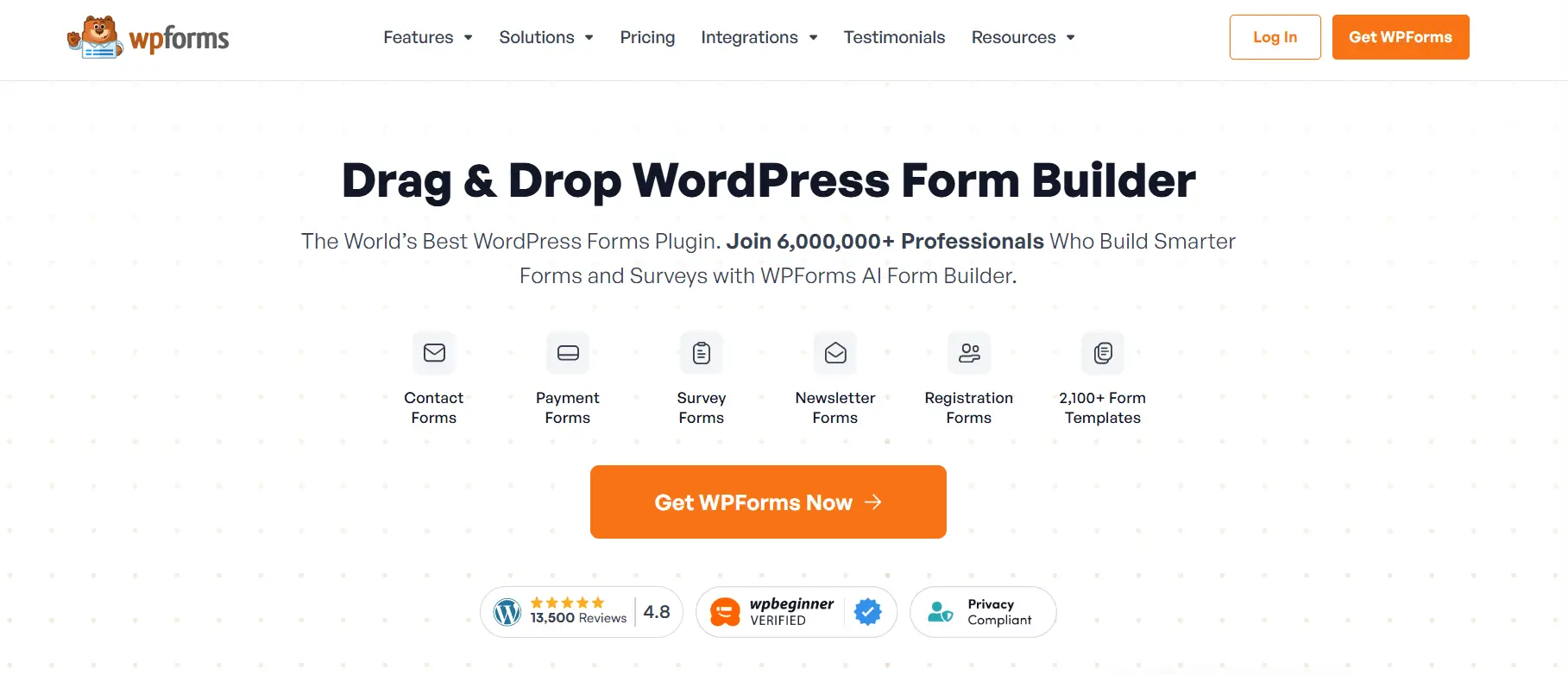
For beginners looking for a simple way to create quizzes and surveys, WPForms is a user-friendly option. Its drag-and-drop builder allows users to create forms and interactive content without any technical knowledge or coding.
Key features include:
- Easy-to-use drag-and-drop builder — Create forms, surveys, and quizzes without coding.
- Simple quiz and survey creation — Suitable for basic quizzes, surveys, and member feedback.
- Beginner-friendly setup — An intuitive interface makes it easy for new WordPress users to get started.
- Flexible form functionality — Use the same platform to create contact forms, surveys, polls, and other types of forms.
Best for: Beginners, membership sites that need simple quizzes, and website owners who also need a flexible form builder.
Keep in mind: WPForms is primarily a form builder, so users looking for advanced quiz-specific features such as complex assessments, detailed quiz analytics, or extensive exam functionality may prefer a dedicated quiz plugin.
4. Thrive Quiz Builder — Best for Marketing-Focused Membership Sites
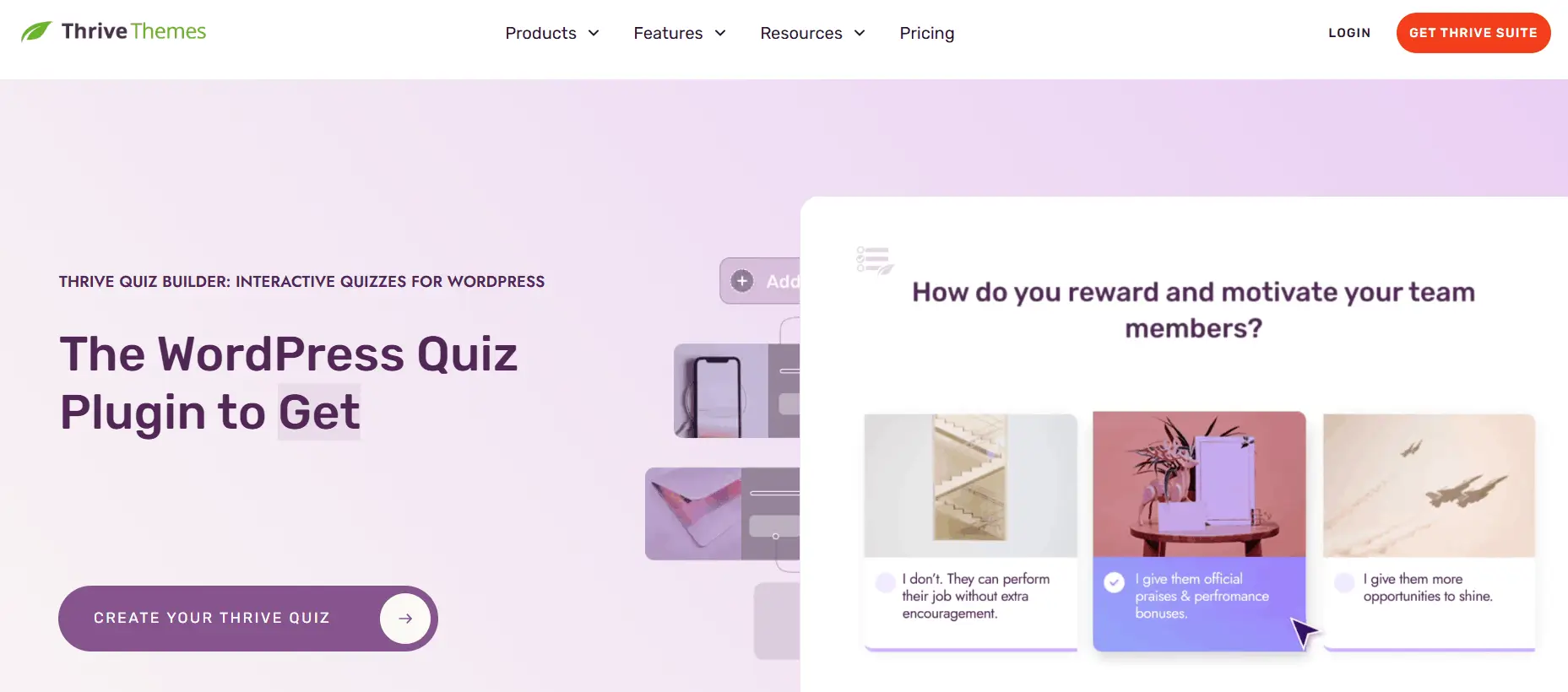
For membership sites that prioritize marketing, audience engagement, and conversions, Thrive Quiz Builder is a strong option. Rather than focusing primarily on traditional assessments, it is designed to help website owners create interactive quizzes that engage visitors, generate leads, and provide insights into audience interests.
Key features include:
- Personality and outcome-based quizzes — Create engaging quizzes that deliver personalized results based on user responses.
- Dynamic results — Show different results or recommendations depending on how users answer the quiz.
- Lead generation — Use quizzes as interactive tools to collect leads and encourage visitor engagement.
- Audience segmentation — Use quiz responses to better understand your audience and support more targeted marketing campaigns, depending on the connected marketing tools and integrations.
Best for: Membership websites focused on marketing, lead generation, audience engagement, and conversions.
Keep in mind: Thrive Quiz Builder is particularly strong for marketing and engagement-focused quizzes. If your primary goal is formal exams, advanced assessments, or certificate-based learning, a dedicated quiz or LMS solution may be a better fit.
5. Quiz and Survey Master — Best for Flexible Quiz Options
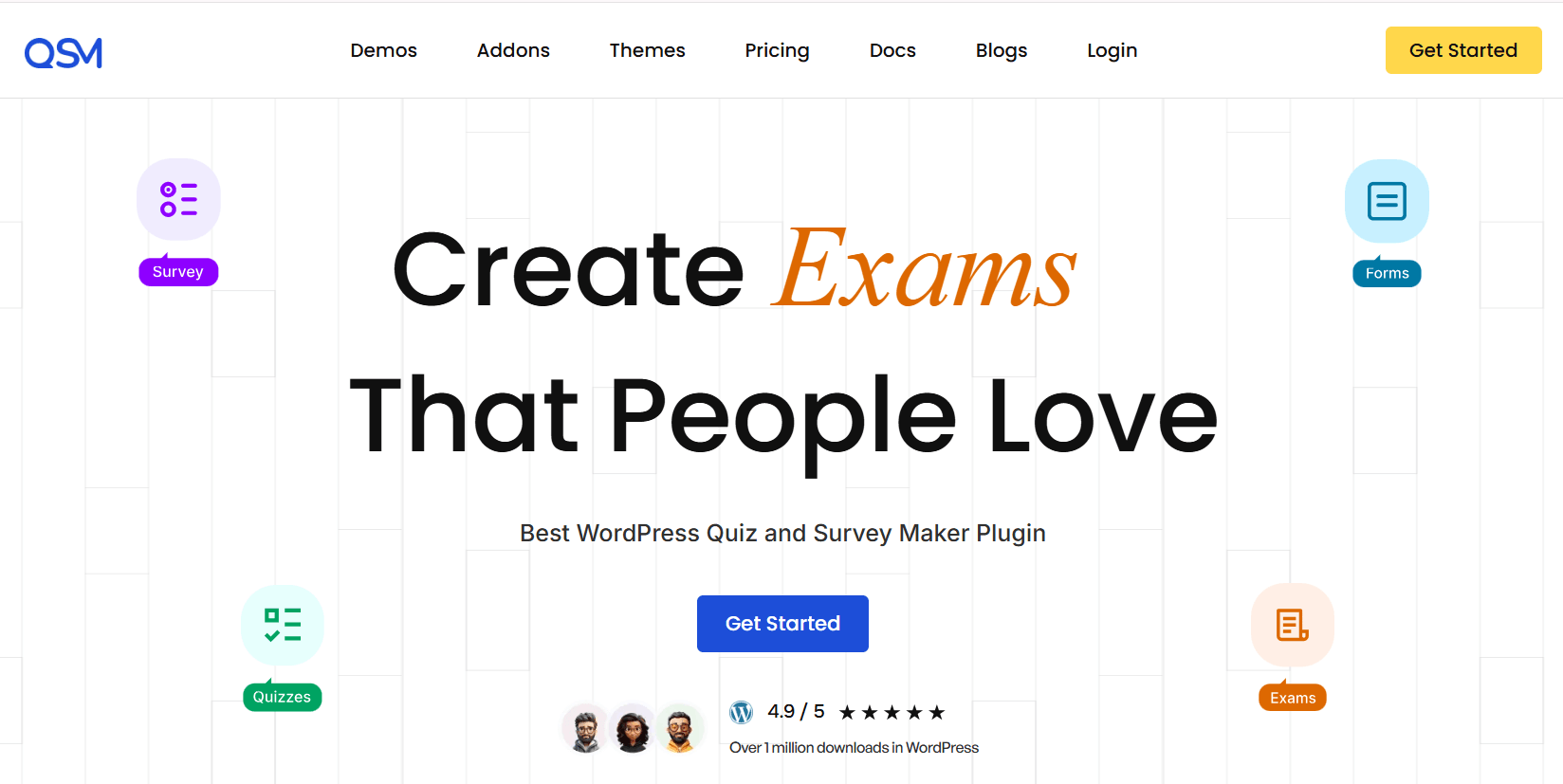
For website owners who need a wide range of quiz and survey features, Quiz and Survey Master (QSM) offers a flexible solution. It supports different types of quizzes and surveys, allowing you to create everything from simple knowledge tests to more customized assessments.
Key features include:
- Multiple question types — Create quizzes and surveys using a variety of question formats.
- Scoring functionality — Assign points to answers and calculate quiz results.
- Custom results — Display personalized or customized results based on quiz performance and responses.
- Extensible through add-ons — Extend the plugin’s functionality with additional add-ons for specific needs.
Best for: Membership websites and other WordPress sites that need flexible quiz and survey functionality with room for customization.
Keep in mind: QSM’s available features can vary depending on the add-ons you use. If you want a more focused quiz solution with built-in features such as advanced assessments and certificates, a dedicated quiz plugin may be a better fit.
Quick Comparison of the Best WordPress Quiz Plugins for Membership Sites
|
Plugin |
Best For |
Quiz Types |
Scoring |
Certificates |
Membership Use |
|
QuizPress |
Best Overall |
Yes |
Yes |
Yes |
Excellent |
|
Formidable Forms |
Advanced Logic |
Yes |
Yes |
Depends on setup |
Good |
|
WPForms |
Beginners |
Yes |
Yes |
Limited |
Good |
|
Thrive Quiz Builder |
Marketing |
Yes |
Yes |
No |
Good |
|
Quiz and Survey Master |
Flexible Quizzes |
Yes |
Yes |
Add-on |
Good |
Detailed Comparison of the Best WordPress Quiz Plugins
QuizPress vs Formidable Forms
QuizPress is a dedicated quiz and assessment solution with features such as multiple quiz types, scoring, automatic grading, timed quizzes, certificates, and performance tracking.
Formidable Forms is primarily an advanced form builder, making it better suited for complex assessments that require conditional logic, calculations, and customized workflows.
Choose QuizPress for dedicated quiz features and structured assessments. Choose Formidable Forms when advanced logic, calculations, and data collection are your top priorities.
QuizPress vs WPForms
QuizPress is a dedicated quiz and assessment solution, while WPForms is primarily a beginner-friendly form builder with quiz functionality. If you want to quickly create simple quizzes, WPForms offers an easy-to-use experience.
For membership sites that need more dedicated quiz features, such as advanced scoring, certificates, timed assessments, and performance tracking, QuizPress may be a better fit.
QuizPress vs Thrive Quiz Builder
The choice between QuizPress and Thrive Quiz Builder largely depends on your goals. QuizPress focuses on quizzes, learning, and assessment, making it suitable for testing members’ knowledge and measuring performance. Thrive Quiz Builder, on the other hand, focuses more on marketing and lead generation through personality quizzes, dynamic results, and audience segmentation.
If your membership site’s main goal is education and skill assessment, QuizPress may be the stronger choice. If you want to use quizzes as part of a marketing funnel to engage and segment your audience, Thrive Quiz Builder may be a better fit.
QuizPress vs Quiz and Survey Master
QuizPress and Quiz and Survey Master both support a wide range of quiz features, including multiple question types, scoring, and customized results. However, QuizPress offers a more focused experience for creating structured quizzes and assessments, with features such as timed quizzes, automatic grading, certificates, and performance tracking.
Quiz and Survey Master is a flexible option that can be extended through various add-ons, making it suitable for websites that need customizable quiz and survey functionality.
If you want a dedicated quiz solution with built-in assessment features, QuizPress may be the better fit. If you prefer a flexible plugin with an add-on ecosystem for expanding its functionality, Quiz and Survey Master is a strong alternative.
Best WordPress Quiz Plugin Based on Your Needs
The best WordPress quiz plugin depends on your specific needs and the type of membership website you run. Here’s a quick summary:
- Best overall: QuizPress
- Best for advanced quiz logic: Formidable Forms
- Best for beginners: WPForms
- Best for marketing-focused quizzes: Thrive Quiz Builder
- Best for flexible quiz and survey features: Quiz and Survey Master
Each plugin has its own strengths, so the right choice ultimately depends on whether your priority is dedicated quiz functionality, advanced logic, ease of use, marketing, or flexibility.
How to Choose the Right Quiz Plugin for Your Membership Website
Before choosing a quiz plugin, there are a few important factors worth considering.
1. Identify Your Quiz Goals
First, decide what you want your quizzes to achieve. Are you creating quizzes for learning, assessment, member engagement, lead generation, or personality testing? Once you understand your goals, choosing the right plugin becomes much easier.
2. Check Membership Compatibility
Make sure the quiz plugin works well with your membership setup. Consider whether you need login-based access, premium member access, or restrictions based on membership levels.
3. Consider Available Quiz Types
Think about the types of quizzes you need, such as scored quizzes, personality quizzes, formal exams, surveys, or general assessments. Choose a plugin that supports the formats that match your goals.
4. Look for Scoring and Grading Features
Automatic scoring, passing-score settings, and instant results can make the quiz experience smoother for both members and administrators.
5. Check Certificate Features
If you run a training or course-based membership site, check whether the plugin supports certificates or can work with a certificate solution. Completion and achievement-based certificates can help make the learning experience more rewarding.
6. Consider Integrations and Compatibility
Check how well the plugin works with your existing membership system, LMS, email marketing tools, and payment solutions. Direct integrations can be helpful, but compatibility with your existing setup may be enough for some websites.
7. Think About Scalability
Consider the number of members and quizzes you expect to manage, as well as the advanced features you may need in the future. Choose a plugin that can support your website as it grows.
By considering these factors, you can choose a quiz plugin that fits your membership site’s current needs while also supporting its future growth.
Conclusion
Choosing the right quiz plugin for your membership site depends on your specific goals. Formidable Forms is a strong choice for advanced quiz logic, while Thrive Quiz Builder is better suited to marketing-focused quizzes and audience engagement. WPForms is ideal for beginners, and Quiz and Survey Master offers flexibility through its range of features and add-ons.
For dedica
ted quizzes, assessments, scoring, automatic grading, timed quizzes, and certificates, QuizPress stands out as a strong all-around option. Its focused quiz features make it suitable for membership sites, online courses, training platforms, and educational communities.
By using QuizPress alongside a suitable membership plugin, you can create a more engaging and interactive experience for members while supporting learning, assessment, and ongoing participation.
Frequently Asked Questions
What is the best WordPress quiz plugin for membership sites?
QuizPress is a strong overall option for membership sites that need dedicated quiz features such as multiple quiz types, scoring, timed quizzes, automatic grading, and certificates.
Can I create members-only quizzes in WordPress?
Yes. By combining a membership plugin with a quiz plugin, you can restrict quiz access to registered or paid members.
Can I use QuizPress with a membership plugin?
Yes. QuizPress can be used alongside a membership plugin to create quizzes for members. The membership plugin can manage access, while QuizPress handles the quiz experience.
What features should I look for in a membership quiz plugin?
Important features include quiz types, scoring, automatic grading, timed quizzes, certificates, performance tracking, and compatibility with your membership setup.
Can I create paid quizzes for members?
Yes. You can use a membership or payment solution to control access to premium quizzes and offer them as part of a paid membership plan or package.