

If you’ve been using Quiz and Survey Master (QSM) for your WordPress quizzes, you already know its strengths. It’s reliable, established, and has served countless educators and marketers well over the years. But let’s be honest—2026 is a different ballgame.
The landscape of WordPress quiz plugins has evolved dramatically. What worked five years ago now feels clunky. Users today expect AI-powered question generation, server-side progress saving, seamless LMS integration, and modern, mobile-first designs—features that QSM’s aging infrastructure struggles to deliver without expensive add-ons.
In this guide, we’ll explore the best simple and affordable alternatives to Quiz and Survey Master in 2026. We’ll put a special spotlight on QuizPress, a rising star that’s redefining what a free quiz plugin can offer. Let’s dive in.
Why Look for a QSM Alternative in 2026?

Before we explore the alternatives, it’s worth understanding why so many users are making the switch this year.
1. Dated User Interface
While QSM gets the job done, its interface feels like it’s stuck in the early 2010s. Compared to modern drag-and-drop builders, navigating its settings to create complex quizzes is not intuitive.
2. Add-on Overload
QSM offers a solid free core, but many essential features—advanced reporting, conditional logic, email marketing integrations—require purchasing individual add-ons. The cost adds up quickly, often exceeding the price of all-in-one premium competitors.
3. Missing Modern Features
In 2026, AI is everywhere. Educators and marketers expect to generate questions from text or PDFs instantly. They need server-side saving (so users don’t lose progress if they close their browser) and anti-cheat mechanisms that QSM lacks in its core offering.
The Top QSM Alternatives at a Glance
|
Plugin |
Best For |
Key Features |
Starting Price |
|
QuizPress |
Educators & Advanced Assessments |
AI quiz generation, server-side answer saving, LMS integrations, and detailed reporting |
Free version available / Premium from ~$39 (lifetime deals may vary) |
|
Quiz Maker (AYS Pro) |
Overall Flexibility |
10+ question types, AI integration (via API), scheduling, certificates, and user limits |
~$49/year (frequent discounts available) |
|
Thrive Quiz Builder |
Lead Generation & Marketing |
Branching logic, A/B testing, opt-in forms, personality quizzes, dynamic results |
~$99/year (or included in Thrive Suite ~$299/year) |
|
QuizFlow |
AI-Powered Quizzes (Emerging Tool) |
ChatGPT-based quiz generation, analytics, and unlimited quizzes |
Free (Pro features may be limited or evolving) |
|
WPForms |
Beginners & Small Businesses |
Drag-and-drop builder, surveys & polls addon, basic quiz/reporting features |
~$199.50/year (Pro plan required for quiz features) |
|
Formidable Forms |
Developers & Data-Driven Apps |
Advanced calculations, quiz scoring, form-based quizzes, and data visualization |
~$99.50/year (Plus plan) |
|
Quiz Cat |
Simple Trivia & Viral Content |
Lightweight, personality quizzes, social sharing, fast setup |
~$69/year |
1.QuizPress (Best All-in-One Quiz Plugin)
All-in-one quiz & assessment builder
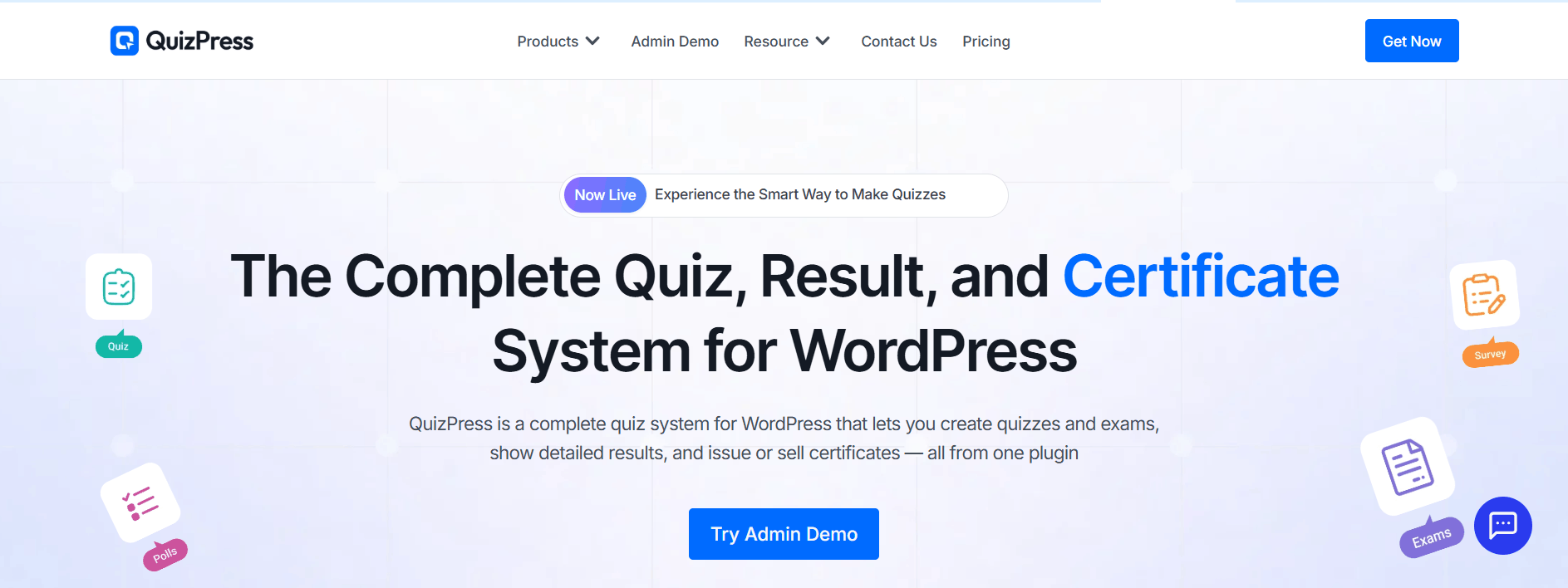
QuizPress Pro is a premium WordPress quiz builder that brings quizzes, surveys, polls, exams, and personality tests under one clean, no-code interface — eliminating the need for multiple costly add-ons. It is built as a standalone assessment solution ideal for marketing sites, eLearning platforms, membership communities, and corporate intranets.
Key Features
- 20+ Question Types in One Plugin: QuizPress supports multiple-choice, true/false, fill-in-the-blank, drag-and-drop, image-based, open-ended, polls, rating scales, and more — no paid extensions required.
- Built-In Lead Generation: QuizPress includes a native lead capture system that turns interactive quizzes into smart lead magnets — a feature QSM only unlocks through a paid Mailchimp add-on.
- Smart Publishing: Embed via shortcode or Gutenberg block, share a public quiz link, and import/export quizzes across multiple client sites without complex CSV mapping.
- Question Bank & Analytics: A centralized question bank lets you store and reuse questions or randomize them per attempt. The built-in analytics dashboard tracks response data, completion trends, and engagement metrics.
- LMS Compatibility: Works alongside Academy LMS and Tutor LMS — handling site-wide quizzes and polls while your LMS focuses on course-based testing.
✅ Pros
- All-in-one — no add-on purchases needed
- 20+ question types built-in
- Clean, intuitive no-code interface
- Built-in lead capture & analytics
- LMS and multi-site compatible
- Import/export between sites
- Active development
❌ Cons
- Premium-only (no significant free tier)
- Smaller community vs. QSM
- Fewer third-party tutorials
Best For: Educators, course creators, marketers, HR teams, agencies, and SaaS products.
2. WPForms— (Best for Beginners)
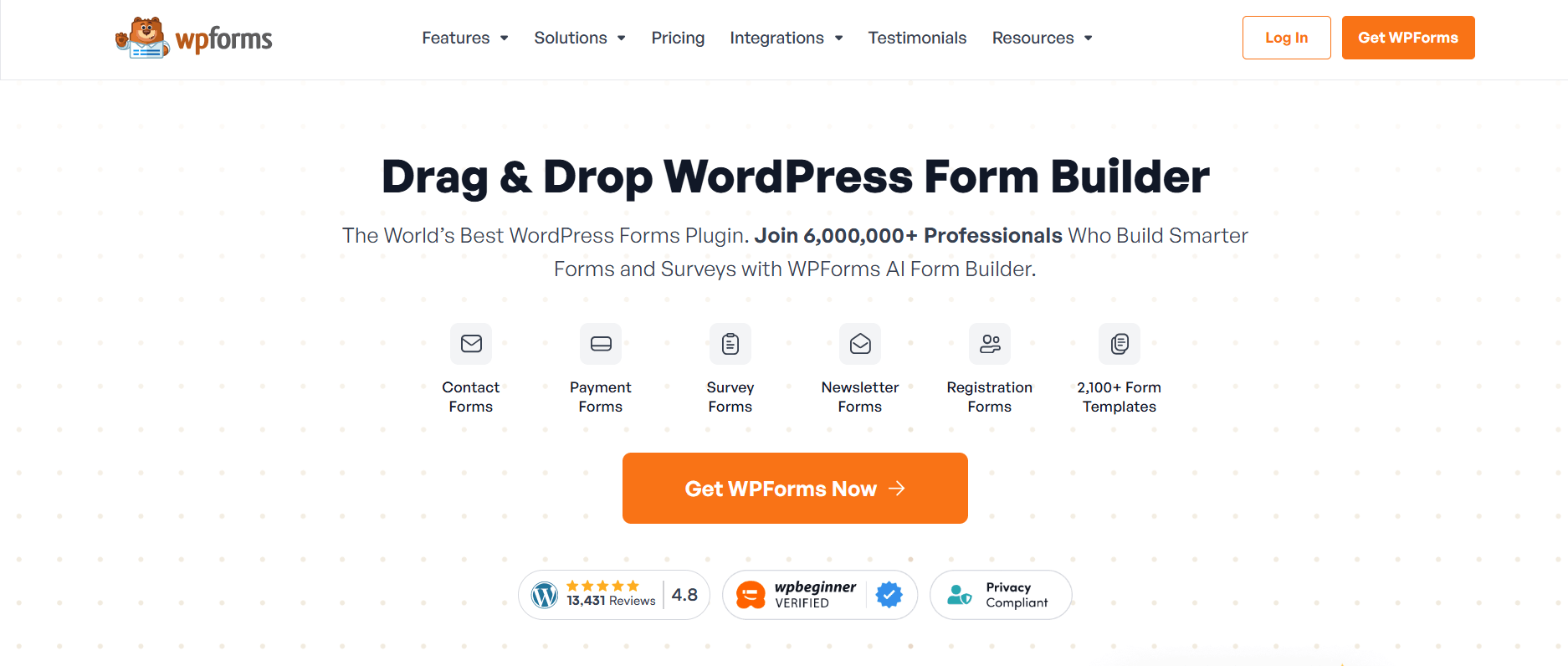
For small business owners and WordPress newcomers who want a simple, no-code solution, WPForms is the safest bet. While it’s primarily a form builder, its Surveys and Polls addon transforms it into a capable quiz tool. With over 5 million active installations, it’s one of the most trusted WordPress plugins available.
Key Features
- Extremely easy to use: Pre-designed templates for quick setup
- Drag-and-drop builder: Intuitive and beginner-friendly
- Strong polling and survey features: Great for feedback forms
- Ideal for small business websites: No steep learning curve
- Spam protection: Built-in anti-spam measures
- Conditional logic: Show or hide fields based on user responses
- Email notifications: Customizable email alerts for quiz completions
✅ Pros
- Extremely beginner-friendly
- Excellent drag-and-drop UX
- Strong template library
- Many integrations (Mailchimp, Zapier)
❌ Cons
- Limited quiz-specific features
- No auto-grading system
- Advanced features need the Pro plan
Best For: Small business owners and beginners who need forms with light survey functionality.
3.Formidable Forms— (Best for Developers)
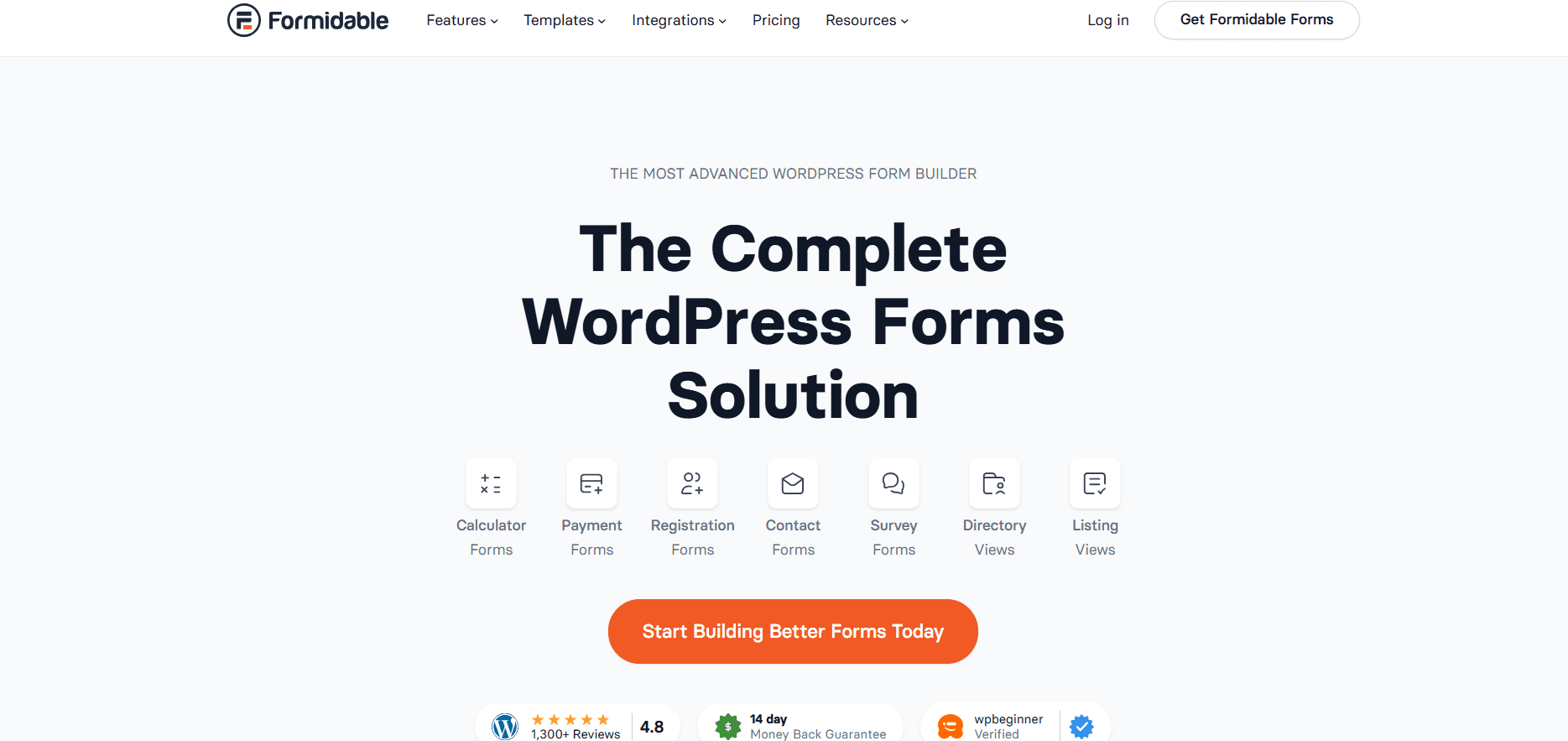
Formidable Forms is the most powerful WordPress form builder, handling quizzes and surveys as part of a broader suite that also covers calculators, directories, and web apps. If you’re already using it as your primary form builder, there’s no need for a separate quiz plugin. However, the free version is limited, and the dedicated quiz power requires an expensive plan.
Key Features
- Powerful conditional logic: Build complex quiz paths
- Calculations: Create scored assessments with custom formulas
- High-quality survey elements: Detailed reporting options
- Developer-friendly: Extensive hooks and filters
- Data visualization: Charts and graphs for quiz results
- API integration: Connect with external services and CRMs
- GraphQL API: Advanced data access for custom applications
✅ Pros
- Extremely versatile (forms + quizzes + apps)
- Drag-and-drop builder with visual styler
- Unlimited forms and responses (free)
- Excellent for developers
❌ Cons
- The free version is quite limited
- Expensive Pro plans
- Overkill for simple quiz use cases
Best For: Developers and agencies needing a full-stack form builder with quiz capability as a bonus.
4. Quiz Maker (AYS Pro) – (Best Overall Flexibility)
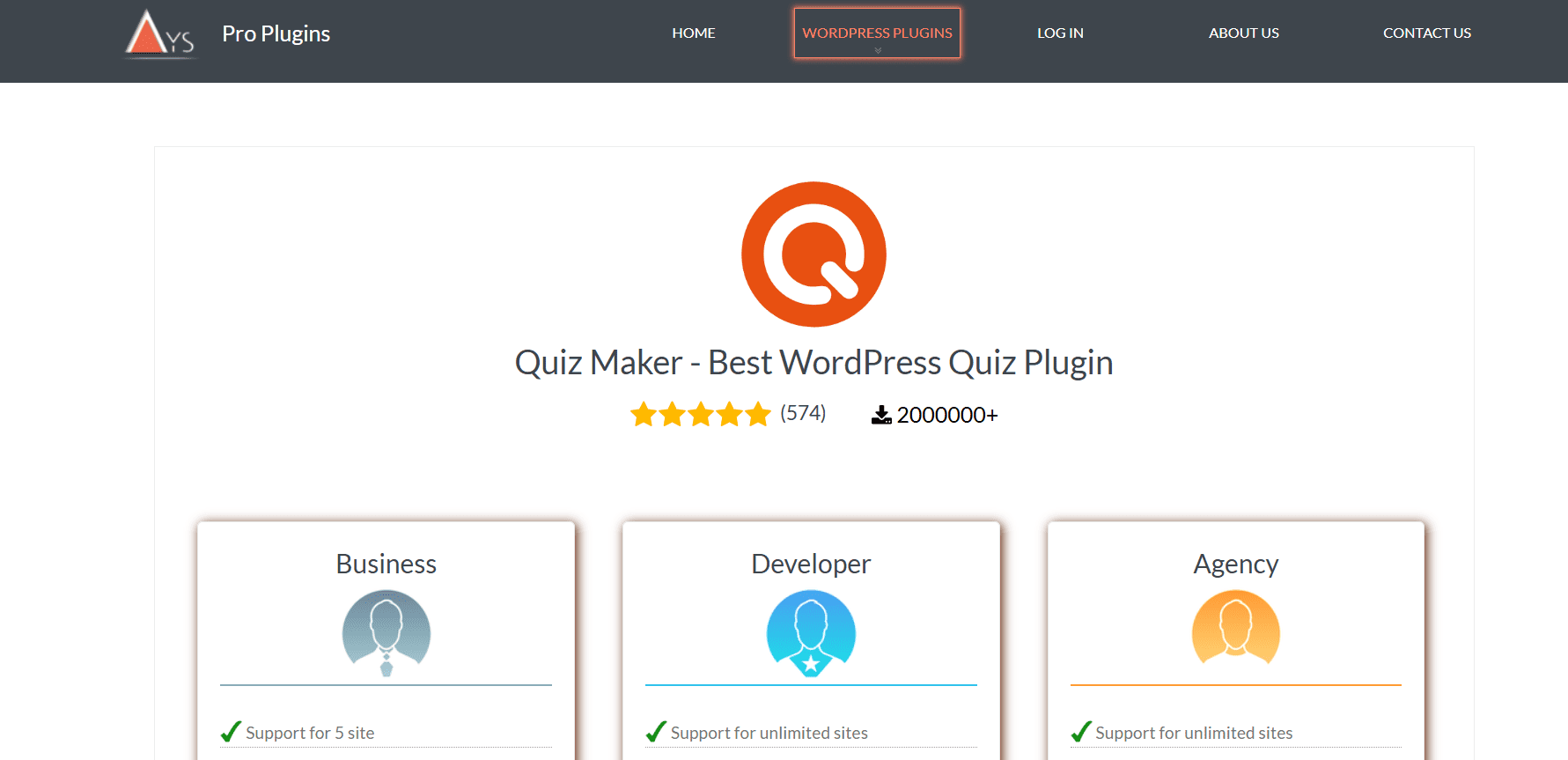
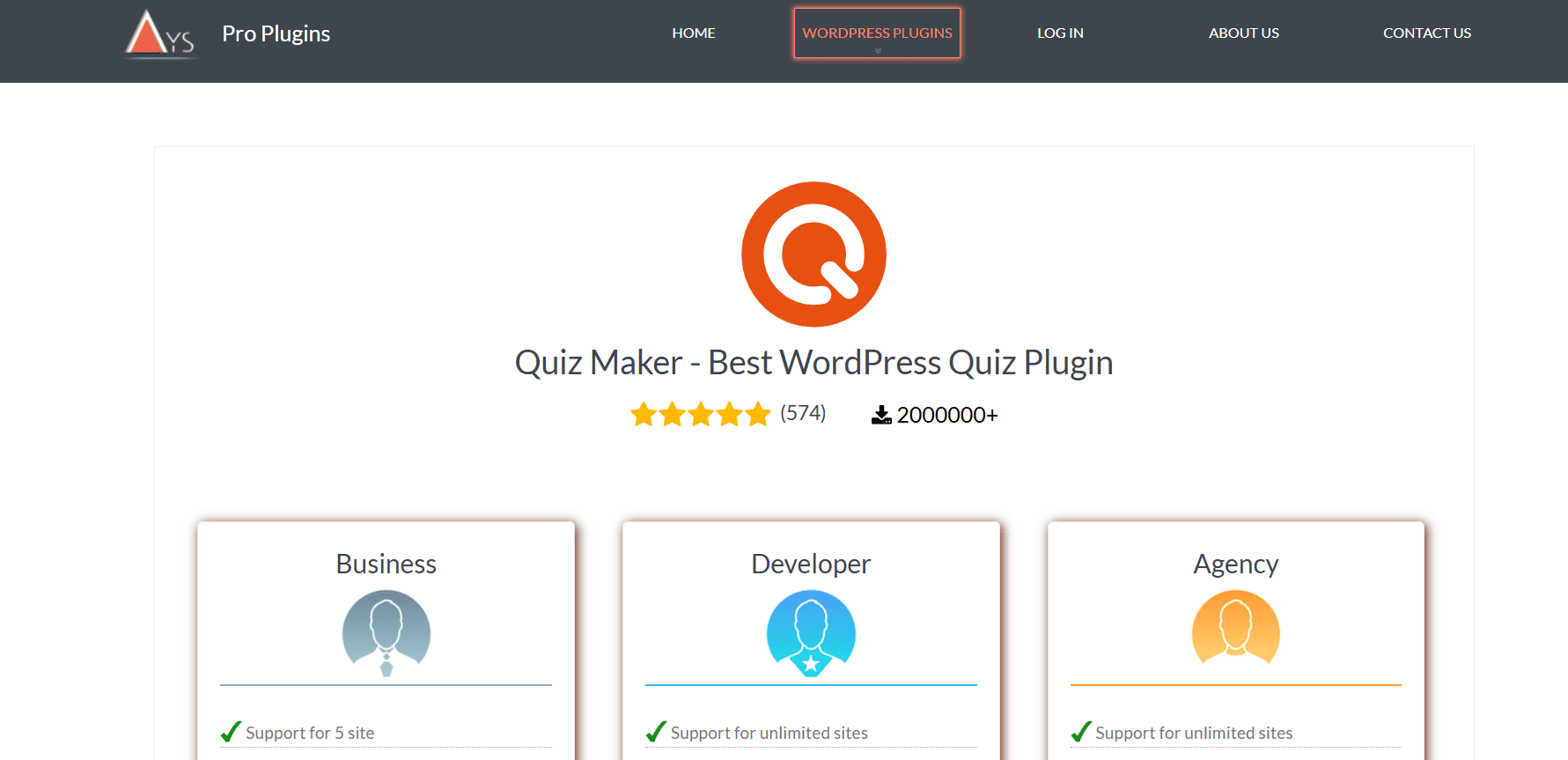
Quiz Maker by AYS Pro is considered one of the most popular alternatives to Quiz and Survey Master (QSM). It offers a modern, user-friendly interface, 10+ question types, and strong customization options suitable for both beginners and advanced users. With 30,000+ active installations and a strong support community, it has become a reliable choice for WordPress quiz creation.
Key Features
- 10+ question types (multiple choice, true/false, dropdown, etc.)
- Easy drag-and-drop quiz builder
- Advanced customization options (design, colors, layouts)
- Timer for quizzes and questions
- Question randomization and shuffle options
- Quiz scoring system with detailed results
- Conditional logic (show questions based on answers)
- Certificates for users (premium feature)
✅ Pros
- 10+ question types and flexible quiz builder
- Highly customizable design and settings
- Good analytics, scoring, and reporting tools
- Supports timers, randomization, and certificates (Pro)
- Works well for both beginners and advanced users
❌ Cons
- UI can feel a bit complex for beginners
- Advanced features require the Pro version
- Not a full LMS solution
- AI quiz generation is not built-in (needs external setup)
Best For: Users who want a QSM-like experience but with a modern UI and fewer hidden costs.
5.QuizFlow– (Best AI-First Quiz Builder)
QuizFlow – AI-Powered Quiz Maker is a relatively new WordPress quiz plugin that focuses on AI-assisted quiz creation and a modern user experience. It typically integrates with AI tools (such as ChatGPT via API) to help generate quiz questions, answers, and related content from user-provided topics or text. The plugin offers a lightweight setup and includes basic quiz features such as multiple quizzes, timers, and submission tracking, depending on configuration. As a newer plugin, it is still evolving and building its user base and feature set.
Key Features
- AI-powered ChatGPT question generation from topics or text
- Multiple question types, including MCQ, True/False, and flashcard-style questions
- Basic quiz timer functionality
- Email notifications for quiz results
- CSV export of quiz submissions
- Modern WordPress-compatible design (including block themes)
- Lightweight setup for quick quiz creation
- AI-assisted quiz content generation workflow
✅ Pros
- AI (ChatGPT) quiz generation
- Unlimited quizzes and questions
- Multiple question types (MCQ, True/False, flashcards)
- Leaderboards for engagement
- CSV export of results
- Free core version available
❌ Cons
- New plugin with a smaller user base
- Some features may require the Pro version
- Not as tested as popular plugins like QSM or AYS
- May feel complex for a simple quiz needs
Best For: Users who want an AI-assisted quiz builder with modern features and easy ChatGPT-based question creation in WordPress.
6. Thrive Quiz Builder– (Best for Lead Generation)
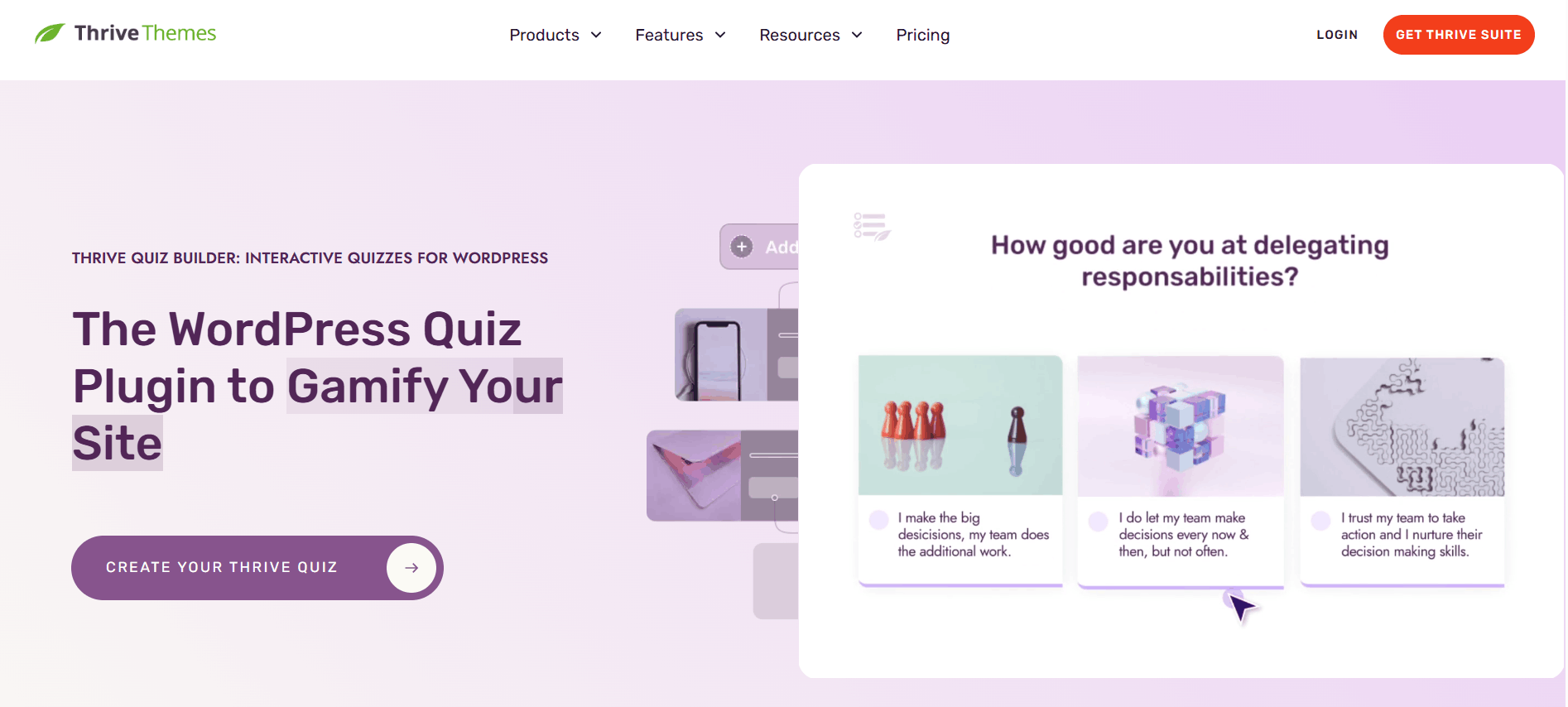
If your goal is to grow your email list or segment your audience, Thrive Quiz Builder is a highly conversion-focused quiz plugin. While QSM is more functional for general quizzes, Thrive emphasizes engagement and marketing features like branching logic and opt-in forms. It is part of the Thrive Suite ecosystem, which also includes tools for landing pages, lead generation, and marketing optimization.
Key Features
- Opt-in gates – Collect emails before showing quiz results
- Branching logic – Dynamic questions based on user answers
- A/B testing – Test headlines, opt-in forms, and results pages
- Social sharing features – Encourage users to share results
- Visual drag-and-drop builder – No coding required
- Integration with Thrive Suite tools (email, landing pages, etc.)
- Conversion analytics – Track completions, drop-offs, and engagement
- Multiple quiz types – Personality quizzes, scored quizzes, and assessments
✅ Pros
- Strong focus on lead generation and email opt-ins
- Advanced branching logic for personalized quiz flows
- A/B testing for headlines, opt-in forms, and results pages
- Great for marketing funnels and audience segmentation
- Visual drag-and-drop builder (no coding needed)
- Deep integration with Thrive Suite tools
❌ Cons
- Expensive compared to most WordPress quiz plugins
- Not ideal for simple quizzes or beginners
- Requires Thrive ecosystem for full value
- Learning curve due to advanced marketing features
- No free standalone version (part of paid suite)
Best For: Marketers, bloggers, and eCommerce sites that want to grow email lists, increase conversions, and segment audiences using quiz-based funnels.
How to Choose the Right Quiz Plugin for Your Needs
With so many WordPress quiz plugins available, choosing the right one depends on your goals, budget, and technical requirements. Here’s a simple framework to help you decide:
1. Identify your primary goal:
- Lead generation: Thrive Quiz Builder or WPForms
- Educational quizzes/assessments: Quiz Maker (AYS Pro) or LearnDash quizzes
- Fun and viral quizzes: Quiz Cat or QuizFlow
- Advanced forms & calculations: Formidable Forms
- LMS-based quizzes: AcademyLMS, LearnDash, Tutor LMS, or similar LMS plugins
2. Consider your budget:
- Free or freemium options: QuizFlow, HD Quiz, Forminator
- Low-cost annual plans: Quiz Maker (AYS Pro)
- Marketing-focused premium tools: Thrive Quiz Builde
- Form builder with quiz features: WPForms, Formidable Forms
3. Evaluate technical requirements:
- LMS integration needed: AcademyLMS, LearnDash, Tutor LMS, LifterLMS
- AI quiz generation: Some plugins (like Quiz Maker or newer AI-based tools) via OpenAI API
- Advanced logic/branching: Thrive Quiz Builder, Quiz Maker
- Simple quiz creation: HD Quiz or Quiz Cat
- Multilingual support: Quiz Maker (WPML compatible setups)
4. Consider scalability:
- Small websites: Any basic quiz plugin works
- Medium websites: Quiz Maker, WPForms, Thrive Quiz Builder
- Large / high-traffic LMS sites: LearnDash or dedicated LMS platforms (better than general quiz plugins)
Final Thoughts
Quiz and Survey Master has served the WordPress community for many years and is still a reliable option for creating simple quizzes and surveys. However, in 2026, the WordPress quiz ecosystem has become much more advanced and competitive.
Modern plugins like QuizPress, Quiz Maker (AYS Pro), and Thrive Quiz Builder now offer better user experience, more flexible question types, improved design, and, in some cases, AI-assisted quiz creation. These tools are also more focused on engagement, automation, and conversion optimization, making them better suited for education, marketing, and business use cases.
Overall, QSM remains a solid choice for basic quiz needs, while newer plugins are better for users who want more advanced features, better performance, and higher engagement results.
FAQ
What is the best WordPress quiz plugin in 2026?
It depends on your goal. QuizPress and Quiz Maker (AYS Pro) are great for education, while Thrive Quiz Builder is best for marketing and lead generation.
Is Quiz and Survey Master still good to use?
Yes, QSM is still a reliable plugin for basic quizzes and surveys, but newer plugins offer more modern features and better design.
Which quiz plugin is best for beginners?
HD Quiz and WPForms are the easiest for beginners because they have simple interfaces and quick setup
Do I need coding skills to create quizzes?
No, most quiz plugins like QuizPress, Quiz Maker, and Thrive Quiz Builder offer drag-and-drop or visual builders.