


If you run a WordPress website, you already know that guessing what your audience wants is a losing game. The smarter approach is to ask them directly, and that’s exactly what surveys and polls help you do. They allow you to collect valuable feedback, understand user preferences, measure customer satisfaction, and make data-driven decisions to improve your website, products, or services.
Whether you’re collecting customer feedback, conducting market research, gathering employee opinions, or engaging your website visitors, the right WordPress survey and poll plugin can simplify the entire process. With features like customizable forms, multiple question types, real-time reporting, and response analytics, these plugins make it easy to create interactive surveys and polls without any coding.
In this guide, we’ll explore the best WordPress plugins for surveys and polls, comparing their features, pricing, pros, and ideal use cases to help you choose the right one for your website.
Why Surveys and Polls Matter
Surveys and polls turn your website from a one-way broadcast into a two-way conversation. Instead of guessing what your visitors like, need, or struggle with, they help you collect direct feedback from your audience.
Whether you run an online store, a blog, a membership site, an educational platform, or a SaaS business, surveys and polls can help you gather customer feedback, measure satisfaction, conduct market research, validate ideas, and better understand user preferences.
By collecting real feedback instead of relying on assumptions, you can make more informed decisions and identify opportunities to improve your products, services, content, and overall user experience.
Benefits of Using WordPress Survey and Poll Plugins
A dedicated WordPress survey and poll plugin gives you far more flexibility and functionality than a basic contact form. With the right plugin, you can:
- Collect structured feedback using different question types, including multiple-choice questions, rating scales, and open-ended responses.
- Create engaging polls that encourage visitors to interact with your website.
- Analyze responses and track results using built-in reporting and analytics features.
- Connect survey data with supported CRM, email marketing platforms, or spreadsheet tools.
- Personalize surveys with conditional logic, showing respondents only the questions that are relevant to them.
- Create customer satisfaction surveys, including NPS or CSAT surveys, without needing any coding skills.
What to Look for in a Survey Plugin
Not all WordPress survey plugins are created equal. Before choosing a plugin for your website, consider the features that matter most for your needs:
- Question variety — Does the plugin support simple yes/no polls, multiple-choice questions, ratings, or more advanced surveys with conditional logic and branching paths?
- Design flexibility — Can you customize the survey forms to match your website’s branding and create a consistent user experience?
- Reporting and analytics — Does it provide detailed reports, charts, and data export options, or only basic response counts?
- Integrations — Can it connect with the tools you already use, such as email marketing platforms, CRMs, or spreadsheet tools?
- Performance — Is the plugin lightweight and optimized, or could it affect your website’s loading speed?
- Pricing — Does the free version include the features you need, or will you need to upgrade to a premium plan for essential functionality?
With these factors in mind, let’s compare the best WordPress survey and poll plugins to help you find the right option for your website.
1. QuizPress (Best Overall for Quizzes, Surveys, and Polls)
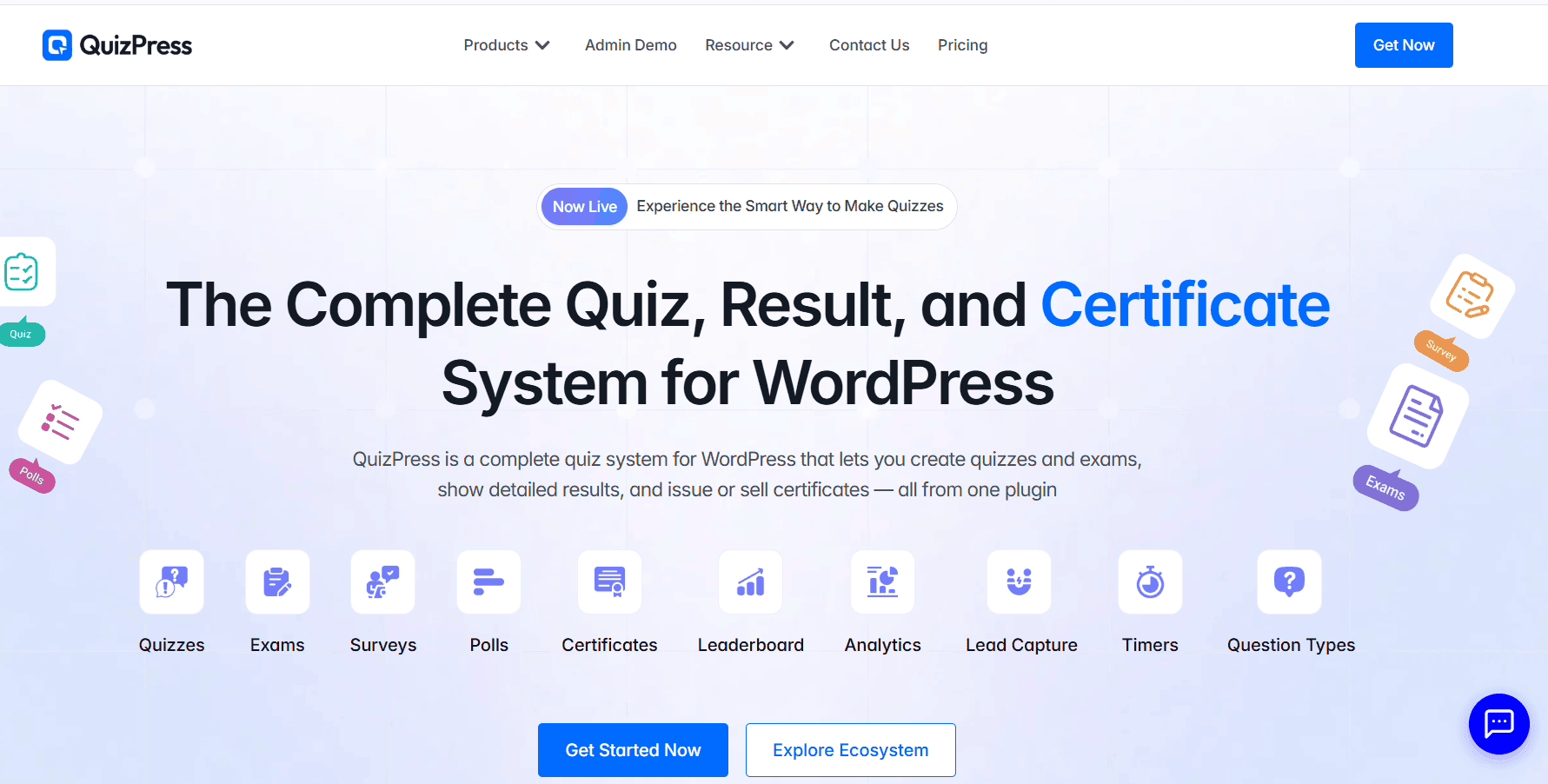
QuizPress earns the top spot because it allows you to create quizzes, surveys, and polls from a single, easy-to-use platform. Instead of managing multiple plugins for different interactive content types, you can handle everything from one dashboard.
Key Features
- Drag-and-drop builder for creating quizzes, surveys, and polls
- Multiple question types, including multiple choice, rating scales, and open-ended questions
- Quiz scoring and grading functionality
- Customizable results and feedback options
- Responsive designs that work across different devices
Pros
- One plugin supports multiple interactive content needs
- Beginner-friendly setup with an intuitive interface
- Helps reduce the need for multiple separate plugins
Cons
- Smaller ecosystem compared to some long-established WordPress plugins
- Some advanced features may require premium options
Best For
Site owners, educators, and businesses that want to create quizzes, surveys, and polls without managing multiple plugins.
Free core plugin available, with premium options for additional advanced features.
2. WPForms
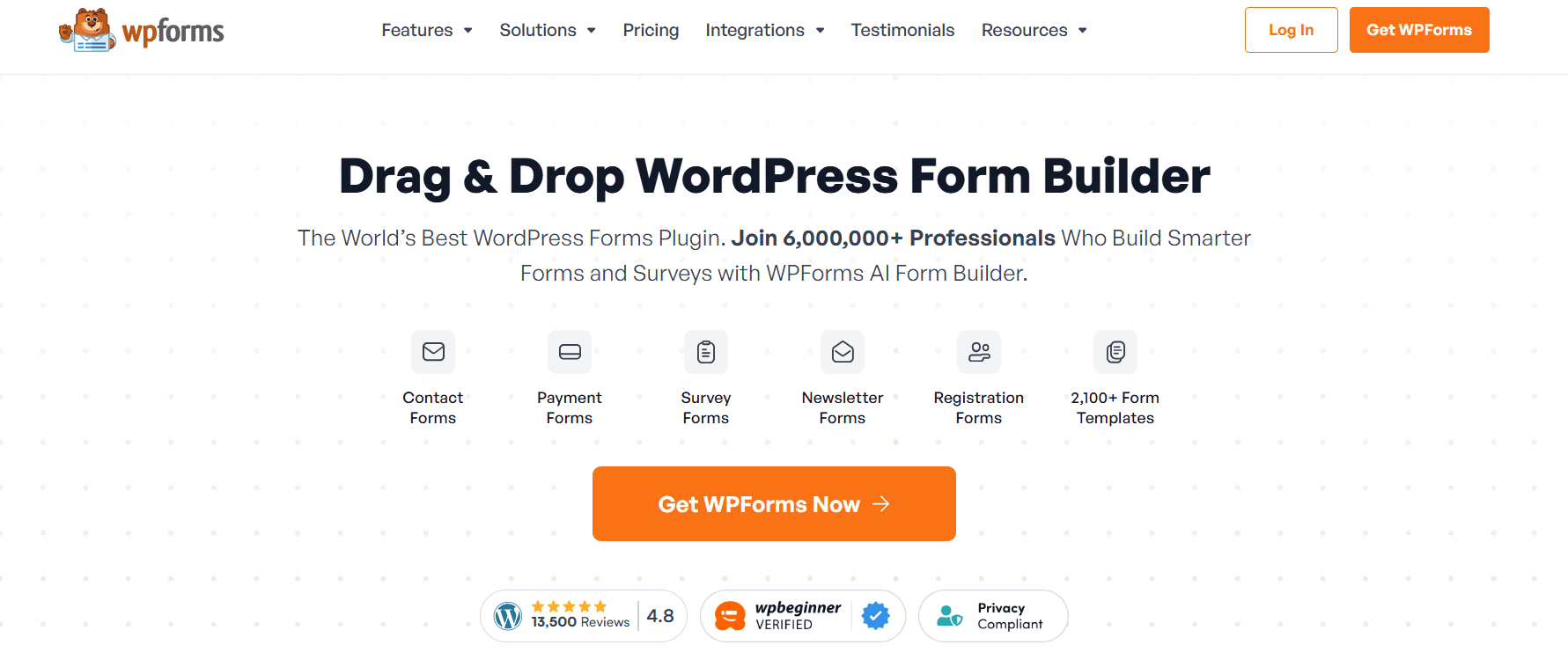
WPForms is one of the most popular WordPress form builders, and its Surveys and Polls add-on makes it a powerful option for website owners who want to create feedback forms, customer surveys, and polls alongside their regular forms.
Key Features
- Drag-and-drop form builder
- Surveys and Polls add-on with reporting and analytics
- Conditional logic and multi-page forms
- Templates for customer satisfaction, NPS, event feedback, and other surveys
- Integrations with popular email marketing and business tools
Pros
- Extremely easy to use, even for beginners
- Reliable plugin with regular updates and strong support
- Large ecosystem of integrations and templates
Cons
- Advanced survey and reporting features require a premium plan
- The free version is mainly suitable for basic forms rather than full surveys
Best For
Businesses that want one plugin for lead generation forms, customer feedback, surveys, and polls.
Pricing
WPForms offers a free version, while the Surveys and Polls add-on requires the Pro plan or higher. Premium plans start at a higher tier for access to advanced survey features.
3. Formidable Forms
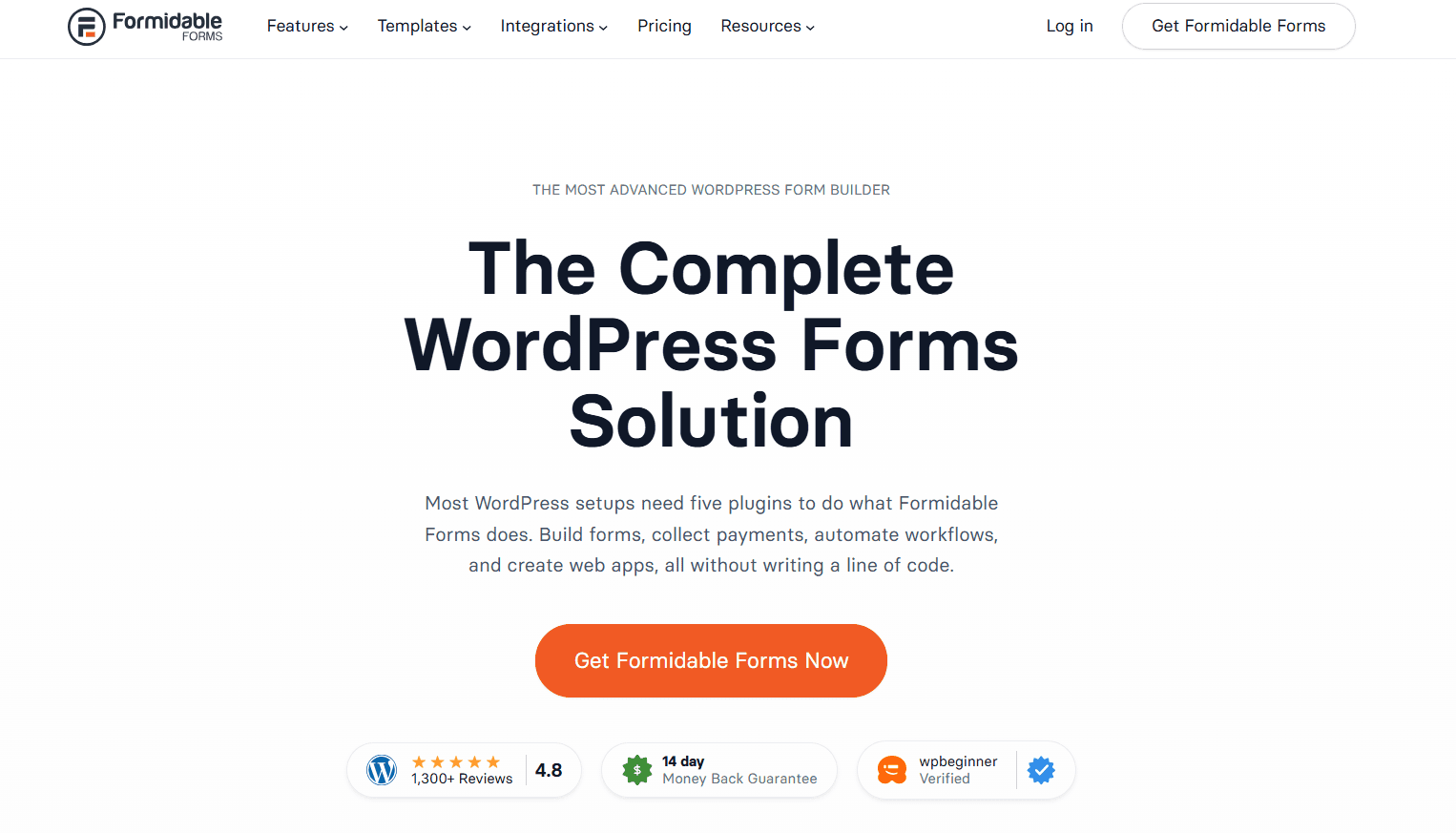
Formidable Forms is designed for users who need more than just collecting responses. With advanced form-building tools and powerful data management features, it helps you create surveys, analyze results, and turn collected data into meaningful insights.
Key Features
- Visual reports with charts and graphs for analyzing responses
- Multi-page surveys with conditional logic
- Calculated fields for scoring, formulas, and weighted responses
- Integrations with popular CRM and email marketing platforms
- Advanced tools for creating data-driven applications
Pros
- Powerful reporting and data visualization capabilities
- Suitable for complex and data-heavy surveys
- More flexible than basic form builders
Cons
- Has a steeper learning curve compared to beginner-friendly plugins
- Advanced reporting features require a premium plan
Best For
Users who need detailed data analysis, advanced survey features, and more control over collected responses.
Pricing
Formidable Forms offers a free version, while advanced features and reporting tools are available in premium plans.
4. Quiz and Survey Master (QSM)
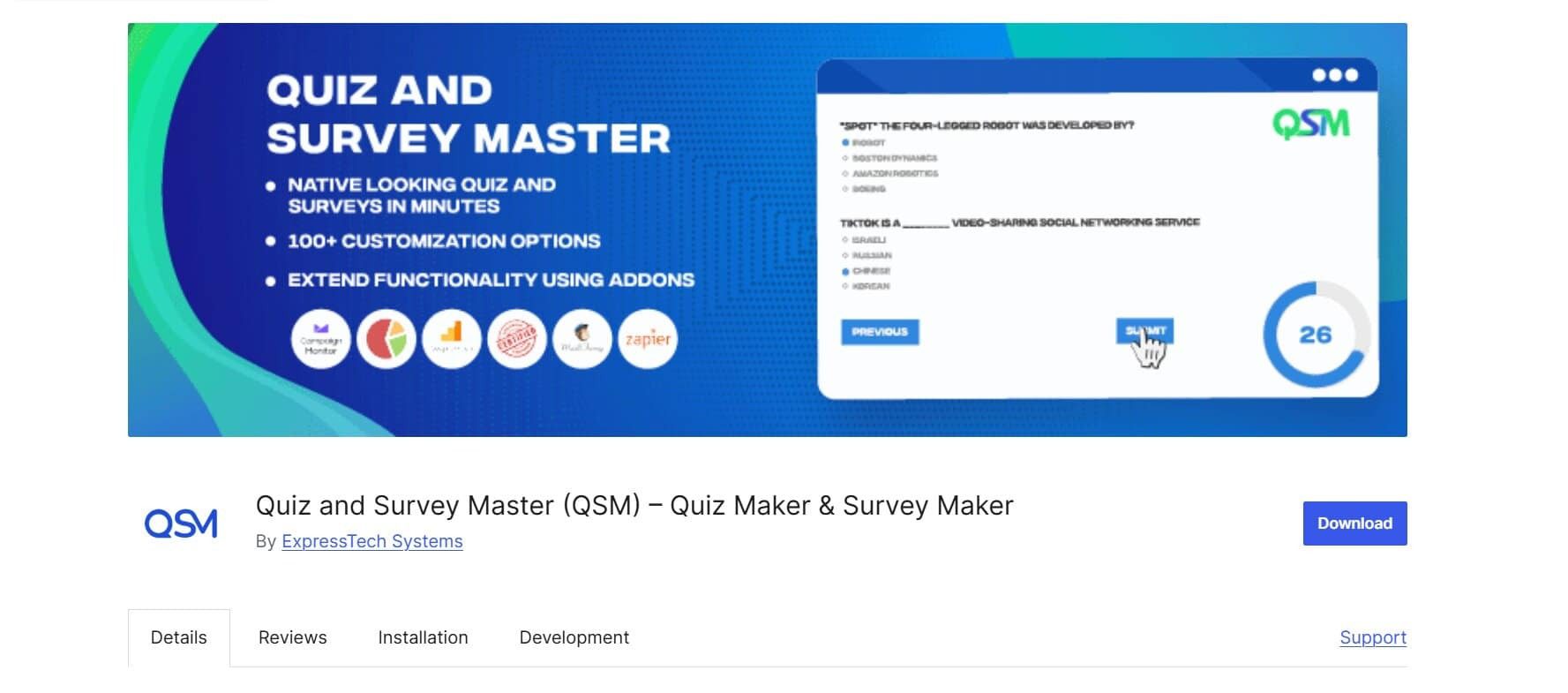
Quiz and Survey Master (QSM) is a popular WordPress plugin focused on creating quizzes and surveys. While it is best known for quizzes, it also provides powerful survey features that make it a suitable option for collecting feedback, running assessments, and engaging website visitors.
Key Features
- Create unlimited quizzes and surveys with the free plugin
- Timed quizzes and randomized question options
- Detailed statistics and reports for responses
- Extensive add-on library for additional features and integrations
Pros
- Generous free version with useful quiz and survey functionality
- Great choice for educational websites, trainers, and course creators
- Wide range of add-ons for features like certificates, payments, and advanced reporting
Cons
- The interface may feel less modern compared to newer form builders
- Dedicated poll features are more limited than survey-focused plugins
Best For
Educators, trainers, and course creators who need both quizzes and surveys on their WordPress websites.
Pricing
QSM offers a free core plugin, with premium add-ons available separately for additional functionality.
5. Forminator
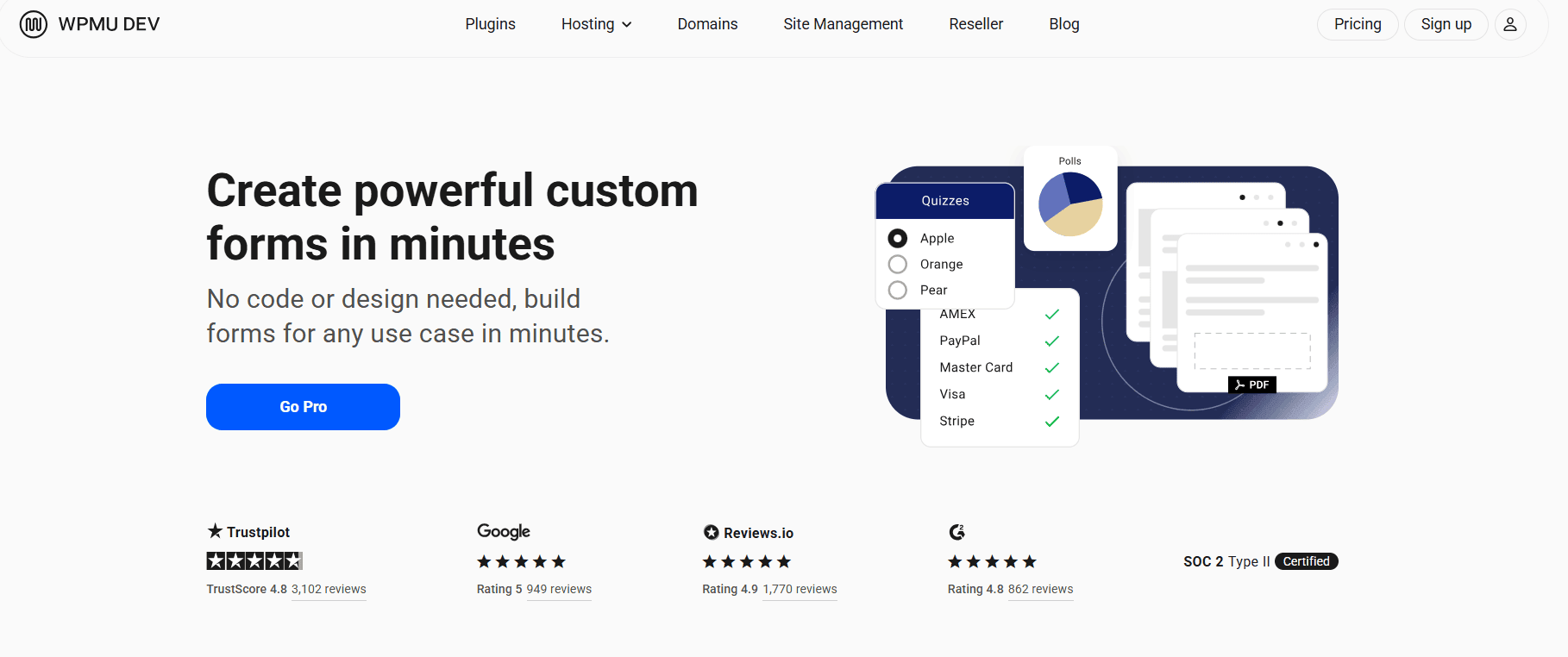
Forminator, developed by WPMU DEV, is a feature-rich WordPress plugin that allows you to create forms, quizzes, surveys, and polls from a single platform. It offers a wide range of tools for collecting responses, engaging visitors, and managing submissions without requiring a paid plan.
Key Features
- Create forms, quizzes, surveys, and polls in one plugin
- Real-time poll results with visual charts and reports
- Payment integrations for forms and paid submissions
- Front-end submission support
- Built-in templates for different types of forms and surveys
Pros
- Feature-rich free version with many useful tools
- Supports multiple content types, including surveys and polls
- Regular updates and ongoing development
Cons
- The interface may feel overwhelming because of the number of available features
- Some advanced functionality may require a WPMU DEV membership
Best For
Site owners who want a powerful all-in-one solution for forms, surveys, quizzes, and polls without an upfront cost.
Pricing
Forminator is free to use, with additional features and services available through WPMU DEV membership plans.
7. TotalPoll

TotalPoll is a WordPress poll plugin focused on creating attractive and engaging polls. It provides ready-to-use designs, voting features, and analytics tools, making it a good choice for website owners who want to add interactive polls without building complex surveys.
Key Features
- Multiple pre-built poll styles and customizable designs
- Detailed analytics and voting statistics
- Social sharing options to increase engagement
- Anti-spam protection and duplicate vote prevention
Pros
- Modern and visually appealing poll designs
- Easy setup for creating interactive polls
- Useful analytics for tracking voting activity
Cons
- Focuses mainly on polls rather than full survey creation
- Some advanced design and customization options require the Pro version
Best For
Website owners who want attractive, easy-to-create polls with useful voting analytics.
Pricing
TotalPoll offers a free version, with premium options available for additional features and customization.
8. CrowdSignal
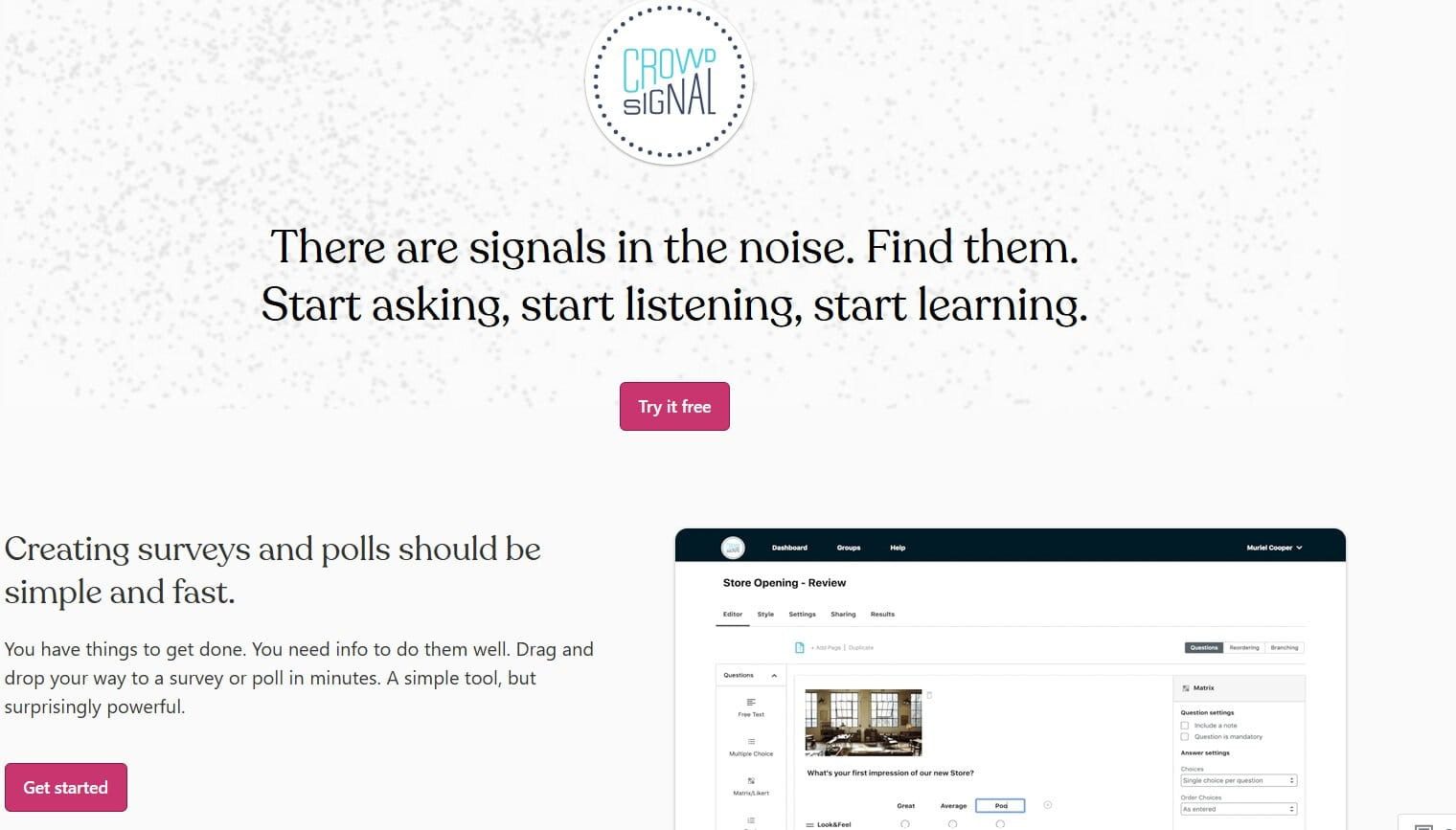
Formerly known as Polldaddy, CrowdSignal is a hosted survey and polling platform that integrates with WordPress. It provides tools for creating surveys, polls, and forms while managing responses through a separate online dashboard.
Key Features
- Cloud-hosted surveys and polls with a centralized management dashboard
- Multiple question types, including rating scales, multiple-choice questions, and image-based choices
- Dedicated analytics and reporting tools outside the WordPress dashboard
- Ability to manage surveys and polls across multiple websites from one account
Pros
- Clean and professional interface
- Powerful analytics and reporting features
- Convenient for managing multiple surveys and polls in one place
Cons
- Survey data is stored on CrowdSignal’s servers rather than your WordPress database
- Advanced features and higher response limits require a paid plan
Best For
Users who prefer a hosted, professional survey and polling solution with advanced management and analytics features.
Pricing
CrowdSignal offers a free plan to get started, while paid plans provide additional features, higher limits, and more advanced options.
How to Choose the Right Survey and Poll Plugin
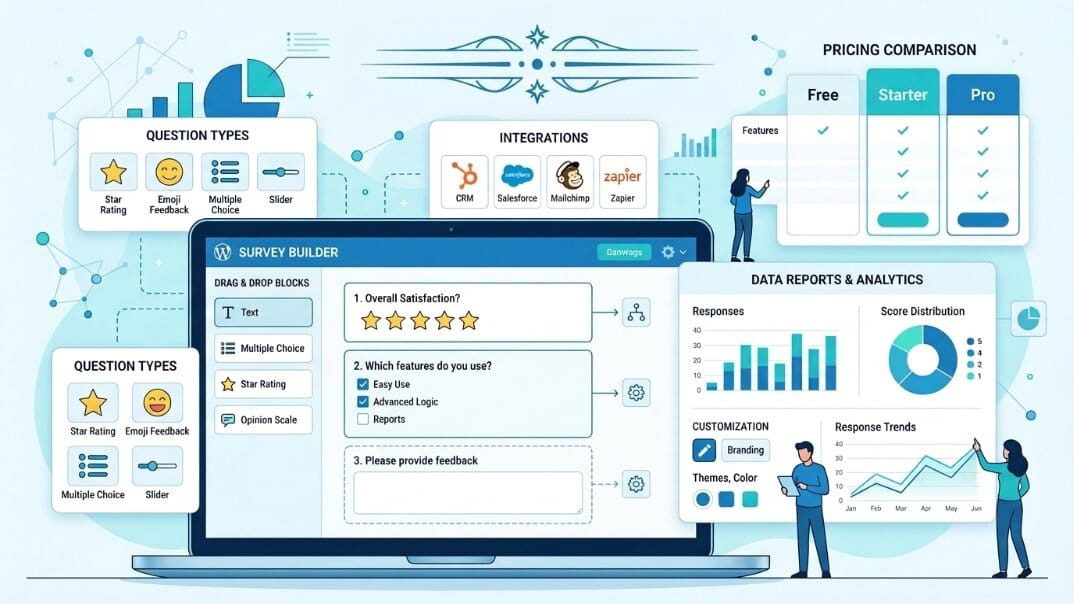
With so many great options available, choosing the right WordPress survey and poll plugin depends on your specific needs. Consider these key factors before making a decision:
- Ease of use — If you’re not technical, look for plugins with drag-and-drop builders, intuitive interfaces, and ready-made templates, such as WPForms or QuizPress.
- Question types — Make sure the plugin supports the question formats you need, including multiple choice, rating scales, open-ended responses, and advanced options like matrix questions when required.
- Reporting and analytics — If you want to make data-driven decisions, choose a plugin that offers visual reports, analytics, and export options, such as Formidable Forms or CrowdSignal.
- Integrations — Check whether the plugin connects with your existing CRM, email marketing platform, or automation tools before choosing one.
- Customization — Choose a plugin that allows you to match surveys and polls with your website’s branding and design.
- Pricing — Compare the limitations of the free version with the premium features you actually need to avoid paying for unnecessary functionality.
Final Verdict
There is no single “best” WordPress survey and poll plugin for every website — the right choice depends on your goals, audience, and required features. If you want an all-in-one solution for creating quizzes, surveys, and polls without managing multiple plugins, QuizPress is a strong overall choice. If you’re already using a form builder and want to add survey functionality without changing tools, WPForms is a convenient option.
For users who need advanced reporting and data analysis, Formidable Forms offers powerful tools for managing and understanding responses. If your main focus is creating simple and engaging polls, TotalPoll provides an easy way to add interactive voting features to your website.
No matter which plugin you choose, the real value comes from collecting meaningful feedback and using those insights to improve your website, products, or services. Choose a plugin that makes it simple to understand your audience and take action based on their responses.
Frequently Asked Questions
What is the best WordPress plugin for surveys and polls?
QuizPress is a strong overall choice because it combines quizzes, surveys, and polls in a single, easy-to-use plugin. However, WPForms, Forminator, and other options may be a better fit depending on your specific requirements.
Can I create surveys for free in WordPress?
Yes. Plugins like Forminator, CrowdSignal, and QuizPress offer free versions with useful features that allow you to create and publish surveys without an upfront investment.
Which plugin is best for collecting customer feedback?
WPForms and Formidable Forms are excellent choices for collecting structured customer feedback, especially when you need features like reporting, analytics, and customer satisfaction surveys.
Are WordPress survey plugins mobile-friendly?
Most modern WordPress survey plugins are designed with responsive layouts, allowing surveys and polls to work properly on mobile devices. However, it’s always a good idea to test your survey on different screen sizes before publishing.
Can I embed surveys anywhere on my website?
Yes. Most WordPress survey plugins allow you to add surveys and polls using shortcodes, blocks, widgets, or embed options. This makes it easy to display them in posts, pages, sidebars, and other areas of your website.