

Quizzes are a popular way to engage visitors on WordPress websites. They can increase user interaction, encourage social sharing, generate leads, and help educators or course creators evaluate learning progress.
When adding quizzes to a WordPress site, users usually choose between free and paid quiz plugins. Free plugins are great for creating simple quizzes, while paid plugins provide advanced features, better customization, integrations, and professional support.
Choosing the right quiz plugin depends on your website goals, the type of quizzes you want to create, and your budget. In this article, we’ll compare free and paid WordPress quiz plugins, discuss their benefits and limitations, and help you decide which option is the best fit for your website.
Who Should Use Free Quiz Plugins?
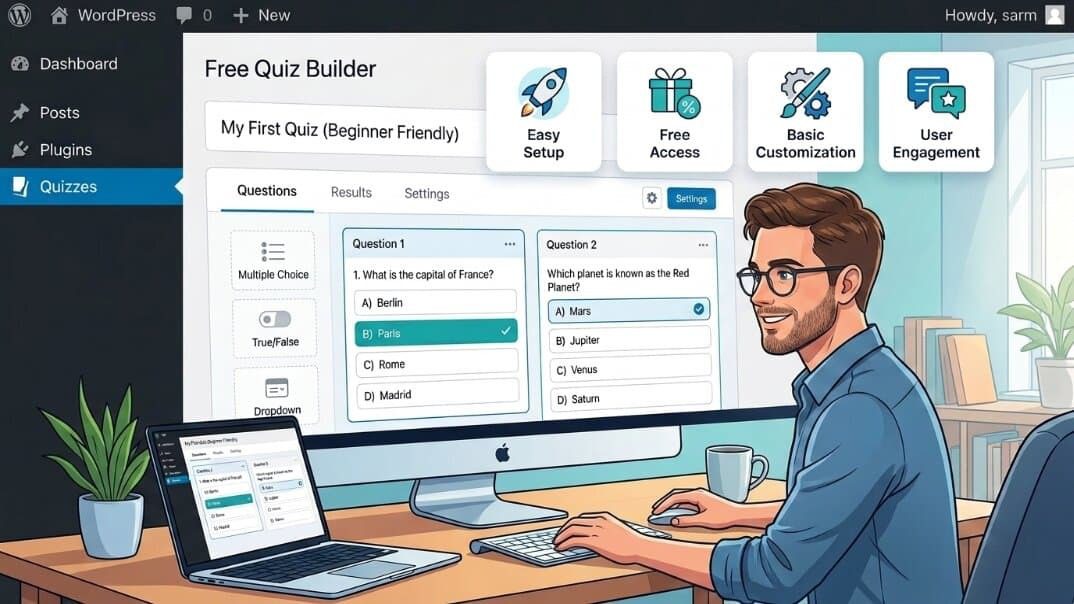
Free quiz plugins are a good choice for users who need simple quiz functionality without investing in premium tools.
- Beginners who are just getting started with WordPress and want to create quizzes without any upfront cost.
- Bloggers who want to add engaging content such as personality quizzes, trivia, or simple interactive posts.
- Small websites that don’t require advanced features like detailed analytics, certificates, or complex integrations.
- Basic educational websites that need simple assessments or practice quizzes without advanced grading and reporting systems.
Advantages of Free Quiz Plugins
- No upfront cost – Free quiz plugins allow you to add quiz functionality to your WordPress website without any initial investment. This makes them a great option for beginners, hobby websites, students, or anyone who wants to test a quiz idea before spending money on premium tools.
- Easy to install and use – Many free quiz plugins are built with simplicity in mind, offering beginner-friendly interfaces that help non-technical users create and manage basic quizzes without much difficulty.
- Suitable for basic quizzes – Free plugins are often enough for creating simple multiple-choice quizzes, trivia tests, knowledge checks, or personality quizzes. They provide the essential features needed for users who don’t require advanced functionality.
- Good for testing quiz ideas – Free plugins allow you to experiment with different quiz formats, question types, and audience responses. This helps you understand what works for your website before upgrading to a paid solution.
Limitations of Free Quiz Plugins
- Limited advanced features – Many free quiz plugins focus on basic quiz creation, while advanced features such as branching logic, timed quizzes, advanced scoring rules, and automation options may require a premium upgrade.
- Fewer customization options – Free plugins often provide limited design and layout controls, which may make it difficult to fully match the quiz appearance with your website’s branding and style.
- Basic analytics and reporting – Free versions usually offer simple results and basic performance information. More detailed analytics, user insights, and reporting features are often available in paid versions.
- Limited integrations and support – Free quiz plugins may have fewer integrations with tools like email marketing platforms, payment gateways, or LMS solutions. Support is often provided through community forums rather than dedicated customer support.
These limitations are not necessarily deal-breakers. For many WordPress websites — especially blogs, hobby projects, and small informational sites — a free quiz plugin may provide all the essential features they need. The important thing is to understand your goals and requirements from the beginning, so you can choose a plugin that fits your needs and avoid running into limitations as your quiz project grows.
Best Free WordPress Quiz Plugins
1. QuizPress (Free)
Best for: beginners, bloggers, educators, and website owners who want to create quizzes in WordPress easily.
Key Features:
- Easy quiz creation – QuizPress makes it simple to create quizzes without requiring advanced technical knowledge, making it suitable for users who are new to WordPress quiz building.
- Beginner-friendly interface – The plugin provides an easy-to-use interface that helps users create and manage quizzes with minimal setup.
- Built for WordPress websites – QuizPress works within the WordPress environment, allowing website owners to add quiz functionality directly to their sites.
- Suitable for basic quizzes and assessments – The free version is a good option for creating simple quizzes, knowledge tests, and basic assessments.
Limitations:
Some advanced features and additional functionality may require upgrading to the premium version.
2. HD Quiz
Best for: Simple knowledge quizzes, trivia quizzes, and bloggers who want to add interactive content to their websites.
Key Features:
- Lightweight plugin – HD Quiz is designed to provide quiz functionality without adding unnecessary complexity, making it suitable for websites that need a simple quiz solution.
- Easy setup – The plugin offers a straightforward setup process, allowing users to create quizzes and add them to their WordPress website using simple tools like shortcodes and Gutenberg blocks.
- Basic quiz customization – Users can customize quizzes with essential options to create engaging knowledge tests, trivia quizzes, and interactive content.
3. Quiz and Survey Master (Free)
Best for: Website owners who want to create quizzes, surveys, and interactive assessments in WordPress.
Key Features:
- Multiple question types – Quiz and Survey Master supports different question formats, allowing users to create more flexible quizzes and assessments for different purposes.
- Quiz and survey creation – The plugin lets users build both quizzes and surveys, making it suitable for educational websites, feedback forms, and interactive content.
- Extendable through add-ons – Users can expand the plugin’s functionality with additional add-ons that provide extra features and integrations as their needs grow.
4. Forminator
Best for: Users who need forms, surveys, polls, and quizzes in one WordPress plugin.
Key Features:
- Drag-and-drop builder – Forminator provides a beginner-friendly drag-and-drop builder that makes it easy to create forms, quizzes, and surveys without coding.
- Quiz functionality – The plugin allows users to create interactive quizzes with different question formats and scoring options for various use cases.
- Form and survey options – Along with quizzes, Forminator supports contact forms, polls, and surveys, making it a versatile solution for websites that need multiple types of interactive content
What Are Paid WordPress Quiz Plugins?
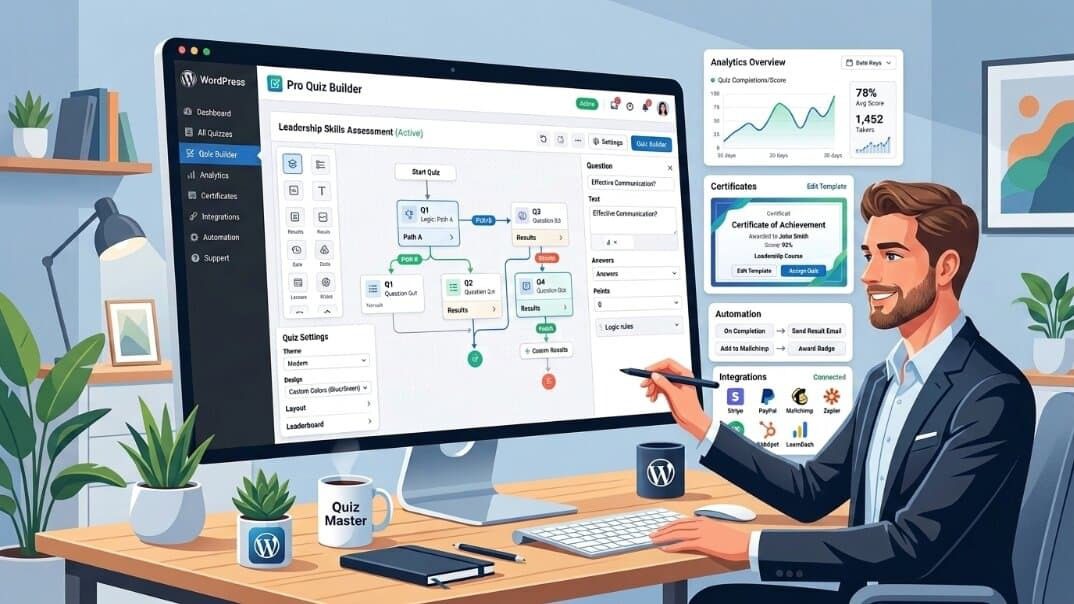
Paid, or premium, quiz plugins are designed for users who need more advanced functionality than basic quiz creation. These plugins often provide additional features such as advanced quiz-building options, more customization controls, integrations, analytics, and dedicated support.
Premium quiz plugins are a good choice for businesses, educators, marketers, and course creators who use quizzes for more than simple engagement. They can help with tasks such as lead generation, student assessments, knowledge testing, and certification-based learning.
The difference between free and paid quiz plugins is not only about adding extra features — it is also about having more flexibility and control over your quiz experience. While a free plugin may be enough for creating simple quizzes and showing results, a premium plugin can provide advanced tools for creating more interactive, customized, and goal-focused quiz experiences.
Advantages of Paid Quiz Plugins
- Advanced quiz-building features – Many paid quiz plugins offer advanced tools such as branching logic, question randomization, timed quizzes, and conditional questions, allowing users to create more interactive and complex quiz experiences.
- More customization options – Premium plugins usually provide greater control over quiz design, including layouts, styling options, and branding elements, helping quizzes match the overall look of a website.
- Better analytics and reporting – Paid solutions often include detailed reports and insights, such as quiz completion rates, user performance, scores, and engagement data.
- Certificates and advanced scoring options – These features are especially useful for educational platforms, training websites, and certification-based assessments that require structured evaluation.
- Marketing and automation integrations – Many premium quiz plugins can connect with email marketing tools, CRMs, and automation platforms to help businesses collect and manage leads more effectively.
- WooCommerce and payment integrations – Some paid quiz plugins support eCommerce integrations, allowing users to sell access to quizzes, courses, assessments, or related products.
- Premium customer support – Paid plugins usually provide dedicated support from the development team, offering faster assistance compared to relying only on community forums.
Limitations of Paid Quiz Plugins
- Requires investment – Premium quiz plugins require a financial investment, whether through a one-time purchase or a recurring subscription. This cost may not be suitable for beginners, small websites, or users with limited budgets.
- May include a learning curve – Because paid plugins offer more advanced features and customization options, new users may need some time to understand the tools and make the most of their available functionality.
Best Paid WordPress Quiz Plugins
1. QuizPress Pro
Best for: Online courses, certification websites, educators, and professional quiz platforms that need more advanced quiz features.
Key Features:
- Advanced quiz functionality – Create more flexible and engaging quizzes with features designed for professional assessments and interactive learning experiences.
- Premium features and add-ons – Access additional tools and functionality that help expand quiz capabilities as your website grows.
- Better customization options – Customize quiz experiences to better match your website’s design and specific requirements.
- Professional quiz management tools – Manage quizzes more effectively with features suitable for educational platforms, businesses, and content creators.
2. Thrive Quiz Builder
Best for: Marketing-focused quizzes, lead generation campaigns, and businesses that want to use quizzes to understand their audience.
Key Features:
- Branching quizzes – Create personalized quiz experiences where questions and results change based on users’ previous answers.
- Audience segmentation – Use quiz responses to better understand visitors and group audiences based on their interests or preferences.
- Conversion-focused features – Built with marketing goals in mind, helping businesses use quizzes to increase engagement and collect valuable leads.
3. Formidable Forms Quiz Maker
Best for: Businesses that need advanced forms and quiz functionality in one WordPress solution.
Key Features:
- Drag-and-drop form builder – Create forms and quizzes easily with a visual builder without needing coding skills.
- Conditional logic – Build smarter quizzes by showing or hiding fields based on users’ answers and responses.
- Advanced calculations – Create quizzes with scoring rules, calculations, and dynamic results for more complex use cases.
Free vs Paid WordPress Quiz Plugins: Comparison Table
|
Feature |
Free Quiz Plugins |
Paid Quiz Plugins |
|
Basic Quiz Creation |
Available |
Available |
|
Multiple Question Types |
Limited |
Advanced |
|
Customization Options |
Basic |
Extensive |
|
Analytics & Reports |
Limited |
Advanced |
|
Certificates |
Limited / Rare |
Available |
|
Integrations |
Limited |
More Options |
|
Support |
Community Support |
Premium Support |
|
Monetization Features |
Limited |
Advanced |
Free vs Paid Quiz Plugins: Which One Should You Choose?
Choosing between a free and paid quiz plugin depends on your website’s goals, required features, and plans. Instead of focusing only on price, consider which plugin provides the functionality you actually need. Start by listing your must-have features and choose the option that best matches your requirements.
Choose Free Quiz Plugins If:
- You are a beginner just starting with WordPress.
- You need simple quizzes without advanced logic or complex features.
- You want to test a quiz idea before investing in a premium solution.
- You have a limited budget and want to avoid additional costs.
Choose Paid Quiz Plugins If:
- You run an online course platform and need advanced assessment features.
- You require certificates, detailed scoring, or professional evaluations.
- You want advanced analytics to better understand quiz performance and user behavior.
- You need integrations with marketing tools, CRMs, or other platforms.
- You want a more customized and professional quiz experience.
Why Upgrade From a Free Quiz Plugin to a Paid Solution?
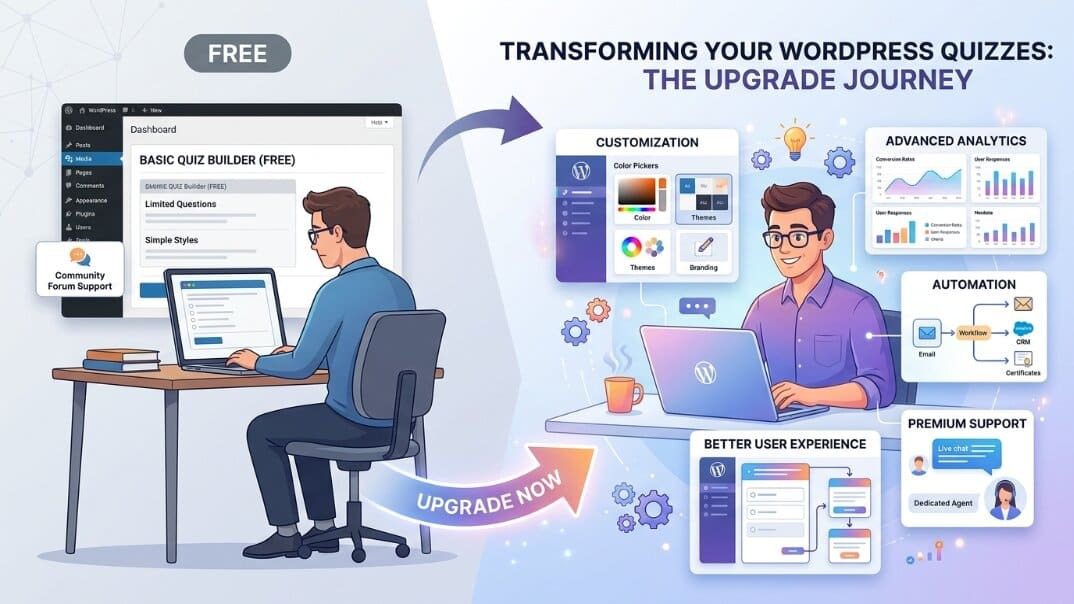
Many website owners start with a free quiz plugin and upgrade later as their website grows and their requirements become more advanced. A premium solution can provide more flexibility, control, and support when basic quiz features are no longer enough.
- Growing website requirements – As your audience and content grow, you may need more advanced quiz types, better management options, and additional functionality.
- Need for advanced features – Features like branching logic, timed assessments, advanced scoring, and automation tools can become important for more complex quiz projects.
- Better user experience – Premium plugins often provide more customization options and tools to create a smoother experience for quiz participants.
- More customization and control – Paid plugins typically offer greater flexibility to customize quizzes according to your brand and specific goals.
- Access to premium support – Dedicated support can help you solve technical issues faster compared to relying only on community resources.
Final Verdict
Both free and paid WordPress quiz plugins have their own advantages. Free quiz plugins are a great choice for beginners, bloggers, and small websites that need simple and engaging quizzes without an upfront investment. They are also useful for testing ideas before moving to a more advanced solution.
Paid quiz plugins are better suited for users who need advanced features such as customization options, analytics, certificates, integrations, and professional support. They are especially valuable for businesses, educators, and course creators who use quizzes as an important part of their website strategy.
Ultimately, the best quiz plugin depends on your goals, audience, and future plans. Starting with a free plugin can be a smart choice, while upgrading to a premium solution makes sense when your website requires more advanced functionality.
FAQs
Are free WordPress quiz plugins good enough?
Yes, free WordPress quiz plugins are often enough for basic use cases such as simple quizzes, trivia, and personality tests. However, users may need a premium plugin to access advanced features such as certificates, detailed analytics, and integrations.
What is the difference between free and paid quiz plugins?
Free quiz plugins usually offer basic quiz creation features with limited customization, analytics, and integration options. Paid plugins offer more advanced functionality, including better customization, reporting, automation options, and additional tools.
Is a paid WordPress quiz plugin worth it?
A paid quiz plugin can be a worthwhile investment if your website depends on quizzes for education, assessments, lead generation, or business growth. Premium features and support can provide more flexibility as your needs increase.
Which quiz plugin is best for beginners?
Free plugins like QuizPress (Free) or HD Quiz can be good starting options for beginners because they are simple to use and suitable for creating basic quizzes.
Can I upgrade from a free quiz plugin later?
Yes, many quiz plugins offer free versions with the option to upgrade to premium plans when you need additional features and functionality. QuizPress also provides a path for users to expand their quiz capabilities as their requirements grow.