
Category: Plugins

  • Best WordPress Quiz Plugin for Membership Sites 

    Best WordPress Quiz Plugin for Membership Sites 

    Quizzes play an important role in membership websites. Simply offering content is no longer enough to keep members engaged—you also need to keep them active, involved, and motivated while giving them ways to measure their progress. This is where quizzes can make a real difference. A well-designed quiz makes a member’s learning journey more interactive, helps assess their knowledge, and can give them another reason to return to your site. Features such as progress tracking, scores, and certificates can also help create a more rewarding experience and potentially improve member engagement and retention.

    The challenge, however, is that the WordPress ecosystem is packed with quiz plugins. From simple tools to advanced, feature-rich solutions, there are countless options, each with its own strengths and limitations. This makes it genuinely difficult for membership site owners to choose the right one. In this article, we’ll compare the best WordPress quiz plugins for membership sites in detail, so you can easily choose the option that best fits your website’s needs.

    What Makes a Quiz Plugin Ideal for Membership Sites?

    The requirements for a quiz plugin on a regular website can be quite different from those of a membership website. On a typical blog, a quiz might be used primarily for entertainment, audience engagement, or lead generation. On a membership site, however, quizzes are often closely connected to the member’s learning experience, progress, and the overall value of the platform. That’s why an ideal quiz plugin should offer—or work well alongside tools that provide—the following features:

    • Compatibility with membership-based access control — The quiz plugin should be compatible with your membership setup or work well alongside your membership plugin, allowing you to control who can access specific quizzes.
    • The ability to create members-only quizzes — This allows registered or paid members to access exclusive quiz content when combined with appropriate access-control tools.
    • Multiple quiz types — Support for scored quizzes, surveys, personality quizzes, exams, and other formats can make the plugin suitable for different membership site goals.
    • Scoring and automatic grading — Automatic scoring can reduce manual work and provide members with instant feedback.
    • Timed quizzes and exams — These features are especially useful for formal assessments and time-limited tests.
    • Certificates and rewards — Recognition for completing quizzes or achieving specific scores can help motivate members and encourage continued participation.
    • Progress tracking — Progress and performance tracking can help members monitor their achievements and give administrators useful insights into engagement and learning outcomes.
    • Integrations and compatibility with membership and LMS plugins — These can help create a smoother workflow for websites that combine quizzes with memberships, courses, or other learning experiences.
    • Ease of use and scalability — The plugin should be easy to manage initially while offering enough flexibility to support your site as it grows.

    With these criteria in mind, let’s look at some of the best WordPress quiz plugins available for membership sites.

    Best WordPress Quiz Plugins for Membership Sites 

    1. QuizPress — Best Overall Quiz Plugin for Membership Sites
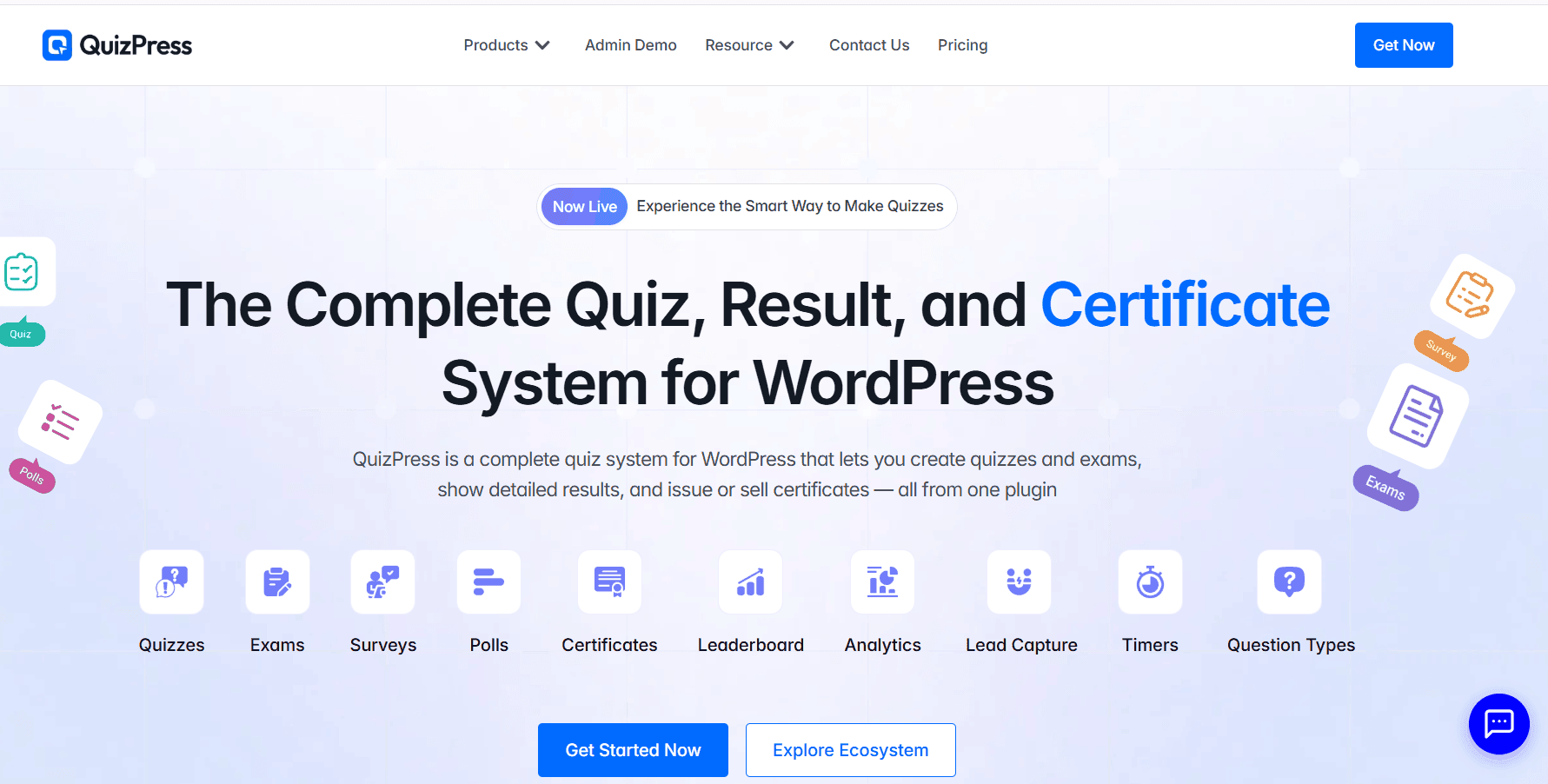
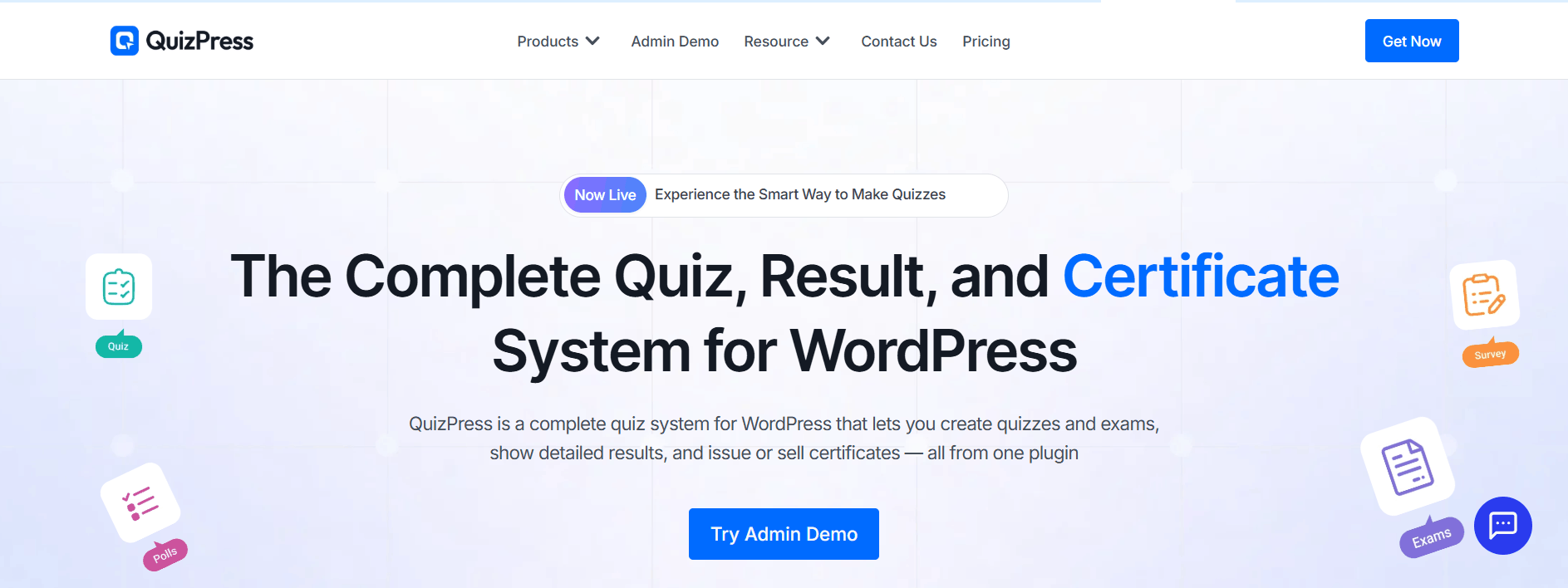
    For membership sites that need a dedicated quiz and assessment solution, QuizPress stands out as a strong overall option. It focuses specifically on creating quizzes, surveys, exams, polls, personality tests, and assessments, making it a suitable choice for membership websites that want to add interactive content and structured assessments to their platforms.

    QuizPress offers:

    • Multiple quiz formats — Create quizzes, surveys, polls, exams, and personality tests to support different types of member content.
    • 20+ question types — Build everything from traditional multiple-choice quizzes to image-based questions, short text responses, file uploads, and more.
    • Scoring and automatic grading — Automatically calculate scores, apply pass/fail thresholds, and display results without requiring manual grading.
    • Timed quizzes and exams — Add time limits to create a more structured assessment experience.
    • Automatic certificates — Generate certificates automatically when users pass a quiz or exam, with customizable certificate templates.
    • User answer tracking and analytics — Monitor responses, completion rates, scores, time spent, and individual performance.
    • Question bank — Store, organize, reuse, and randomize questions to create varied assessments.
    • Premium quiz and certificate sales — Sell quizzes or certificates through WooCommerce or StoreEngine integration.

    Together, these features make QuizPress a strong choice for membership websites that want to combine interactive quizzes, assessments, performance tracking, and certificates in one WordPress-based solution.

    Best for: Membership sites, online course platforms, training websites, educational communities, and websites that want to sell premium quizzes or certificates.

    2. Formidable Forms — Best for Advanced Quiz Logic
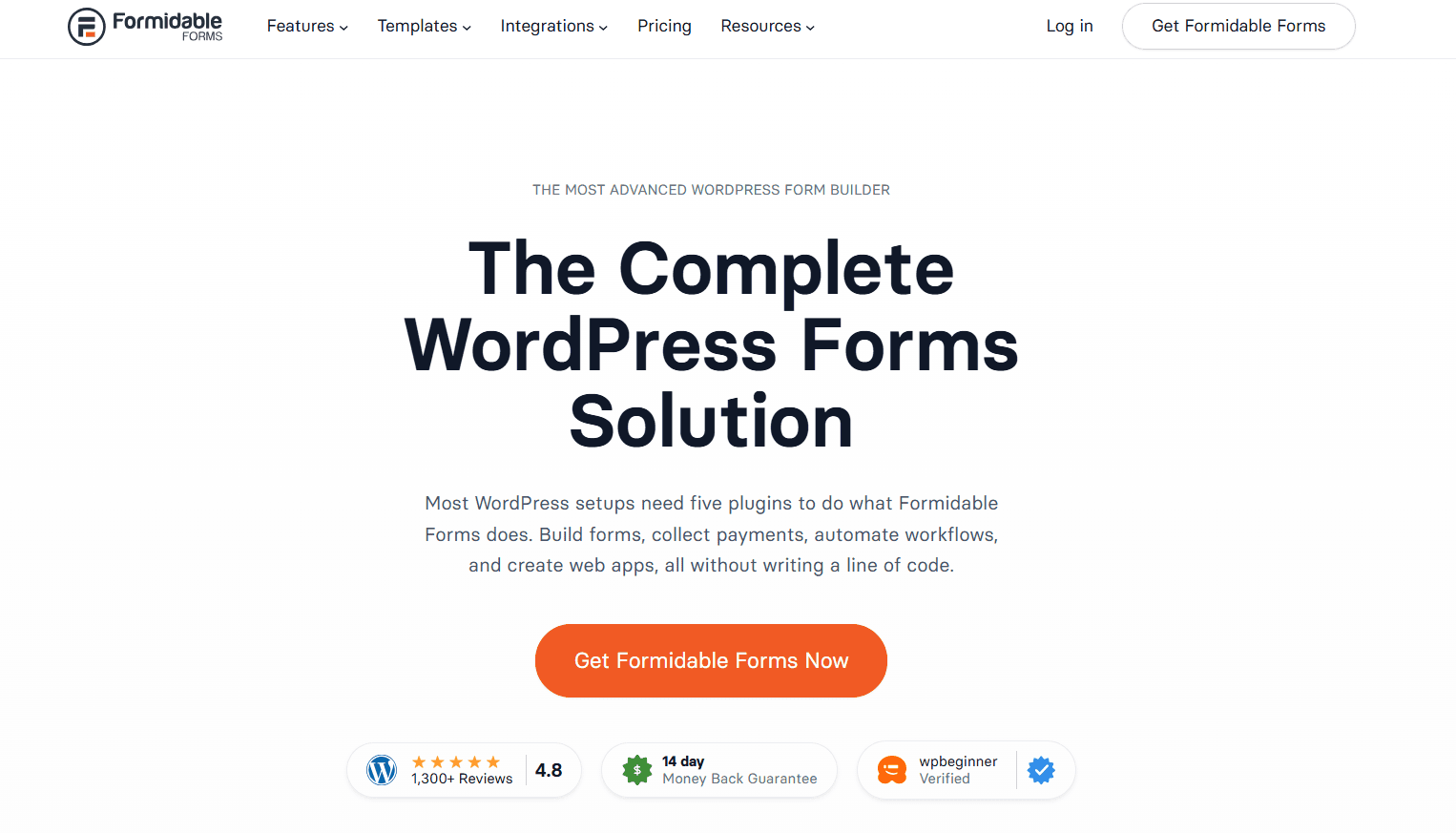
    Formidable Forms

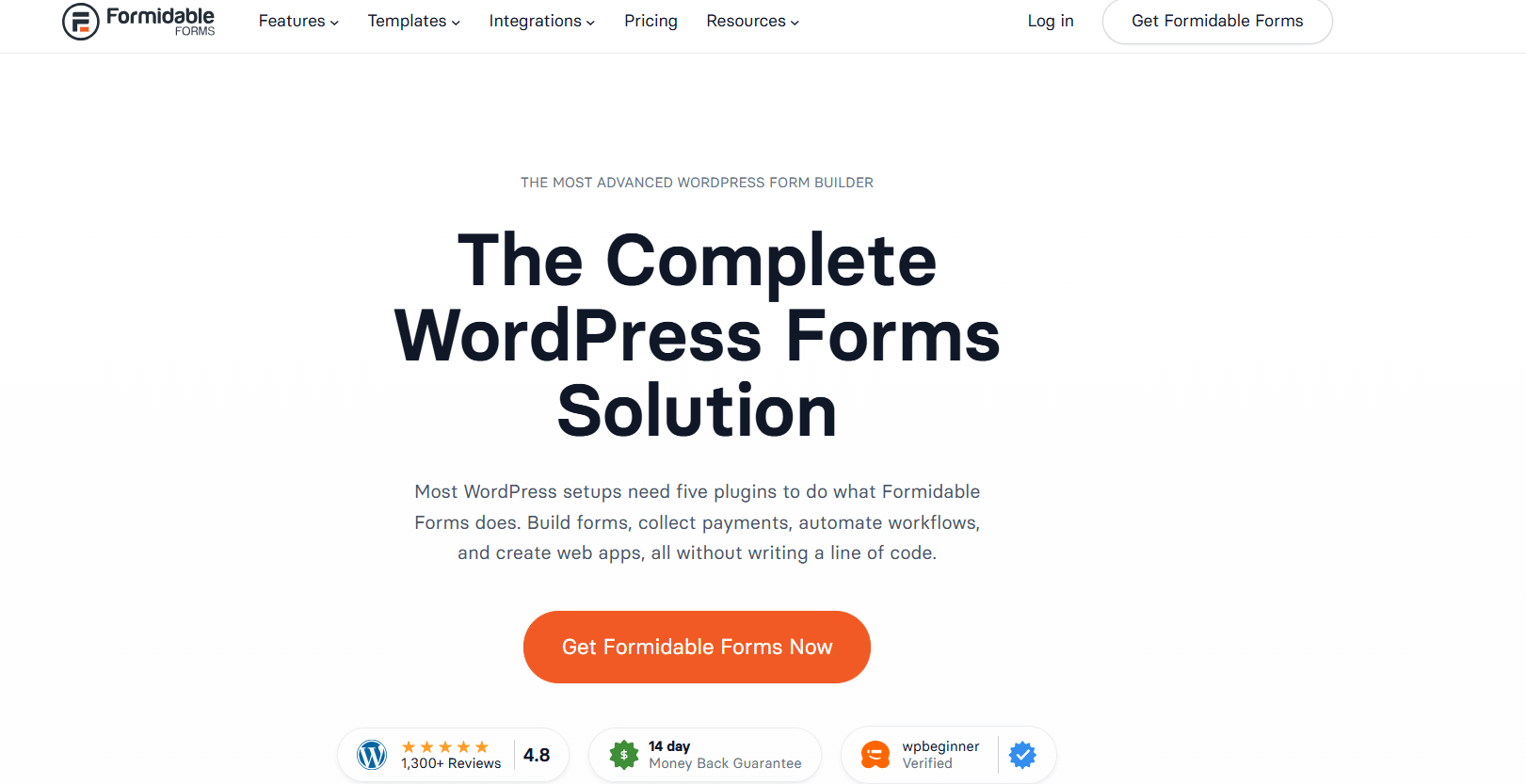
    For membership sites that need complex logic and customized data collection, Formidable Forms can be an excellent option. While it is primarily an advanced WordPress form builder, its quiz-related features and powerful conditional logic make it suitable for creating interactive quizzes, assessments, and other customized experiences.

    Key features include:

    • Advanced form builder — Create customized quizzes and assessments using a flexible drag-and-drop builder.
    • Scored quizzes — Assign scores to answers and calculate quiz results.
    • Conditional logic — Show or hide questions and fields based on a user’s previous answers, allowing you to create more dynamic quiz experiences.
    • Calculators and assessments — Build calculators, evaluations, and other interactive tools alongside quizzes.
    • Advanced data collection — Collect and manage detailed responses from members.

    Best for: Membership sites that need complex quiz logic, customized assessments, calculators, or advanced data collection.

    Keep in mind: Formidable Forms is primarily a form builder rather than a dedicated quiz plugin. If your main priority is advanced quiz-specific features, a dedicated solution such as QuizPress may be a better fit.

    3. WPForms — Best for Beginners
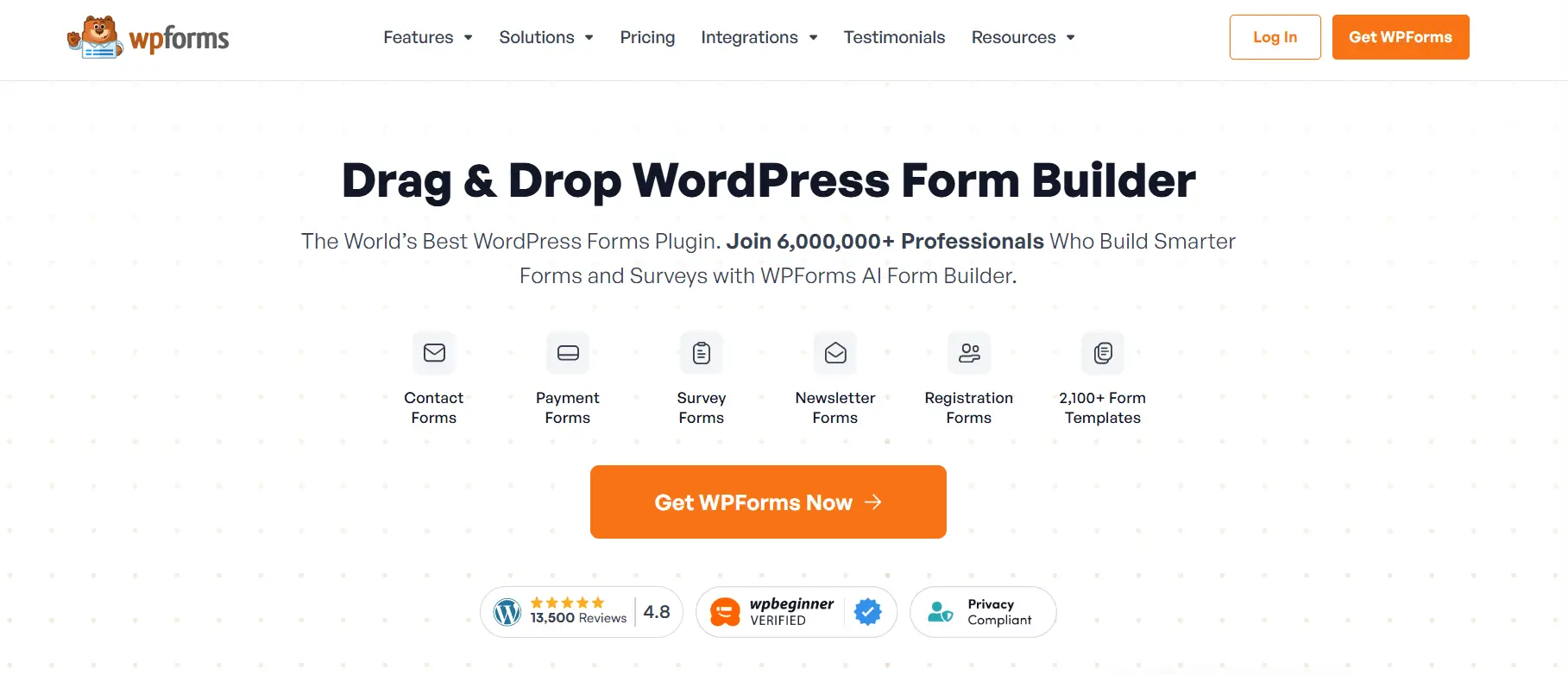
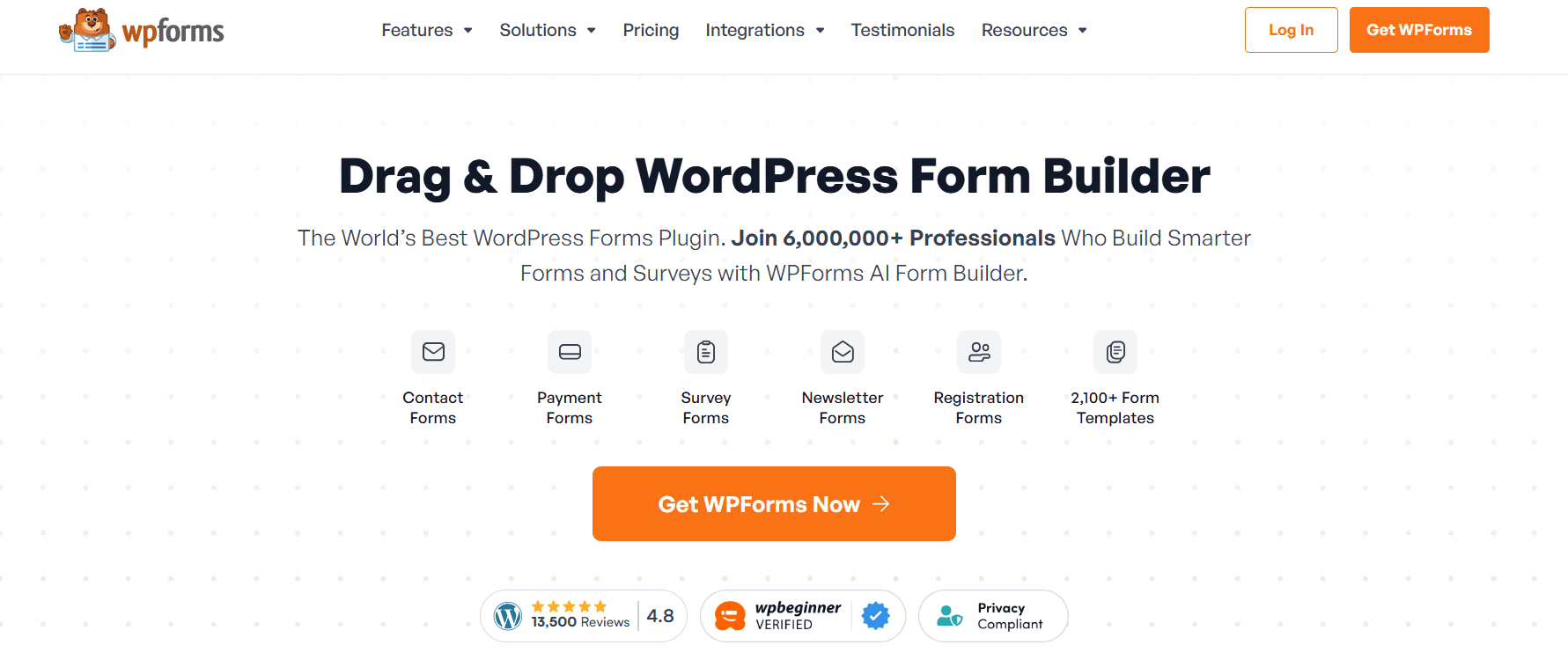
    WPForms

    For beginners looking for a simple way to create quizzes and surveys, WPForms is a user-friendly option. Its drag-and-drop builder allows users to create forms and interactive content without any technical knowledge or coding.

    Key features include:

    • Easy-to-use drag-and-drop builder — Create forms, surveys, and quizzes without coding.
    • Simple quiz and survey creation — Suitable for basic quizzes, surveys, and member feedback.
    • Beginner-friendly setup — An intuitive interface makes it easy for new WordPress users to get started.
    • Flexible form functionality — Use the same platform to create contact forms, surveys, polls, and other types of forms.

    Best for: Beginners, membership sites that need simple quizzes, and website owners who also need a flexible form builder.

    Keep in mind: WPForms is primarily a form builder, so users looking for advanced quiz-specific features such as complex assessments, detailed quiz analytics, or extensive exam functionality may prefer a dedicated quiz plugin.

    4. Thrive Quiz Builder — Best for Marketing-Focused Membership Sites
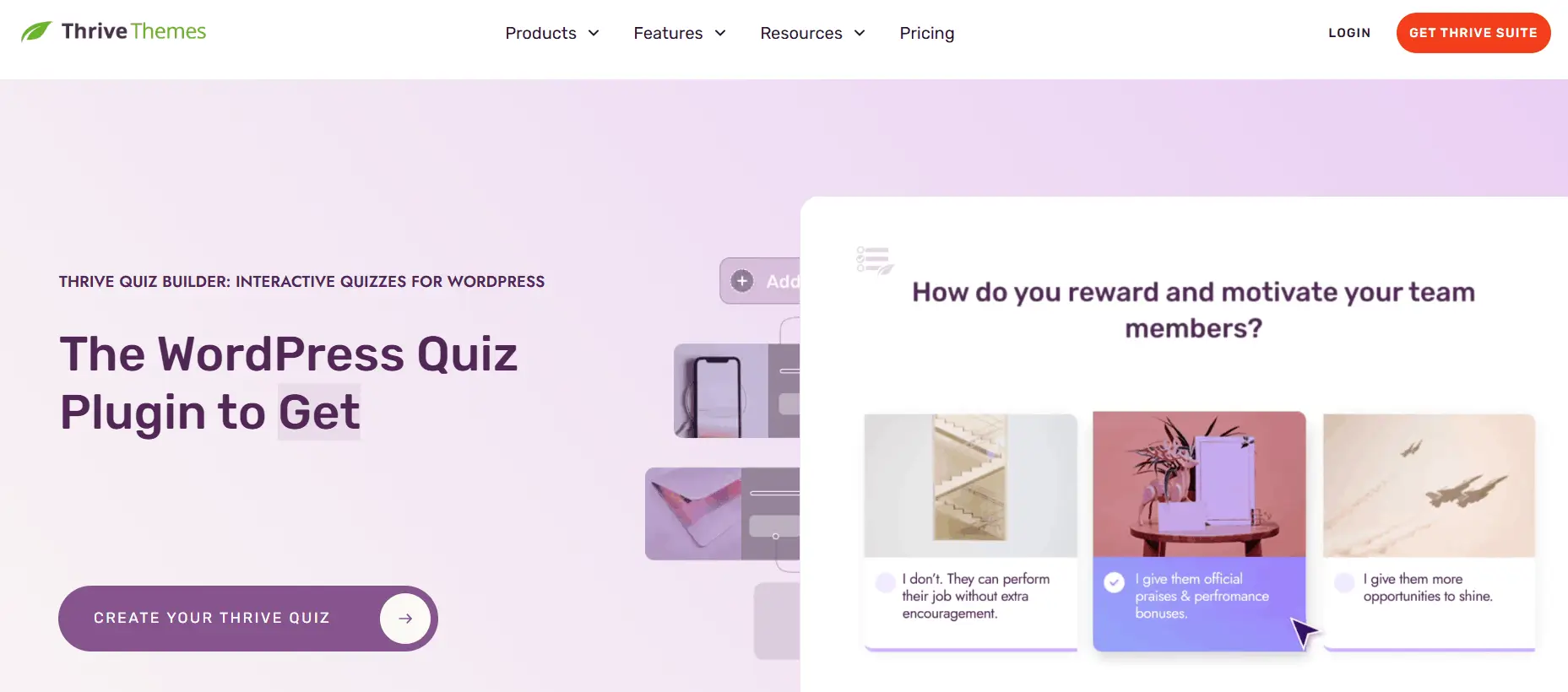
    Thrive Quiz Builder

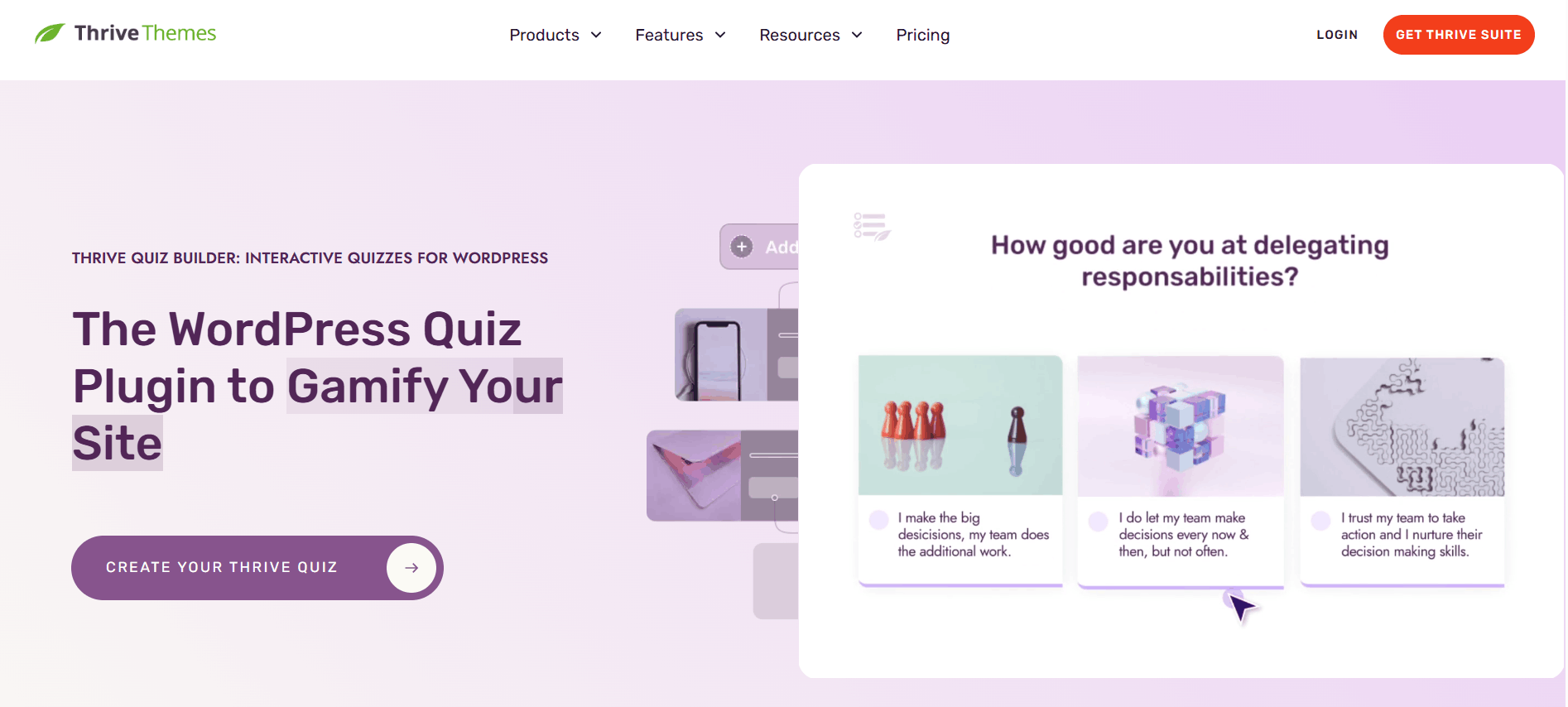
    For membership sites that prioritize marketing, audience engagement, and conversions, Thrive Quiz Builder is a strong option. Rather than focusing primarily on traditional assessments, it is designed to help website owners create interactive quizzes that engage visitors, generate leads, and provide insights into audience interests.

    Key features include:

    • Personality and outcome-based quizzes — Create engaging quizzes that deliver personalized results based on user responses.
    • Dynamic results — Show different results or recommendations depending on how users answer the quiz.
    • Lead generation — Use quizzes as interactive tools to collect leads and encourage visitor engagement.
    • Audience segmentation — Use quiz responses to better understand your audience and support more targeted marketing campaigns, depending on the connected marketing tools and integrations.

    Best for: Membership websites focused on marketing, lead generation, audience engagement, and conversions.

    Keep in mind: Thrive Quiz Builder is particularly strong for marketing and engagement-focused quizzes. If your primary goal is formal exams, advanced assessments, or certificate-based learning, a dedicated quiz or LMS solution may be a better fit.

    5. Quiz and Survey Master — Best for Flexible Quiz Options
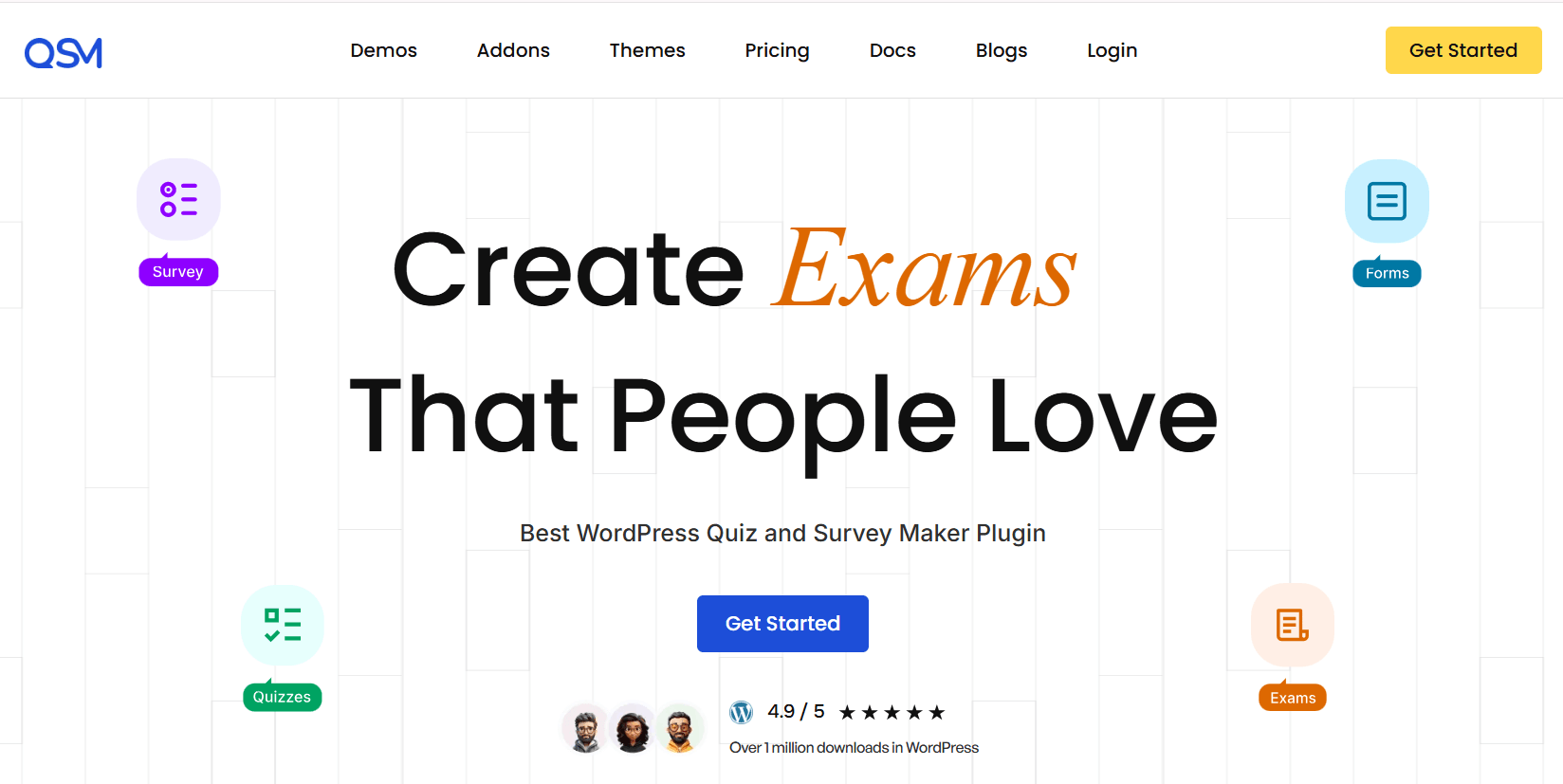
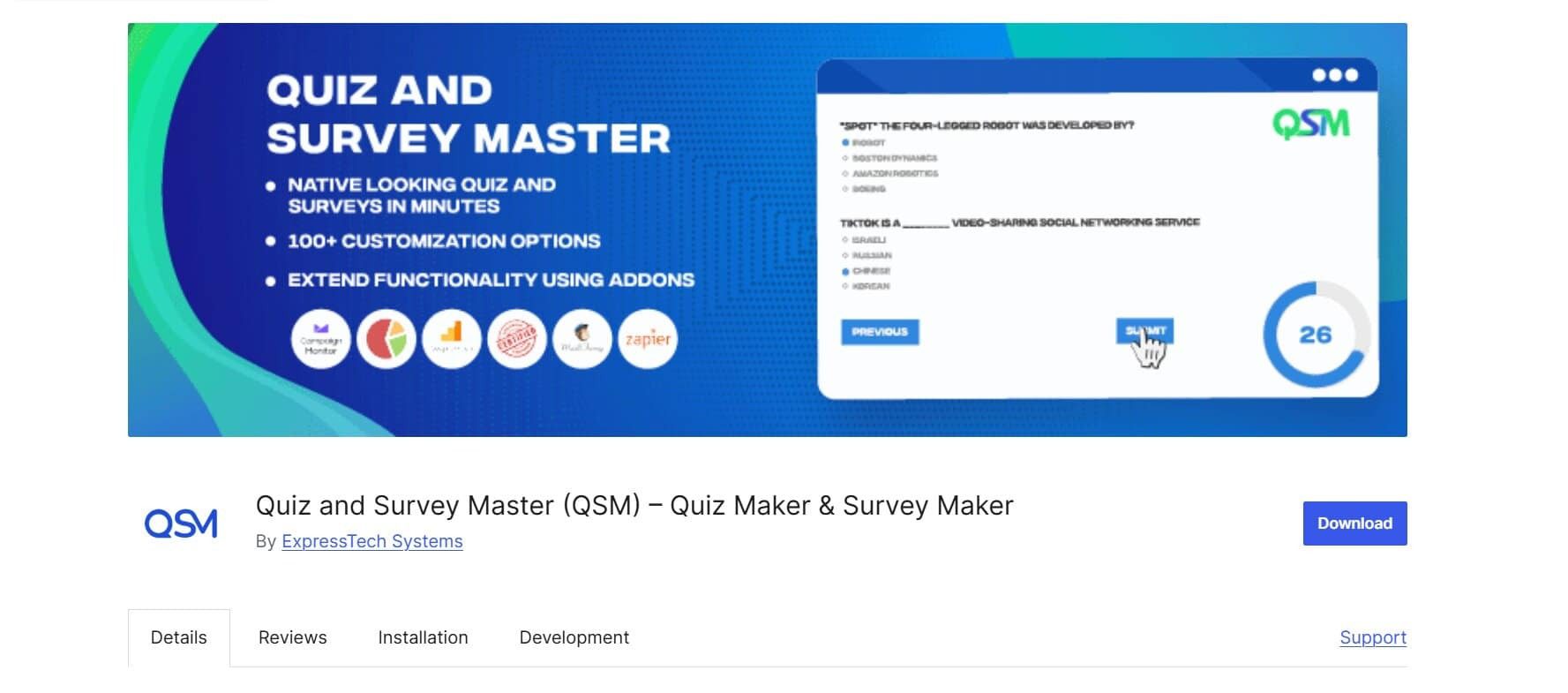
    Quiz and Survey Master

    For website owners who need a wide range of quiz and survey features, Quiz and Survey Master (QSM) offers a flexible solution. It supports different types of quizzes and surveys, allowing you to create everything from simple knowledge tests to more customized assessments.

    Key features include:

    • Multiple question types — Create quizzes and surveys using a variety of question formats.
    • Scoring functionality — Assign points to answers and calculate quiz results.
    • Custom results — Display personalized or customized results based on quiz performance and responses.
    • Extensible through add-ons — Extend the plugin’s functionality with additional add-ons for specific needs.

    Best for: Membership websites and other WordPress sites that need flexible quiz and survey functionality with room for customization.

    Keep in mind: QSM’s available features can vary depending on the add-ons you use. If you want a more focused quiz solution with built-in features such as advanced assessments and certificates, a dedicated quiz plugin may be a better fit.

    Quick Comparison of the Best WordPress Quiz Plugins for Membership Sites 

    Plugin

    Best For

    Quiz Types

    Scoring

    Certificates

    Membership Use

    QuizPress

    Best Overall

    Yes

    Yes

    Yes

    Excellent

    Formidable Forms

    Advanced Logic

    Yes

    Yes

    Depends on setup

    Good

    WPForms

    Beginners

    Yes

    Yes

    Limited

    Good

    Thrive Quiz Builder

    Marketing

    Yes

    Yes

    No

    Good

    Quiz and Survey Master

    Flexible Quizzes

    Yes

    Yes

    Add-on

    Good

    Detailed Comparison of the Best WordPress Quiz Plugins 

    QuizPress vs Formidable Forms

    QuizPress is a dedicated quiz and assessment solution with features such as multiple quiz types, scoring, automatic grading, timed quizzes, certificates, and performance tracking.

    Formidable Forms is primarily an advanced form builder, making it better suited for complex assessments that require conditional logic, calculations, and customized workflows.

    Choose QuizPress for dedicated quiz features and structured assessments. Choose Formidable Forms when advanced logic, calculations, and data collection are your top priorities.

    QuizPress vs WPForms

    QuizPress is a dedicated quiz and assessment solution, while WPForms is primarily a beginner-friendly form builder with quiz functionality. If you want to quickly create simple quizzes, WPForms offers an easy-to-use experience.

    For membership sites that need more dedicated quiz features, such as advanced scoring, certificates, timed assessments, and performance tracking, QuizPress may be a better fit.

    QuizPress vs Thrive Quiz Builder

    The choice between QuizPress and Thrive Quiz Builder largely depends on your goals. QuizPress focuses on quizzes, learning, and assessment, making it suitable for testing members’ knowledge and measuring performance. Thrive Quiz Builder, on the other hand, focuses more on marketing and lead generation through personality quizzes, dynamic results, and audience segmentation.

    If your membership site’s main goal is education and skill assessment, QuizPress may be the stronger choice. If you want to use quizzes as part of a marketing funnel to engage and segment your audience, Thrive Quiz Builder may be a better fit.

    QuizPress vs Quiz and Survey Master

    QuizPress and Quiz and Survey Master both support a wide range of quiz features, including multiple question types, scoring, and customized results. However, QuizPress offers a more focused experience for creating structured quizzes and assessments, with features such as timed quizzes, automatic grading, certificates, and performance tracking.

    Quiz and Survey Master is a flexible option that can be extended through various add-ons, making it suitable for websites that need customizable quiz and survey functionality.

    If you want a dedicated quiz solution with built-in assessment features, QuizPress may be the better fit. If you prefer a flexible plugin with an add-on ecosystem for expanding its functionality, Quiz and Survey Master is a strong alternative.

    Best WordPress Quiz Plugin Based on Your Needs

    The best WordPress quiz plugin depends on your specific needs and the type of membership website you run. Here’s a quick summary:

    • Best overall: QuizPress
    • Best for advanced quiz logic: Formidable Forms
    • Best for beginners: WPForms
    • Best for marketing-focused quizzes: Thrive Quiz Builder
    • Best for flexible quiz and survey features: Quiz and Survey Master

    Each plugin has its own strengths, so the right choice ultimately depends on whether your priority is dedicated quiz functionality, advanced logic, ease of use, marketing, or flexibility.

    How to Choose the Right Quiz Plugin for Your Membership Website

    Before choosing a quiz plugin, there are a few important factors worth considering.

    1. Identify Your Quiz Goals

    First, decide what you want your quizzes to achieve. Are you creating quizzes for learning, assessment, member engagement, lead generation, or personality testing? Once you understand your goals, choosing the right plugin becomes much easier.

    2. Check Membership Compatibility

    Make sure the quiz plugin works well with your membership setup. Consider whether you need login-based access, premium member access, or restrictions based on membership levels.

    3. Consider Available Quiz Types

    Think about the types of quizzes you need, such as scored quizzes, personality quizzes, formal exams, surveys, or general assessments. Choose a plugin that supports the formats that match your goals.

    4. Look for Scoring and Grading Features

    Automatic scoring, passing-score settings, and instant results can make the quiz experience smoother for both members and administrators.

    5. Check Certificate Features

    If you run a training or course-based membership site, check whether the plugin supports certificates or can work with a certificate solution. Completion and achievement-based certificates can help make the learning experience more rewarding.

    6. Consider Integrations and Compatibility

    Check how well the plugin works with your existing membership system, LMS, email marketing tools, and payment solutions. Direct integrations can be helpful, but compatibility with your existing setup may be enough for some websites.

    7. Think About Scalability

    Consider the number of members and quizzes you expect to manage, as well as the advanced features you may need in the future. Choose a plugin that can support your website as it grows.

    By considering these factors, you can choose a quiz plugin that fits your membership site’s current needs while also supporting its future growth.

    Conclusion

    Choosing the right quiz plugin for your membership site depends on your specific goals. Formidable Forms is a strong choice for advanced quiz logic, while Thrive Quiz Builder is better suited to marketing-focused quizzes and audience engagement. WPForms is ideal for beginners, and Quiz and Survey Master offers flexibility through its range of features and add-ons.

    For dedica

    ted quizzes, assessments, scoring, automatic grading, timed quizzes, and certificates, QuizPress stands out as a strong all-around option. Its focused quiz features make it suitable for membership sites, online courses, training platforms, and educational communities.

    By using QuizPress alongside a suitable membership plugin, you can create a more engaging and interactive experience for members while supporting learning, assessment, and ongoing participation.

    Frequently Asked Questions

    What is the best WordPress quiz plugin for membership sites?

    QuizPress is a strong overall option for membership sites that need dedicated quiz features such as multiple quiz types, scoring, timed quizzes, automatic grading, and certificates.

    Can I create members-only quizzes in WordPress?

    Yes. By combining a membership plugin with a quiz plugin, you can restrict quiz access to registered or paid members.

    Can I use QuizPress with a membership plugin?

    Yes. QuizPress can be used alongside a membership plugin to create quizzes for members. The membership plugin can manage access, while QuizPress handles the quiz experience.

    What features should I look for in a membership quiz plugin?

    Important features include quiz types, scoring, automatic grading, timed quizzes, certificates, performance tracking, and compatibility with your membership setup.

    Can I create paid quizzes for members?

    Yes. You can use a membership or payment solution to control access to premium quizzes and offer them as part of a paid membership plan or package.
  • Best WordPress Plugins for Surveys and Polls

    Best WordPress Plugins for Surveys and Polls

    If you run a WordPress website, you already know that guessing what your audience wants is a losing game. The smarter approach is to ask them directly, and that’s exactly what surveys and polls help you do. They allow you to collect valuable feedback, understand user preferences, measure customer satisfaction, and make data-driven decisions to improve your website, products, or services.

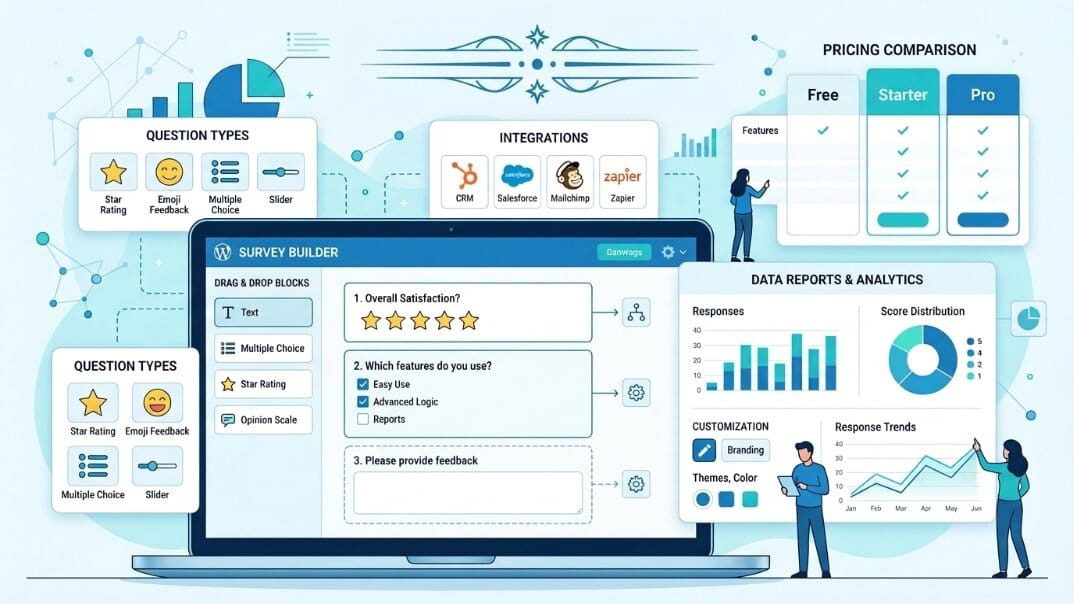
    Whether you’re collecting customer feedback, conducting market research, gathering employee opinions, or engaging your website visitors, the right WordPress survey and poll plugin can simplify the entire process. With features like customizable forms, multiple question types, real-time reporting, and response analytics, these plugins make it easy to create interactive surveys and polls without any coding.

    In this guide, we’ll explore the best WordPress plugins for surveys and polls, comparing their features, pricing, pros, and ideal use cases to help you choose the right one for your website.

    Why Surveys and Polls Matter

    Surveys and polls turn your website from a one-way broadcast into a two-way conversation. Instead of guessing what your visitors like, need, or struggle with, they help you collect direct feedback from your audience.

    Whether you run an online store, a blog, a membership site, an educational platform, or a SaaS business, surveys and polls can help you gather customer feedback, measure satisfaction, conduct market research, validate ideas, and better understand user preferences.

    By collecting real feedback instead of relying on assumptions, you can make more informed decisions and identify opportunities to improve your products, services, content, and overall user experience.

    Benefits of Using WordPress Survey and Poll Plugins

    A dedicated WordPress survey and poll plugin gives you far more flexibility and functionality than a basic contact form. With the right plugin, you can:

    • Collect structured feedback using different question types, including multiple-choice questions, rating scales, and open-ended responses.
    • Create engaging polls that encourage visitors to interact with your website.
    • Analyze responses and track results using built-in reporting and analytics features.
    • Connect survey data with supported CRM, email marketing platforms, or spreadsheet tools.
    • Personalize surveys with conditional logic, showing respondents only the questions that are relevant to them.
    • Create customer satisfaction surveys, including NPS or CSAT surveys, without needing any coding skills.

    What to Look for in a Survey Plugin

    Not all WordPress survey plugins are created equal. Before choosing a plugin for your website, consider the features that matter most for your needs:

    • Question variety — Does the plugin support simple yes/no polls, multiple-choice questions, ratings, or more advanced surveys with conditional logic and branching paths?
    • Design flexibility — Can you customize the survey forms to match your website’s branding and create a consistent user experience?
    • Reporting and analytics — Does it provide detailed reports, charts, and data export options, or only basic response counts?
    • Integrations — Can it connect with the tools you already use, such as email marketing platforms, CRMs, or spreadsheet tools?
    • Performance — Is the plugin lightweight and optimized, or could it affect your website’s loading speed?
    • Pricing — Does the free version include the features you need, or will you need to upgrade to a premium plan for essential functionality?

    With these factors in mind, let’s compare the best WordPress survey and poll plugins to help you find the right option for your website.

    1. QuizPress (Best Overall for Quizzes, Surveys, and Polls)

    QuizPress

    QuizPress earns the top spot because it allows you to create quizzes, surveys, and polls from a single, easy-to-use platform. Instead of managing multiple plugins for different interactive content types, you can handle everything from one dashboard.

    Key Features

    • Drag-and-drop builder for creating quizzes, surveys, and polls
    • Multiple question types, including multiple choice, rating scales, and open-ended questions
    • Quiz scoring and grading functionality
    • Customizable results and feedback options
    • Responsive designs that work across different devices

    Pros

    • One plugin supports multiple interactive content needs
    • Beginner-friendly setup with an intuitive interface
    • Helps reduce the need for multiple separate plugins

    Cons

    • Some advanced features may require premium options

    Best For

    Site owners, educators, and businesses that want to create quizzes, surveys, and polls without managing multiple plugins.

    Pricing

    Free core plugin available, with premium options for additional advanced features.

    2. WPForms

    WPForms

    WPForms is one of the most popular WordPress form builders, and its Surveys and Polls add-on makes it a powerful option for website owners who want to create feedback forms, customer surveys, and polls alongside their regular forms.

    Key Features

    • Drag-and-drop form builder
    • Surveys and Polls add-on with reporting and analytics
    • Conditional logic and multi-page forms
    • Templates for customer satisfaction, NPS, event feedback, and other surveys
    • Integrations with popular email marketing and business tools

    Pros

    • Extremely easy to use, even for beginners
    • Reliable plugin with regular updates and strong support
    • Large ecosystem of integrations and templates

    Cons

    • Advanced survey and reporting features require a premium plan
    • The free version is mainly suitable for basic forms rather than full surveys

    Best For

    Businesses that want one plugin for lead generation forms, customer feedback, surveys, and polls.

    Pricing

    WPForms offers a free version, while the Surveys and Polls add-on requires the Pro plan or higher. Premium plans start at a higher tier for access to advanced survey features.

    3. Formidable Forms

    Formidable Forms

    Formidable Forms is designed for users who need more than just collecting responses. With advanced form-building tools and powerful data management features, it helps you create surveys, analyze results, and turn collected data into meaningful insights.

    Key Features

    • Visual reports with charts and graphs for analyzing responses
    • Multi-page surveys with conditional logic
    • Calculated fields for scoring, formulas, and weighted responses
    • Integrations with popular CRM and email marketing platforms
    • Advanced tools for creating data-driven applications

    Pros

    • Powerful reporting and data visualization capabilities
    • Suitable for complex and data-heavy surveys
    • More flexible than basic form builders

    Cons

    • Has a steeper learning curve compared to beginner-friendly plugins
    • Advanced reporting features require a premium plan

    Best For

    Users who need detailed data analysis, advanced survey features, and more control over collected responses.

    Pricing

    Formidable Forms offers a free version, while advanced features and reporting tools are available in premium plans.

    4. Quiz and Survey Master (QSM)

    Quiz and Survey Master (QSM)

    Quiz and Survey Master (QSM) is a popular WordPress plugin focused on creating quizzes and surveys. While it is best known for quizzes, it also provides powerful survey features that make it a suitable option for collecting feedback, running assessments, and engaging website visitors.

    Key Features

    • Create unlimited quizzes and surveys with the free plugin
    • Timed quizzes and randomized question options
    • Detailed statistics and reports for responses
    • Extensive add-on library for additional features and integrations

    Pros

    • Generous free version with useful quiz and survey functionality
    • Great choice for educational websites, trainers, and course creators
    • Wide range of add-ons for features like certificates, payments, and advanced reporting

    Cons

    • The interface may feel less modern compared to newer form builders
    • Dedicated poll features are more limited than survey-focused plugins

    Best For

    Educators, trainers, and course creators who need both quizzes and surveys on their WordPress websites.

    Pricing

    QSM offers a free core plugin, with premium add-ons available separately for additional functionality.

    5. Forminator

    WPMU DEV

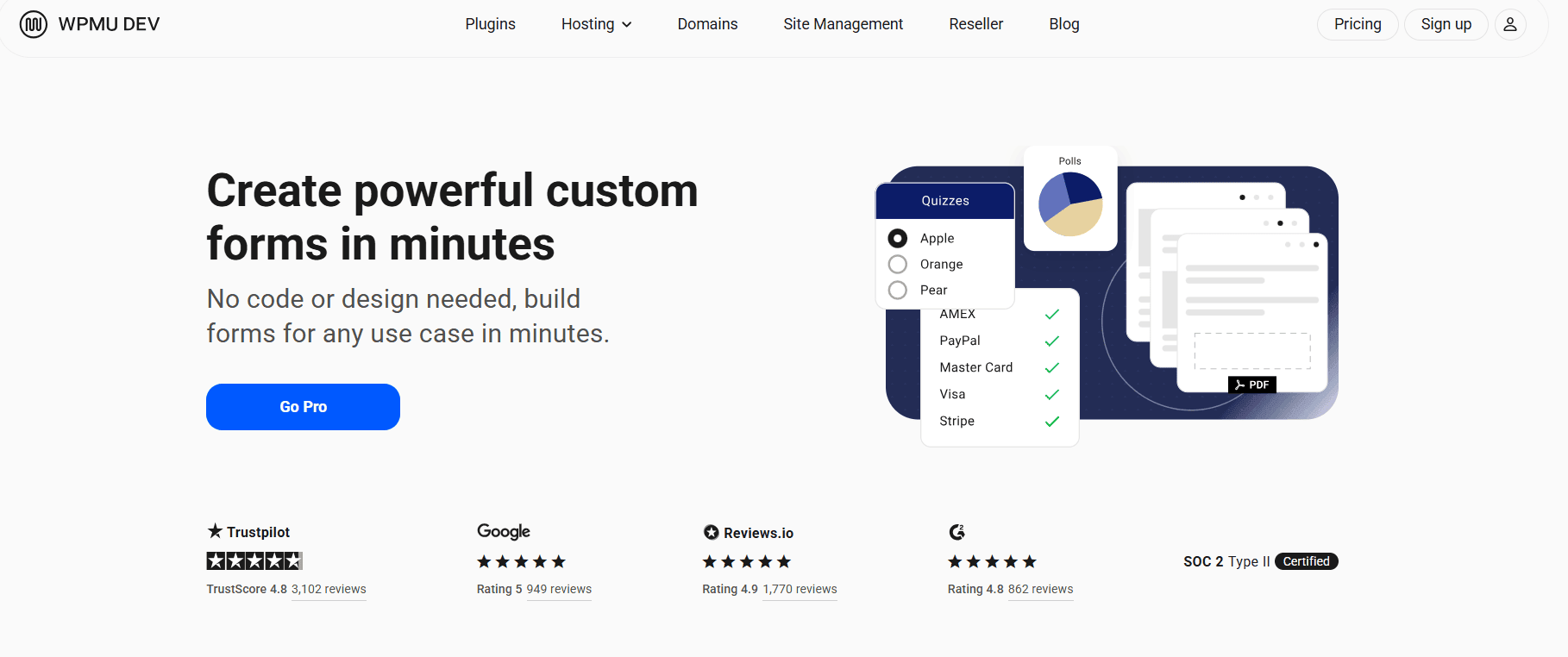
    Forminator, developed by WPMU DEV, is a feature-rich WordPress plugin that allows you to create forms, quizzes, surveys, and polls from a single platform. It offers a wide range of tools for collecting responses, engaging visitors, and managing submissions without requiring a paid plan.

    Key Features

    • Create forms, quizzes, surveys, and polls in one plugin
    • Real-time poll results with visual charts and reports
    • Payment integrations for forms and paid submissions
    • Front-end submission support
    • Built-in templates for different types of forms and surveys

    Pros

    • Feature-rich free version with many useful tools
    • Supports multiple content types, including surveys and polls
    • Regular updates and ongoing development

    Cons

    • The interface may feel overwhelming because of the number of available features
    • Some advanced functionality may require a WPMU DEV membership

    Best For

    Site owners who want a powerful all-in-one solution for forms, surveys, quizzes, and polls without an upfront cost.

    Pricing

    Forminator is free to use, with additional features and services available through WPMU DEV membership plans.

    7. TotalPoll

    TotalPoll

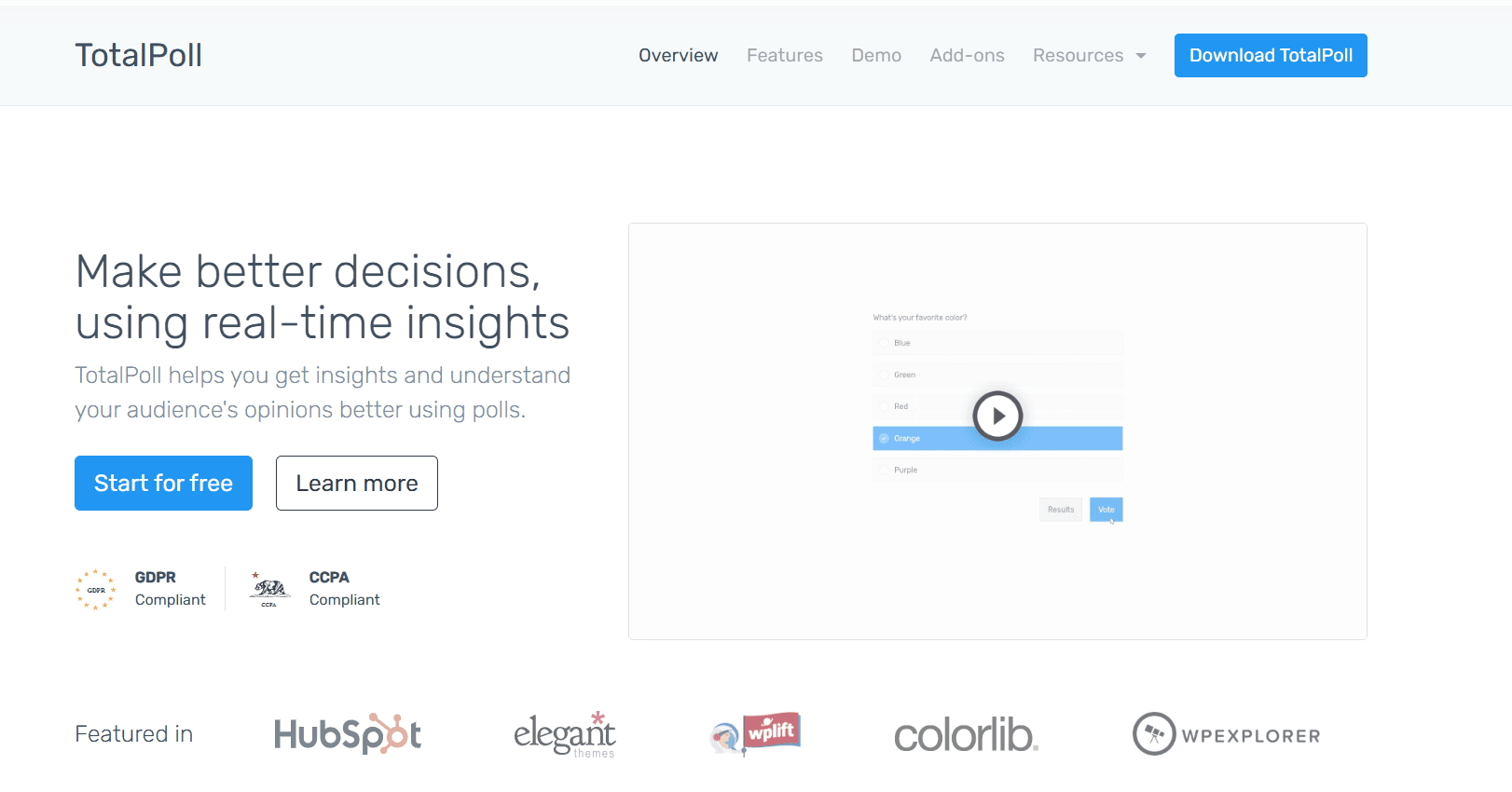
    TotalPoll is a WordPress poll plugin focused on creating attractive and engaging polls. It provides ready-to-use designs, voting features, and analytics tools, making it a good choice for website owners who want to add interactive polls without building complex surveys.

    Key Features

    • Multiple pre-built poll styles and customizable designs
    • Detailed analytics and voting statistics
    • Social sharing options to increase engagement
    • Anti-spam protection and duplicate vote prevention

    Pros

    • Modern and visually appealing poll designs
    • Easy setup for creating interactive polls
    • Useful analytics for tracking voting activity

    Cons

    • Focuses mainly on polls rather than full survey creation
    • Some advanced design and customization options require the Pro version

    Best For

    Website owners who want attractive, easy-to-create polls with useful voting analytics.

    Pricing

    TotalPoll offers a free version, with premium options available for additional features and customization.

    8. CrowdSignal

    CrowdSignal

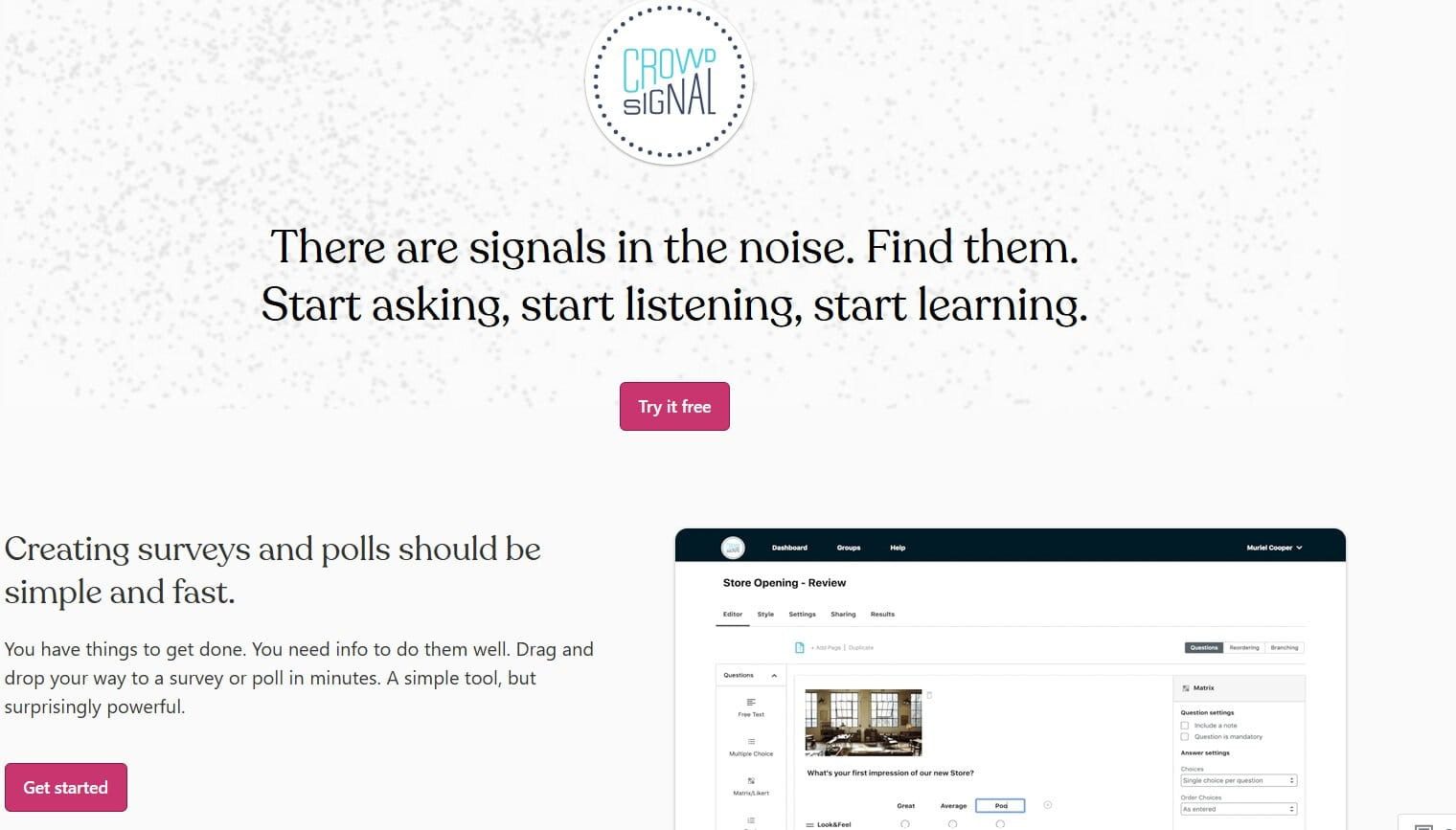
    Formerly known as Polldaddy, CrowdSignal is a hosted survey and polling platform that integrates with WordPress. It provides tools for creating surveys, polls, and forms while managing responses through a separate online dashboard.

    Key Features

    • Cloud-hosted surveys and polls with a centralized management dashboard
    • Multiple question types, including rating scales, multiple-choice questions, and image-based choices
    • Dedicated analytics and reporting tools outside the WordPress dashboard
    • Ability to manage surveys and polls across multiple websites from one account

    Pros

    • Clean and professional interface
    • Powerful analytics and reporting features
    • Convenient for managing multiple surveys and polls in one place

    Cons

    • Survey data is stored on CrowdSignal’s servers rather than your WordPress database
    • Advanced features and higher response limits require a paid plan

    Best For

    Users who prefer a hosted, professional survey and polling solution with advanced management and analytics features.

    Pricing

    CrowdSignal offers a free plan to get started, while paid plans provide additional features, higher limits, and more advanced options.

    How to Choose the Right Survey and Poll Plugin

    Right Survey and Poll Plugin

    With so many great options available, choosing the right WordPress survey and poll plugin depends on your specific needs. Consider these key factors before making a decision:

    • Ease of use — If you’re not technical, look for plugins with drag-and-drop builders, intuitive interfaces, and ready-made templates, such as WPForms or QuizPress.
    • Question types — Make sure the plugin supports the question formats you need, including multiple choice, rating scales, open-ended responses, and advanced options like matrix questions when required.
    • Reporting and analytics — If you want to make data-driven decisions, choose a plugin that offers visual reports, analytics, and export options, such as Formidable Forms or CrowdSignal.
    • Integrations — Check whether the plugin connects with your existing CRM, email marketing platform, or automation tools before choosing one.
    • Customization — Choose a plugin that allows you to match surveys and polls with your website’s branding and design.
    • Pricing — Compare the limitations of the free version with the premium features you actually need to avoid paying for unnecessary functionality.

    Final Verdict

    There is no single “best” WordPress survey and poll plugin for every website — the right choice depends on your goals, audience, and required features. If you want an all-in-one solution for creating quizzes, surveys, and polls without managing multiple plugins, QuizPress is a strong overall choice. If you’re already using a form builder and want to add survey functionality without changing tools, WPForms is a convenient option.

    For users who need advanced reporting and data analysis, Formidable Forms offers powerful tools for managing and understanding responses. If your main focus is creating simple and engaging polls, TotalPoll provides an easy way to add interactive voting features to your website.

    No matter which plugin you choose, the real value comes from collecting meaningful feedback and using those insights to improve your website, products, or services. Choose a plugin that makes it simple to understand your audience and take action based on their responses.

    Frequently Asked Questions

    What is the best WordPress plugin for surveys and polls?

    QuizPress is a strong overall choice because it combines quizzes, surveys, and polls in a single, easy-to-use plugin. However, WPForms, Forminator, and other options may be a better fit depending on your specific requirements.

    Can I create surveys for free in WordPress?

    Yes. Plugins like Forminator, CrowdSignal, and QuizPress offer free versions with useful features that allow you to create and publish surveys without an upfront investment.

    Which plugin is best for collecting customer feedback?

    WPForms and Formidable Forms are excellent choices for collecting structured customer feedback, especially when you need features like reporting, analytics, and customer satisfaction surveys.

    Are WordPress survey plugins mobile-friendly?

    Most modern WordPress survey plugins are designed with responsive layouts, allowing surveys and polls to work properly on mobile devices. However, it’s always a good idea to test your survey on different screen sizes before publishing.

    Can I embed surveys anywhere on my website?

    Yes. Most WordPress survey plugins allow you to add surveys and polls using shortcodes, blocks, widgets, or embed options. This makes it easy to display them in posts, pages, sidebars, and other areas of your website.

  • QuizPress vs Formidable Forms for Quizzes: Which WordPress Quiz Plugin Is Better? 

    QuizPress vs Formidable Forms for Quizzes: Which WordPress Quiz Plugin Is Better? 

    If you’re looking to add quizzes to your WordPress website, two popular options are QuizPress and Formidable Forms. While both let you create interactive quizzes, they’re designed with different goals in mind.

    QuizPress is a dedicated WordPress quiz plugin built specifically for creating engaging quizzes, knowledge tests, personality quizzes, and assessments. It focuses on delivering a streamlined quiz-building experience with features tailored for educators, course creators, marketers, and website owners.

    Formidable Forms, by contrast, is a powerful drag-and-drop form builder. Alongside contact forms, surveys, calculators, and other advanced forms, it also includes Quiz Maker functionality that allows you to build scored quizzes, personality quizzes, and outcome-based quizzes using the same form builder interface.

    In this comparison, we’ll examine how QuizPress and Formidable Forms differ in quiz creation, question types, scoring, reporting, integrations, ease of use, and pricing. Whether you need a dedicated quiz solution or an all-in-one form builder with quiz capabilities, this guide will help you choose the plugin that best fits your WordPress website.

    What Is QuizPress?

    QuizPress

    QuizPress is a dedicated WordPress quiz plugin designed to help you create quizzes, exams, surveys, polls, and personality assessments—all from a single plugin. It includes built-in tools for quiz creation, automatic grading, detailed results, certificates, analytics, and lead capture, making it suitable for educational, marketing, and business websites.

    Best Use Cases

    • Online courses and eLearning websites
    • Schools, teachers, and educators creating assessments
    • Bloggers publishing trivia and personality quizzes
    • Businesses and marketers generating leads with interactive quizzes
    • Organizations conducting surveys and polls

    Key Features

    • Easy quiz builder
    • 20+ question types
    • Support for quizzes, exams, surveys, polls, and personality tests
    • Automatic grading and instant result feedback
    • Detailed results with scores, pass/fail status, answer breakdown, and time taken
    • Built-in certificate builder with automatic certificate generation
    • Timers for quizzes and exams
    • Question Bank for storing, reusing, and randomizing questions
    • Lead capture tools
    • Analytics and user answer tracking
    • Import and export functionality
    • Rich answer formats, including text and image-based answers

    What Is Formidable Forms?

    Formidable Forms

    Formidable Forms is a drag-and-drop WordPress form builder that lets you create contact forms, surveys, calculators, and more. It also includes Quiz Maker functionality, allowing you to build scored, outcome-based, and personality quizzes using the same form builder.

    Best Use Cases

    • Businesses already using Formidable Forms
    • Websites needing forms and quizzes in one plugin
    • Educators and marketers creating interactive quizzes

    Main Features

    • Drag-and-drop form builder
    • Quiz Maker for scored and personality quizzes
    • Automatic scoring and grading
    • Advanced conditional logic
    • Quiz templates and question randomization
    • CRM and email marketing integrations

    Quick Comparison Table 

    Feature

    QuizPress

    Formidable Forms

    Best For

    Educational & interactive quizzes

    Forms with quiz functionality

    Quiz Builder

    Included

    Included

    Drag-and-Drop Builder

    Included

    Included

    Question Types

    20+ question types

    Multiple field-based question types

    Personality Quizzes

    Supported

    Supported

    Timed Quizzes

    Built-in

    Not built-in

    Certificates

    Built-in

    Not available

    WooCommerce Integration

    Available

    Available

    Lead Generation

    Built-in tools

    Supported

    Reports & Analytics

    Built-in quiz analytics

    Entry management, Views & Charts

    Pricing

    Free + Premium

    Free + Premium (Quiz Maker available in paid plans)

    Feature Comparison 

    Quiz Builder Experience

    Ease of creating quizzes:
    QuizPress is built specifically for creating quizzes, making it easy to create assessments, personality quizzes, and knowledge tests. Formidable Forms uses its drag-and-drop form builder to create quizzes, allowing users to add quiz functionality within the same interface.

    Interface comparison:
    QuizPress offers a quiz-focused interface with dedicated options for questions, scoring, and results. Formidable Forms provides a general-purpose form builder that also supports quiz creation alongside other types of forms.

    Beginner friendliness:
    QuizPress is easier to use for users whose primary goal is creating quizzes. Formidable Forms is better suited for users who want a single plugin to manage forms and quizzes, although its broader feature set may require more time to learn.

    Winner: QuizPress

    Question Types

    Multiple choice: Both QuizPress and Formidable Forms support multiple-choice questions.

    True/False: Both plugins support true/false questions.

    Text-based answers: Both plugins allow text-based responses. QuizPress is designed for quiz and assessment workflows, while Formidable Forms uses standard form fields for text answers.

    Question variety: QuizPress offers a broader selection of quiz-specific question types. 

    Conditional logic: Formidable Forms provides flexible field types that can be used to create different kinds of quiz questions.

    Winner: QuizPress

    Quiz Logic & Scoring

    Automatic grading: Both plugins support automatic quiz scoring and grading.

    Score calculation: QuizPress includes built-in scoring designed specifically for quizzes and assessments. Formidable Forms calculates quiz scores through its Quiz Maker functionality within the form builder.

    Pass/Fail results: Both plugins let you display quiz results based on a user’s score.

    Conditional logic: Formidable Forms offers more advanced conditional logic, making it a stronger choice for complex quiz and form workflows.

    Winner: Tie — QuizPress for its dedicated quiz scoring experience, and Formidable Forms for its advanced conditional logic.

    Personality & Outcome Quizzes

    Personality quizzes: Both QuizPress and Formidable Forms support personality quizzes.

    Outcome-based results: Both plugins can display different results based on a user’s answers. QuizPress provides a quiz-focused experience, while Formidable Forms includes this functionality within its Quiz Maker.

    Result pages: Both plugins allow you to customize quiz results. QuizPress offers result pages designed specifically for quizzes, while Formidable Forms lets you customize results using its form builder.

    Winner: QuizPress

    Certificates & Completion Features

    Certificates: QuizPress includes built-in certificate generation for quiz completion. Formidable Forms does not offer native certificate generation.

    Completion messages: Both plugins let you display customized messages or results after a quiz is completed.

    Completion experience: QuizPress provides more quiz-specific completion features, making it a stronger choice for educational and assessment-based websites.

    Winner: QuizPress

    Lead Generation & Marketing

    Email collection: Both plugins can be used to collect visitor information through quizzes and forms.

    CRM integrations: Formidable Forms offers a wider range of native integrations with CRM, email marketing, and automation platforms.

    Lead capture: Both plugins can support lead generation, though Formidable Forms provides more flexibility for building lead capture workflows.

    Marketing workflows: Formidable Forms is better suited for advanced marketing automation thanks to its extensive integrations and form-building capabilities.

    Winner: Formidable Forms

    Reporting & Analytics

    Quiz reports: QuizPress includes built-in quiz reports and analytics for tracking quiz results and performance.

    User performance: Both plugins let you review quiz submissions and user responses.

    Statistics: QuizPress provides quiz-specific analytics, while Formidable Forms can display submitted data using its Views feature and data visualization tools.

    Data export: Both plugins support exporting submitted data for further analysis.

    Winner: Tie — QuizPress for dedicated quiz analytics, and Formidable Forms for flexible data reporting and visualization.

    Integrations

    WooCommerce: Both plugins support WooCommerce integration.

    Email marketing tools: Formidable Forms offers a wider range of native integrations with email marketing services.

    CRM integrations: Formidable Forms connects with many CRM and automation platforms, making it a stronger choice for marketing workflows.

    Third-party integrations: Formidable Forms supports a broader ecosystem of third-party integrations than QuizPress.

    Winner: Formidable Forms

    Ease of Use

    Installation: Both plugins are easy to install and set up on WordPress.

    Learning curve: QuizPress is easier to learn if your primary goal is creating quizzes. Formidable Forms has a broader feature set, which may require more time to explore.

    Documentation: Both plugins provide comprehensive documentation and support resources.

    User experience: QuizPress offers a quiz-focused interface, while Formidable Forms uses a general-purpose form builder that also supports quizzes.

    Winner: QuizPress

    Performance

    Quiz-focused performance: QuizPress is designed specifically for quizzes, making it well suited for quiz-focused websites.

    Resource usage: Formidable Forms includes a wide range of form-building features beyond quizzes, making it suitable for websites that need multiple types of forms.

    Scalability: Both plugins can scale well depending on your site’s requirements. QuizPress is ideal for quiz-focused projects, while Formidable Forms is better suited for websites managing a variety of forms alongside quizzes.

    Winner: Tie — QuizPress for quiz-focused websites, and Formidable Forms for websites that need both advanced forms and quizzes.

    Pricing Comparison

    Free version: Both plugins offer a free version with core functionality.

    Premium plans: QuizPress premium plans unlock additional quiz features and advanced capabilities. Formidable Forms premium plans add Quiz Maker functionality along with advanced form-building features and integrations.

    Value for money: QuizPress offers strong value for users who primarily need a dedicated quiz solution. Formidable Forms provides better overall value for users who need quizzes alongside advanced forms, surveys, calculators, and business workflows.

    Winner:

    • QuizPress for quiz-focused websites.
    • Formidable Forms for all-in-one form-building needs.

    Pros and Cons

    QuizPress Pros

    • Built specifically for quizzes, exams, surveys, and assessments
    • Quiz-focused interface
    • Supports automatic grading, certificates, and detailed results
    • Wide range of quiz-specific features and question types
    • Beginner-friendly setup

    QuizPress Cons

    • Primarily focused on quizzes rather than general-purpose forms
    • Not designed to replace a full-featured form builder

    Formidable Forms Pros

    • Powerful drag-and-drop form builder
    • Advanced conditional logic
    • Supports quizzes, surveys, calculators, and other form types
    • Broad range of third-party integrations

    Formidable Forms Cons

    • Broader feature set can take longer to learn
    • Quiz features are available in paid plans
    • Does not include built-in certificate generation

    Who Should Choose QuizPress?

    QuizPress is a great choice for:

    • Teachers and educators creating quizzes and assessments
    • Course creators and eLearning websites
    • Schools, colleges, and training organizations
    • Bloggers are publishing interactive quizzes and personality tests
    • Businesses using quizzes for engagement and lead generation
    • Website owners looking for a dedicated WordPress quiz plugin

    Who Should Choose Formidable Forms?

    Formidable Forms is a great choice for:

    • Businesses that need advanced forms and quizzes in one plugin
    • Websites creating contact forms, surveys, calculators, and applications
    • Users looking for an all-in-one WordPress form builder
    • Marketers who rely on CRM and email marketing integrations
    • Organizations managing a variety of form-based workflows

    Final Verdict

    Both plugins are excellent choices, but they serve different purposes. QuizPress is built specifically for creating quizzes, making it a strong choice for educational websites, online courses, personality quizzes, and assessments with features like automatic grading, certificates, and quiz analytics. Formidable Forms, on the other hand, is a powerful WordPress form builder that also includes quiz functionality, making it ideal for websites that need forms, surveys, calculators, and quizzes in a single solution.

    If your primary goal is creating engaging quizzes and assessments, QuizPress is the better choice. If you need a versatile form builder that also supports quizzes alongside other advanced form types, Formidable Forms is the better fit.

    FAQs 

    Is QuizPress better than Formidable Forms for quizzes?

    For quiz-focused features like scoring, certificates, and assessments, QuizPress provides a more dedicated quiz-building experience. Formidable Forms is a strong option for users who need quizzes along with advanced forms and other workflows.

    Which plugin is easier for beginners?

    QuizPress is generally easier for users whose main goal is creating quizzes because it is designed specifically for quiz creation. Formidable Forms offers more features, which may require additional learning.

    Can both plugins create personality quizzes?

    Yes, both QuizPress and Formidable Forms support personality and outcome-based quizzes.

    Does Formidable Forms require an add-on for quizzes?

    Formidable Forms includes Quiz Maker functionality that allows users to create scored quizzes, outcome quizzes, and customize quiz results within its form builder.

    Which plugin is better for educational websites?

    QuizPress is a strong choice for educational websites because it focuses specifically on quizzes, assessments, grading, and certificates.

  • QuizPress vs HD Quiz: Best WordPress Quiz Plugin (2026)

    QuizPress vs HD Quiz: Best WordPress Quiz Plugin (2026)

    If you’re building a WordPress site and want to add interactive quizzes, QuizPress and HD Quiz are two plugins worth considering. Both offer free versions for creating quizzes, but they take different approaches to quiz creation and user engagement.

    Users often compare these plugins because they address the same core need—creating quizzes in WordPress—while serving different use cases. QuizPress offers a modern Gutenberg-based quiz builder with features that support lead generation, monetization, and certification. At the same time, HD Quiz focuses on providing a lightweight, straightforward solution for creating quizzes with minimal setup.

    In this comparison, we’ll evaluate QuizPress and HD Quiz across ease of use, quiz-building experience, question types, customization, scoring, certificates, lead generation, WooCommerce compatibility, analytics, performance, and pricing to help you choose the right plugin for your WordPress website in 2026.

    What is QuizPress?

    QuizPress

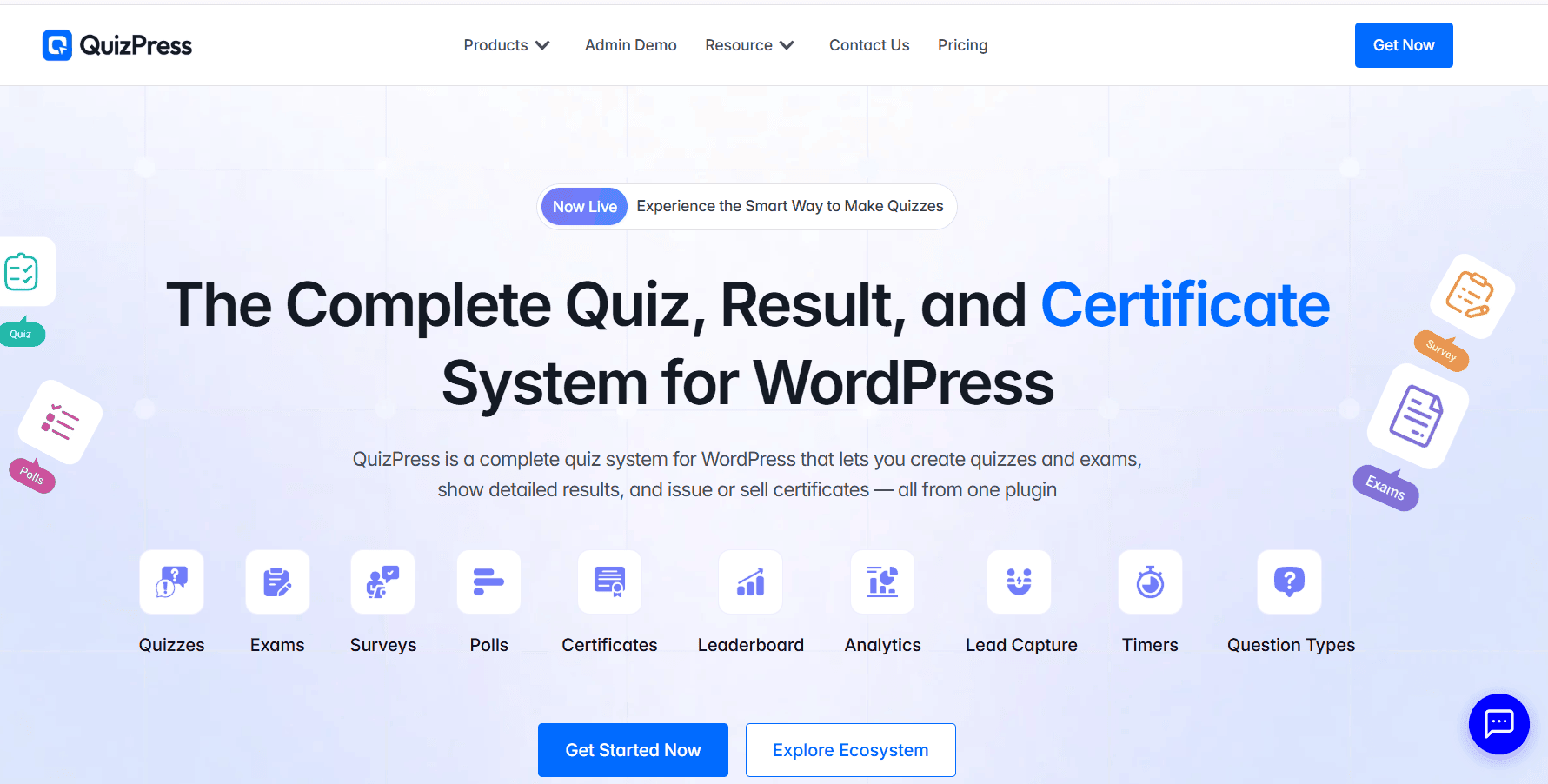
    QuizPress is a modern WordPress quiz plugin built around the Gutenberg block editor, allowing you to create quizzes, exams, surveys, polls, and personality tests directly inside WordPress. It combines quiz creation, grading, certificate issuance, and analytics into a single plugin.

    Main features

    • Native Gutenberg block-based quiz builder
    • 20+ question types, including image-based and personality questions
    • Automatic grading with instant results and pass/fail status
    • Automatic certificate generation with customizable templates
    • WooCommerce and StoreEngine integration for monetizing quizzes
    • Built-in lead capture for collecting prospects
    • Quiz analytics, attempt tracking, and performance reports
    • Question Bank with import and export support

    Best for

    Educators, course creators, membership websites, businesses, and marketers who want to create interactive quizzes for learning, lead generation, assessments, or monetization.

    What is HD Quiz?

    HD Quiz

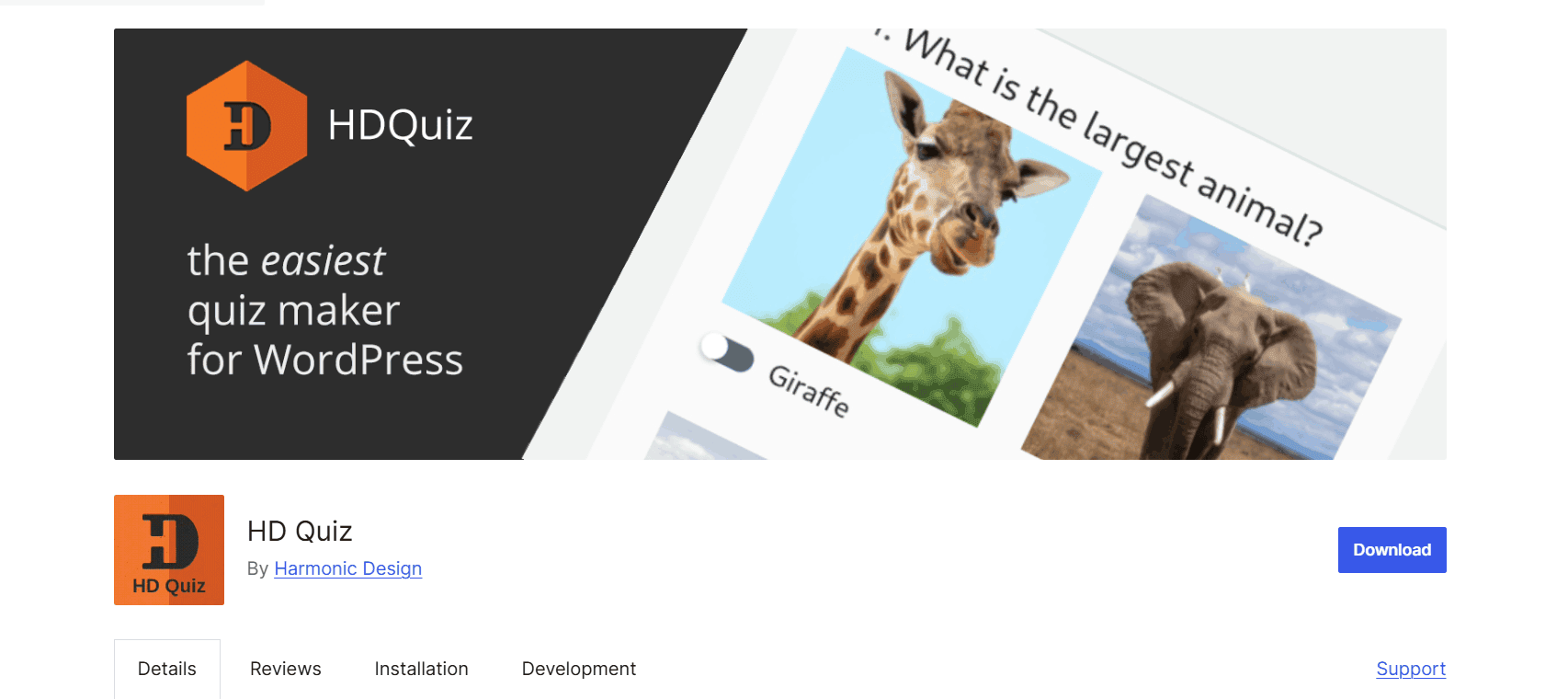
    HD Quiz (Mobile-Friendly Quiz) is a free WordPress quiz plugin designed to help you create interactive quizzes with minimal setup. It supports unlimited quizzes, scored and personality quizzes, multiple question types, and a mobile-friendly, accessible experience, making it a popular choice for bloggers, educators, and businesses.

    Main features

    • Unlimited quizzes, questions, and answers
    • Scored quizzes and personality quizzes
    • Multiple question types, including image-based answers, text input, and “select all that apply”
    • Mobile-friendly and WCAG-accessible quiz interface
    • Quiz timers, pagination, and question randomization
    • Question pools and weighted answers
    • Custom pass percentages and advanced marking options
    • Gutenberg block and shortcode support for embedding quizzes
    • Lightweight, performance-focused design that loads assets only on pages containing a quiz

    Best for

    Bloggers, educators, content creators, and businesses looking to create engaging quizzes, practice tests, or personality quizzes without paying for a premium plugin.

    QuizPress vs HD Quiz: Quick Comparison Table

    Feature

    QuizPress

    HD Quiz

    Ease of Use

    Beginner-friendly Gutenberg interface

    Simple admin-based interface

    Quiz Builder

    Native Gutenberg block builder

    Admin-based builder with Gutenberg block and shortcode support

    Gutenberg Support

    Native support

    Embed quizzes using a Gutenberg block or shortcode

    Question Types

    20+ question types, including image and personality questions

    Multiple question types, including image answers, text input, select-all-that-apply, and personality quizzes

    Personality Quizzes

    Yes

    Yes

    Certificates

    Yes (Premium)

    No

    WooCommerce Integration

    Yes

    No

    Lead Generation

    Built-in lead capture

    Not built in

    Analytics

    Detailed quiz analytics and reports

    Basic quiz statistics and reporting

    Pricing

    Free core + Premium plans

    Free core plugin

    QuizPress vs HD Quiz: Feature-by-Feature Comparison

    Ease of Use

    Installation:
    Both QuizPress and HD Quiz can be installed directly from the WordPress plugin directory with a simple setup process.

    User interface:
    QuizPress uses a Gutenberg block-based builder, making quiz creation feel familiar for WordPress users who already work with the block editor. HD Quiz uses a traditional admin-based quiz builder that provides a straightforward way to create and manage quizzes.

    Learning curve:
    HD Quiz may feel easier for users who only need simple quizzes because it focuses on essential quiz creation features. QuizPress may require a little more time to explore due to its broader feature set, including certificates, lead capture, and monetization options.

    Winner: Tie — HD Quiz is a good choice for users who want a simple quiz setup, while QuizPress offers a more modern editing experience for users familiar with Gutenberg.

    Quiz Builder Experience

    Block editor:
    QuizPress is built around the Gutenberg block editor, allowing users to create quizzes directly within the WordPress editing environment alongside text, images, and other content blocks.

    Drag-and-drop experience:
    QuizPress provides a visual block-based editing experience where quiz elements can be arranged within the page layout. HD Quiz uses a traditional admin-based quiz creation process and allows quizzes to be embedded using shortcodes or Gutenberg blocks.

    Creating questions:
    Both plugins allow users to create questions and answer options easily. However, QuizPress provides a more structured quiz-building workflow with support for different question types and media-based questions.

    Managing quizzes:
    QuizPress keeps quiz creation connected with the WordPress content workflow, while HD Quiz manages quizzes through its dedicated quiz settings area.

    Winner: QuizPress — Its Gutenberg-based builder provides a more modern and flexible quiz creation experience for WordPress users.

    Question Types

    Common question types compared:

    • Multiple Choice: Supported by both QuizPress and HD Quiz.
    • True/False: Both plugins can be used to create simple true/false-style questions.
    • Multiple Select: QuizPress supports multiple-select questions, while HD Quiz supports similar functionality through “Select All That Apply” questions.
    • Fill in the Blank / Text Input: QuizPress supports fill-in-the-blank questions, while HD Quiz offers text input question support.
    • Image Questions: Both support image-based quiz elements, with QuizPress offering more question type variety.
    • Personality Questions: Supported by both plugins.

    Winner: QuizPress — QuizPress offers a wider range of question formats and more flexibility for creating different types of quizzes.

    Quiz Customization

    Colors:
    Both plugins offer customization options for quiz appearance, while QuizPress provides more flexible styling controls through Gutenberg block settings.

    Layout:
    QuizPress benefits from the flexibility of the Gutenberg editor, allowing users to place quizzes alongside other WordPress content blocks. HD Quiz uses predefined quiz layouts with customization options managed through its settings.

    Branding:
    QuizPress provides more branding flexibility, making it suitable for businesses, educators, and course creators who want quizzes to match their website design.

    Quiz settings:
    Both plugins include useful quiz configuration options such as question randomization and time limits. QuizPress generally provides more advanced customization options because of its broader feature set.

    Winner: QuizPress — Its Gutenberg-based approach provides greater flexibility for designing and customizing quizzes.

    Scoring & Results

    Automatic scoring:
    Both QuizPress and HD Quiz support automatic scoring, allowing quiz creators to calculate results without manual evaluation.

    Pass/fail:
    Both plugins allow creators to set scoring requirements, including pass percentages or thresholds for quiz completion.

    Score display:
    Both plugins display quiz results after completion. QuizPress provides more flexibility for customizing how results and outcomes are presented.

    Custom result pages:
    QuizPress offers more advanced result customization options, making it suitable for personality quizzes, assessments, and different outcome paths. HD Quiz also supports personality quizzes and weighted answers but focuses on a simpler result experience.

    Winner: QuizPress — It provides more flexibility for presenting quiz results and creating customized user experiences.

    Certificates

    Certificate generation:
    QuizPress offers certificate generation for completed quizzes when users meet the required passing criteria. This feature is available as part of its premium offering. HD Quiz does not include built-in certificate generation.

    Custom templates:
    QuizPress allows users to customize certificate templates and create branded certificates. This functionality is not available in HD Quiz.

    Passing score requirements:
    QuizPress allows certificate eligibility to be connected with specific quiz score thresholds, ensuring certificates are awarded only to users who meet the required criteria.

    Winner: QuizPress — It provides built-in certificate functionality, making it a better choice for certification-based quizzes and online learning websites

    Lead Generation & Marketing

    Email collection:
    QuizPress includes built-in lead capture features that allow website owners to collect user information through quizzes. HD Quiz does not include built-in lead generation or email capture functionality.

    CRM integrations:
    QuizPress is better suited for marketing-focused quiz workflows with features designed around collecting and managing quiz leads. HD Quiz focuses primarily on creating and displaying quizzes rather than marketing automation.

    Marketing automation:
    QuizPress is designed for businesses, educators, and course creators who want to use quizzes for engagement, lead generation, and monetization. HD Quiz is mainly focused on quiz creation.

    User registration:
    QuizPress provides a more marketing-oriented approach to collecting and using quiz participant data.

    Winner: QuizPress — It offers dedicated lead capture features, making it a stronger option for businesses and marketers who want quizzes to support growth goals.

    WooCommerce & Monetization

    Paid quizzes:
    QuizPress supports WooCommerce integration, allowing website owners to sell access to premium quizzes and monetize their quiz content. HD Quiz does not include native WooCommerce integration.

    Selling quiz access:
    QuizPress provides built-in support for creating monetized quiz experiences, while HD Quiz focuses primarily on free quiz creation.

    Membership compatibility:
    QuizPress is better suited for membership websites, online courses, and educational platforms that need quiz monetization features. HD Quiz works well for free quizzes but does not provide built-in payment or monetization options.

    Winner: QuizPress — Its WooCommerce integration and monetization features make it the stronger choice for businesses, educators, and course creators who want to sell quiz-based content.

    Analytics & Reporting

    Quiz reports:
    QuizPress provides detailed quiz analytics and reporting features to help creators monitor quiz performance and user results. HD Quiz offers basic quiz statistics and result information.

    User attempts:
    Both plugins provide information about quiz completions and results, but QuizPress offers a more comprehensive reporting experience.

    Score tracking:
    Both plugins support score-based quizzes and display quiz results, while QuizPress provides more detailed insights into quiz performance.

    Performance insights:
    QuizPress is better suited for educators, course creators, and businesses that need deeper insights into learner engagement and quiz outcomes.

    Winner: QuizPress — It offers more advanced analytics and reporting capabilities for users who want to measure quiz performance.

    Performance & Ease of Maintenance

    Lightweight design:
    HD Quiz has a simpler structure with fewer advanced features, which can make it a lightweight option for websites that only need basic quiz functionality. QuizPress incl

    Speed:
    Both plugins are designed to run efficiently on WordPress websites. HD Quiz’s simpler feature set may be beneficial for sites looking for a minimal quiz solution, while QuizPress offers more features within a modern editing workflow.

    Updates:
    Both plugins should be evaluated based on their latest update history and compatibility with current WordPress versions.

    Compatibility with modern WordPress:
    QuizPress’s Gutenberg-based approach aligns closely with the modern WordPress editing experience, making it a strong choice for users who prefer block-based workflows.

    Winner:

    • HD Quiz — Better for users prioritizing simplicity and lightweight quiz functionality.
    • QuizPress — Better for users who want a modern WordPress experience with more advanced features.

    Pricing

    QuizPress

    Free version:
    Yes. QuizPress offers a free version with core quiz creation functionality, allowing users to build interactive quizzes directly in WordPress.

    Premium plans:
    Premium options are available for users who need advanced features and additional quiz-building capabilities.

    Key premium features:
    Premium features include certificate generation, enhanced monetization options, advanced lead capture features, and expanded quiz functionality.

    HD Quiz

    Free version:
    Yes. HD Quiz is a free WordPress quiz plugin that provides most of its main quiz creation features without requiring a paid upgrade.

    Premium add-ons:
    HD Quiz does not follow the same premium add-on model as many other quiz plugins and focuses mainly on providing free quiz creation tools.

    Winner: Depends on your needs — HD Quiz is a strong choice for users looking for a completely free quiz solution, while QuizPress offers more value for users who need advanced features like certificates, monetization, and marketing-focused quiz tools.

    Pros and Cons

    QuizPress

    Pros

    • Modern Gutenberg-based quiz builder
    • Certificate generation support
    • WooCommerce and monetization features
    • Lead generation and marketing-focused tools
    • Beginner-friendly WordPress editing experience

    Cons

    • Some advanced features require the premium version

    HD Quiz

    Pros

    • Completely free core plugin
    • Simple setup
    • Lightweight quiz solution
    • Good choice for basic trivia and personality quizzes

    Cons

    • Fewer advanced features compared to dedicated quiz platforms
    • Limited built-in marketing and monetization options
    • Basic reporting capabilities compared to more feature-rich quiz plugins

    Who Should Choose QuizPress?

    QuizPress is a strong fit if you’re:

    • An online educator creating quizzes, exams, or assessments
    • A course creator who wants to add quizzes to learning experiences
    • Running a membership website that needs interactive content
    • Operating a WooCommerce store and want to monetize quizzes
    • Focused on lead generation and collecting user information
    • Building certification-based quizzes with certificate generation

    Who Should Choose HD Quiz?

    HD Quiz makes sense if you’re:

    • Running a personal blog
    • Managing a small website
    • Creating basic trivia quizzes
    • Looking for a simple, free solution with no extra frills

    Final Verdict

    Both QuizPress and HD Quiz are capable WordPress quiz plugins, but they are designed for different types of users and goals. QuizPress is a better choice if you need a scalable quiz solution with features like certificates, monetization options, lead generation, and a modern Gutenberg-based editing experience. HD Quiz is a better fit if you need a simple, free plugin for creating straightforward quizzes without advanced marketing or monetization features.

    For growing websites, especially those focused on education, online courses, certifications, lead generation, or selling quiz-based content, QuizPress offers more flexibility and room to expand. However, if you only need a lightweight solution for casual trivia or basic quizzes, HD Quiz remains a suitable free option for creating simple interactive quizzes.

    FAQs

    Is QuizPress better than HD Quiz?

    It depends on your goals. QuizPress offers more advanced features such as certificates, WooCommerce integration, lead capture, and a modern Gutenberg-based quiz builder. HD Quiz is a simpler free solution for users who need basic quiz functionality.

    Which plugin is easier for beginners?

    Both plugins are beginner-friendly. HD Quiz has a simpler setup process for basic quizzes, while QuizPress provides an intuitive Gutenberg-based editing experience for users familiar with WordPress blocks.

    Can both plugins create personality quizzes?

    Yes, both QuizPress and HD Quiz support personality-style quizzes with customized results.

    Does HD Quiz support certificates?

    No. HD Quiz does not include built-in certificate generation. Certificate functionality is available in QuizPress.

    Can I sell quizzes using QuizPress?

    Yes. QuizPress integrates with WooCommerce, allowing you to monetize quizzes by selling access to quiz content.


  • Best Quiz and Survey Master Alternatives

    Best Quiz and Survey Master Alternatives

    If you’ve been using Quiz and Survey Master (QSM) for your WordPress quizzes, you already know its strengths. It’s reliable, established, and has served countless educators and marketers well over the years. But let’s be honest—2026 is a different ballgame.

    The landscape of WordPress quiz plugins has evolved dramatically. What worked five years ago now feels clunky. Users today expect AI-powered question generation, server-side progress saving, seamless LMS integration, and modern, mobile-first designs—features that QSM’s aging infrastructure struggles to deliver without expensive add-ons.

    In this guide, we’ll explore the best simple and affordable alternatives to Quiz and Survey Master in 2026. We’ll put a special spotlight on QuizPress, a rising star that’s redefining what a free quiz plugin can offer. Let’s dive in.

    Why Look for a QSM Alternative in 2026?

    Quiz and Survey Master Alternatives

    Before we explore the alternatives, it’s worth understanding why so many users are making the switch this year.

    1. Dated User Interface
    While QSM gets the job done, its interface feels like it’s stuck in the early 2010s. Compared to modern drag-and-drop builders, navigating its settings to create complex quizzes is not intuitive.

    2. Add-on Overload
    QSM offers a solid free core, but many essential features—advanced reporting, conditional logic, email marketing integrations—require purchasing individual add-ons. The cost adds up quickly, often exceeding the price of all-in-one premium competitors.

    3. Missing Modern Features
    In 2026, AI is everywhere. Educators and marketers expect to generate questions from text or PDFs instantly. They need server-side saving (so users don’t lose progress if they close their browser) and anti-cheat mechanisms that QSM lacks in its core offering.

    The Top QSM Alternatives at a Glance

    Plugin

    Best For

    Key Features

    Starting Price

    QuizPress

    Educators & Advanced Assessments

    AI quiz generation, server-side answer saving, LMS integrations, and detailed reporting

    Free version available / Premium from ~$39 (lifetime deals may vary)

    Quiz Maker (AYS Pro)

    Overall Flexibility

    10+ question types, AI integration (via API), scheduling, certificates, and user limits

    ~$49/year (frequent discounts available)

    Thrive Quiz Builder

    Lead Generation & Marketing

    Branching logic, A/B testing, opt-in forms, personality quizzes, dynamic results

    ~$99/year (or included in Thrive Suite ~$299/year)

    QuizFlow

    AI-Powered Quizzes (Emerging Tool)

    ChatGPT-based quiz generation, analytics, and unlimited quizzes

    Free (Pro features may be limited or evolving)

    WPForms

    Beginners & Small Businesses

    Drag-and-drop builder, surveys & polls addon, basic quiz/reporting features

    ~$199.50/year (Pro plan required for quiz features)

    Formidable Forms

    Developers & Data-Driven Apps

    Advanced calculations, quiz scoring, form-based quizzes, and data visualization

    ~$99.50/year (Plus plan)

    Quiz Cat

    Simple Trivia & Viral Content

    Lightweight, personality quizzes, social sharing, fast setup

    ~$69/year

    1.QuizPress (Best All-in-One Quiz Plugin)

    QuizPress

    All-in-one quiz & assessment builder

    QuizPress Pro is a premium WordPress quiz builder that brings quizzes, surveys, polls, exams, and personality tests under one clean, no-code interface — eliminating the need for multiple costly add-ons. It is built as a standalone assessment solution ideal for marketing sites, eLearning platforms, membership communities, and corporate intranets.

    Key Features

    • 20+ Question Types in One Plugin: QuizPress supports multiple-choice, true/false, fill-in-the-blank, drag-and-drop, image-based, open-ended, polls, rating scales, and more — no paid extensions required.
    • Built-In Lead Generation: QuizPress includes a native lead capture system that turns interactive quizzes into smart lead magnets — a feature QSM only unlocks through a paid Mailchimp add-on.
    • Smart Publishing: Embed via shortcode or Gutenberg block, share a public quiz link, and import/export quizzes across multiple client sites without complex CSV mapping.
    • Question Bank & Analytics: A centralized question bank lets you store and reuse questions or randomize them per attempt. The built-in analytics dashboard tracks response data, completion trends, and engagement metrics.
    • LMS Compatibility: Works alongside  Academy LMS and Tutor LMS — handling site-wide quizzes and polls while your LMS focuses on course-based testing.

    ✅ Pros

    • All-in-one — no add-on purchases needed
    • 20+ question types built-in
    • Clean, intuitive no-code interface
    • Built-in lead capture & analytics
    • LMS and multi-site compatible
    • Import/export between sites
    • Active development 

    ❌ Cons

    • Premium-only (no significant free tier)
    • Smaller community vs. QSM
    • Fewer third-party tutorials

    Best For: Educators, course creators, marketers, HR teams, agencies, and SaaS products.

    2. WPForms— (Best for Beginners)

    WPForms

    For small business owners and WordPress newcomers who want a simple, no-code solution, WPForms is the safest bet. While it’s primarily a form builder, its Surveys and Polls addon transforms it into a capable quiz tool. With over 5 million active installations, it’s one of the most trusted WordPress plugins available.

    Key Features

    • Extremely easy to use: Pre-designed templates for quick setup
    • Drag-and-drop builder: Intuitive and beginner-friendly
    • Strong polling and survey features: Great for feedback forms
    • Ideal for small business websites: No steep learning curve
    • Spam protection: Built-in anti-spam measures
    • Conditional logic: Show or hide fields based on user responses
    • Email notifications: Customizable email alerts for quiz completions

    ✅ Pros

    • Extremely beginner-friendly
    • Excellent drag-and-drop UX
    • Strong template library
    • Many integrations (Mailchimp, Zapier)

    ❌ Cons

    • Limited quiz-specific features
    • No auto-grading system
    • Advanced features need the Pro plan

    Best For: Small business owners and beginners who need forms with light survey functionality.

    3.Formidable Forms— (Best for Developers)

    Formidable Forms

    Formidable Forms is the most powerful WordPress form builder, handling quizzes and surveys as part of a broader suite that also covers calculators, directories, and web apps. If you’re already using it as your primary form builder, there’s no need for a separate quiz plugin. However, the free version is limited, and the dedicated quiz power requires an expensive plan.

    Key Features

    • Powerful conditional logic: Build complex quiz paths
    • Calculations: Create scored assessments with custom formulas
    • High-quality survey elements: Detailed reporting options
    • Developer-friendly: Extensive hooks and filters
    • Data visualization: Charts and graphs for quiz results
    • API integration: Connect with external services and CRMs
    • GraphQL API: Advanced data access for custom applications

    ✅ Pros

    • Extremely versatile (forms + quizzes + apps)
    • Drag-and-drop builder with visual styler
    • Unlimited forms and responses (free)
    • Excellent for developers

    ❌ Cons

    • The free version is quite limited
    • Expensive Pro plans
    • Overkill for simple quiz use cases

    Best For: Developers and agencies needing a full-stack form builder with quiz capability as a bonus.

    4. Quiz Maker (AYS Pro) – (Best Overall Flexibility)

    Quiz Maker

    Quiz Maker by AYS Pro is considered one of the most popular alternatives to Quiz and Survey Master (QSM). It offers a modern, user-friendly interface, 10+ question types, and strong customization options suitable for both beginners and advanced users. With 30,000+ active installations and a strong support community, it has become a reliable choice for WordPress quiz creation.

    Key Features

    • 10+ question types (multiple choice, true/false, dropdown, etc.)
    • Easy drag-and-drop quiz builder
    • Advanced customization options (design, colors, layouts)
    • Timer for quizzes and questions
    • Question randomization and shuffle options
    • Quiz scoring system with detailed results
    • Conditional logic (show questions based on answers)
    • Certificates for users (premium feature)

    ✅ Pros

    • 10+ question types and flexible quiz builder
    • Highly customizable design and settings
    • Good analytics, scoring, and reporting tools
    • Supports timers, randomization, and certificates (Pro)
    • Works well for both beginners and advanced users

    ❌ Cons

    • UI can feel a bit complex for beginners
    • Advanced features require the Pro version
    • Not a full LMS solution
    • AI quiz generation is not built-in (needs external setup)

    Best For: Users who want a QSM-like experience but with a modern UI and fewer hidden costs.

    5.QuizFlow– (Best AI-First Quiz Builder)

    QuizFlow

    QuizFlow – AI-Powered Quiz Maker is a relatively new WordPress quiz plugin that focuses on AI-assisted quiz creation and a modern user experience. It typically integrates with AI tools (such as ChatGPT via API) to help generate quiz questions, answers, and related content from user-provided topics or text. The plugin offers a lightweight setup and includes basic quiz features such as multiple quizzes, timers, and submission tracking, depending on configuration. As a newer plugin, it is still evolving and building its user base and feature set.

    Key Features

    • AI-powered ChatGPT question generation from topics or text
    • Multiple question types, including MCQ, True/False, and flashcard-style questions
    • Basic quiz timer functionality
    • Email notifications for quiz results
    • CSV export of quiz submissions
    • Modern WordPress-compatible design (including block themes)
    • Lightweight setup for quick quiz creation
    • AI-assisted quiz content generation workflow

    ✅ Pros

    • AI (ChatGPT) quiz generation
    • Unlimited quizzes and questions
    • Multiple question types (MCQ, True/False, flashcards)
    • Leaderboards for engagement
    • CSV export of results
    • Free core version available

    ❌ Cons

    • New plugin with a smaller user base
    • Some features may require the Pro version
    • Not as tested as popular plugins like QSM or AYS
    • May feel complex for a simple quiz needs

    Best For: Users who want an AI-assisted quiz builder with modern features and easy ChatGPT-based question creation in WordPress.

    6. Thrive Quiz Builder– (Best for Lead Generation)

    Thrive Quiz Builder

    If your goal is to grow your email list or segment your audience, Thrive Quiz Builder is a highly conversion-focused quiz plugin. While QSM is more functional for general quizzes, Thrive emphasizes engagement and marketing features like branching logic and opt-in forms. It is part of the Thrive Suite ecosystem, which also includes tools for landing pages, lead generation, and marketing optimization.

    Key Features

    • Opt-in gates – Collect emails before showing quiz results
    • Branching logic – Dynamic questions based on user answers
    • A/B testing – Test headlines, opt-in forms, and results pages
    • Social sharing features – Encourage users to share results
    • Visual drag-and-drop builder – No coding required
    • Integration with Thrive Suite tools (email, landing pages, etc.)
    • Conversion analytics – Track completions, drop-offs, and engagement
    • Multiple quiz types – Personality quizzes, scored quizzes, and assessments

    ✅ Pros

    • Strong focus on lead generation and email opt-ins
    • Advanced branching logic for personalized quiz flows
    • A/B testing for headlines, opt-in forms, and results pages
    • Great for marketing funnels and audience segmentation
    • Visual drag-and-drop builder (no coding needed)
    • Deep integration with Thrive Suite tools

    ❌ Cons

    • Expensive compared to most WordPress quiz plugins
    • Not ideal for simple quizzes or beginners
    • Requires Thrive ecosystem for full value
    • Learning curve due to advanced marketing features
    • No free standalone version (part of paid suite)

    Best For: Marketers, bloggers, and eCommerce sites that want to grow email lists, increase conversions, and segment audiences using quiz-based funnels.

    How to Choose the Right Quiz Plugin for Your Needs

    With so many WordPress quiz plugins available, choosing the right one depends on your goals, budget, and technical requirements. Here’s a simple framework to help you decide:

    1. Identify your primary goal:

    • Lead generation: Thrive Quiz Builder or WPForms
    • Educational quizzes/assessments: Quiz Maker (AYS Pro) or LearnDash quizzes
    • Fun and viral quizzes: Quiz Cat or QuizFlow
    • Advanced forms & calculations: Formidable Forms
    • LMS-based quizzes: AcademyLMS, LearnDash, Tutor LMS, or similar LMS plugins

    2. Consider your budget:

    • Free or freemium options: QuizFlow, HD Quiz, Forminator
    • Low-cost annual plans: Quiz Maker (AYS Pro)
    • Marketing-focused premium tools: Thrive Quiz Builde
    • Form builder with quiz features: WPForms, Formidable Forms

    3. Evaluate technical requirements:

    • LMS integration needed: AcademyLMS, LearnDash, Tutor LMS, LifterLMS
    • AI quiz generation: Some plugins (like Quiz Maker or newer AI-based tools) via OpenAI API
    • Advanced logic/branching: Thrive Quiz Builder, Quiz Maker
    • Simple quiz creation: HD Quiz or Quiz Cat
    • Multilingual support: Quiz Maker (WPML compatible setups)

    4. Consider scalability:

    • Small websites: Any basic quiz plugin works
    • Medium websites: Quiz Maker, WPForms, Thrive Quiz Builder
    • Large / high-traffic LMS sites: LearnDash or dedicated LMS platforms (better than general quiz plugins) 

    Final Thoughts

    Quiz and Survey Master has served the WordPress community for many years and is still a reliable option for creating simple quizzes and surveys. However, in 2026, the WordPress quiz ecosystem has become much more advanced and competitive.

    Modern plugins like QuizPress, Quiz Maker (AYS Pro), and Thrive Quiz Builder now offer better user experience, more flexible question types, improved design, and, in some cases, AI-assisted quiz creation. These tools are also more focused on engagement, automation, and conversion optimization, making them better suited for education, marketing, and business use cases.

    Overall, QSM remains a solid choice for basic quiz needs, while newer plugins are better for users who want more advanced features, better performance, and higher engagement results.

    FAQ 

    What is the best WordPress quiz plugin in 2026?

    It depends on your goal. QuizPress and Quiz Maker (AYS Pro) are great for education, while Thrive Quiz Builder is best for marketing and lead generation.

    Is Quiz and Survey Master still good to use?

    Yes, QSM is still a reliable plugin for basic quizzes and surveys, but newer plugins offer more modern features and better design.

    Which quiz plugin is best for beginners?

    HD Quiz and WPForms are the easiest for beginners because they have simple interfaces and quick setup

    Do I need coding skills to create quizzes?

    No, most quiz plugins like QuizPress, Quiz Maker, and Thrive Quiz Builder offer drag-and-drop or visual builders.

  • Top Free WordPress Quiz Plugins (Tested & Compared)

    Top Free WordPress Quiz Plugins (Tested & Compared)

    Quizzes have become one of the most powerful engagement tools for WordPress websites in 2026. Whether you run a blog, eLearning platform, affiliate site, or business website, adding interactive quizzes can dramatically increase user engagement, boost conversions, and collect valuable data.

    Interactive content generates twice as much engagement as static pages, and a well-placed quiz can reduce bounce rate, capture leads, and build audience trust — all without spending a cent on ads. The right WordPress quiz plugin can transform a passive blog into an interactive experience, and this guide covers the best free options tested hands-on, with a deep dive into QuizPress — the breakout standout of the year.

    Why Add Quizzes to Your WordPress Site?

    Quizzes

    If you’re running a WordPress site in 2026 and haven’t experimented with quizzes yet, you’re leaving serious engagement on the table. Quizzes sit at the intersection of content marketing, education, and lead generation — making them one of the most versatile tools in your arsenal.

    Interactive quizzes can dramatically boost time on page, often adding 3–5 extra minutes per visit. They also create highly shareable moments — people love posting their results on social media, which drives organic referral traffic back to your site. For educators, quizzes are the backbone of eLearning on WordPress. For marketers, personality quizzes and product recommendation quizzes routinely convert at 40–50%, far outperforming standard opt-in forms.

    The good news? You don’t need to spend hundreds of dollars on specialised SaaS tools. Several free WordPress quiz plugins now rival paid alternatives in features, flexibility, and design quality. Let’s dig into our hands-on picks for 2026, starting with the plugin that impressed us most.

    Top 6 Free WordPress Quiz Plugins

    We installed and actively tested each plugin on a WordPress 6.5 site. Our evaluation criteria: ease of setup, free-tier feature depth, performance impact, mobile responsiveness, analytics quality, and real-world output quality.

    1. QuizPress — Complete Quiz System for WordPress

    QuizPress

    Rating: ★★★★★ Price: Free (Pro available) Best For: All-in-one quiz solution

    QuizPress is rapidly becoming the most complete free quiz plugin in the WordPress ecosystem. Unlike tools that bolt quiz features onto a generic form builder, QuizPress is built quiz-first — and it shows in every workflow and design decision. The plugin handles every major quiz format: standard quizzes, surveys, polls, exams, and personality tests, all from a single clean WordPress dashboard with no coding required.

    What immediately stands out is the breadth of question types — over 20 in total. You can build everything from simple multiple-choice radio buttons to complex grid responses, polar scale questions, image-based answers (text + image combined), fill-in-the-blank, paragraph, date inputs, and file uploads. This makes QuizPress equally capable for a fun personality test on a lifestyle blog and a serious professional exam on a corporate training platform.

    The user experience flow is refreshingly logical: build your question bank → assemble a quiz → configure scoring → publish via Gutenberg block or shortcode → review analytics. Each step is purposefully designed and uncluttered. During our tests, we had a fully functional 15-question scored exam live in under 8 minutes from first install.

    Key Features

    • 20+ Question Types in One Plugin: QuizPress supports multiple-choice, true/false, fill-in-the-blank, drag-and-drop, image-based, open-ended, polls, rating scales, and more — no paid extensions required.
    • Built-In Lead Generation: QuizPress includes a native lead capture system that turns every interactive quiz into a high-converting lead magnet — a capability QSM only provides through a paid Mailchimp add-on.
    • .
    • Smart Publishing: Embed via shortcode or Gutenberg block, share a public quiz link, and import/export quizzes across multiple client sites without complex CSV mapping.
    • Question Bank & Analytics: A centralized question bank lets you store and reuse questions or randomize them for each attempt. The built-in analytics dashboard tracks response data, completion trends, and engagement metrics.
    • LMS Compatibility: Works alongside  Academy LMS and Tutor LMS — handling site-wide quizzes and polls while your LMS focuses on course-based testing.

    ✅ Pros

    • All-in-one — no add-on purchases needed
    • 20+ question types built-in
    • Clean, intuitive no-code interface
    • Built-in lead capture & analytics
    • LMS and multi-site compatible
    • Import/export between sites
    • Active development 

     ⚠️ Cons

    • Premium-only (no significant free tier)
    • Smaller community vs. QSM
    • Fewer third-party tutorials

    2. Quiz and Survey Master (QSM)

    Quiz and Survey Master

    Rating: ★★★★☆ Active Installs: 100,000+ Pricing: Free core plugin  Best For: Power users, email marketing integration

    Quiz and Survey Master (QSM) is the long-standing veteran of this list. With over 100,000 active installs, it has one of the largest user communities in the WordPress quiz space. QSM supports unlimited quizzes and unlimited questions, drag-and-drop quiz building, multimedia content support (images, audio, video in questions), and robust integrations with email marketing platforms, including Mailchimp, ActiveCampaign, and GetResponse.

    Recent reviews on WordPress.org describe it as “the best quiz plugin in the WP repository,” noting that its free plan is “far better than most other Quiz plugins’ paid versions.” Its deep hook system also makes it a favourite among developers who need customisation flexibility beyond the UI. Where QSM falls behind QuizPress is in the certificate workflow, the question bank system, and the overall polish of results pages.

    Key Features:

    • Unlimited free quizzes & questions
    • 40+ premium addons
    • Timer & randomized question pools
    • Multipage quizzes
    • Email marketing integrations (Mailchimp, MailerLite)
    • CSV export & reporting
    • Block editor interface

    ✅ Pros

    • 100k+ installs — massive, well-supported community
    • Drag-and-drop quiz builder
    • Deep email marketing integrations
    • Multimedia questions (images, audio, video)
    • Rich documentation and developer hooks

    ⚠️ Cons

    • UI feels dated compared to QuizPress
    • CSV export and advanced reporting behind paid add-ons
    • Can feel overwhelming for beginners

    3. HD Quiz

    HD Quiz

    Rating: ★★★★☆ Price: 100% Free Best For: Lightweight, fast trivia quizzes

    HD Quiz earns its reputation as one of the quickest and most performance-focused quiz plugins available. It generates no unnecessary JavaScript bloat, loads fast on mobile, and produces beautiful, fully accessible quiz interfaces out of the box. Key free features include animated GIF support, quiz-level and per-question timers, social sharing, question randomization, and pagination — completely free with no upsells.

    If your priority is a lightweight, speed-focused plugin for trivia, knowledge tests, or fun content marketing quizzes, HD Quiz is hard to beat. It won’t build you a graded exam with certificates, but for what it does, it executes exceptionally well and adds zero bloat to your site.

    Key Features:

    • 100% free forever — no premium tier
    • Inherits your theme’s fonts & colors
    • GIF & image question support
    • Per-question timers
    • Mobile responsive
    • Fast & lightweight

    ✅ Pros

    • Extremely lightweight — minimal page impact
    • Animated GIF support in questions
    • Timer per quiz and per question
    • Social sharing built-in
    • 100% free — no premium tier

    ⚠️ Cons

    • No lead capture or email integration
    • No certificate system
    • Limited question types vs QuizPress

    4. Quiz Maker (AYS Pro)

    Quiz Maker

    Rating: ★★★★☆ Active Installs: 20,000+ Pricing: Free · Pro one-time payment Best For: Design customisation, large question banks

    Quiz Maker by AYS Pro stands out for its outstanding live style preview — you can see exactly how your quiz looks while configuring it, without saving and reloading a separate page. It supports 7 core question types in its free version: radio, checkbox, dropdown, text, short text, number, and date. Personality quiz creation via score intervals is also available for free.
    The plugin is particularly well-suited for educators managing large question banks. One user reported managing 1,000+ questions across 100+ quizzes on their technical learning platform, noting the import/export functionality as a key time-saver. Support is consistently praised for being both responsive and professional.

    Key Features:

    • Live style preview
    • Password-protected quizzes
    • Email certificates
    • Personality quizzes
    • 10+ question types
    • One-time pricing model

    ✅ Pros

    • Live style preview in the dashboard
    • Strong question bank management
    • Responsive, polished visual design
    • Highly-rated developer support

    ⚠️ Cons

    • Fewer free question types than QuizPress
    • Certificates and advanced analytics require a paid plan

    5. Forminator

    Forminator

    Rating: ★★★★☆ Active Installs: 300,000+ Pricing: Free  Best For: All-in-one form + poll + quiz tool

    Forminator by WPMU DEV is a versatile free plugin handling contact forms, polls, and quizzes from a single interface. With over 300,000 active installs, it’s the most widely deployed multi-purpose tool on this list. Its drag-and-drop builder is genuinely beginner-friendly, and social sharing integrations help viralize quiz results across platforms.

    The trade-off is that Forminator is a generalist, not a quiz specialist. If you already use it for forms and want to add simple quizzes, it’s a smart, no-additional-plugin choice. But for dedicated quiz features — analytics depth, question banks, graded exams, certificates — QuizPress or QSM will serve you significantly better.

    Key Features:

    • All-in-One Builder
    • Drag-and-Drop Form Builder
    • Multiple Field Types
    • Quizzes & Polls Support
    • Conditional Logic
    • Analytics & Reports
    • Spam Protection

    ✅ Pros

    • 300k+ installs — extremely stable and trusted
    • Combines forms, polls, and quizzes in one
    • Beginner-friendly drag-and-drop builder
    • Social sharing for quiz results

    ⚠️ Cons

    • Not quiz-first — limited quiz depth and analytics
    • No certificate or graded exam features
    • Better suited for forms than serious quizzes

    6. Watu Quiz

    Watu Quiz

    Rating: ★★★☆☆ Price: Free (premium available) Best For: Very basic quiz needs

    Watu Quiz is a no-frills option for basic quizzes, exams, and surveys. It handles single-choice, multiple-choice, and essay questions, randomizes questions from a larger pool, and displays results at quiz completion. Social sharing buttons for quiz scores add a small but effective engagement touch.

    It’s suitable for educators who need bare-minimum testing without added complexity, but it falls well behind QuizPress and QSM in analytics, UI quality, and question type variety. Consider it only if simplicity is your absolute top priority.

    Key Features

    • Supports single-choice, multiple-choice, and essay questions
    • Question randomization from a larger question pool
    • Automatic result calculation and display
    • Basic quiz scoring system
    • Social sharing options for quiz results
    • Ability to create simple exams and surveys
    • Lightweight and fast performance

    ✅ Pros

    • Simple, fast to set up for basic quizzes
    • Question pool randomisation
    • Social sharing for results

    ⚠️ Cons

    • Very limited free feature set
    • Dated interface and UX
    • No certificate system in the free version

    Side-by-Side Comparison Table

    Plugin

    Question Types (Free)

    Certificates

    Analytics

    Question Bank

    WooCommerce

    Free Tier Quality

    🎯 QuizPress

    20+

    ✔ + Sell

    ✔ Advanced

    Excellent

    📋 QSM

    10+

    ✗ (add-on)

    ✔ Basic

    Good

    ⚡ HD Quiz

    3

    Good (lightweight)

    🛠️ Quiz Maker

    7

    ✗ (Pro)

    ✔ Basic

    Good

    🔮 Forminator

    5

    OK (generalist)

    🎲 Watu Quiz

    4

    Basic

    Which Plugin Should You Choose?

    The best plugin depends entirely on your use case. Here’s a quick decision matrix based on the most common scenarios we see from WordPress site owners:

    • Educator or Trainer: Use QuizPress for graded exams with automatic certificates. Use Quiz Maker if you manage a very large question library (1,000+ questions).
    • Marketer or Blogger: Use QuizPress for lead quizzes and personality tests with real analytics. Use HD Quiz for lightweight trivia and fun viral content.
    • WooCommerce Store Owner: QuizPress integrates with WooCommerce to sell premium certificates or gated quiz access — a unique free-tier capability no other plugin offers.
    • Already Using Forminator: Stick with Forminator for simple quizzes to avoid an extra plugin. When you need scoring, certificates, or real analytics, migrate to QuizPress.
    • Agency / Multiple Client Sites: QuizPress excels here — its import/export system lets you replicate entire quiz setups across client sites in seconds, saving significant project time.
    •  Deep Email Marketing Needed: QSM has the most email marketing integrations (Mailchimp, ActiveCampaign, GetResponse) of any free plugin on this list, making it the best for lead nurturing flows.

    Final Verdict

    QuizPress is the best free WordPress quiz plugin in 2026, offering 20+ question types, certificates, analytics, a reusable question bank, and WooCommerce integration. It’s ideal for educators, marketers, agencies, and online store owners who need a complete, flexible quiz solution.

    Quiz and Survey Master (QSM) is a strong alternative, especially for users focused on email marketing and lead generation due to its wide range of integrations. HD Quiz is ideal for lightweight, fast-loading quizzes with simple functionality. Other tools like Forminator work well for basic quizzes. Overall, QuizPress provides the most complete feature set for most users.

    Frequently Asked Questions

    Is QuizPress really free?

    Yes. QuizPress offers a fully functional free version at quizpress.pro with core quiz features; the Pro tier adds advanced analytics, premium certificate selling, and extra integrations.

    Can quiz plugins slow down my WordPress site?

    Most modern quiz plugins have minimal impact on speed; HD Quiz is the lightest, and QuizPress is built to be very fast, but you should always test your site with tools like GTmetrix or PageSpeed Insights after installing any plugin.

    Can I use these quiz plugins with Elementor or Divi?

    Yes. All these quiz plugins work with Elementor, Divi, Beaver Builder, and other page builders via shortcodes; QuizPress and QSM also provide native Gutenberg blocks for block-based and FSE themes.

    Can I sell premium quizzes or certificates?

    Yes. With QuizPress, you can natively sell premium quiz access and certificates via WooCommerce or StoreEngine; other plugins usually need paid add-ons or third-party payment tools for this.

  • 7 Best Quiz Maker Alternatives for WordPress (2026)

    7 Best Quiz Maker Alternatives for WordPress (2026)

    If you’ve been running WordPress for any length of time, you know that finding the right quiz plugin is harder than it looks. The default options can feel limited — clunky UIs, paywalled features, or plugins that slow your site to a crawl. The good news? In 2026, the ecosystem will never be richer.

    WordPress.org lists dozens of quiz plugins, ranging from free, lightweight tools to full-featured assessment suites. This guide cuts through the noise and highlights 7 battle-tested alternatives — each covering a different use case, budget, and skill level. We spotlight QuizPress Pro as the overall top pick, then compare every serious contender so you can choose with confidence.

    Why Your WordPress Site Needs a Quiz Plugin

    Before diving into the tools, it’s worth understanding why quizzes matter so much in 2026. A WordPress quiz plugin can reduce your bounce rate by keeping users on your site longer, which is factored into your SEO and can boost rankings. Quizzes also boost conversions by keeping visitors engaged, making them more likely to purchase, click ads, or subscribe to your email list. Kinsta On top of that, personality and trivia quizzes are among the most shared content types on social media — making them a powerful organic growth tool with zero ad spend.

    1.QuizPress

    QuizPress

    Complete standalone quiz and assessment system for WordPress

    QuizPress Pro is the most complete standalone quiz builder for WordPress in 2026, purpose-built to power quizzes, surveys, polls, exams, and personality tests from a single intuitive dashboard — no third‑party extensions required.

    What truly sets it apart is its 20+ question types — from standard multiple choice and true/false to image-based answers, file uploads, and matrix grids. You can combine all of these inside a single quiz without touching a line of code. The clean, guided WordPress admin interface walks you through every step — add questions, choose types, define scoring, then publish via a shortcode or Gutenberg block.

    QuizPress also packs a built-in question bank so you can store, reuse, and randomize questions across multiple quizzes. Its real-time analytics dashboard tracks participant names, IP addresses, completion rates, and question-level drop-off — data most competitors charge add-on prices for. If you run an Academy LMS site, QuizPress works alongside the course quiz builder, handling site-wide assessments and marketing quizzes while the LMS covers lesson tests.

    WooCommerce and StoreEngine integrations let you sell premium quizzes and certificates — a rare combination that opens up new revenue streams for online educators and coaches. The import/export feature is also a standout for agencies managing multiple client sites.

    Key Features:

    • 20+ question types
    • Built-in question bank
    • Auto-grading & scoring
    • Lead capture forms
    • Real-time analytics dashboard
    • Sell quizzes via WooCommerce
    • Issue & sell certificates
    • Import/export in one click
    • Shortcode + Gutenberg block
    • Academy LMS compatible
    • Unlimited domains
    • Lifetime free updates (Pro)

    Pricing: One-time premium purchase with lifetime updates included.

    2.Quiz and Survey Master(QSM)

    Quiz and Survey Master

    The most feature-rich free quiz plugin on WordPress.org

    QSM is built for teachers, developers, freelancers, agencies, business owners, bloggers — anyone using WordPress who wants to create engaging quizzes, surveys, or forms for their audience. Quiz and Survey Master’s free tier genuinely outperforms many competitors’ paid plans, offering unlimited quizzes, multiple question types, timers, and randomized question pools — all with no credit card required.

    QSM provides detailed reporting and analytics tools to help you track responses, analyze results, and gain insights from your quizzes and surveys, including individual responses and aggregate data. QuizandSurveyMaster Over 40 premium add-ons extend it further with conditional logic, payment processing, and deeper analytics. The trade-off is that advanced grading features and integrations are locked behind those paid add-ons, which can add up quickly if you need many of them.

    Key Features:

    • Unlimited free quizzes & questions
    • 40+ premium addons
    • Timer & randomized question pools
    • Multipage quizzes
    • Email marketing integrations (Mailchimp, MailerLite)
    • CSV export & reporting
    • Block editor interface

    Pricing: Free core plugin · Individual add-ons from ~$29/yr · Full bundles from $149/yr

    3. Quiz Maker by AYS Pro

    Quiz Maker

    Design-forward quiz builder with live style preview

    Quiz Maker by AYS Pro has attracted more than 20,000 active users who appreciate its developers’ active support. JetFormBuilder’s standout feature is a live style preview — you see exactly how your quiz looks as you build it, eliminating guesswork and reducing back-and-forth tweaking. It supports 10+ question types, built-in timers, and automatic email certificates for quiz takers.

    The plugin allows you to create various types of quizzes, including trivia quizzes, personality tests, scored quizzes, multiple-choice quizzes, knowledge quizzes, IQ tests, yes-or-no quizzes, true-or-false quizzes, and diagnostic quizzes.WordPress’s free version is genuinely capable, but advanced grading, paid quizzes, and detailed analytics live behind the Pro tier. Its one-time pricing makes it more appealing than many annual subscription-based competitors.

    Key Features:

    •  Live style preview
    • Password-protected quizzes
    • Email certificates
    • Personality quizzes
    • 10+ question types
    • One-time pricing model

    Pricing: Free · Pro one-time payment from $59 to $355

    4.Thrive Quiz Builder

    Thrive Quiz Builder

    Conversion-optimized quiz funnel builder for marketers

    Thrive Quiz Builder is a highly regarded WordPress quiz plugin designed to create engaging and complex quizzes without needing any coding knowledge. It offers five distinct quiz types: number, percentage, category (personality), right/wrong, and survey.
    The plugin is known for its powerful branching logic, A/B testing capabilities, and detailed analytics that help you optimize your quizzes for the best possible results. WPForms’ built-in opt-in gate placement and dynamic result segments make it a true marketing tool rather than just a quiz builder. The trade-off is that it’s only available as part of the Thrive Suite subscription, which may be overkill if quizzes are your only requirement.

    Key Features:

    • Visual branching logic
    • A/B testing built-in
    • Opt-in gate placement
    • 5 quiz types (number, %, category, scored, survey)
    • Conversion analytics
    • Dynamic result segments

    Pricing: Part of Thrive Suite from ~$299/yr (previously $99/yr standalone — pricing has shifted upward in 2026) 

    5.Interact, Quiz Maker

    Quiz Maker

    AI-powered quiz builder for lead generation and social sharing

    Interact is a go-to option for marketers and business owners who want interactive quizzes that actually drive results. They use it to build personality quizzes that segment audiences, product recommendation quizzes that drive sales, and lead generation quizzes that plug directly into CRMs and email platforms.

    Its AI quiz generation can spin up a complete, on-brand quiz in seconds — a significant time-saver for busy content teams. With a one-question-at-a-time format, smart skip logic, and personalized quiz results, every interaction feels like a conversation, helping keep completion rates high.Opinion Stage The downside is that quizzes are built and hosted on Interact’s servers, meaning you’re tied to their platform rather than owning everything inside WordPress.

    Key Features:

    • AI quiz generation
    • BuzzFeed-style personality quizzes
    • CRM & email integrations
    • Social share optimization
    • Embed via shortcode
    • Product recommendation quizzes

    Pricing: From $27/mo billed annually  

    6.HD Quiz

    HD Quiz

    Beautiful out of the box with zero cost, forever

    HD Quiz is the rare plugin that looks polished without any configuration effort. It automatically inherits your active theme’s fonts and colors, producing clean, modern quizzes in minutes — completely free with no hidden paywalls, no “Pro” tier, and no expiring trial.

    Support for animated GIFs, image questions, per-question timers, and mobile-responsive layouts make it a strong choice for bloggers and casual publishers who want to add engagement without complexity. Quizzes are bound to get lots of social media shares, which puts your blog and overall website on the map. Kinsta— and HD Quiz’s clean design maximizes the chance of that. The trade-off: it lacks lead generation, analytics, and branching logic entirely.

    Key Features:

    • 100% free forever — no premium tier
    • Inherits your theme’s fonts & colors
    • GIF & image question support
    • Per-question timers
    • Mobile responsive
    • Fast & lightweight

    Pricing: Free — no premium tier exists

    7.Formidable Forms

    Formidable Forms

    Advanced quizzes inside the most powerful WordPress form builder

    Formidable Forms is recognized as one of the most advanced WordPress form builder plugins, and it extends its functionality to creating sophisticated quizzes with its Quiz Maker addon. It features a powerful drag-and-drop builder that allows for the creation of diverse quiz types, from BuzzFeed-style outcome quizzes and personality assessments to educational tests like math or geography quizzes.

    It supports automatic scoring, custom grading scales, and options to display or email scores to users. With 17 ready-made quiz templates, Zapier integration, Google Analytics compatibility, and advanced data reporting, it’s an excellent all-in-one tool if you already rely on Formidable for forms, calculators, or data collection. If quizzes are your only goal, however, the Business plan price is hard to justify.

    Key Features:

    • 17 ready-made quiz templates
    • Personality & scored quizzes
    • Zapier integration
    • Google Analytics ready
    • CRM & email marketing integrations
    • Advanced data reporting

    Pricing: Business plan required ~$199/yr  

    Quick Comparison Table

    Plugin

    Free

    Lead Gen

    Analytics

    Certs

    Best For

    QuizPress

    No

    Yes

    Yes

    Yes

    All-in-one / Agencies

    QSM

    Yes

    Addon

    Addon

    Addon

    Educators, Developers

    Quiz Maker (AYS)

    Yes

    Pro only

    Pro only

    Yes

    Design-focused quizzes

    Thrive Quiz Builder

    No

    Yes

    Yes

    No

    Marketers & Sales Funnels

    Interact

    Trial

    Yes

    Yes

    No

    Viral & Social Quizzes

    HD Quiz

    Yes

    No

    No

    No

    Bloggers, Fast & Simple Setup

    Formidable Forms

    Addon

    Yes

    Yes

    Yes

    Power users with Forms + Data

    Final Verdict

    QuizPress Pro is the top all‑around WordPress quiz plugin for 2026, combining 20+ question types, a question bank, real-time analytics, lead capture, WooCommerce certificate sales, and Academy LMS compatibility in a single self-hosted plugin with one-time lifetime pricing and unlimited domains.

    That said, the best choice depends on your needs: HD Quiz for a truly free, great-looking option; Thrive Quiz Builder and Interact for lead-generation funnels; QSM for a powerful free tier for educators and developers; Quiz Maker by AYS Pro for design control; and Formidable Forms if you’re already using it for advanced forms and just want to enable the Quiz addon.

    Frequently Asked Questions

    Can I sell access to quizzes on WordPress?

    Yes. QuizPress Pro integrates directly with WooCommerce and StoreEngine to let you sell individual quizzes or certificates. Formidable Forms also supports payment integrations at the Business tier.

    Which quiz plugin is best for marketing and lead generation?

    HD Quiz wins for pure aesthetics and simplicity — it’s fully free with no hidden paywalls. If you need more advanced features for free, QSM’s free tier is the most feature-rich no-cost option available.
    Which quiz plugin is best for marketing and lead generation?

    Thrive Quiz Builder and Interact Quiz Maker are the top choices. Both offer opt-in gates, CRM integrations, and analytics designed to convert quiz takers into email subscribers.

    Is it possible to create personality quizzes in WordPress? 

    Absolutely. QuizPress Pro, QSM, AYS Quiz Maker, Thrive Quiz Builder, and Interact all support personality quiz formats with custom outcome paths based on user answers.