

A training quiz stuffed with endless multiple-choice questions lets people guess their way to a passing score. A marketing quiz with only open-ended essays kills completion rates.
The format you choose isn’t cosmetic—it dictates whether your quiz measures real knowledge or pattern-matching. As a 2025 study in Communications Psychology found, incorporating active-recall formats significantly boosts delayed-retention scores compared to passive review.
There’s no single “best” question type; the right mix depends on your specific goal. Below is a complete breakdown of every one of these types of quiz questions, tested across real quiz software to show you what works and what’s actually easy to set up.
Quick answer, if you’re short on time: there are roughly 19-20 distinct types of quiz questions in common use, and they fall into four practical groups — auto-graded objective formats (multiple choice, true/false, matching, fill in the blank, and similar), interactive/visual formats (drag-and-drop, hotspot, sliders), open-ended formats that need a human to grade them (essay, file upload), and a small set of specialty/survey-adjacent formats (rating scales, opinion polls). Most well-built quizzes combine at least two of these groups.
How These Types Actually Break Down
Most articles on this topic just list the different types of quiz questions one after another with no organizing logic. That makes them hard to use when you’re actually building something, because “matching” and “essay” get treated as equally similar to “multiple choice” even though they require completely different grading approaches and completely different amounts of setup effort.
I’ve grouped the 19 types of quiz questions below into four categories based on a question that actually matters when you’re building a quiz: how does this get graded, and how much does the format ask of the person answering?
That’s 19 types across four groups. Here’s the full list at a glance before the deep dive on each one.
|
Question Type |
Group |
Auto-Graded? |
Best For |
|
Multiple Choice (Single Answer) |
A |
Yes |
Testing recognition of one correct fact |
|
Multiple Response (Select All) |
A |
Yes |
Testing recall of several related facts |
|
True or False |
A |
Yes |
Quick knowledge checks, myth-busting |
|
Dropdown / Select |
A |
Yes |
Saving space in long forms |
|
Matching |
A |
Yes |
Testing relationships between concepts |
|
Fill in the Blank |
A |
Yes |
Testing exact recall inside context |
|
Short Answer |
A |
Mostly |
Testing recall without answer-choice hints |
|
Numeric Response |
A |
Yes |
Math, measurements, calculations |
|
Date or Time Response |
A |
Yes |
Scheduling, historical-date questions |
|
Ordering / Sequencing |
B |
Yes |
Testing process or chronological knowledge |
|
Drag-and-Drop |
B |
Yes |
Visual/spatial learners, engagement |
|
Hotspot / Image Marking |
B |
Yes |
Diagrams, anatomy, maps |
|
Pin the Point |
B |
Yes |
Precise location-based knowledge |
|
Slider / Range |
B |
Yes |
Estimation, confidence-level questions |
|
Graph / Coordinate-Based |
B |
Yes |
Data literacy, plotting skills |
|
Essay / Long-Form (Paragraph) |
C |
No |
Critical thinking, explanation-based skills |
|
File Upload |
C |
No |
Portfolio work, proof-of-completion tasks |
|
Rating Scale / Likert |
D |
N/A |
Opinions, satisfaction, self-assessment |
|
Opinion / Poll Question |
D |
N/A |
Engagement quizzes, audience research |
A pattern is worth calling out here before moving on: 13 of these 19 types of quiz questions are fully auto-graded, and only two (essay and file upload) strictly require a human. That’s good news if you’re worried that “more variety” means “more manual grading work” — it mostly doesn’t.
Group A: Objective, Auto-Graded Question Types

These are the workhorses of quiz-building. If you only ever use the types in this group, you’ll cover the overwhelming majority of knowledge-check use cases.
Multiple Choice Quiz Questions

A multiple choice question gives the respondent several answer options and asks them to pick the one correct answer. It’s the oldest, most recognizable quiz format there is, and for good reason: it’s fast to answer, instant to grade, and easy to analyze at scale.
Example: “Which HTTP status code means ‘Not Found’?” with options 200, 301, 404, and 500.
Best for: testing recognition of a single correct fact, screening quizzes, timed assessments where speed matters.
Watch out for: guessing. With four options, a respondent has roughly a 25% chance of guessing correctly with zero actual knowledge, so a single multiple choice question is a weak signal on its own — use several, or mix in another format to confirm real understanding.
Here’s a naming quirk worth knowing if you’re comparing quiz tools: some builders use “multiple choice” to mean strictly single-answer selection, while others (QuizPress among them) reserve “Single Choice” for that behavior and use “Multiple Choice” specifically for select-more-than-one questions. It’s a small thing, but it trips people up when they’re following a tutorial written for a different tool. A deeper breakdown of how choice-based formats map onto real quiz-builder settings, including that exact naming distinction, is covered in a dedicated look at choice-based question types in WordPress.
Multiple Response (Select All That Apply)

This is the format most people actually mean when they picture “checkbox questions” — several answer options, more than one of which is correct, and the respondent has to select every right one (and avoid the wrong ones) to get credit.
Example: “Which of the following are valid HTTP methods? (Select all that apply)” with GET, POST, FETCH, and DELETE as options — where GET, POST, and DELETE are correct and FETCH is a distractor.
Best for: testing recall of several related facts at once, catching partial knowledge that single-answer questions would hide.
Watch out for: grading logic. Decide up front whether a partially correct answer earns partial credit or zero credit — quiz builders vary on their default, and it changes the difficulty of the question significantly.
True or False Quiz Questions
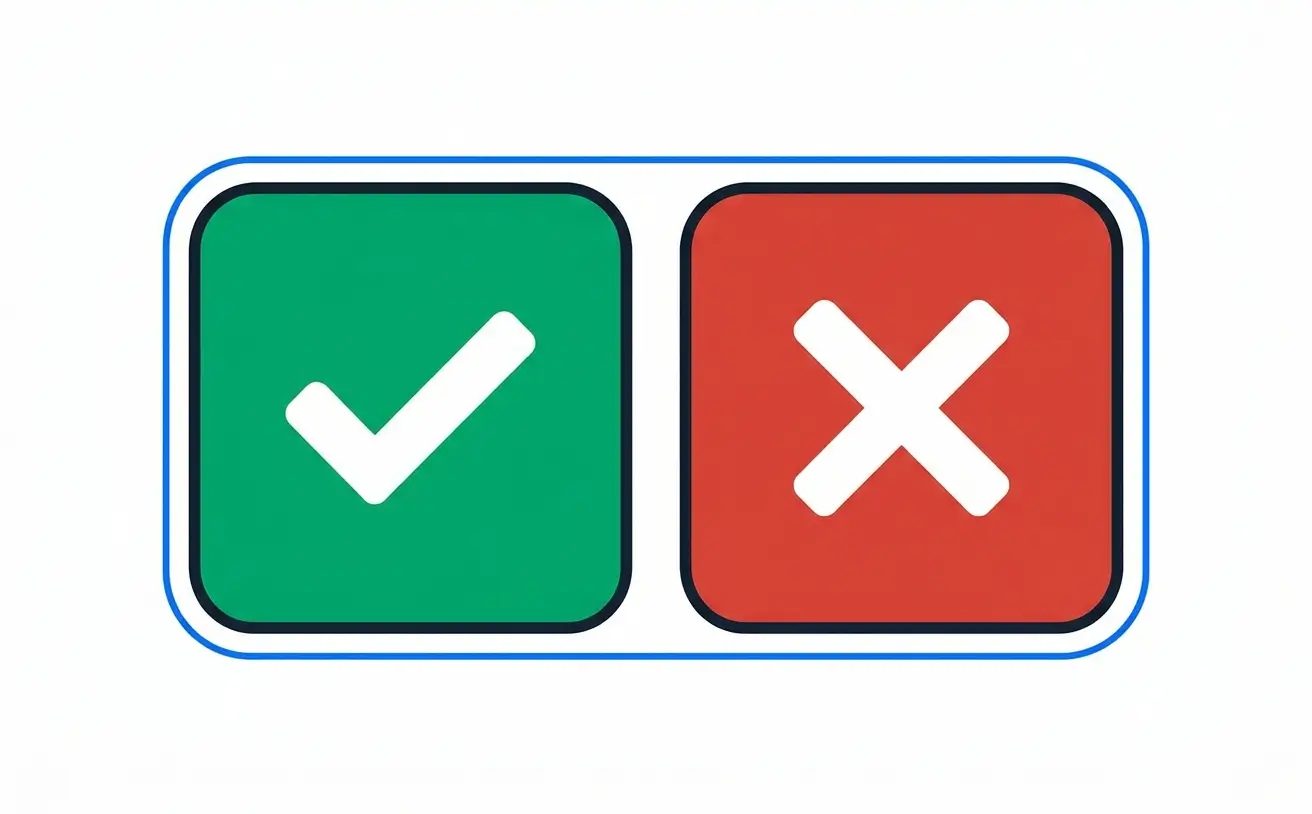
The simplest possible binary: a statement is presented, and the respondent decides whether it’s true or false.
Example: “The human heart has four chambers.” (True)
Best for: fast knowledge checks, myth-busting content, warm-up questions at the start of a longer quiz, and situations where you need dozens of quick checks rather than a few deep ones.
Watch out for: the 50% guess rate. True/false is the weakest single-question signal of any format on this list, so it works best in volume (ten true/false questions is a real signal; two is closer to a coin flip) or paired with a “why” follow-up.
True or false quiz questions are also the fastest format to write, which makes them a good choice when you need to build a large question bank quickly and reuse items across multiple quizzes rather than writing everything from scratch each time.
Dropdown / Select Questions

A dropdown question presents the answer options inside a collapsed select menu instead of a visible list. Functionally, it’s a multiple choice question wearing a different interface.
Example: “Select your country of residence” as a dropdown listing every country.
Best for: long option lists (countries, states, job titles) where showing every choice on screen would overwhelm the layout; forms that also collect quiz-style responses.
Watch out for: discoverability. Because the options are hidden until clicked, dropdowns are a poor choice when you want the respondent to compare options side by side before answering — visible multiple choice does that better.
Matching Questions

A matching question presents two columns — terms and definitions, causes and effects, countries and capitals — and the respondent connects each item in one column to its correct counterpart in the other.
Example: Match each programming language (Python, HTML, SQL) to its primary use (general-purpose scripting, page structure, database queries).
Best for: testing relationships between concepts rather than isolated facts, vocabulary and terminology quizzes, anything where “knowing the connection” matters more than “recognizing one item.”
Watch out for: length. Matching gets confusing fast past 6-8 pairs — split a long matching set into two shorter ones rather than one overwhelming grid.
Fill in the Blank Quiz Questions

A sentence or short passage is shown with one or more words removed, and the respondent types the missing word or phrase directly into the gap.
Example: “The process by which plants convert sunlight into energy is called ______.” (photosynthesis)
Best for: testing exact recall inside real context, rather than recognition from a list — this is a meaningfully harder skill than multiple choice, since there’s no list of options to jog memory or eliminate wrong answers.
Watch out for: answer-matching rigidity. Respondents will type “photo-synthesis,” “Photosynthesis,” or an extra trailing space, and a poorly configured fill-in-the-blank question will mark all of those wrong. Good quiz software accepts multiple acceptable variants and ignores case/whitespace differences automatically — check for that before relying on this format at scale. A closer look at getting fill-in-the-blank answer-matching right (along with two related formats it’s usually built alongside) is covered in how dropdown, fill-in-the-blank, and file upload questions work in WordPress.
Short Answer Questions

Similar to fill in the blank, but freestanding rather than embedded in a sentence — the respondent gets an open text box and types a word, phrase, or short sentence as their answer.
Example: “What year did World War II end?” with a free-text box (correct answer: 1945).
Best for: the same exact-recall value as fill in the blank, but for standalone questions rather than sentence completion — useful when the question itself doesn’t naturally read as a sentence with a gap in it.
Watch out for: the same answer-matching issue as fill in the blank. Build in accepted variants (“WWII,” “World War 2,” “1945”) rather than expecting one exact string.
Numeric Response Questions
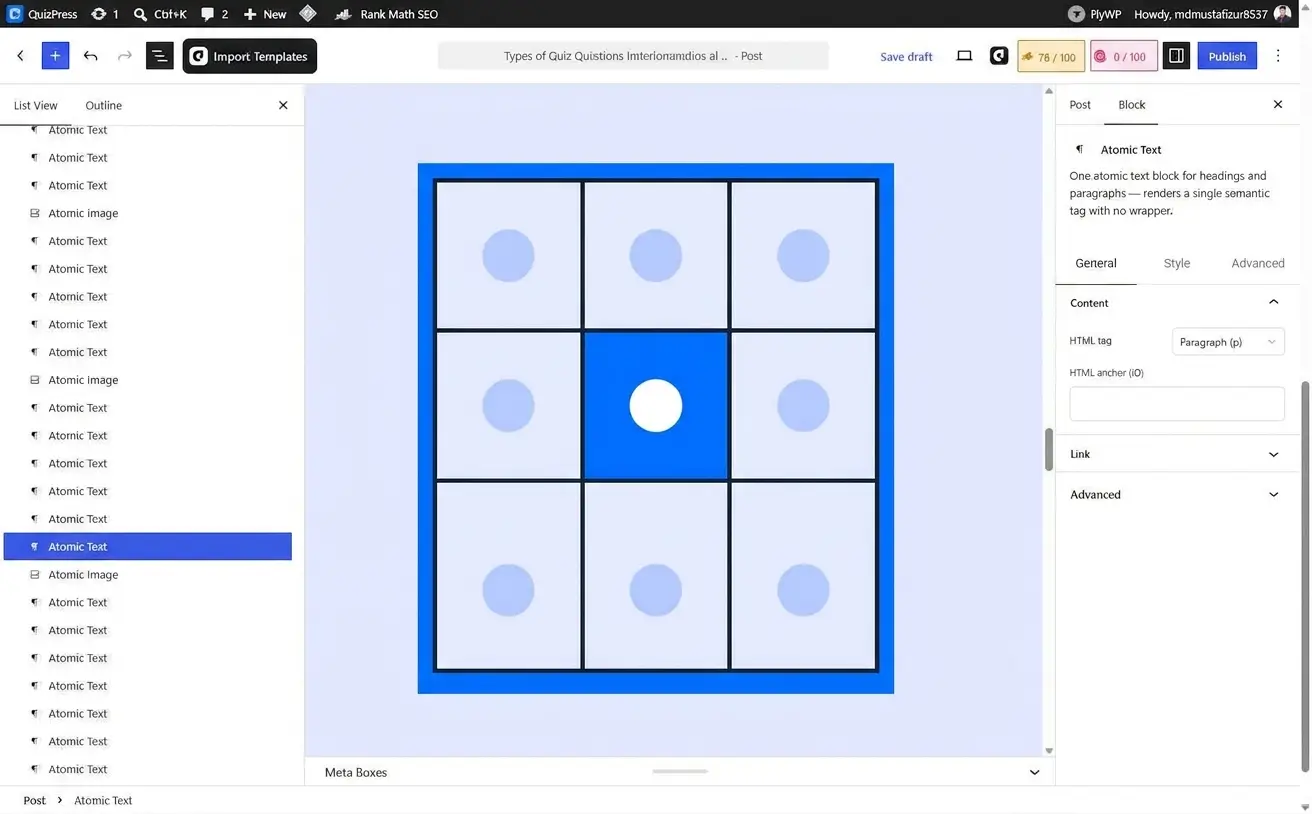
The respondent types a number, and the system checks it against a correct value — sometimes with an acceptable margin of error built in.
Example: “What is 15% of 240?” (36)
Best for: math, measurement conversions, calculations, and any subject where the answer is genuinely a number rather than a word.
Watch out for: rounding. If the correct answer involves decimals, decide upfront how much tolerance to allow (36 vs. 36.0 vs. 35.98) so correct answers aren’t marked wrong over formatting.
Date or Time Response Questions

A specialized numeric variant where the respondent selects or types a date or time rather than a general number.
Example: “On what date did the Berlin Wall fall?” (November 9, 1989)
Best for: history quizzes, scheduling-knowledge checks, compliance training that tests awareness of deadlines or timelines.
Watch out for: format mismatches (MM/DD/YYYY vs. DD/MM/YYYY). A dedicated date-picker interface avoids this entirely by removing free typing from the equation, which is worth using over a plain text box whenever the option exists.
Group B: Interactive and Visual Question Types

These interactive types of quiz questions ask the respondent to do something rather than just select or type — drag, click a specific spot, or place a marker. They tend to be more memorable and better at testing applied skill, at the cost of taking longer to build.
Every format in this group is still auto-graded in nearly every modern quiz builder, which is a genuine surprise to people who assume “interactive” automatically means “needs a human to check it.” It doesn’t — the software checks coordinates, sequence order, or matched pairs the same way it checks a multiple choice answer, just against more complex correct-answer data. A full breakdown of how these six formats get built and graded in a real WordPress quiz builder — including which ones need a moment of setup versus which ones are point-and-click — is covered separately in a deep dive on interactive quiz question types.
Ordering / Sequencing Questions
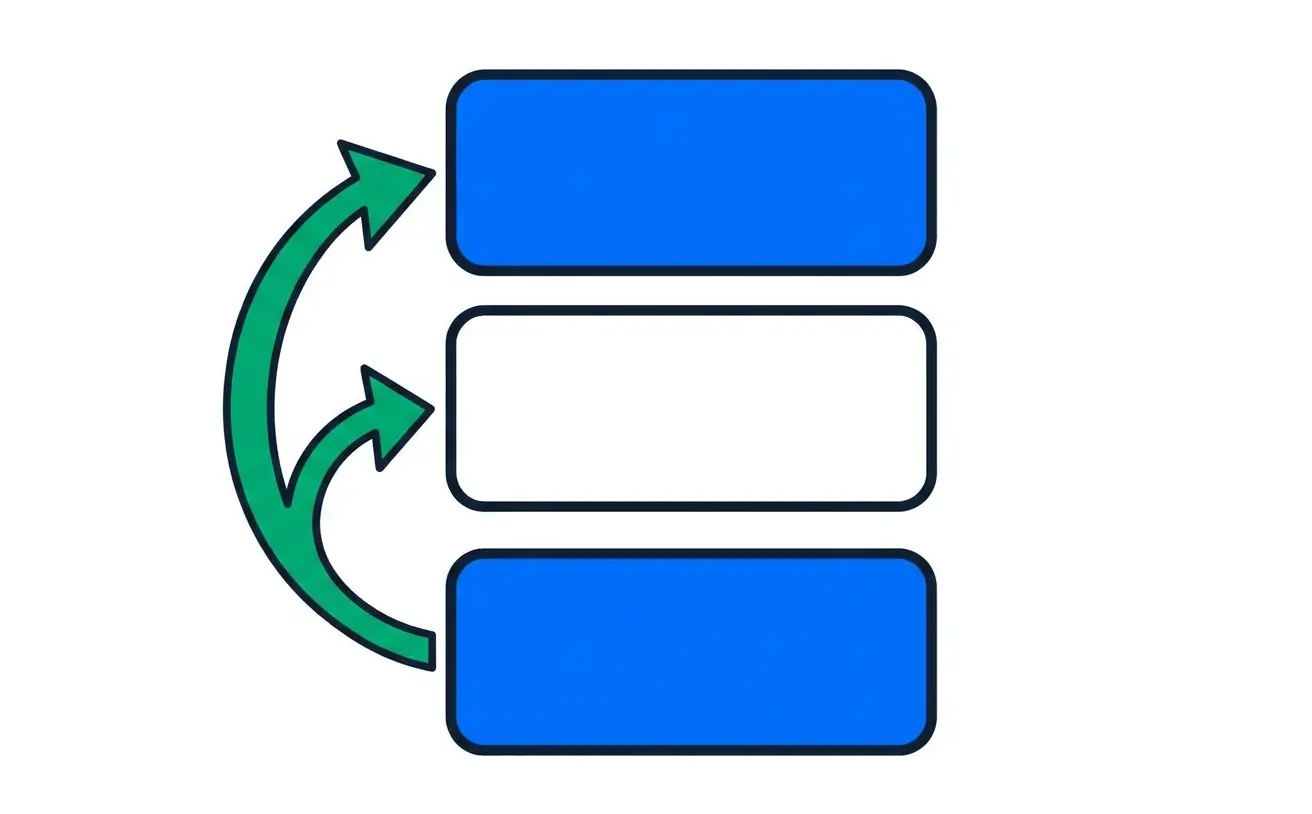
The respondent is given a list of items out of order and has to arrange them into the correct sequence.
Example: Put these historical events in chronological order: Moon landing, fall of the Berlin Wall, invention of the printing press, World War I.
Best for: testing process knowledge (steps in a procedure), chronological understanding, or any subject where “the right things in the wrong order” is a meaningfully different answer than “the right order.”
Watch out for: partial credit. Getting 4 of 5 items in the right position is a very different result from getting 0 of 5 — make sure your grading reflects that rather than treating the whole sequence as one binary right/wrong.
Drag-and-Drop Questions

The respondent physically drags answer pieces into target zones, whether that’s matching labels to a diagram, sorting items into categories, or assembling words into a sentence.
Example: Drag each organ label onto its correct location on a diagram of the human body.
Best for: visual and spatial learners, engagement-heavy quizzes (drag-and-drop consistently tests better for completion rates than static text-only formats), and subjects where spatial relationships matter.
Watch out for: mobile usability. Drag-and-drop can be fiddly on small touchscreens — test on an actual phone before assuming the experience translates from desktop.
Hotspot / Image Marking Questions

An image is shown, and the respondent clicks or taps the correct region within it to answer.
Example: “Click the part of this circuit diagram where a short circuit would occur.”
Best for: anatomy, geography, engineering diagrams, product-identification training — anything where the correct answer is fundamentally a location on an image rather than a word.
Watch out for: zone precision. If clickable regions are drawn too tightly, correct answers near the edge get marked wrong; too loosely, and adjacent wrong regions overlap. Test the tolerance before publishing.
Pin the Point Questions
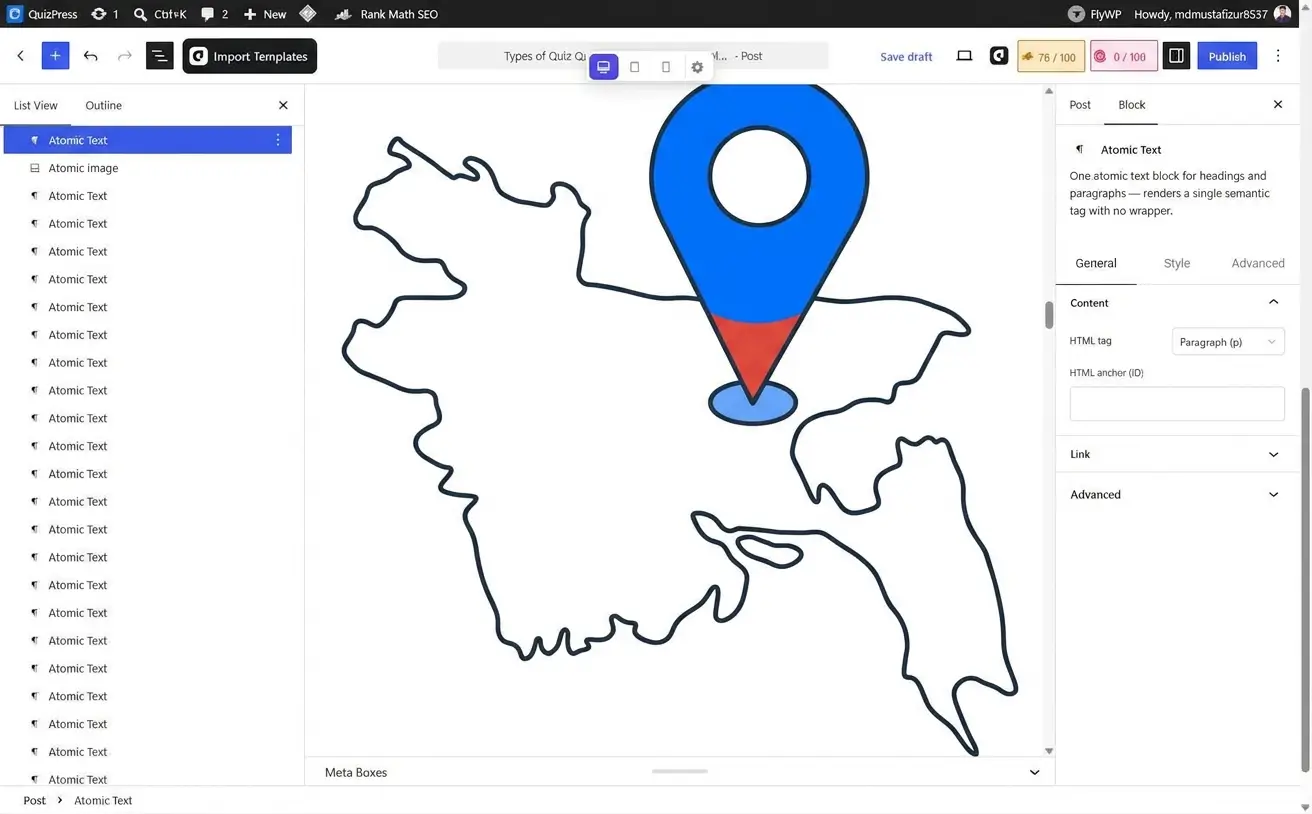
A close cousin of hotspot questions, but instead of clicking within a pre-drawn region, the respondent drops a precise pin or marker at a specific coordinate.
Example: “Place a pin on the location of the Amazon River’s mouth on this world map.”
Best for: map-based geography quizzes, precise-location training (safety inspections, facility layouts), and any question where “approximately right” isn’t good enough.
Watch out for: the same tolerance issue as hotspot questions, but tighter — pin-placement grading usually works off a radius around the correct coordinate, so that radius needs to be generous enough to forgive minor imprecision without accepting genuinely wrong answers.
Slider / Range Questions

The respondent drags a slider along a scale to select a numeric value, rather than typing a number or picking from a list.
Example: “On a scale of 0-100, how confident are you in this answer?” as a draggable slider.
Best for: estimation questions, confidence-calibration exercises, and any numeric input where a visual scale communicates the range better than a blank text box would.
Watch out for: default position bias. If the slider starts at the midpoint by default, some respondents will leave it there without actually engaging — consider starting sliders at an extreme or requiring an explicit interaction before the answer registers.
Graph / Coordinate-Based Questions
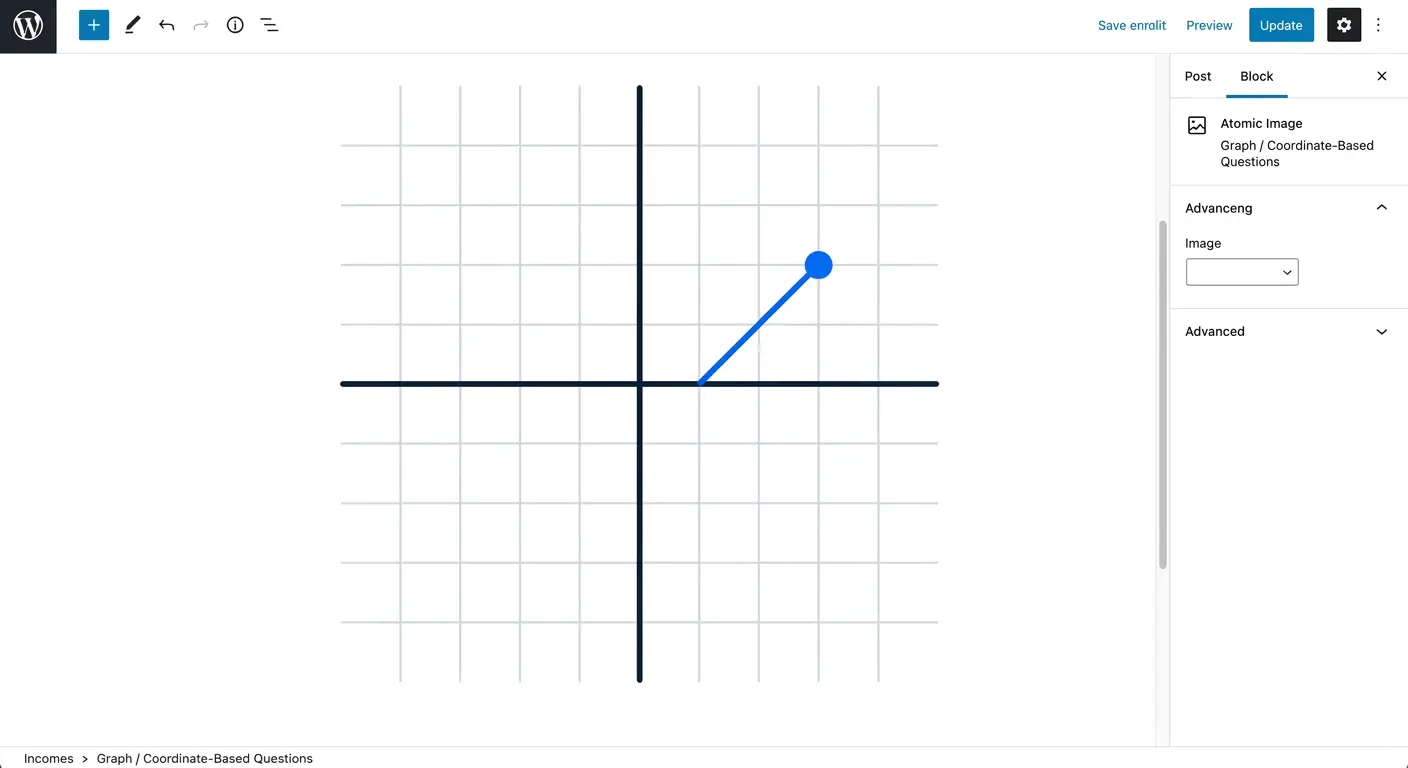
The respondent plots a point, draws a line, or otherwise interacts with a coordinate grid or chart as their answer.
Example: “Plot the point where these two lines would intersect: y = 2x + 1 and y = -x + 4.”
Best for: math and data-literacy quizzes, science subjects involving graphs (physics, economics), and any content where “read and interact with a chart” is itself the skill being tested.
Watch out for: this is the least common format on this entire list, and the most setup-intensive — reserve it for subjects where a coordinate grid is genuinely the right way to ask the question, not as a novelty.
Group C: Open-Ended and Human-Graded Question Types

These two open-ended types of quiz questions give up instant grading in exchange for testing things multiple choice simply can’t reach — explanation, reasoning, and proof of actual work product.
Essay / Long-Form Response Questions

An open text box, usually with no length cap, where the respondent writes a paragraph or more explaining their answer, reasoning, or analysis.
Example: “Explain the causes of the 2008 financial crisis and identify which single factor you consider most significant, with justification.”
Best for: testing critical thinking, argumentation, and synthesis — skills that literally cannot be assessed through a fixed-answer format, no matter how cleverly the multiple choice options are written.
Watch out for: grading time. Essay questions don’t scale the way auto-graded formats do — budget real human review time, and consider a rubric with defined score bands rather than open-ended judgment calls, which speeds up grading and makes scores more consistent across multiple graders.
In most quiz builders, this format is technically the same underlying question type as a general open-ended “paragraph” response — the “essay” label is really describing how you use a long-form text field, not a separate technical format.
File Upload Questions

Instead of typing or selecting an answer, the respondent uploads a file — a document, image, video, or spreadsheet — as proof of completed work.
Example: “Upload a photo of your completed wiring diagram for grading.”
Best for: portfolio-based assessment, skills that produce a physical or digital artifact (design work, code submissions, safety-check photos), and any certification process that needs proof beyond a typed answer.
Watch out for: file-size and format limits. Set sensible upload caps before launch — an unlimited upload field on a public quiz is both a storage cost and a spam-abuse risk.
Group D: Specialty and Survey-Adjacent Question Types
These two survey-adjacent types of quiz questions blur the line between “quiz” and “survey.” They don’t have a right or wrong answer, but they show up constantly in real-world quiz builders because so many quizzes exist to measure opinion rather than knowledge.

Rating Scale / Likert Scale Questions

The respondent rates a statement or experience along a fixed scale, typically something like “Strongly Disagree” to “Strongly Agree,” or a 1-5 / 1-10 numeric scale.
Example: “Rate your agreement: ‘This training prepared me well for my role.’” (Strongly Disagree / Disagree / Neutral / Agree / Strongly Agree)
Best for: satisfaction surveys, self-assessment quizzes, feedback collection after training or events, and personality-style quizzes that score a respondent across a spectrum rather than right/wrong.
Worth knowing: this is a format some quiz tools build in as its own dedicated question type, and others don’t ship as a standalone type at all, instead approximating it with a horizontal single-choice question styled to look like a scale. Neither approach is wrong, but it’s worth checking which one a given tool actually offers before assuming a true Likert-style widget exists — not every quiz builder, including QuizPress at the time of writing, ships a dedicated rating-scale question type, and knowing that upfront saves a frustrating search through settings menus later.
Opinion / Poll Questions
A single question with no correct answer, used to gauge audience opinion, preference, or a quick reaction rather than to test knowledge.
Example: “Which feature would you like to see next?” with several options and no right answer — just a tally of responses.
Best for: audience engagement, product-feedback collection, personality-style quizzes (“Which of these best describes you?”), and lightweight content that’s meant to be fun rather than evaluative.
Worth knowing: this is different enough from a knowledge-testing quiz that most quiz platforms treat it as its own quiz format rather than just a question type — meaning the whole quiz, not just one question, gets built and scored differently from the start. A practical walkthrough of setting one up is covered in how to create a poll in WordPress with QuizPress.
Common Mistakes When Mixing Question Types
A few patterns show up over and over in quizzes that mix different types of quiz questions poorly and underperform as a result, regardless of subject matter or platform. Worth checking your own quiz against these before publishing.
Relying on one format for everything. This is the single most common mistake, and it’s usually not a deliberate choice — it’s what happens when someone builds a quiz using whatever format the builder defaults to, then never revisits it. A 20-question multiple choice quiz measures pattern recognition, not understanding. Swapping even 3-4 of those questions into a different format (fill in the blank for exact recall, ordering for process knowledge, short answer for anything context-dependent) meaningfully raises how much the quiz actually proves.
Writing multiple choice distractors that are obviously wrong. If three of your four options are absurd and one is clearly plausible, you’re not testing knowledge — you’re testing whether someone can spot the odd one out. Good distractors are wrong for a specific, plausible reason (a common misconception, an easy-to-confuse related fact), not just filler.
Using essay questions to avoid writing a better auto-graded question. Essay format is sometimes chosen not because open-ended reasoning is genuinely what’s being tested, but because writing a good fill-in-the-blank or short-answer question is harder than writing a vague essay prompt. If a question has a definite correct answer, an auto-graded format will almost always give a faster, more consistent result than an essay question graded by hand — save essay format for questions that genuinely have no single correct answer.
Ignoring answer-matching configuration on text-based formats. Fill in the blank and short answer questions fail silently when the accepted-answer list is too narrow — a correct response gets marked wrong because it didn’t match the exact string the quiz author typed in. This is invisible until a respondent complains, by which point scores are already wrong. Test text-based questions with a handful of realistic answer variations before publishing, not just the one “ideal” answer you had in mind while writing it.
Front-loading the hardest format first. Opening a quiz with an essay question or a complex multi-step drag-and-drop task is a fast way to lose respondents before they’ve built any momentum. Lighter formats — true/false, single multiple choice — work better as openers; save the formats that ask more effort for the middle or end, once someone’s already invested time.
Skipping partial credit on multi-part formats. Ordering, matching, and multiple response questions all have a “how wrong is wrong” spectrum that a strict all-or-nothing grade ignores. Getting 4 of 5 items in a sequence right is a meaningfully different result than getting 0 of 5, and a quiz that scores both as equally “incorrect” is discarding real information about what the respondent actually knows.
How Many Questions Should a Quiz Have, and Which Types?
There’s no universal right number, but the mix of types of quiz questions should generally follow the quiz’s purpose rather than an arbitrary total.
Short knowledge-check quizzes (5-10 questions) work best leaning almost entirely on Group A formats — multiple choice, true/false, and short answer. At this length there’s no room for a slow format like essay without the whole quiz feeling disproportionately heavy, and the goal is usually a fast, low-friction check rather than deep assessment.
Standard assessment quizzes (10-25 questions) are where mixing formats pays off the most. A reasonable starting split is roughly 60% Group A (fast, auto-graded core formats), 25% Group B (interactive/visual, for engagement and applied-skill testing), and 15% reserved for one or two Group C questions if the subject genuinely calls for explanation-based answers. That ratio isn’t a rule — it’s a starting point to adjust once you see how respondents actually perform.
Certification and high-stakes exams (25+ questions) typically need to lean back toward Group A for consistency and fairness across every person who takes the exam, since auto-graded formats remove human-grader variability entirely. Reserve Group C questions for certifications that specifically need to verify applied reasoning, not just factual recall, and be prepared to budget real grading time for them.
Marketing and engagement quizzes don’t really have a “right” length in the assessment sense — they’re built for completion rate, not rigor — but the same logic about format weight applies: heavier formats (essay, multi-step drag-and-drop) should be the exception, not the default, if the goal is a high percentage of people finishing what they started.
One more thing worth deciding upfront regardless of length: whether the quiz shows the correct answer immediately after each question or only at the end. Immediate feedback reinforces learning better (this is essentially what the retrieval-practice research cited earlier is measuring), but it also makes a quiz easier to “game” by remembering corrected answers on a retake. End-of-quiz feedback is the safer default for anything used to certify or score someone formally.
Which Question Types Should You Actually Use?
Nobody needs all 19 types of quiz questions in a single quiz. What you actually need depends on why you’re building the quiz in the first place.
Training and compliance quizzes benefit most from a mix of multiple choice, true/false, and scenario-based short answer questions, with the occasional fill-in-the-blank to confirm exact terminology recall rather than pattern recognition. If the training leads to a formal certification, a timed exam format matters too — a practical setup guide for that specific combination is covered in how to build a timed online exam in WordPress.
Marketing and lead-generation quizzes work best with lighter formats — multiple choice, image-based hotspot questions, and opinion/poll questions — since the goal is completion rate and engagement, not rigorous assessment. Long fill-in-the-blank or essay questions will tank your completion rate fast in this context.
Educational and classroom assessments usually need the widest mix of anything on this list: matching for vocabulary, ordering for process knowledge, essay questions for critical thinking, and auto-graded formats for everything that doesn’t require deep reasoning, simply because grading time is a real constraint for teachers handling dozens or hundreds of students.
Hiring and skills-assessment quizzes lean heavily on file upload (for portfolio proof), numeric response (for calculation-based roles), and scenario-based short answer — formats that test what a candidate can actually produce rather than what they can recognize from a list.
Personality and audience-engagement quizzes are built almost entirely from opinion/poll questions and rating scales, scored by weighting each answer rather than marking it right or wrong.
Building These Question Types in WordPress

Knowing the different types of quiz questions is one thing. Actually building a quiz with several of them combined, on a real WordPress site, is where most of this theory gets tested.
A step-by-step walkthrough of the whole process — installing a quiz plugin, adding your first questions, configuring settings, and publishing — is covered in a complete guide to creating a quiz in WordPress without any coding. It’s the fastest way to go from “I understand these 19 formats” to “I have a working quiz live on my site.”
A couple of practical things worth knowing before you start building, based on time spent inside QuizPress’s own builder specifically:
The nine types of quiz questions in the first table above — Single Choice, Multiple Choice, True/False, Short Answer, Paragraph (essay-style), Number, and Date, plus horizontal display variants of the choice-based ones — come included in QuizPress’s free plan with no add-ons required. The ten more advanced types of quiz questions — Dropdown, Fill-in-the-Blanks, File Upload, and every interactive format from Group B (Ordering, Puzzle-style drag-and-drop, Matching, Pin, Image Marking, Range, and Graph) — are part of the paid tier. That’s a genuinely useful thing to know before you plan a quiz around a specific format, since building an entire lesson plan around drag-and-drop questions only to discover the format needs an upgrade is a frustrating way to find out.
If you’re planning to reuse the same questions across several quizzes rather than rewriting them each time, it’s worth setting up a centralized question bank early rather than after you’ve already built a dozen separate quizzes — reusing questions across multiple quizzes in WordPress covers that setup. And if you’re migrating from another platform or need to add a large volume of questions at once rather than one at a time through the builder, importing and exporting quiz questions in bulk is the faster path than manual entry.
The feature list has the full breakdown of what’s included at each level, and pricing covers the actual plan costs. Every plan starts with a 14-day money-back guarantee, so testing whether a given format combination works for your use case doesn’t require a long-term commitment upfront. Getting a WordPress quiz plugin installed and licensed in the first place is covered in the installation and activation guide, and a broader comparison of quiz plugins if you’re still deciding on a tool is covered in a complete guide to the best WordPress quiz plugin.
Final Thoughts
Nineteen types of quiz questions sounds like a lot until you realize most quizzes only need three or four of them, chosen deliberately rather than defaulted into. The mistake worth avoiding isn’t picking the “wrong” question type — it’s picking one type and using it for everything, which flattens every quiz into the same shallow recognition test regardless of what you’re actually trying to measure.
Start with the goal, not the format: decide what you need to know about the person taking the quiz, then work backward to the two or three types of quiz questions on this list that actually test that. The feature list and pricing pages have the details if you’re ready to build something with more than the six or seven formats most quiz tools stop at — QuizPress’s free plan alone covers nine of the nineteen types of quiz questions above, which is enough to build a genuinely solid first quiz before any upgrade decision even comes up.
Frequently Asked Questions
What are the main types of questions in a quiz?
The most commonly used types are multiple choice, true or false, fill in the blank, matching, short answer, and essay. Beyond those six staples, modern quiz software typically supports a much wider set — drag-and-drop, hotspot/image marking, sliders, dropdowns, and file uploads among them — which is why a full breakdown runs to around 19 distinct formats rather than just a handful.
What’s the difference between multiple choice and multiple response questions?
Multiple choice questions have exactly one correct answer among several options. Multiple response questions (sometimes called “select all that apply” or checkbox questions) can have more than one correct answer, and the respondent has to identify all of them to get full credit. They look similar on screen but test different things — multiple choice tests recognition of one fact, multiple response tests recall of several related facts at once.
Are true or false quiz questions effective for testing knowledge?
They’re effective in volume, not in isolation. A single true/false question carries a 50% guess rate, so one question tells you almost nothing about actual knowledge. Ten true/false questions across a topic, though, are a genuinely useful and fast-to-build signal, especially for warm-up sections or quick knowledge checks where speed matters more than depth.
How do fill in the blank quiz questions get graded automatically?
Good quiz software checks the typed answer against a list of accepted correct variants rather than a single exact string, and normalizes for case and extra whitespace before comparing. Poorly built fill-in-the-blank questions that only accept one exact spelling will incorrectly mark correct answers wrong over small formatting differences, so it’s worth checking that a quiz tool supports multiple accepted answers before relying on this format heavily.
What quiz question type is best for testing critical thinking?
Essay and other open-ended long-form formats are the only types on this list that genuinely test critical thinking and reasoning, since every auto-graded format ultimately checks a response against a predefined correct answer. The tradeoff is grading time — essay questions need a human reviewer, ideally working from a defined rubric rather than open judgment, to stay consistent and fast to score.
Can interactive question types like drag-and-drop be graded automatically?
Yes. Despite feeling more like a game than a test, formats like drag-and-drop, ordering, hotspot, and pin-the-point are graded automatically in nearly every modern quiz builder — the software checks the final position, sequence, or coordinate against the correct answer the same way it checks a typed answer, just against more complex data than a single text string.
What’s the difference between a quiz question type and a quiz format?
A question type describes one individual question — multiple choice, true/false, matching, and so on. A quiz format describes the whole quiz’s structure and purpose — a scored exam, a survey with no right answers, a poll, or a personality quiz that weights responses instead of grading them. The two are related but separate decisions: you choose a quiz format first, then choose which question types fit inside it.
Do different types of quiz questions affect completion rates?
Significantly. Lighter formats — multiple choice, true/false, single-click hotspot, opinion polls — tend to have much higher completion rates than heavier formats like essay questions or multi-step drag-and-drop sequences, simply because they ask less effort from the respondent per question. Quizzes built for marketing or lead generation should lean toward the lighter end of that spectrum; quizzes built for rigorous assessment can afford to ask more, since completion is less of a concern than accuracy.