

Most quizzes ask a question and wait for someone to click one bubble. That’s fine for checking whether someone memorized a fact. It’s much weaker at checking whether someone actually understands a process, a sequence, a spatial relationship, or a set of connections between ideas.
Multiple-choice questions are the easiest category of questions to write and the easiest to guess your way through. A test built entirely from them measures recognition, not real skill. That gap matters more than most test-builders realize — someone can pass a multiple-choice safety quiz without being able to actually perform the steps in the right order, or pass a geography quiz without being able to point to the place they just named.
There’s a whole category of question formats built specifically to close that gap, and it’s the one most test-builders skip because it looks harder to set up. It isn’t, once you know what each format actually does. One of these formats in particular turned out to be far more useful — and far easier to build — than I expected going in.
Quick answer: the interactive and visual category covers seven distinct formats — ordering, puzzle-style drag-and-drop, matching, pin placement, image marking (hotspot), slider/range, and graph/coordinate questions. Each one tests something a standard multiple-choice question structurally cannot: sequence, spatial reasoning, relationships, or precise estimation. They’re more work to build than a basic choice question, but not by much once you understand the pattern.
Why Go Beyond Multiple Choice
Every question format tests a different mental skill. Multiple-choice tests recognition — can you pick the right answer out of a list. Short answer tests recall — can you produce the right answer with no list to jog your memory. Neither one tests whether someone can arrange, connect, locate, or estimate something correctly.
Most guides to the types of questions for tests stop at that first pair, then add a couple of open-ended formats and call it complete. That leaves out an entire category of questions that’s arguably better suited to testing real understanding than either recognition or recall on their own.
That’s exactly what interactive question types are for. They’re a specific category of questions built around interaction rather than selection — dragging, clicking a location, connecting pairs, or sliding a value into place. The action itself is part of what’s being graded, not just a click on a static list.
This matters most in subjects where order, position, or relationship is the content being tested. A first-aid procedure is only correct in the right sequence. A map location is either right or it isn’t, regardless of how the question is worded. A pairing between a term and its definition tests something a single multiple-choice question about either term alone would miss entirely.
One thing worth flagging before diving into individual formats: interactive question types built around dragging come with a real accessibility consideration. WCAG 2.2’s Success Criterion 2.5.7 requires that any interface relying on a dragging motion also offer a way to complete that same action with a single click or tap, without requiring the coordinated drag-and-release motion some users with motor impairments can’t reliably perform. It’s an AA-level requirement, and it’s been legally mandated across the EU since mid-2025 under the European Accessibility Act. Worth checking for, whatever tool ends up building these question types.
The Seven Interactive and Visual Question Types at a Glance
|
Type |
What It Actually Tests |
Partial Credit? |
Setup Effort |
Best For |
|
Ordering |
Sequence and process knowledge |
Yes |
Low |
Steps, timelines, procedures |
|
Puzzle (drag-and-drop) |
Sentence construction, word recall |
No |
Low-Medium |
Language, spelling, sentence structure |
|
Matching |
Relationships between two sets of items |
Yes |
Medium |
Vocabulary, term-definition pairs |
|
Pin |
Precise location knowledge |
No |
Medium |
Maps, diagrams, exact-spot identification |
|
Image Marking |
Region or area identification |
Yes |
Medium |
Anatomy, diagrams, zone-based content |
|
Range (slider) |
Numeric estimation and confidence |
No |
Low |
Estimation, self-assessment, calibration |
|
Graph |
Coordinate and data-plotting skill |
Yes |
High |
Math, physics, data literacy |
A pattern worth noticing here: five of these seven support partial credit, and the two that don’t (Pin, Range) are both single-value formats where “partially correct” doesn’t really apply the same way — you either placed the pin close enough or you didn’t, you either set the slider close to the target value or you didn’t. That’s a deliberate design distinction, not an oversight.
Ordering Questions
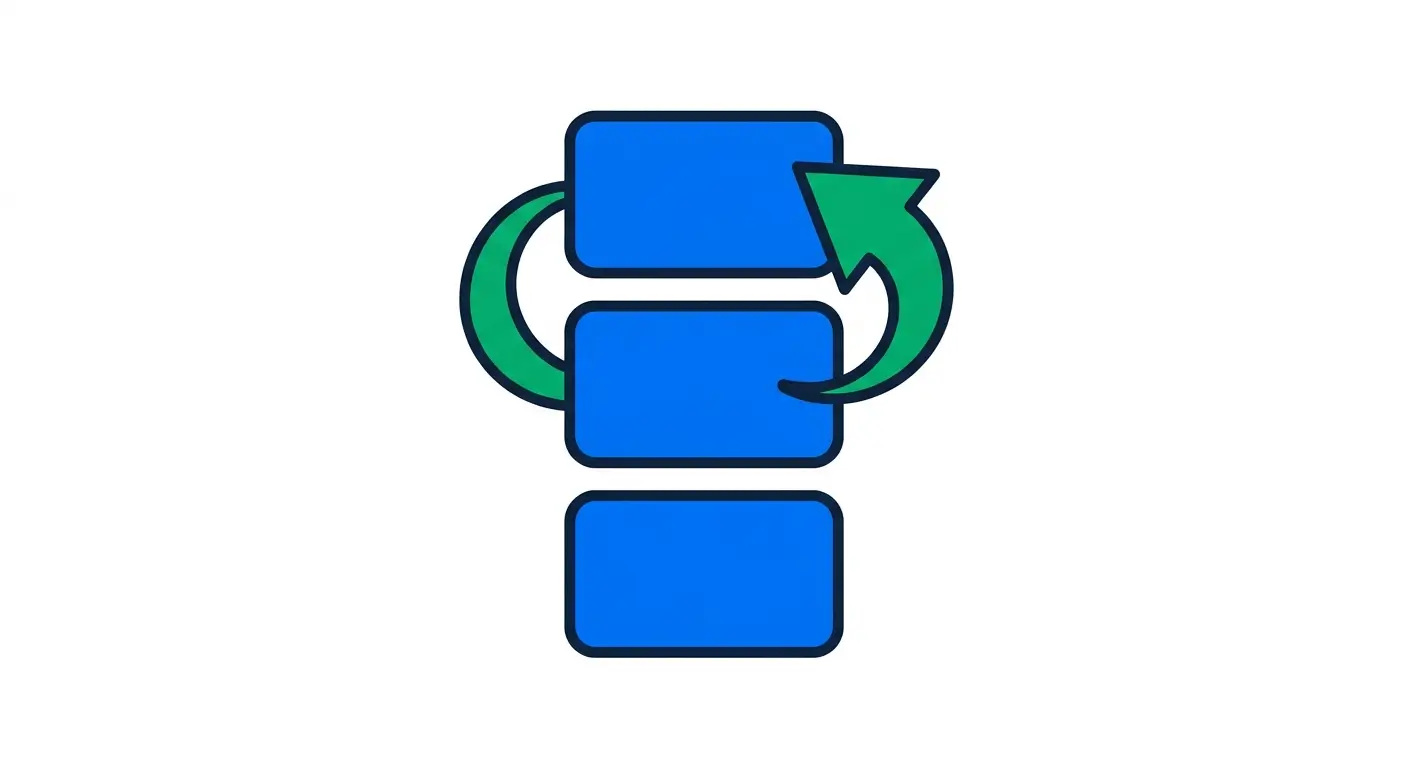
An ordering question presents a set of items out of sequence and asks the respondent to arrange them correctly — chronologically, by process step, by priority, or by any other defined sequence.
Example: “Put these steps of CPR in the correct order: check responsiveness, call for help, begin chest compressions, open the airway.”
How grading works: ordering questions support proportional partial credit — getting 4 of 5 items in the right position scores meaningfully higher than getting 1 of 5 right, rather than the whole question being graded as one binary right-or-wrong block. That distinction matters more than it sounds: a strict all-or-nothing grade on a 6-item sequence makes the question nearly as punishing as a coin flip, since getting one pair swapped is a completely different level of understanding than reversing the whole list.
Real-world use cases: procedural training (safety steps, compliance workflows), historical timelines, cooking or assembly instructions, software deployment steps, customer-service escalation paths.
Setup consideration: keep sequences to 4-7 items. Beyond that, the question becomes a memory-and-patience test more than a knowledge test, and respondents start dragging items around semi-randomly rather than reasoning through the actual order.
Building it in WordPress: Ordering is one of the seven interactive question types QuizPress moved into its Pro tier as part of a broader push into visual and spatial formats — worth knowing upfront if a specific quiz plan depends on it, since it isn’t part of the free plan’s default question set.
Puzzle Questions (Drag-and-Drop)
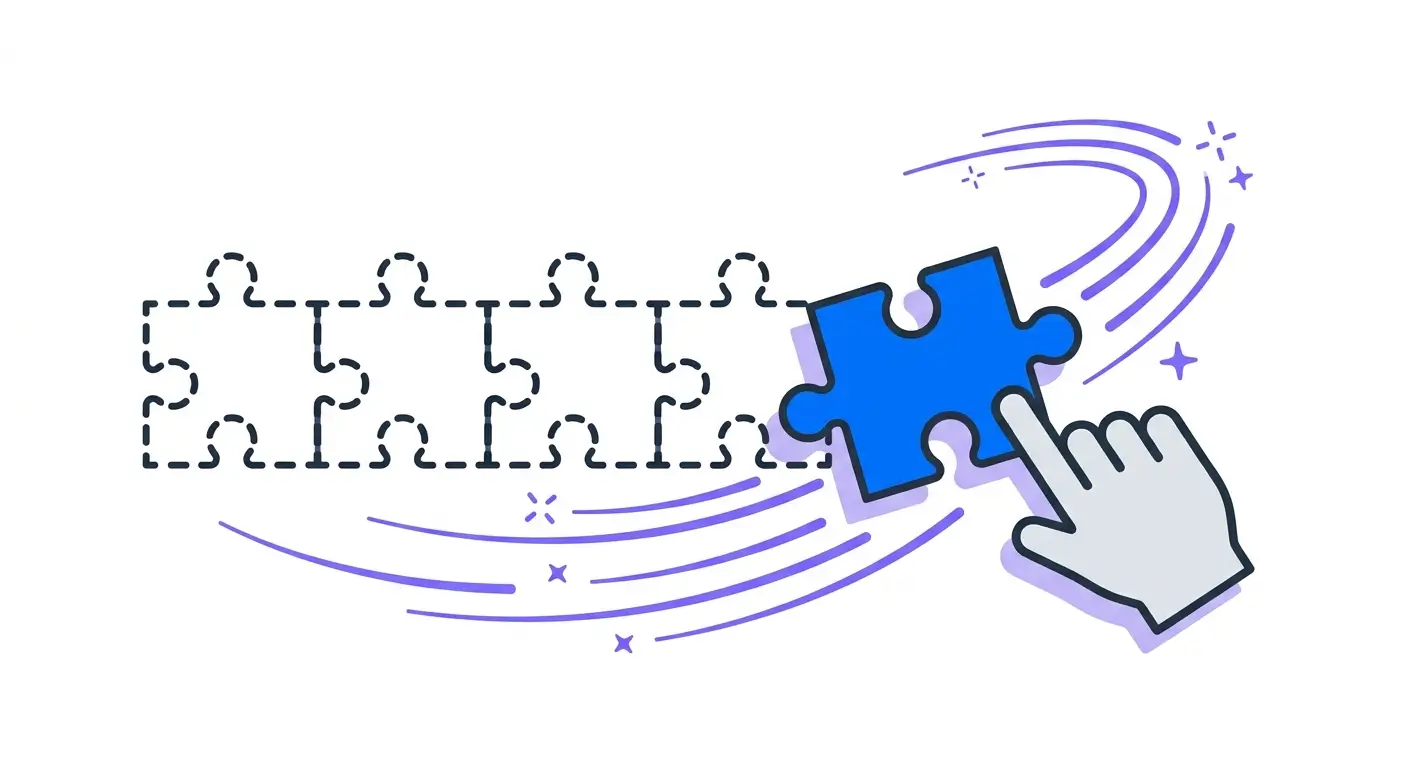
A puzzle question asks the respondent to drag pieces — words, phrases, or tiles — into a specific arrangement to complete a sentence or structure.
Example: Drag the words “mitochondria,” “powerhouse,” and “cell” into the blank spaces to complete: “The ___ is the ___ of the ___.”
How grading works: unlike ordering, puzzle questions currently don’t support partial credit — the arrangement is graded as a whole. Worth knowing before building a long, multi-piece puzzle question and expecting partial scoring on a near-miss.
Real-world use cases: language learning (sentence construction, grammar drills), spelling practice, formula assembly in math or chemistry, definition-completion exercises.
Setup consideration: the format currently supports two modes — word mode and sentence mode. An image-based puzzle mode (dragging image tiles rather than text) doesn’t exist yet; it’s a planned addition, not something available today. Don’t plan a quiz around an image puzzle expecting it to be there.
Accessibility note: this is a drag-based interaction, which is exactly the category WCAG 2.5.7 covers — worth checking whether a click-to-place alternative exists in whatever tool is used to build it, alongside the drag interaction itself, for anyone who can’t reliably perform a drag gesture.
Building it in WordPress: Puzzle is a Pro-tier format in QuizPress, alongside the other six formats in this category. It’s a genuinely different exercise from choice-based questions like multiple choice and true/false, which sit in QuizPress’s free plan — worth knowing which side of that line a specific question format falls on before committing a lesson plan to it.
Matching Questions
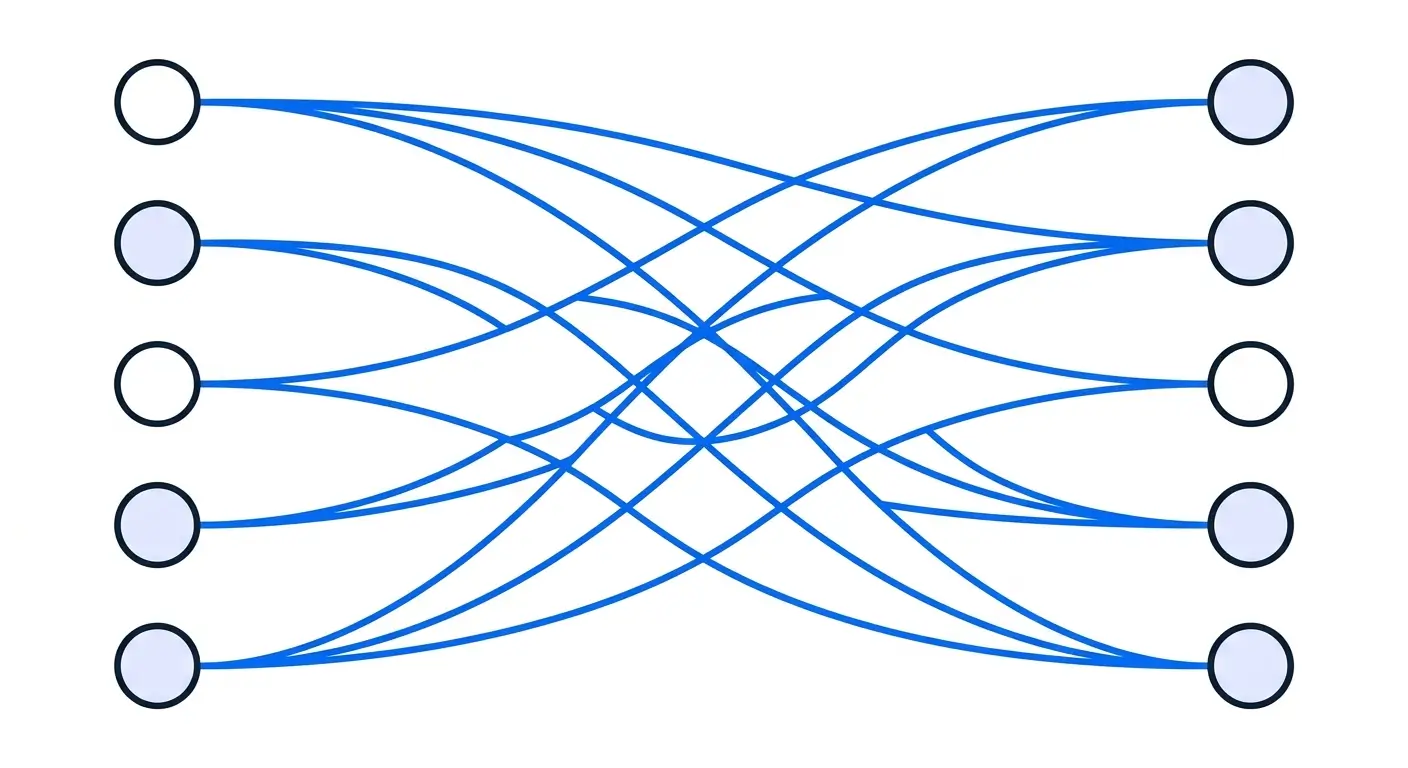
A matching question presents two columns of items and asks the respondent to connect each item in one column to its correct counterpart in the other — terms to definitions, causes to effects, countries to capitals.
Example: Match each programming term (Loop, Variable, Function) to its definition (a block of reusable code, a repeated block of instructions, a named storage location for a value).
How grading works: matching questions support proportional partial credit, same as ordering — getting most pairs right scores meaningfully better than getting most pairs wrong, rather than the whole question living or dying on a single mismatch.
Real-world use cases: vocabulary and terminology tests, historical figures to events, chemical elements to properties, job titles to responsibilities — anything where the relationship between two concepts is the actual thing being tested, not just recognition of either concept alone.
Setup consideration: cap matching sets around 6-8 pairs. Past that point the question becomes visually cluttered and respondents start pattern-matching by elimination (guessing the last pair because everything else is used up) rather than genuinely recalling each connection.
Building it in WordPress: quiz matching questions are one of the seven Pro-tier interactive formats in QuizPress, with attempt reviews showing the actual matched values in plain language rather than raw internal IDs — a small detail, but a meaningful one when reviewing a student’s or candidate’s actual mistakes rather than decoding a spreadsheet of numbers.
Pin Questions
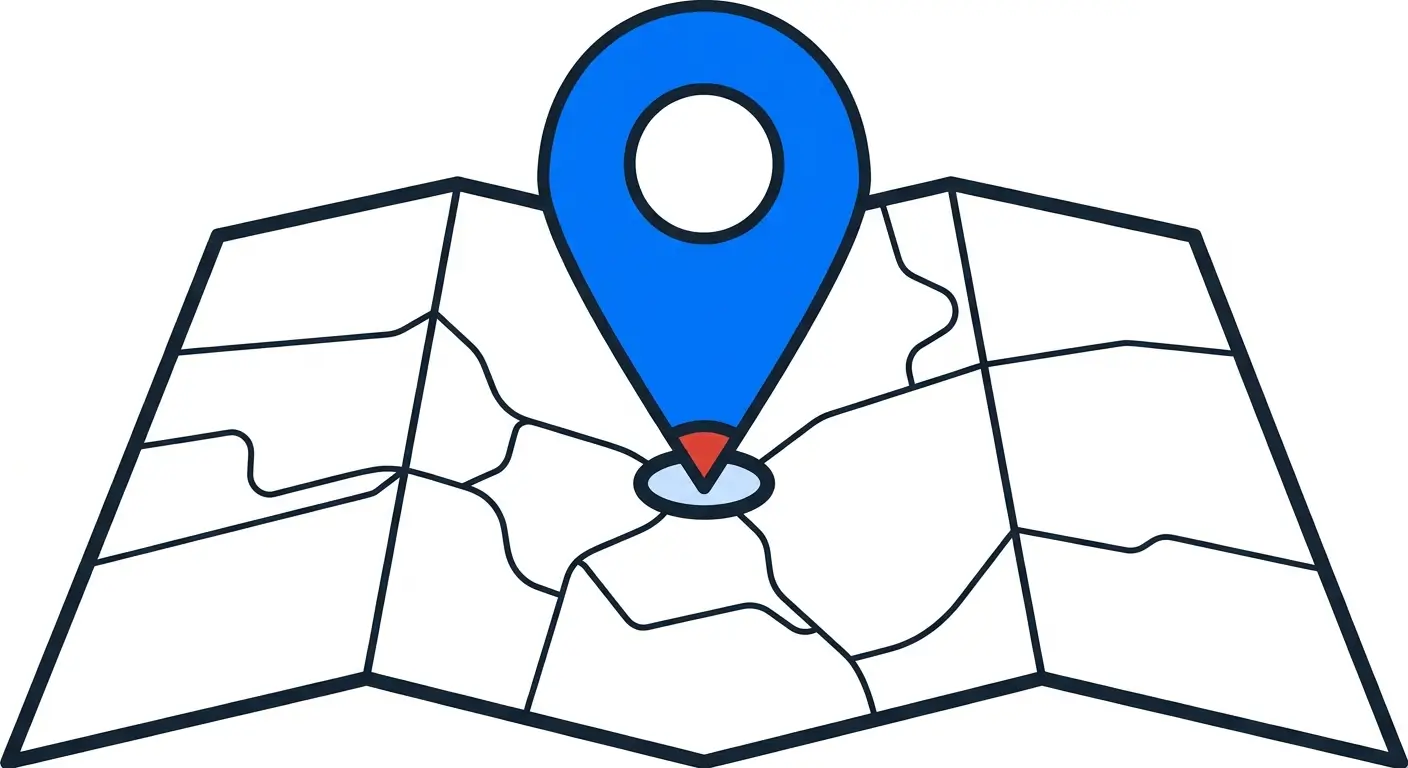
A pin question shows an image — usually a map or diagram — and asks the respondent to drop a precise marker at a specific location.
Example: “Place a pin on the location of Mount Everest on this map of Asia.”
How grading works: pin questions are graded against a defined coordinate with a tolerance radius, not proportional partial credit — the placement is either close enough to the correct point or it isn’t. That’s a deliberate difference from ordering and matching: a location either is or isn’t correct, in a way that doesn’t naturally break down into “half right.”
Real-world use cases: geography quizzes, facility or floor-plan safety training (“point to the nearest fire exit”), anatomy identification, real-estate or urban-planning coursework.
Setup consideration: the tolerance radius around the correct point needs to be generous enough to forgive minor imprecision (a slightly-off click near a small target) without being so loose that a wrong-but-nearby location gets marked correct. Test the tolerance on the actual image at its actual display size before publishing — what looks like a tight, fair radius on a large desktop screen can be far too forgiving, or far too punishing, on a phone.
Building it in WordPress: Pin, like the other visual formats here, is a Pro-tier question type, and its editor now persists its default coordinate values even when a field is left untouched — a small but real fix, since an unset default used to silently grade against an unintended fallback location rather than the one actually placed on the image.
Image Marking Questions

An image marking question (also called a hotspot question) shows an image with one or more defined regions, and asks the respondent to click or tap the correct region rather than a precise point.
Example: “Click the region of this circuit diagram where a short circuit would occur,” with a drawn zone around the correct area rather than one exact pixel.
How grading works: image marking supports proportional partial credit on multi-region questions — if a question asks for three correct zones out of a diagram and the respondent gets two, that’s graded as meaningfully better than getting zero, not treated as a flat fail.
Real-world use cases: anatomy and biology diagrams, engineering schematics, geography (marking a region rather than an exact point, like “the Amazon rainforest” rather than one coordinate), product-identification training.
Setup consideration: this is the format to use over Pin whenever the correct answer is genuinely an area rather than an exact spot — asking someone to pin the “exact” location of something inherently fuzzy (like a rainforest, a neighborhood, or a general diagram zone) produces false negatives on reasonable answers. Match the format to whether the real-world answer is a point or a zone.
Building it in WordPress: attempt reviews for Image Marking now show readable region labels and coordinates in the review screen rather than raw JSON data, which matters in practice — reviewing 40 attempts on a hotspot question used to mean decoding coordinate pairs by hand.
Range (Slider) Questions
A range question asks the respondent to drag a slider along a defined scale to select a numeric value, rather than typing a number or picking from a list.
Example: “On a scale of 0 to 100, how confident are you in your last answer?” as a draggable slider rather than a text box.
How grading works: range questions are graded against a target value (and, where relevant, a tolerance window), not proportional partial credit — similar to Pin, the answer is either within the acceptable range or it isn’t.
Real-world use cases: confidence-calibration exercises (pairing a slider with a knowledge question reveals overconfidence patterns that a plain answer never would), estimation questions in math or economics, self-assessment surveys embedded inside a quiz flow, satisfaction or difficulty ratings.
Setup consideration: where the slider starts matters more than it seems. A slider that defaults to the midpoint invites some respondents to leave it there without engaging at all — starting at an extreme, or requiring an explicit drag before the value registers as answered, produces more honest data.
Building it in WordPress: the Range editor, like Pin and Graph, now keeps its visible default value even when the field is left untouched, closing a gap where an untouched slider used to grade against an unintended fallback value instead of the one actually shown on screen.
Graph Questions
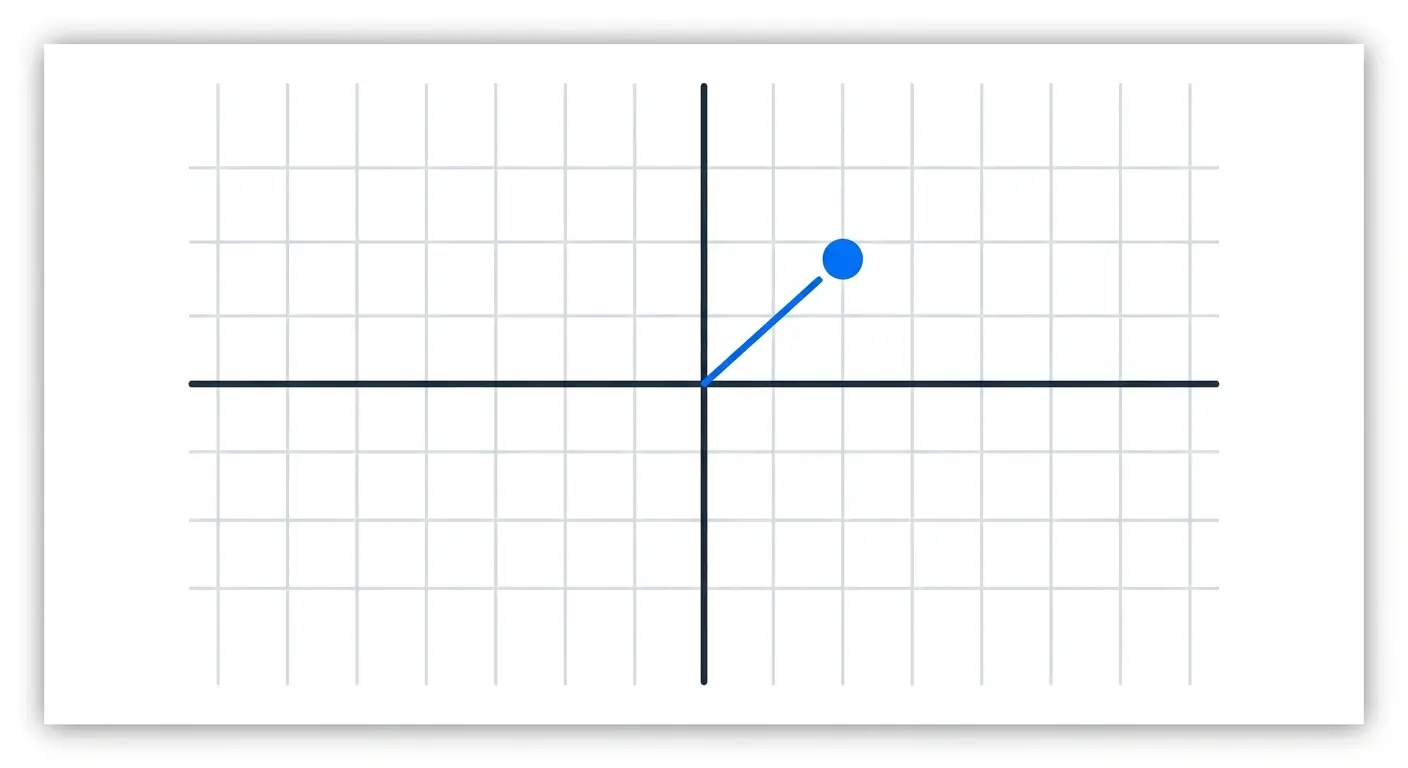
A graph question presents a coordinate grid or chart and asks the respondent to plot a point, draw a line, or otherwise interact directly with the plotted data as their answer.
Example: “Plot the point where the lines y = 2x + 1 and y = -x + 4 intersect” on an interactive coordinate grid.
How grading works: graph questions support proportional partial credit on multi-point questions, the same category as Ordering, Matching, and Image Marking — a question asking for three plotted points can score a partial result if only two are correct, rather than failing the whole question over one mistake.
Real-world use cases: algebra and geometry (plotting functions, intersections, geometric shapes), physics (motion graphs, force diagrams), economics (supply-and-demand curves), any data-literacy content where reading and interacting with a chart is the actual skill being tested.
Setup consideration: this is the most setup-intensive format on this list by a clear margin, and the one most worth reserving for subjects where a coordinate grid is genuinely the correct way to ask the question — not a novelty added because it’s available. A question that could just as easily be a numeric response probably should be one; save Graph for content where the coordinate relationship itself is what’s being tested.
Building it in WordPress: attempt reviews now display graph coordinates in plain, readable form rather than raw JSON, matching the same review-screen improvement applied to Pin and Matching — a meaningful difference when reviewing dozens of graph-based attempts by hand.
Common Mistakes When Building Interactive Questions
A handful of setup mistakes show up over and over across these seven formats, regardless of subject matter.
Using an interactive format because it’s available, not because it fits. Graph and Pin questions in particular get reached for as a novelty — a way to make a quiz feel more advanced — even when the content being tested doesn’t actually involve coordinates or precise locations. If a plain numeric or short-answer question would test the same skill just as well, the interactive version usually isn’t worth the extra setup time. Match the format to what the content genuinely requires, not to what looks impressive.
Overloading a single ordering or matching question. Both formats degrade fast past a certain size. An ordering question with 10+ steps or a matching question with 10+ pairs stops testing knowledge and starts testing patience — respondents begin guessing by elimination rather than reasoning through each item. Splitting one large sequence into two smaller ordering questions almost always produces a better signal than one oversized one.
Setting Pin or Image Marking tolerance without testing it on the real device. A tolerance radius that looks fair on a designer’s desktop monitor can be nearly impossible to hit accurately on a phone screen, where the same image renders at a fraction of the size and a finger covers far more of it than a mouse cursor does. Test tolerance settings on an actual phone before publishing, not just in a browser at full width.
Treating Puzzle and Ordering as interchangeable. They look similar — both involve dragging pieces into place — but they test different things. Ordering tests whether an existing, complete set of items goes in the right sequence. Puzzle tests whether the respondent can construct something (usually a sentence or phrase) from separate pieces. Using Puzzle when the real goal is sequence-testing, or vice versa, produces a question that’s technically functional but conceptually confusing to answer.
Skipping the accessibility check on drag-based formats. It’s easy to build and test a drag-based question once, on a desktop, with a mouse, and assume it works for everyone. Whether a non-drag alternative exists — a way to complete the same action by click or tap alone — is worth confirming before a drag-heavy quiz goes live, not after a respondent reports they couldn’t complete it.
Which Interactive Question Type Should You Use?
Teaching or testing a process, procedure, or timeline? Ordering is the direct fit — any content where “the right steps in the wrong order” is a genuinely different (and wrong) answer belongs here, not in a multiple-choice question pretending to test the same thing.
Testing vocabulary, terminology, or paired relationships? Matching tests the actual connection between two concepts, which a multiple-choice question about either concept in isolation can’t reach. It’s also one of the faster interactive formats to build once a term list already exists.
Working with maps, diagrams, or anything spatial? The choice between Pin and Image Marking comes down to whether the real answer is a precise point (use Pin) or a general area (use Image Marking) — picking the wrong one of the two produces false negatives on answers that are genuinely correct.
Need to measure confidence, estimation, or a self-reported scale? Range is built for exactly this — a slider communicates a spectrum in a way a numeric text box doesn’t, and pairing a range question with a right/wrong knowledge question is a genuinely useful way to catch overconfidence.
Teaching math, physics, or any subject built on coordinate data? Graph is the only format on this list that tests direct interaction with plotted data, and it’s worth the extra setup time specifically for content where that skill is the point, not a stand-in for a simpler question.
Building language, spelling, or sentence-construction exercises? Puzzle questions test active construction rather than passive recognition, which is a meaningfully harder (and more honest) test of whether someone actually knows the material.
Building These Question Types in WordPress
All seven of the formats covered here are part of the same Pro-tier expansion in QuizPress — they don’t come with the free plan, unlike the simpler choice-based question types covered separately. That’s a genuinely useful thing to know before planning a lesson or assessment around one of them, since discovering a format needs an upgrade mid-project is a frustrating way to find out.
A full breakdown of every question format QuizPress supports, free and paid, is covered in a complete guide to WordPress quiz question types, which is the right starting point for anyone deciding which formats a specific quiz actually needs before diving into the interactive ones specifically covered here.
If a quiz is going to lean on interactive formats across multiple questions, building a reusable set of them once and reusing them across quizzes saves real time — a centralized, reusable question bank covers that setup, and for anyone migrating a large existing question set from another platform rather than rebuilding from scratch, bulk importing and exporting quiz questions is the faster path.
The two remaining Pro-tier formats not covered in this deep dive — Dropdown and Fill-in-the-Blanks, along with File Upload — are covered separately in how dropdown, fill-in-the-blank, and file upload questions work in WordPress, rounding out the full set of ten Pro question types alongside the seven covered here.
A step-by-step walkthrough of building an entire quiz from scratch, including where these more advanced formats fit into the process, is covered in a complete guide to creating a quiz in WordPress without any coding. The feature list and pricing pages have the full details on what’s included at each tier, and every plan carries a 14-day money-back guarantee, so testing whether these formats fit a specific use case doesn’t require a long-term commitment upfront.
Final Thoughts
Interactive question formats exist because some knowledge simply can’t be tested honestly with a list of options to pick from. A sequence, a spatial location, a relationship between two concepts, or a confidence level all need a format built around the actual skill, not a multiple-choice question wearing a disguise.
The setup cost is real but small — most of these formats take only slightly longer to build than a standard choice question once the pattern is familiar, and several of them (Ordering, Matching, Image Marking, Graph) reward that setup time with proportional partial-credit grading that a binary right-or-wrong format can’t offer. The full feature list and pricing pages have the details for anyone ready to build with more than the basic choice-and-text formats most quiz tools stop at.
Frequently Asked Questions
What are the main categories of questions in a test or exam?
Most tests draw from three broad categories: recognition-based formats (multiple-choice questions, true/false, dropdown selection), recall-based formats (short answer, fill in the blank), and interactive or visual formats (ordering, matching, pin placement, image marking, sliders, and graphs). The third category is the one most test-builders underuse, even though it’s often the best fit for testing process knowledge, spatial reasoning, and relationships between concepts.
What’s the difference between ordering questions and matching questions?
Ordering questions test whether a set of items is arranged in the correct sequence — there’s one item list and one correct order. Matching questions test whether two separate lists are correctly paired up — there’s no single “order,” just a correct connection between each item in one column and its counterpart in the other. They look similar as drag-based formats, but they test structurally different things: sequence versus relationship.
Do quiz matching questions support partial credit?
Yes. A matching question with, say, six pairs and four correct connections scores proportionally rather than being marked entirely wrong for missing two pairs. This is a deliberate grading design, not a workaround — treating a near-complete matching answer the same as a completely wrong one would make the format far less useful for genuine partial-understanding cases.
When should I use Image Marking instead of Pin questions?
Use Pin when the correct answer is a precise, single point — a specific city, a specific coordinate. Use Image Marking when the correct answer is a general area or region — a country, a diagram zone, a body part that covers more than one pixel. Using Pin for a fuzzy, area-based answer produces false negatives on reasonable responses that just weren’t placed on the one “exact” pixel the question author had in mind.
Are interactive question types harder to build than multiple-choice questions?
Somewhat, but not dramatically. Ordering and Matching are close to as fast to set up as a standard multiple-choice question once a term or step list already exists. Pin, Image Marking, and Graph take longer, mainly because they need an underlying image or coordinate grid prepared first. The setup cost is real, but it’s a one-time cost per question, not an ongoing one.
Is drag-and-drop question design accessible to all users?
Not automatically. WCAG 2.2’s Dragging Movements criterion (Level AA) requires that any drag-based interaction also offer a way to complete the same action without dragging — a click, a tap, or a menu-based alternative — specifically because some users with motor impairments can’t reliably perform a drag gesture. It’s a real design consideration for any drag-based question format, not a theoretical one, and it’s been a legal requirement across the EU since mid-2025.
What types of questions in an exam work best for testing a process or procedure?
Ordering questions are the direct fit — presenting the steps out of sequence and asking for the correct order tests whether someone actually understands the process, not just whether they can recognize one correct step out of a list. A multiple-choice question about “what’s the first step” only tests recognition of one isolated fact, not the full sequence.
Can graph and coordinate-based questions be auto-graded?
Yes, despite feeling closer to a math worksheet than a typical quiz question. The system checks the plotted point, line, or region against the correct coordinate data the same way it checks any other answer, just against more complex underlying data than a single multiple-choice selection. Multi-point graph questions can also carry partial credit, the same way ordering and matching questions do.
How many interactive questions should a test or exam actually include?
There’s no universal number, but interactive formats are usually better as a meaningful minority of a test rather than the whole thing. A 20-question exam with 4-6 interactive questions mixed among choice-based and short-answer questions tends to work better than either extreme — an all-multiple-choice test that never checks real understanding, or an all-interactive test that takes far longer to build and to complete than the content actually requires. Reserve the interactive formats for the specific parts of the content where sequence, location, or relationship is genuinely what’s being tested.
What’s the difference between Range questions and Numeric Response questions?
A numeric response question asks the respondent to type a number into a text box, which is checked against a correct value. A Range question asks them to drag a slider to a position on a scale instead. They can test the same underlying content, but a slider communicates a spectrum more naturally — it’s a better fit for confidence ratings, satisfaction scores, and estimation exercises than for questions with one precise numeric answer, where a typed number is faster and less ambiguous to grade.